The best avatar tool depends on the video you need, not on which platform produces the most photorealistic face. A marketing presenter, compliance-controlled training course, talking photo, real-time AI human, and short-form social ad each require a different balance of realism, lip-sync, customization, editing, integrations, usage limits, and licensing review.
That distinction matters because audience acceptance changes with context. A 2026 synthesis reported that 50% of surveyed U.S. consumers preferred brands that didn't use generative AI in consumer-facing content, while controlled advertising research found that labeling identical ads as AI-generated reduced perceived naturalness and usefulness. The same synthesis said public research hasn't established whether avatar videos outperform human-shot videos on completion rate, comprehension, conversion, or retention. The cited analysis therefore recommends matched tests rather than relying on visual realism alone.
This comparison evaluates ten platforms by workflow fit: avatar realism and lip-sync, customization, editing or interactivity, developer access, credit economics, and licensing considerations. It also uses Revid Reviews as a buyer-research reference. The site is operated by the Revid team, links public feedback to original sources, and should be read transparently rather than treated as independent product testing. Verify testimonials, current terms, credits, export conditions, and commercial rights before buying.
Table of Contents
- 1. Revid Reviews and what creators say about Revid AI
- 2. HeyGen
- 3. Synthesia
- 4. D-ID Creative Reality Studio
- 5. Colossyan
- 6. Elai
- 7. DeepBrain AI AI Studios
- 8. Tavus
- 9. VEED
- 10. InVideo AI
- Top 10 AI Avatar Video Generators, Quick Comparison
- Choose the workflow before the avatar
1. Revid Reviews and what creators say about Revid AI
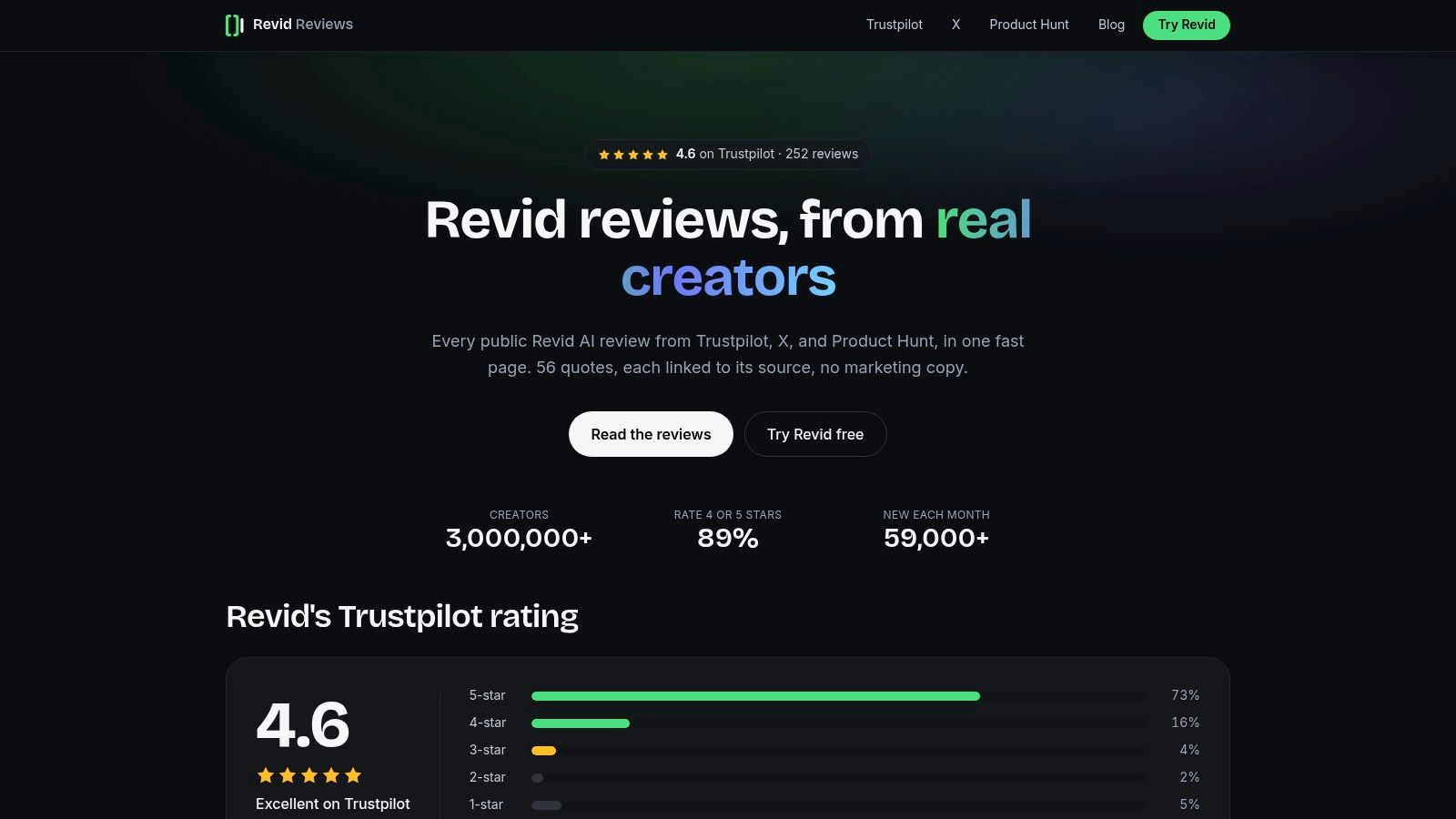
Revid Reviews isn't an avatar generator itself. It's a research resource for people deciding whether Revid AI fits a faceless-channel, advertising, music-video, or short-form production workflow. Its value is practical rather than technical: it brings public feedback, product comparisons, pricing questions, credit mechanics, cancellation guidance, refund information, and creator use cases into one place.
The site says it aggregates feedback from 56+ creators and public ratings across Trustpilot, X, and Product Hunt. Those figures come from the publisher's own description, so readers should inspect the linked source material instead of treating the collection as a controlled sample. The Trustpilot review collection is useful for finding original context, but short public testimonials can't establish rendering consistency, long-term reliability, or conversion performance.
Where Revid fits
Revid's relevance to avatar workflows comes from its talking-avatar video generator and website-review video workflow. Users can select an AI avatar or upload a custom avatar image or video, then create a presenter-led video that narrates a script over a website recording. That makes it more relevant to product demonstrations, UGC-style ads, and creator content than to heavily governed learning management deployments.
The resource also discusses what creators make with Revid, including faceless YouTube videos, music videos, UGC ads, TikToks, and Shorts. These examples help a buyer connect a tool to an actual production format, but they don't prove that Revid is the best option for every format.
Practical rule: Treat Revid Reviews as a lead-generation and verification layer. Use it to identify questions, then reproduce the workflow with your own script, avatar, voice, footage, and export settings.
The central limitation is the operator relationship. Because Revid Reviews is run by the Revid team, selection and framing may favor the product even when original links are provided. Its public testimonials also won't replace technical benchmarking, support testing, or a review of likeness, voice, and commercial-use terms. That transparency makes the site more useful, not automatically neutral.
2. HeyGen
HeyGen is a strong general-purpose choice for marketing presenters, explainers, localization, and rapid creative iteration. Its workflow centers on a library of photorealistic avatars, instant and custom avatars, text-to-speech, translation, dubbing, and lip-synced delivery. Buyers who need a presenter to appear across multiple campaigns will likely care more about repeatable avatar and voice output than about the size of the template library.
The platform uses credit-based generation and separates avatar tiers, so the same script can have different production economics depending on the selected presenter or model. That makes a short test render essential. A visually impressive premium avatar may consume credits faster than a standard option, and a team producing frequent revisions needs to measure the cost of finished, approved minutes rather than the advertised subscription alone.
Best workflow fit
HeyGen suits teams that want to move from script to presenter video without arranging a shoot. Its language and translation tools are especially relevant when one message needs localized versions, although buyers should test pronunciation, emphasis, and mouth movement with their own brand vocabulary.
Team and enterprise features add collaboration and governance options, but small creators may find the plan structure less intuitive. Public pricing discussions also point to potential clarity issues around credit consumption and avatar tiers. Public product feedback collected by Revid Reviews can help surface those questions, but current provider terms should take priority.
Test before scaling: Render the same script with a standard avatar, a premium avatar, and a translated version. Compare naturalness, lip-sync, revision effort, and credits consumed per approved minute.
HeyGen is therefore a sensible marketing-first option, not an automatic winner. It may be excessive for a single talking photo, while its workflow can be attractive for recurring presenter content and localization. Confirm voice-clone permissions, avatar-use rights, commercial licensing, export rules, and whether disclosure survives the final platform upload.
3. Synthesia
Synthesia is built more for enterprise communication than casual creator experimentation. Its studio-shot avatar library, custom avatar and voice-clone options, interactive avatar API, and developer tools support structured use cases such as training, onboarding, internal announcements, and branded instructional content.
The important distinction is governance. Synthesia emphasizes security, compliance, moderation, and enterprise workflows, which can matter when multiple departments need consistent review and approval. An organization may accept a less flexible creative interface if it gains a clearer path for account control, brand consistency, permissions, and support.
Why teams choose it
Learning and development teams often need more than a rendered MP4. They need repeatable templates, predictable presenter output, review processes, and a way to manage content at scale. Synthesia's positioning aligns with that requirement, while its developer tools create a route toward interactive avatar experiences rather than only one-way videos.
That enterprise orientation can work against individual creators. Plan structures and credits may feel complex for a solo user, and the total value depends on collaboration, governance, and production volume. A creator making occasional social clips might pay for organizational capabilities they won't use.
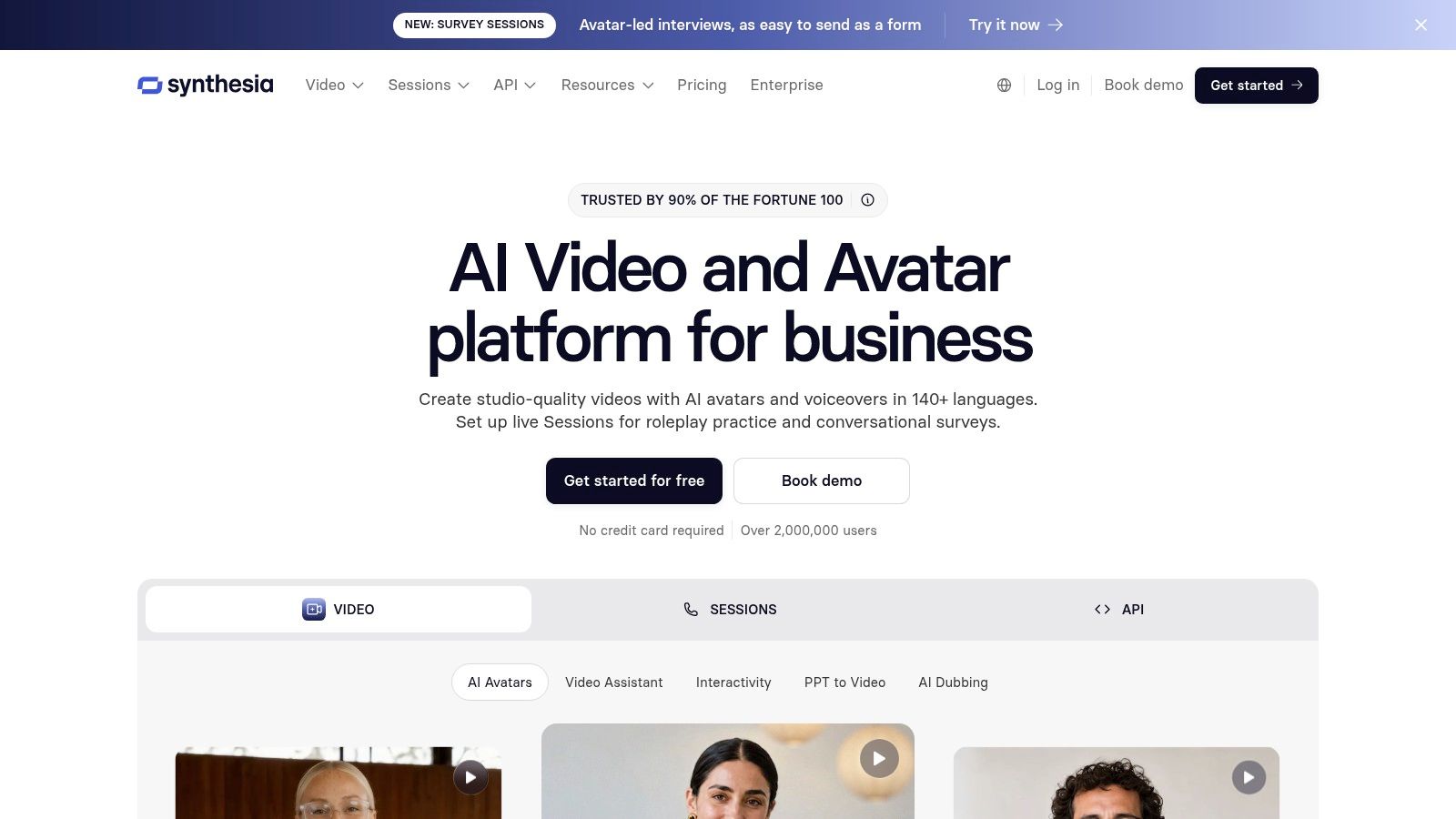
Revid Reviews' buyer-focused blog can provide comparison questions, but it isn't a substitute for Synthesia's current enterprise documentation or a procurement review. Buyers should ask whether custom likeness consent is revocable, how voice data is retained, what administrators can audit, and which rights apply when employees or contractors appear in training content.
4. D-ID Creative Reality Studio
D-ID takes a different route into avatar video. Its Creative Reality Studio is particularly suited to animating a still image or portrait, then turning that image into a talking presenter. That makes it a natural candidate for talking-photo experiments, character-led explainers, and applications that need an API rather than a fully managed corporate video suite.
The self-serve studio lowers the barrier to entry. A user can start with a preset avatar or an image, add a script, and evaluate the result without building a production pipeline first. The developer path is also a meaningful differentiator because teams can embed avatar generation into their own products or workflows instead of keeping every render inside a browser editor.
Where the trade-offs appear
D-ID's simplicity can become a constraint for longer or more elaborate formats. Plan tiers have documented limits, including a five-minute cap per video noted in its product materials, so buyers producing extended lessons or detailed presentations should confirm whether scene splitting is practical. Lower-tier or API usage may also involve watermarking rules, which can affect client delivery and paid advertising.
A talking photo is not the same buying problem as a recurring branded presenter. Evaluate portrait animation, script control, export restrictions, and API terms separately.
The platform's core strength is workflow clarity. It can be a better fit than a large enterprise suite when the requirement is “make this authorized image speak” or “add avatar generation to our application.” It deserves more scrutiny when the project needs advanced editing, branching instruction, extensive brand governance, or a highly controlled custom digital twin.
5. Colossyan
Colossyan is designed around training rather than general-purpose social production. Its differentiator is the combination of avatar video with authoring features such as quizzes, branching, calls to action, SCORM export, localization, and analytics. For a learning team, that combination can reduce the need to move between an avatar generator, course authoring tool, and tracking system.
Training changes the evaluation
A marketing team may judge an avatar by visual appeal and speed. A training team must also ask whether learners can follow the content, whether interactions work, and whether course completion data reaches the systems responsible for reporting. Colossyan's workflow addresses those requirements directly, which makes it a more specialized option than a broad editor with an avatar add-on.
The avatar library is narrower than the catalogs of some marketing-first competitors. That may matter if a brand wants several distinctive presenters, but it may matter less for compliance training where consistency and course structure carry more weight than personality.
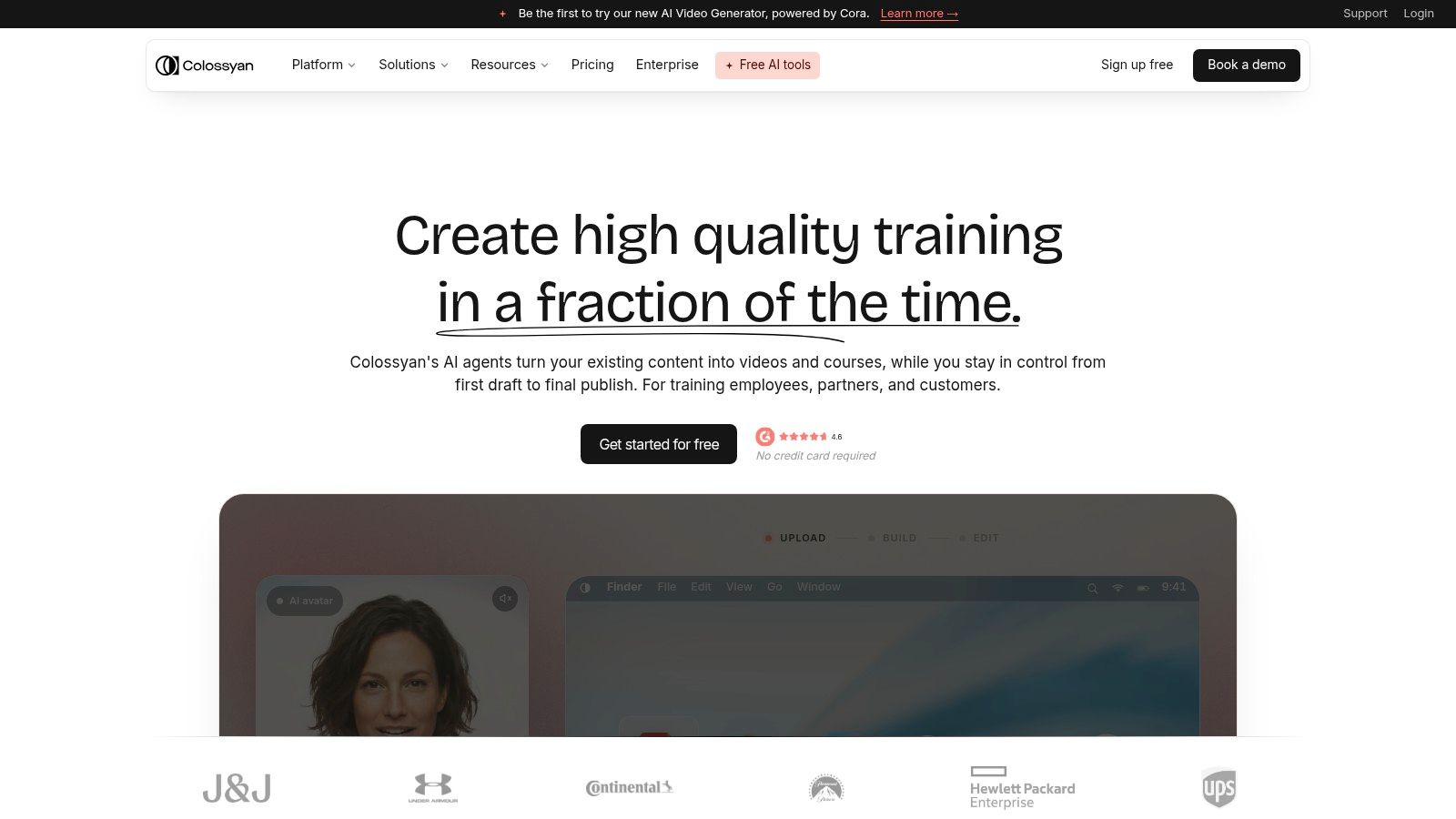
Test a complete module rather than a single scene. Include a knowledge check, a branching decision, translated narration, captions, and the SCORM export. That reveals whether the platform supports the instructional workflow or only produces attractive presenter clips.
Colossyan isn't the obvious choice for a creator who wants a quick TikTok ad. It becomes more compelling when the deliverable is a trackable course, onboarding sequence, or assessment-led lesson. Confirm analytics depth, integrations, custom-avatar terms, voice permissions, and how updates affect previously published learning content.
6. Elai
Elai emphasizes accessible text-to-video production for explainers, training, product content, and multilingual communication. Its workflow can begin with a script, URL, or document, which is useful for teams that already have written material and want to turn it into presenter-led video without starting from a blank timeline.
The product's appeal is simplicity. Non-editors can move from source content to avatar video with less production overhead, while preset and custom avatars provide a route to recurring visual identity. Its self-serve subscription model and per-minute add-ons are also relevant for teams with uneven demand, where a predictable base plan may not cover every campaign.
Credit economics for irregular workloads
Elai's published overage approach gives buyers a concrete question to ask: how much does an approved finished minute cost after revisions, localization, and failed renders? Per-minute add-ons can be easier to understand than a broad credit system, but only when the provider clearly explains which voices, avatars, resolutions, and generation steps consume the allowance.
Elai has fewer enterprise collaboration and security features than the largest corporate platforms. That doesn't make it unsuitable for business use, but larger organizations should examine identity management, approval roles, data handling, auditability, and support before moving a distributed training program into production.
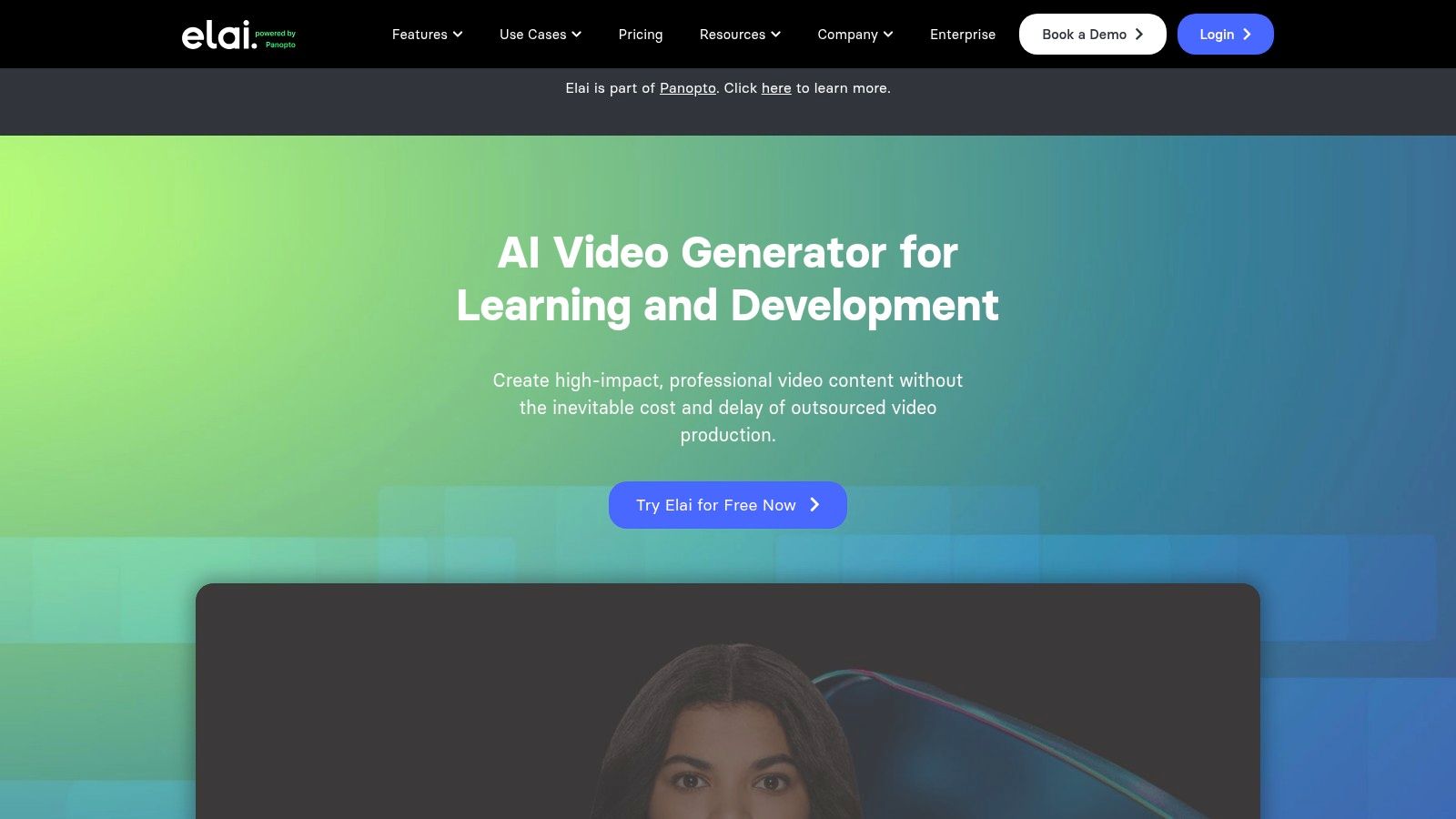
A practical trial should use a real document, not a polished demo script. Check how the system handles headings, terminology, quotations, pronunciation, scene breaks, captions, and revisions. Elai is strongest when the source material is already organized and the team values a straightforward path from text to a usable presenter video.
7. DeepBrain AI AI Studios
DeepBrain AI AI Studios has roots in AI news-anchor and presenter workflows, so it is a natural candidate for longer, structured videos. It offers preset and custom avatars, script-to-video production, multilingual dubbing, and personal, team, and enterprise tiers.
Its newer plan structure illustrates why buyers shouldn't interpret an “unlimited video creation” label as unlimited production. The Personal plan can advertise unlimited video counts while still applying length and other usage limits. DeepBrain's help-center documentation explains minutes, credits, and generative allowances, giving buyers more material for estimating a real workflow.
Duration matters more than video count
A creator producing short news-style updates may value duration economics differently from a marketer producing many short ads. DeepBrain can make sense when the workflow needs longer presenter segments, repeated script formats, or a news-like visual rhythm. Advanced dubbing, selected models, and higher-volume capabilities may require more expensive tiers, however.
Before subscribing, render a full representative episode and count every attempt. Include a correction after the first export, because a plan that looks generous before revisions may behave differently once the presenter, pronunciation, captions, and timing need adjustment. Also confirm whether unused minutes roll over, whether dubbing consumes a separate allowance, and whether the commercial license covers client work.
DeepBrain is less about a single photorealistic clip than about repeatable presenter production. Its fit improves for creators and teams that can work within documented length and credit rules and declines when they need advanced governance, branching courses, or real-time conversation.
8. Tavus
Tavus is aimed at the “answer me now” category of avatar video. Its Conversational Video Interface uses WebRTC for real-time AI humans, while its APIs and models support text-to-video avatars, digital twins, and batch generation. That developer orientation separates Tavus from tools designed mainly for exporting finished social clips.
The distinction is operational. A support assistant, sales representative, intake agent, or product guide needs low-latency conversation, application integration, and a way to connect video output with language models, text-to-speech, and video processing. Tavus packages those elements into a minutes-based model, so buyers need to understand what each minute includes and how real-time usage differs from static rendering.
Real-time versus batch production
Tavus can also produce traditional MP4 assets, but its strongest rationale appears when the avatar has to respond to a user. If the project only needs a one-way explainer, an API-first real-time platform may introduce unnecessary infrastructure, integration work, and cost complexity.
Choose Tavus because the audience needs interaction, not because “AI human” sounds more advanced than a rendered presenter.
A serious technical test should cover latency, interruptions, fallback behavior, consent for a digital twin, voice authorization, session logging, and the handling of unsafe or misleading prompts. Also examine whether the final experience makes the synthetic nature clear. Real-time realism can increase trust, which raises the cost of getting provenance and disclosure wrong.
9. VEED
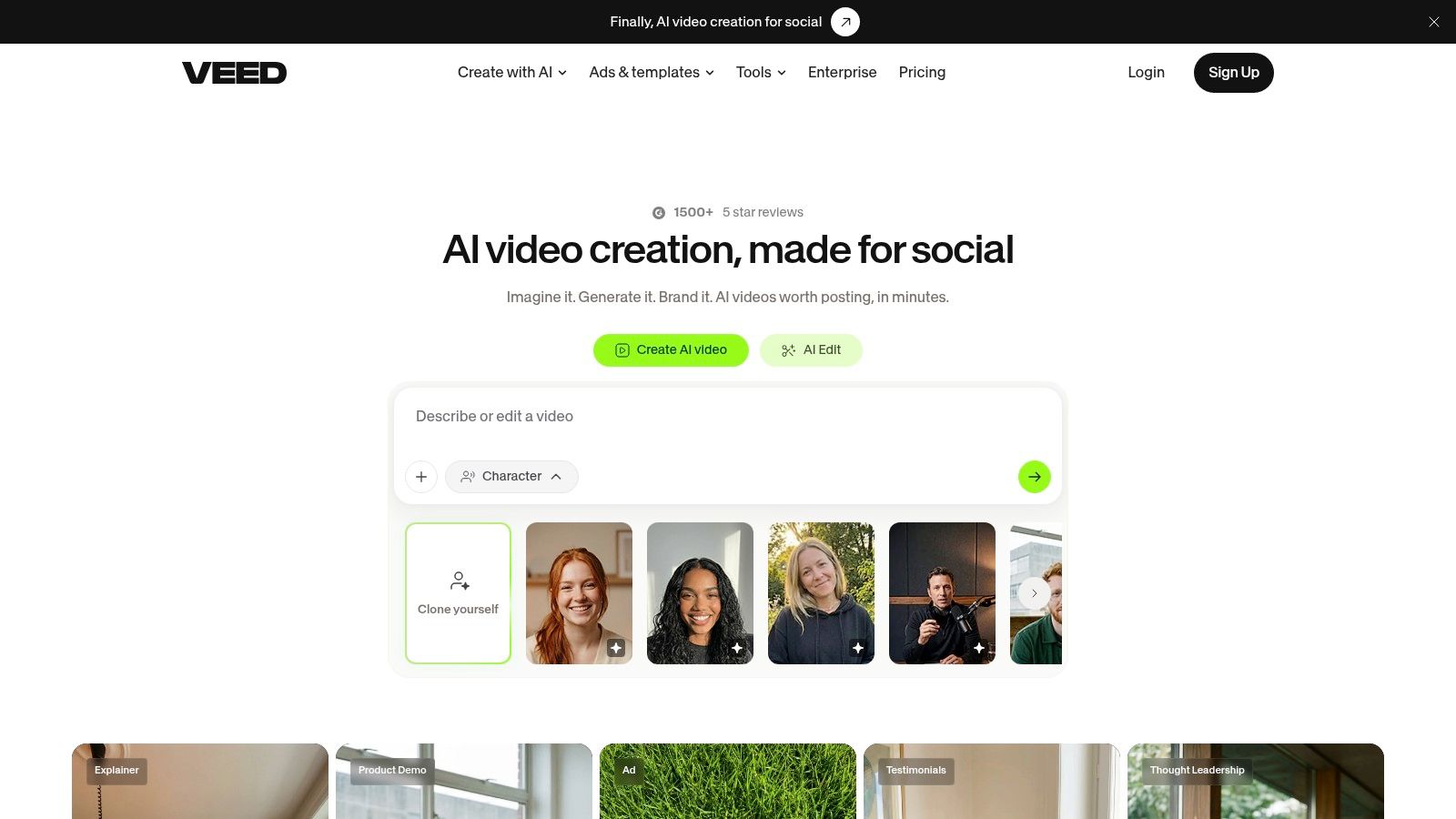
VEED combines an AI avatar generator with a full browser-based video editor. That makes it attractive to marketers and social teams that don't want to generate an avatar clip in one service, export it, then move it into another tool for captions, transitions, templates, stock assets, and final formatting.
The workflow breadth is VEED's main advantage. Users can create preset or personal avatars, generate speech across 120+ languages according to VEED materials, and finish the surrounding edit in the same workspace. That can reduce tool switching, especially for social content where captions, aspect ratios, graphics, and timing matter as much as the presenter.
Editor breadth versus avatar specialization
A full editor doesn't guarantee the strongest avatar realism or lip-sync. Avatar-first platforms may produce a more convincing presenter, while VEED may save time after generation. The right comparison is therefore not “which face looks best?” but “which workflow produces the final published asset with fewer handoffs?”
VEED offers a broad pricing ladder, including a free tier, although some AI actions can be credit-metered depending on the plan. Test the complete sequence: create the avatar, replace a sentence, add captions, apply brand elements, resize for a target channel, and export without unwanted watermarking.
For a social team, that integrated workflow can outweigh a small difference in presenter realism. For an enterprise training department, the lack of specialized SCORM, governance, or learning analytics may make a training-first platform more appropriate.
10. InVideo AI
InVideo AI treats avatars as part of a broader AI video environment. Alongside talking avatars, it offers text-to-video, lip-sync, voice features, UGC and ad workflows, and an AI Influencer Generator. Users can animate a custom avatar from a single uploaded photo, which makes the platform relevant to creators who need a presenter inside a larger short-form production process.
Its main strength is scope. A social team can combine avatar narration with generated scenes, ad structures, voice options, and editing rather than selecting a specialist tool for every stage. The centralized agents and models workspace also points toward a workflow where several AI capabilities contribute to one project.
Who should avoid it
InVideo AI isn't the natural choice for a controlled learning environment that needs SCORM, SSO, formal governance, and enterprise reporting. Its creator-first orientation is better aligned with short-form ads, social posts, UGC-style concepts, and rapid content variations. That broader toolbox can also create a more complicated evaluation because avatar quality is only one part of the final result.
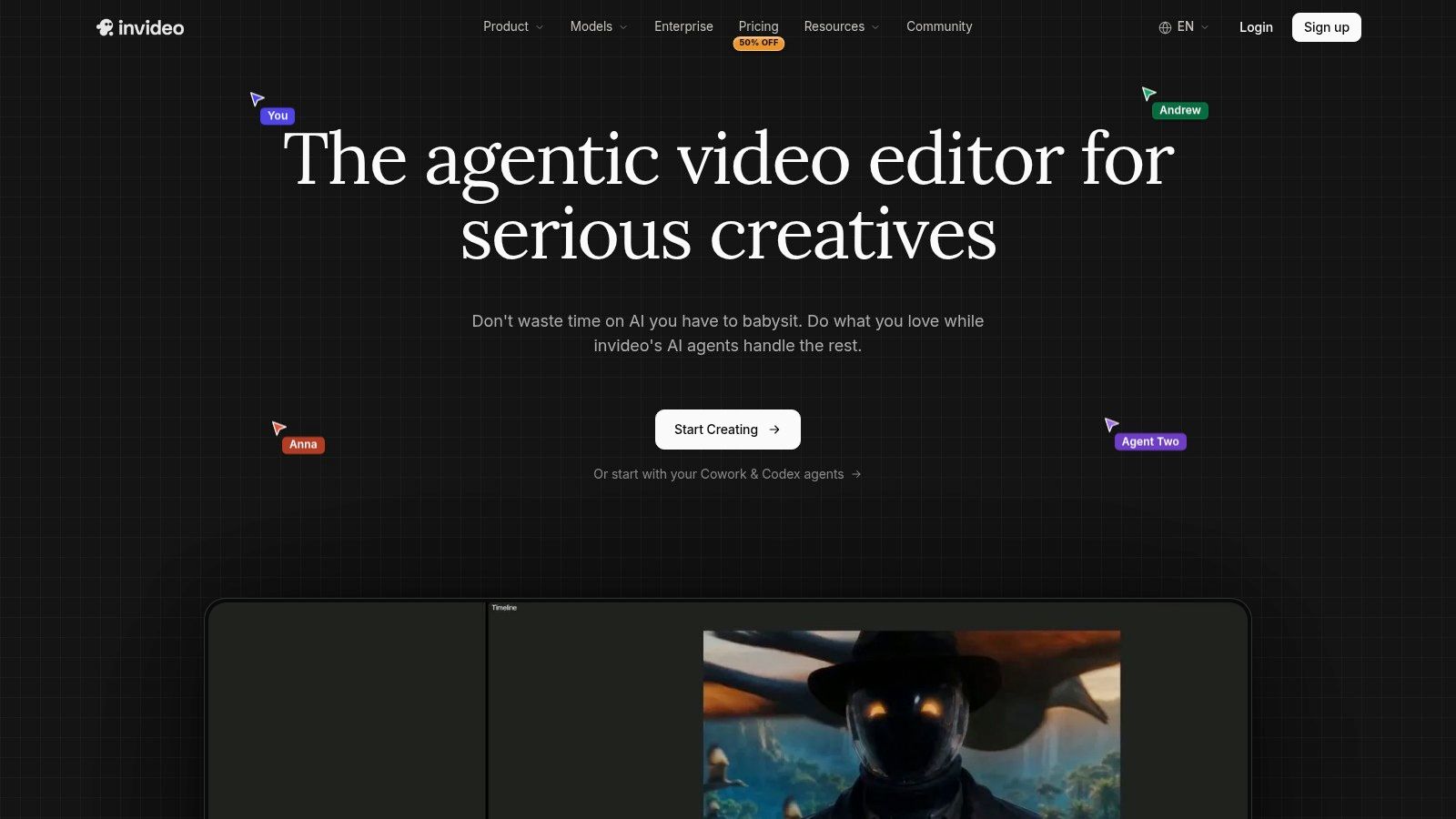
Use a real campaign brief to test it. Start with a custom photo, add the exact ad script, inspect lip-sync and gestures, introduce product screenshots, generate alternate hooks, and export the final vertical cut. Then check whether the output still communicates the product clearly when the avatar is removed from the first few seconds.
InVideo AI makes the most sense when the avatar is one component of a fast content engine. Buyers requiring strict identity controls, detailed audit trails, or institutional learning integrations should treat those gaps as procurement questions rather than assume a broad AI video suite covers them.
Top 10 AI Avatar Video Generators, Quick Comparison
| Product | Core features ✨ | UX / Quality ★ | Pricing / Value 💰 | Target audience 👥 | Unique selling point / Recommendation 🏆 |
|---|---|---|---|---|---|
| Revid Reviews: What 56+ Creators Say About Revid AI (2026) | Aggregated 56+ creator quotes + linked Trustpilot/X/Product Hunt sources | Practical, transparent summaries ★★★★ | 💰 Free resource (review roundup + links) | 👥 Prospective Revid buyers, creators, marketers | 🏆 Recommended, linked primary reviews; pragmatic buyer guidance ✨ |
| HeyGen | Photoreal & custom avatars, TTS, translation, credit tiers | Fast iteration; marketing-fit ★★★★ | 💰 Credit-based; variable per-avatar cost | 👥 Marketers, social teams | ✨ Broad avatar library; frequent model updates |
| Synthesia | Studio-shot avatars, custom avatar & voice-clone, APIs, governance | Enterprise-grade consistency ★★★★★ | 💰 Enterprise / team pricing (complex) | 👥 L&D, corporate comms, enterprises | ✨ Strong governance, security & developer APIs |
| D-ID (Creative Reality Studio) | Talking-photo studio + API, preset avatars | Easy for talking-heads ★★★★ | 💰 Tiered; length caps & watermark rules on low tiers | 👥 Creators, devs embedding avatars | ✨ Simple photo→talking-video workflow |
| Colossyan | Interactive video: quizzes, branching, SCORM export, analytics | Training-focused UX ★★★★ | 💰 Seat/enterprise plans for L&D | 👥 Learning & development, HR teams | ✨ Built-in interactivity + analytics for courses |
| Elai | Text-to-video from scripts/URLs/docs, pay-as-you-go minutes | Simple UI for non-editors ★★★★ | 💰 Clear $/min overage; self-serve subs | 👥 Creators, SMEs, explainers | ✨ URL/document→video + straightforward overage pricing |
| DeepBrain AI (AI Studios) | Script→video, multilingual dubbing, custom avatars | Good for longer/news-style content ★★★★ | 💰 Competitive minute economics; tiered limits | 👥 Publishers, news-style creators | ✨ Duration-friendly plans; clear docs on limits |
| Tavus | Real-time CVI (WebRTC), APIs, batch rendering, minutes bundles | Strong for live interactive use ★★★★ | 💰 Minutes-based (LLM/TTS/video bundled) | 👥 Developers, live support/sales teams | ✨ Real-time conversational AI humans (WebRTC) |
| VEED | End-to-end browser editor + AI avatars, captions, stock assets | All-in-one editor UX ★★★★ | 💰 Free tier + paid plans; some AI actions credit-metered | 👥 Marketers, social teams, editors | ✨ Single workspace: avatar creation + full editing |
| InVideo AI | AI Avatars, AI Influencer Generator, text-to-video, lip-sync | Creator-friendly toolbox ★★★★ | 💰 Creator plans; pay-as-you-go options | 👥 Short-form creators, ad teams | ✨ Broad AI toolbox for UGC ads & social content |
Choose the workflow before the avatar
Start with the audience and deliverable. If the video is a presenter-led marketing asset, prioritize realism, lip-sync, voice quality, and fast revision. HeyGen, Synthesia, Elai, DeepBrain AI, and InVideo AI can all be considered, but their value differs according to whether you need localization, longer presenter segments, enterprise controls, or a broader social editing workflow.
For recurring branded content, examine customization and voice permissions before choosing a face. A custom avatar is only useful if the organization can document who authorized the likeness, what happens when consent is withdrawn, where training footage is retained, and whether the resulting voice and image can be used in paid media and client work. A slightly less realistic avatar with clear ownership records may be safer than a highly convincing avatar with unclear rights.
Training buyers should put SCORM, branching, quizzes, analytics, localization, and administrative controls ahead of photorealism. Colossyan's training-first workflow and Synthesia's enterprise orientation address different parts of that requirement. A short demo won't show whether the platform supports the complete instructional and reporting process, so test an actual module from authoring through export and learner review.
Product teams need a different shortlist. If the avatar must answer questions in an application, prioritize API access, WebRTC support, latency, session handling, moderation, and provenance. Tavus and D-ID are the clearest candidates in this group, while a conventional editor may be the wrong foundation for a real-time experience.
Social teams should give editing breadth equal weight to avatar quality. VEED and InVideo AI can reduce handoffs by combining presenters with captions, templates, stock assets, generated scenes, and channel-ready exports. That convenience matters when the final asset needs frequent changes, but it doesn't remove the need to test the avatar's mouth movement, gestures, pronunciation, and disclosure treatment.
Credit economics require a finished-minute calculation. Render representative scripts, include at least one revision, record every failed attempt, and inspect how premium avatars, translations, dubbing, resolution, and exports affect consumption. Don't compare plans only by video count, because a platform may apply separate length, model, or feature limits.
Licensing deserves the same attention as generation quality. Confirm avatar rights, voice-clone consent, likeness permissions, commercial-use scope, watermark rules, export restrictions, data retention, and provenance support. Governance research recommends combining machine-readable provenance with human-readable disclosure, platform risk audits, and documented consent. Proposed and emerging practices include watermarking, C2PA-style metadata, visible disclosure indicators, and records that survive editing and reposting. Labels can reduce belief in misleading media without necessarily reducing engagement, so disclosure should be tested rather than treated as a guaranteed performance penalty.
Revisit public feedback through Revid Reviews as one research input, especially when you want to find creator use cases, recurring complaints, credit questions, cancellation experiences, and comparisons involving Revid. Balance that material against the site's disclosed operator relationship, the original linked reviews, current provider terms, and your own test renders. The best ai avatar video generator is the one that fits the audience, production system, risk tolerance, and finished deliverable you have.
Revid Reviews collects public Revid feedback from Trustpilot, X, and Product Hunt, links readers to original reviews, and covers practical questions about credits, pricing, cancellation, refunds, and creator workflows. Visit Revid Reviews to compare Revid with other AI video tools and investigate whether its avatar and short-form production workflow matches your next project.