
The first AI video is easy; the tenth is where tools separate. Say you generate a batch of clips in an afternoon, then discover that only a handful are worth publishing. The rest need different visuals, corrected captions, cleaner narration, or another generation that spends more credits without fixing the original problem.
That's the practical difference between an impressive demo and useful AI content creation tools. You aren't buying a collection of outputs. You're buying a way to finish content consistently, without spending your editing time repairing material you expected the software to handle.
Adoption alone doesn't prove that a workflow works. In the Content Marketing Institute and MarketingProfs' global B2B benchmark, 81% of B2B marketers used generative AI, but only 19% said it was integrated into daily workflows. Trying a tool and depending on it are different decisions.
The picks below cover video generation, presenter videos, editing, narration, images, and script-led production. They aren't interchangeable, and the first entry is a buyer-research resource rather than a production app. Where credit costs depend on the model, asset, or revision, there's no honest fixed cost per finished video without running your own project.
Choose for the work after generation: replacing a scene, correcting a voiceover, adapting the format, and exporting something your audience should see.
Table of Contents
- 1. Revid Reviews
- 2. Runway
- 3. HeyGen
- 4. InVideo AI
- 5. Captions
- 6. Pictory
- 7. VEED
- 8. Canva
- 9. Adobe Firefly
- How the nine tools differ by best use, pricing model, free option and main limitation
- Match the tool to the job before you spend a credit
1. Revid Reviews
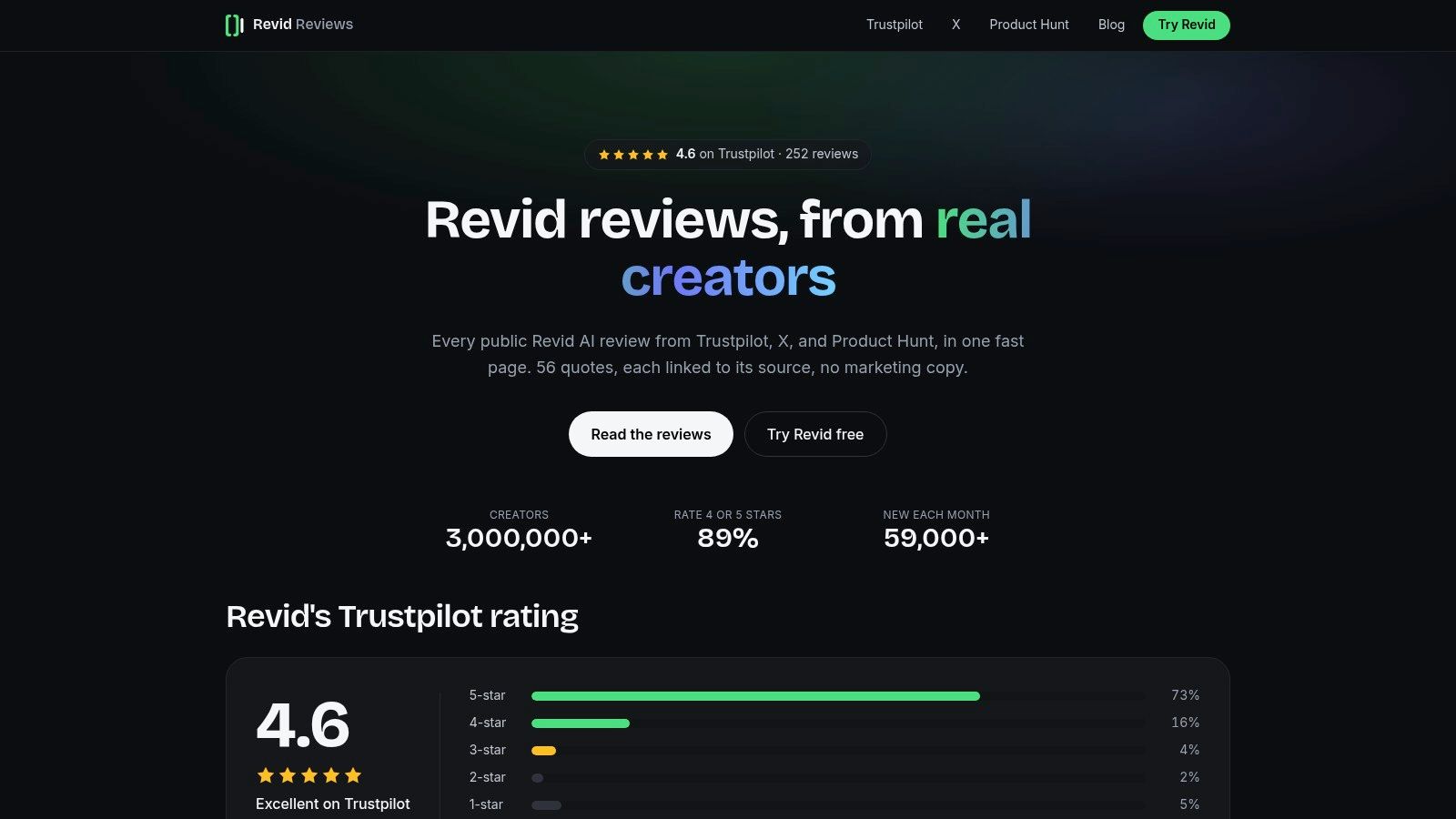
Revid Reviews is a research hub, not a video generator. We run it as the Revid team, collecting public feedback from Trustpilot, X, and Product Hunt with links to the original posts. That affiliation matters: this is a useful place to investigate Revid, not an independent verdict on every competing platform.
Revid itself combines a prompt, script, visuals, and voice in a generation workflow focused on TikTok, YouTube Shorts, and Instagram Reels. That makes it relevant when your main job is assembling short-form content rather than directing individual cinematic shots.
The useful part of the review hub is the ability to examine what people praise or criticize. Our collection of Trustpilot feedback lets you inspect the original context instead of relying on a polished testimonial excerpt.
Use feedback to design your trial
Look for reviewers whose projects resemble yours. A musician's enthusiasm for music-to-video production doesn't establish that a tool can reproduce your product accurately, and a beginner's positive experience doesn't prove that an experienced editor will have enough control.
- Best fit: Researching Revid's short-form workflow, pricing and credits, cancellation questions, use cases, and alternatives.
- Main strength: Public comments linked to their originals, alongside buyer-focused explanations.
- Main limitation: Reviews describe individual experiences, not a controlled measurement of your likely editing time or credit consumption.
For a useful evaluation, bring a real script, your preferred visual style, and a clear publishing destination. Track whether you can replace an unsuitable scene without rebuilding the video, correct narration cleanly, and finish captions without exporting to another editor.
Revid offers a free trial with no credit card required to start. Use it to complete a publishable project, not to generate an attractive opening clip. The research hub helps you decide what to test; the finished export tells you whether the workflow fits.
2. Runway
Choose Runway when you need original visual material, not an automatically assembled social video. Its video and image generation tools suit stylized inserts, atmospheric sequences, visual experiments, and footage you'll shape inside a hands-on editing workflow.
For a musician, that might mean generating a recurring visual motif and cutting it to the track. For a marketer, it might mean creating an abstract transition rather than attempting to generate a precise demonstration of a real product.
The trade-off is production responsibility. You still need to select usable takes, maintain continuity, establish pacing, and assemble the final story.
Practical rule: Budget Runway as a source of selected shots, not as a guarantee of a finished video.
Count accepted shots, not generations
Runway's credit-based workflow makes repeated attempts part of the purchasing decision. Record the credits spent on every rejected version, then include the accepted shots in your finished-video cost.
Its broader creative options, including audio tools and different generation models, can reduce switching between applications. They don't remove the need to judge whether a shot matches the surrounding sequence.
Where it doesn't fit: A creator who wants to paste a script and receive a consistently formatted, captioned explainer may find this approach too hands-on. It's also a poor choice when you can't tolerate visual variation in a product, character, or location.
I'd choose Runway for distinctive imagery when there's time to direct and edit. I wouldn't choose it primarily to avoid editing.
3. HeyGen

A presenter-led explainer has different requirements from a cinematic montage. HeyGen focuses on AI presenters, customizable avatars, translation, and dubbing, making it a more natural fit for repeatable business communication than for experimental visual storytelling.
Say your business needs the same onboarding explanation adapted for different markets. Keeping the presenter format consistent can be more useful than generating new scenes for every version.
The editing work shifts toward the script, pronunciation, delivery, and translation review. Approve the message before generating the presenter performance, especially when a late wording change could require another render.
- Works well for: Presenter-led explainers, instructional messages, and localized marketing content.
- Needs close review: Names, specialist terminology, translated meaning, and whether the delivery suits your audience.
- Doesn't replace: Filmed personal testimony, spontaneous interviews, or footage demonstrating an actual customer experience.
Price the approved language version
Credits are used across video and asset creation, and consumption varies by model and video. A plan allowance therefore shouldn't be treated as a guaranteed number of completed explainers.
Measure the cost of an approved version, including pronunciation fixes and replacement sections. For localization, include a fluent reviewer's time rather than judging success only by whether the lip movement appears convincing.
HeyGen is less suitable for highly stylized action or cinematic scenes. Its value is a repeatable presenter workflow, provided the audience accepts that presentation style and you've obtained appropriate permission for any voice or likeness you use.
4. InVideo AI
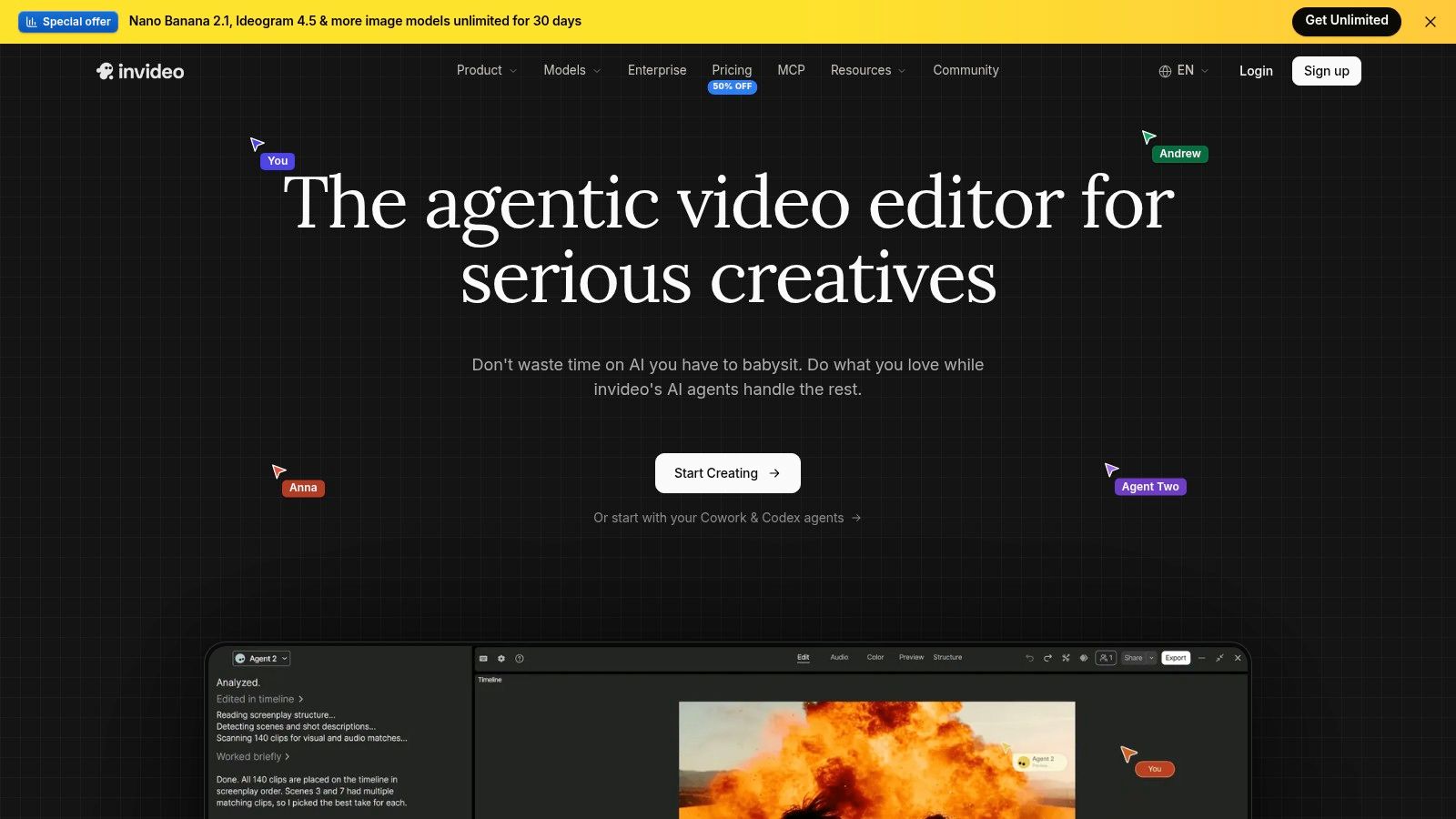
InVideo AI is useful when the hardest part is getting from an idea to an editable video draft. Its guided, prompt-based workflow combines scripting and video assembly, with generation options spanning video, images, voice, and music.
That makes it approachable for a small business producing an announcement or a creator developing a faceless explainer. Instead of starting with an empty timeline, you begin with a proposed structure and refine it.
The limitation is scene relevance. A draft can follow the subject while still choosing visuals that are too generic, tonally wrong, or unrelated to the precise claim being narrated.
Approve the script before polishing scenes
Start with the opening promise, factual claims, and call to action. There's little value in perfecting a scene that disappears when you shorten the script.
Then review each visual against its narration. A service business discussing its own process should avoid imagery that implies equipment, facilities, or results it does not provide.
A complete draft saves assembly work. It doesn't make every scene suitable for publication.
Pricing signal: AI generation uses credits, and regeneration or revision can consume more. Include replacement visuals, revised narration, and discarded drafts when calculating the cost of the finished export.
InVideo AI fits guided social and marketing production better than exacting visual direction. If you need a faithful product close-up, supply real footage rather than repeatedly asking a generator to approximate it. The strongest workflow combines automated assembly with deliberate asset replacement.
5. Captions
If you already record yourself, generating an entirely new video may solve the wrong problem. Captions is especially relevant to talking-head editing, subtitles, dubbing, and repurposing, alongside AI actors and digital-twin features.
For a founder explaining a product or a creator answering audience questions, the original performance may be the most valuable asset. Keep it, then use automation to help with presentation and adaptation.
The work after automation is still editorial. Check whether cuts interrupt meaning, captions obscure demonstrations, and added visual movement distracts from the speaker.
- Best fit: Recorded short-form content that needs captions, tighter editing, or adaptation.
- Less suitable: A project whose main requirement is original cinematic footage.
- Pricing caution: Basic editing can be tried through a free version, while generative features require a paid plan; availability can differ by platform.
Separate editing value from generation value
Test the recorded-footage workflow before paying for avatar features you may not need. Caption accuracy, correction speed, and control over pacing matter more if most of your publishing starts with a camera recording.
When comparing creator testimonials, our collection of public posts on X offers another way to examine the workflow people describe. A speed-focused endorsement is useful context, but it isn't proof that the resulting editing style fits your channel.
For cost, distinguish ordinary editing from credit-consuming generation. Your useful unit is the approved edited video, including any dubbing or synthetic sections, not the number of effects applied.
6. Pictory

An existing article, presentation, or recording gives Pictory something concrete to work with. Its script- and URL-to-video workflows, summarization, stock media, AI voices, and subtitles suit repurposing source material rather than inventing a visual concept from scratch.
For example, turn a customer-education article into a concise narrated explanation. First rewrite the article for speech, removing navigation, repeated context, and sentences that only work when someone can reread them.
Then judge the selected visuals. A stock clip can illustrate a general idea, but it shouldn't stand in for evidence about your product or imply that an actor is an actual customer.
The stock-footage trade-off
Pictory can reduce the work of finding media and assembling narration. The cost is that you may spend more time selecting replacements to make the result feel specific.
- Keep the source: Preserve the factual meaning when shortening a longer recording or article.
- Replace generic visuals: Use your screenshots, product footage, or branded diagrams where specificity matters.
- Review the narration: Correct pronunciation and sentence rhythm before adjusting the final pacing.
A free trial provides a way to evaluate the workflow, while generative features use credits. Track visual replacements and narration revisions as part of the finished-video cost, even when those changes mainly consume your time rather than generation allowance.
Our buyer-guide blog covers related questions about video workflows and alternatives. Pictory makes sense when you have useful source content ready; it's less compelling when your main need is original, closely directed visual storytelling.
7. VEED

A talking-head recording needs trimming, subtitles, and a translated cut for a second channel. VEED handles that kind of work because it sits between a browser-based editor and an AI production platform, suiting creators who alternate between editing existing footage and creating new material rather than working entirely from prompts.
Its prompt-to-video workflow lets you review and revise the script before generating the video. That is a useful production habit: solve the wording while it is still text, instead of spending generation credits to discover that the opening is too slow.
Subtitle and translation tools make it relevant when accessibility and adaptation are recurring jobs. Review line breaks, speaker attribution, and placement, not just spelling. A caption that splits a sentence mid-thought means a cleanup pass on every export.
Include seats and unused allowance
The purchasing trade-off is not limited to generation. Paid plans bundle AI credits with different allowances, and the bill depends on how many people need editor access, so count your team rather than comparing advertised entry prices alone.
Before you buy, confirm two details on VEED's current pricing page: whether plans are charged per seat, and whether unused AI credits roll over at the end of the billing period. If credits expire, an oversized allowance becomes wasted spend for an irregular publishing schedule.
Best fit: a mixed workflow where browser editing, subtitles, and AI-assisted creation belong in the same workspace. Poor fit: a project requiring extensive control over original generated footage, which justifies a specialized visual-generation tool.
For your trial, bring both recorded footage and a script-led concept. Measure how much you can finish without moving to another editor, then inspect the exported captions, sound, and framing. Convenience matters only if the final file meets your publishing requirements.
8. Canva
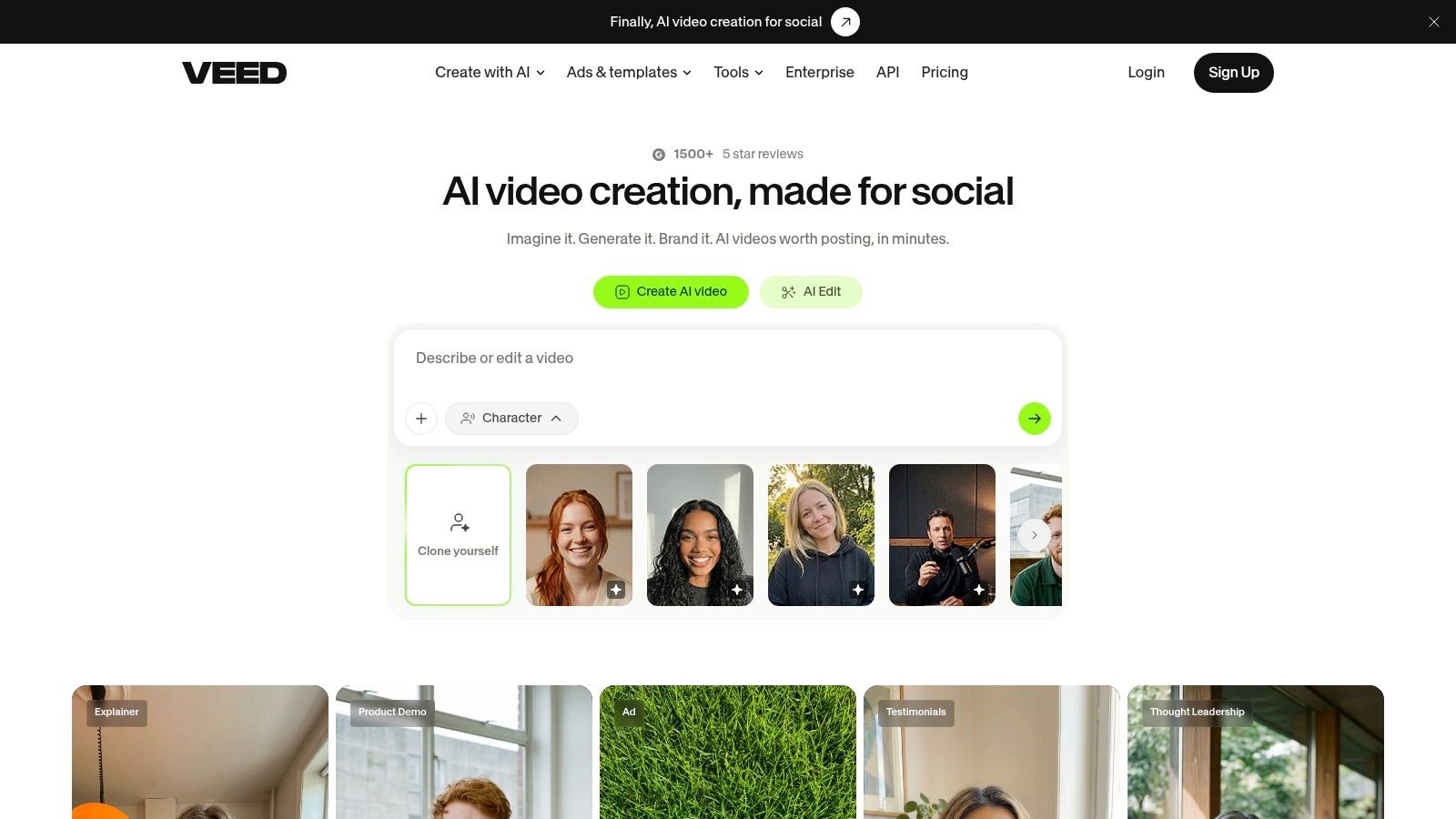
A video rarely ships alone. You may also need a thumbnail, announcement graphic, presentation slide, and adapted social post, which is where Canva becomes a practical choice.
Its AI-assisted design and content tools sit inside a visual editor with templates for different marketing formats. The advantage is cross-format production, especially for teams already using Canva to maintain consistent layouts and branding.
For copy, use assistance to draft headline alternatives or shorten on-screen text, then edit for accuracy and voice. For images, judge whether the asset communicates the actual subject rather than merely filling the layout.
- Strongest job: Packaging a campaign across graphics, presentations, and straightforward video assets.
- Main compromise: Templates require customization if you don't want interchangeable-looking content.
- Pricing signal: A free plan is available, while AI allowances, brand features, and collaboration options vary by plan.
Count the whole publishing package
Canva isn't the natural first choice for generating tightly directed cinematic sequences. It can be the better choice when the video is part of a broader set of branded deliverables.
Evaluate how quickly you can correct text, replace an image, adapt the layout, and keep the campaign consistent. Those changes are often more important than generating another decorative asset.
I'd keep generated imagery separate from essential typography wherever possible. Editable text is easier to correct, translate, and reuse than words embedded inside an image.
For cost comparisons, count the completed video and supporting assets, while keeping generation allowance separate from design work. Don't justify a larger plan with AI features you won't regularly use.
9. Adobe Firefly
Adobe Firefly is most relevant when generation supports an existing creative process. Its image, video, and audio tools cover creating assets as well as modifying or extending material, with connections to Adobe's broader creative ecosystem.
Think of a missing visual element, an image variation, or supporting audio for a sequence you're already editing. Those are different jobs from asking an application to write, narrate, caption, and assemble a complete social video.
This distinction matters when assessing value. In Adobe's global creator survey, 38% cited high cost and 34% cited unreliable output quality as adoption barriers. A low-cost generation isn't good value if you can't use it.
Generate the missing asset, not the entire project
Firefly's fit depends partly on where you finish your work. If Adobe applications already handle your editing and design, keeping generation close to that process can be more useful than adopting another complete production environment.
Buying advice: Compare the cost of solving the missing piece with the cost of regenerating work you've already approved.
Plan allowances and features vary by tier, and credit-based usage needs checking before frequent generation. Track accepted assets, rejected attempts, and the editing required to integrate each result.
Where it doesn't fit: Someone seeking a turnkey script-to-social-video workflow may need a more assembly-focused platform. Firefly is better evaluated as a creative asset and editing toolkit.
Also review the terms for the feature and plan you intend to use. Permission to use an exported file doesn't, by itself, resolve permissions for a person's likeness, third-party music, or source material.
How the nine tools differ by best use, pricing model, free option and main limitation
Read the free column as access to test, not proof of a cheap finished video.
| Item | Best for | Pricing model | Free option | Main limitation |
|---|---|---|---|---|
| Revid Reviews | Checking what creators say about Revid before buying | Free review and buyer-guide site | Public reviews and guides | Run by Revid, so weigh it as a first-party source |
| Runway | Generating and editing original AI visuals | Credit-based generation | No free plan listed | Can require repeated prompting and editing |
| HeyGen | Avatar-led videos and multilingual localization | Plans with credits for video and assets | No free plan listed | Avatar-led videos may not suit every audience |
| InVideo AI | Guided creation of social and marketing videos | Credit-based AI generation | No free plan listed | Generated videos may need substantial editing |
| Captions | Editing, captioning, and repurposing short-form video | Paid plans; credits may apply | Free version for basic editing | Generative AI features require a paid plan |
| Pictory | Turning scripts, URLs, and recordings into videos | Credit-based AI features | Free trial | Stock-based videos may look generic without adjustments |
| VEED | Browser-based video editing with AI and subtitles | Per-seat plans with AI credits | Free trial for generative features | Unused AI credits do not carry over |
| Canva | Creating varied visual content with templates | Free and paid plans | Free plan | Less specialized for cinematic AI video |
| Adobe Firefly | Generating and editing content within Adobe workflows | Paid plans with plan-dependent allowances | Paid plans only | Not primarily a script-to-social-video tool |
The split is finishing work: some rows save assembly time, while others leave you paying in retries, scene fixes, or manual edits.
Match the tool to the job before you spend a credit
Start with the content you publish most often, not the most impressive demo. A talking-head creator, a musician building a visual sequence, and a business adapting an explainer need different kinds of control.
Choose the tool that reduces your most repetitive finishing task. Captions and VEED suit editing-led work; HeyGen fits presenter and localization jobs; Pictory suits existing source material; InVideo AI offers guided assembly. Runway and Firefly are stronger candidates for original assets, while Canva helps package content across formats.
Measure the finished export
Run a real project through scripting, asset selection, narration, revisions, captions, and export. Keep the original brief unchanged so you can compare results fairly rather than giving each tool an easier assignment.
Use this calculation:
Finished-video cost = subscription cost allocated to the project + generation and revision spend + outside assets + editing labor.
Record credits when you use them, including failed attempts. Don't divide a plan's allowance by the advertised generation rate and call the result your monthly video capacity.
- Check correction control: Can you replace a scene or sentence without rebuilding approved sections?
- Inspect the export: Check sound, caption placement, framing, and any watermark or resolution restrictions.
- Count manual work: Include time spent finding replacement footage, repairing pronunciation, and restoring brand consistency.
- Read usage terms: Review commercial use, uploaded-content handling, cancellation, and the treatment of unused credits.
Keep trust in the publishing workflow
Disclosure deserves attention alongside output quality. In a global Adobe/Harris Poll creator survey, 49% said they always or often disclosed AI use. Build your own record of synthetic visuals, narration, and likeness use instead of assuming the publishing platform will explain everything accurately.
Save the approved script, source assets, permissions, and notes on what you changed. Distinguish a generated illustration from documentary footage, and don't present a synthetic presenter as a real customer giving testimony.
The best AI content creation tools let you finish with confidence. They make corrections manageable, keep spending understandable, and suit the content your audience expects.
Pick the closest fit, use a trial where available, and complete the export before committing to a paid workflow. A usable finished video is the evidence that matters.
Visit Revid Reviews to compare public creator feedback with practical guides to Revid's pricing, credits, limitations, and alternatives. We link reviews to their originals and disclose our affiliation, so you can investigate the workflow before deciding whether to try or pay for it.