You've got a finished track, a release date on your distributor, and no budget left for a crew, a location, or an editor. That's when most musicians search for an AI music video maker, and that's also where the confusion starts. The label covers products that have almost nothing in common.
One tool generates new scenes around your lyrics. Another animates a waveform over your cover art. A third cuts licensed stock footage to the beat, and a fourth puts a face from a photo on screen and makes it perform. Those aren't interchangeable outputs. A visualizer is fine for a lo-fi track sitting on YouTube. It's the wrong buy if you need a character to return in the chorus, a location to stay recognizable, or lyric timing a singer-songwriter's audience will follow.
The pressure is real. In the 2026 Berklee Emerging Artistic Technology Lab survey, 75% of musicians reported pressure to create video alongside their music, and 92.2% said they integrate original music into video projects in some form. Yet only a minority use generative tools to find or create that music, which tells you the useful question isn't whether a tool is clever. It's whether it protects your original track, your rights, and your edit control.
I've grouped these ten tools by what they produce, not by feature count. For each one, you'll see the release it suits, where credits or resolution limits bite, and what you'll still fix by hand.
Table of Contents
- 1. Revid
- 2. Neural Frames
- 3. Freebeat
- 4. Kaiber
- 5. Tunee
- 6. Muzie
- 7. Rotor Videos
- 8. Specterr
- 9. Videobolt
- 10. WZRD
- How the 10 AI music video makers differ by output, input, and cost model
- Choosing the right AI music video maker for your song
1. Revid
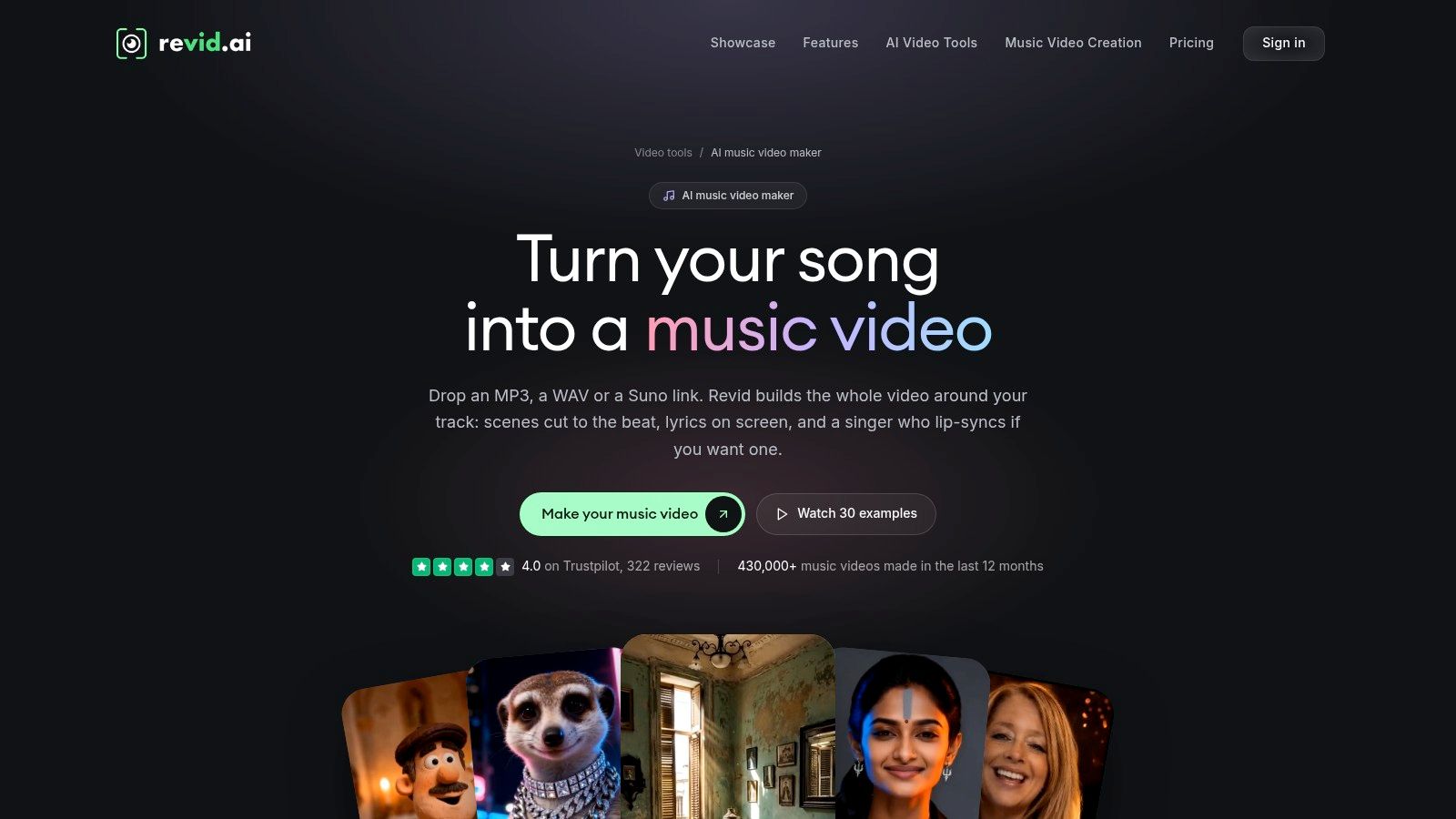
If you need one finished song turned into a sequence of editable scenes, Revid is built for that specific job. You upload a track or paste a Suno link, and it assembles a full-length video rather than a short loop. That's the distinction that matters for a real single.
What you'll actually use
- Lyric or beat timing: Scene changes can follow lyrical phrasing or the pulse of the track, useful for pop and hip-hop hooks.
- Scene regeneration: You can revise or regenerate individual scenes in the editor instead of rerolling the whole video.
- Format flexibility: Vertical, square, and widescreen exports, up to 4K, so one song can feed TikTok, Reels, and YouTube.
The trade-off is credits. Cost depends on song length and generation quality, and a higher-quality pass can consume a large share of a monthly allowance. Budget for at least a few regenerated scenes, because generated footage still needs direction on continuity and pacing. Don't spend your whole allowance on a first full render before you've tested one chorus.
Revid also bundles other short-form tools, which helps if you're cutting promos from the same release. For background on how creators use those workflows, see the Revid Reviews blog. I recommend Revid for a lyric-driven single where you want an editable starting cut, not a frozen visualizer.
2. Neural Frames
Neural Frames is the choice when you care less about speedy automation and more about shaping a distinctive, music-driven visual world. Its Autopilot workflow can generate a full video from a song, but the manual tools are the reason to stay.
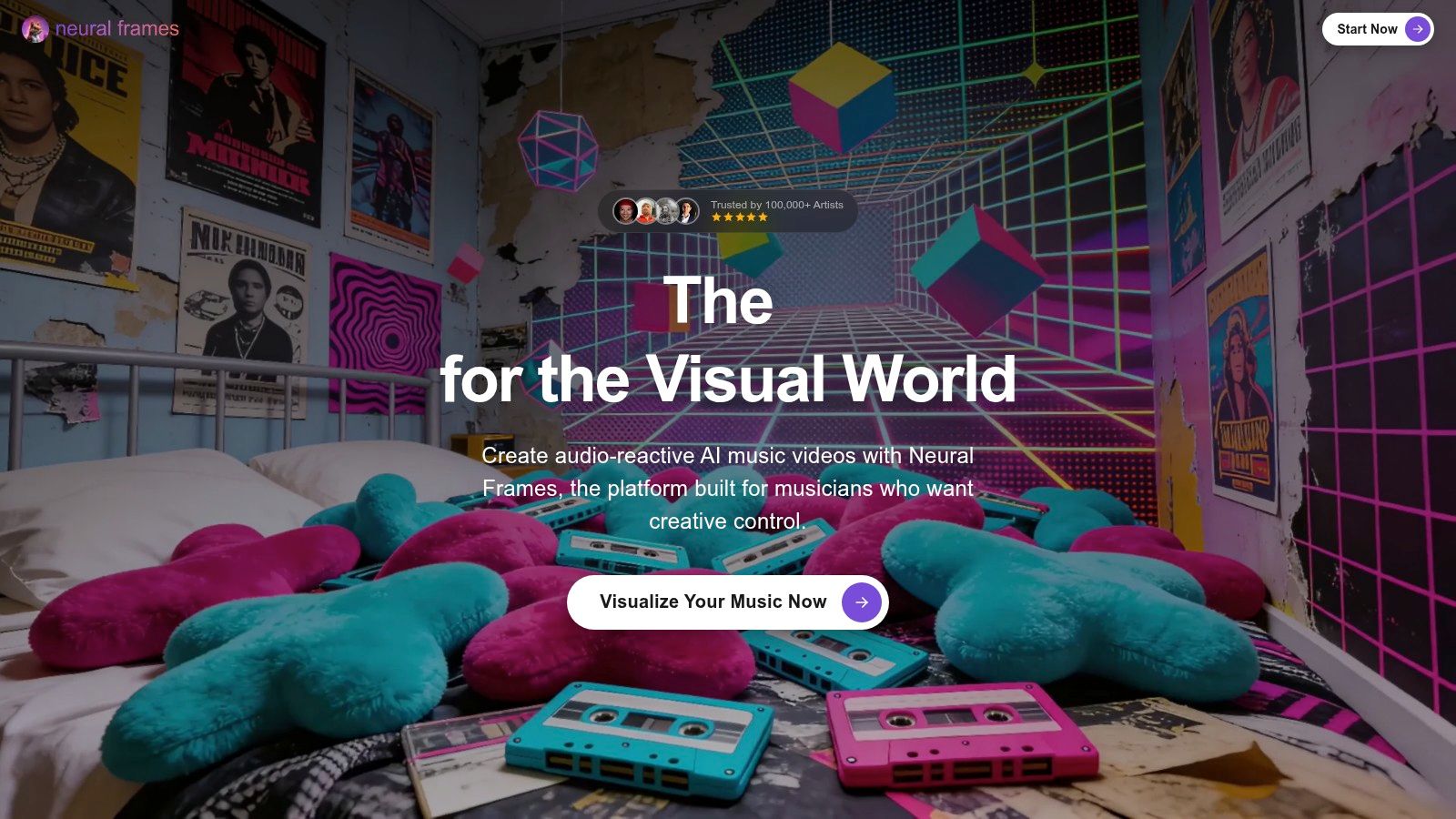
You get frame-by-frame and text-to-video editing, audio-reactive effects, and stem extraction, so a kick, vocal, or synth stem can drive specific visual changes. Add lyric and lip-sync tools, plus 4K upscaling on higher tiers, and you've got far more control than a basic visualizer gives you.
Practical rule: Test any generative tool on musical synchronization, continuity of characters and locations, artifact frequency, and how much manual correction a publishable cut needs, not on a single impressive still.
That discipline matters because control costs time and credits. Generation and re-renders consume your balance, higher resolution sits on higher plans, and the hands-on workflow has a learning curve. The AutoMV evaluation framework breaks assessment into four categories covering music content, technical quality, post-production, and artistic quality, which is a sensible rubric for a Neural Frames trial.
Pick it for electronic, ambient, or experimental releases where visual texture is the point. For broader creator feedback on tools in this category, check Revid Reviews on Product Hunt. Skip it if you need a same-day lyric video with no tinkering.
3. Freebeat
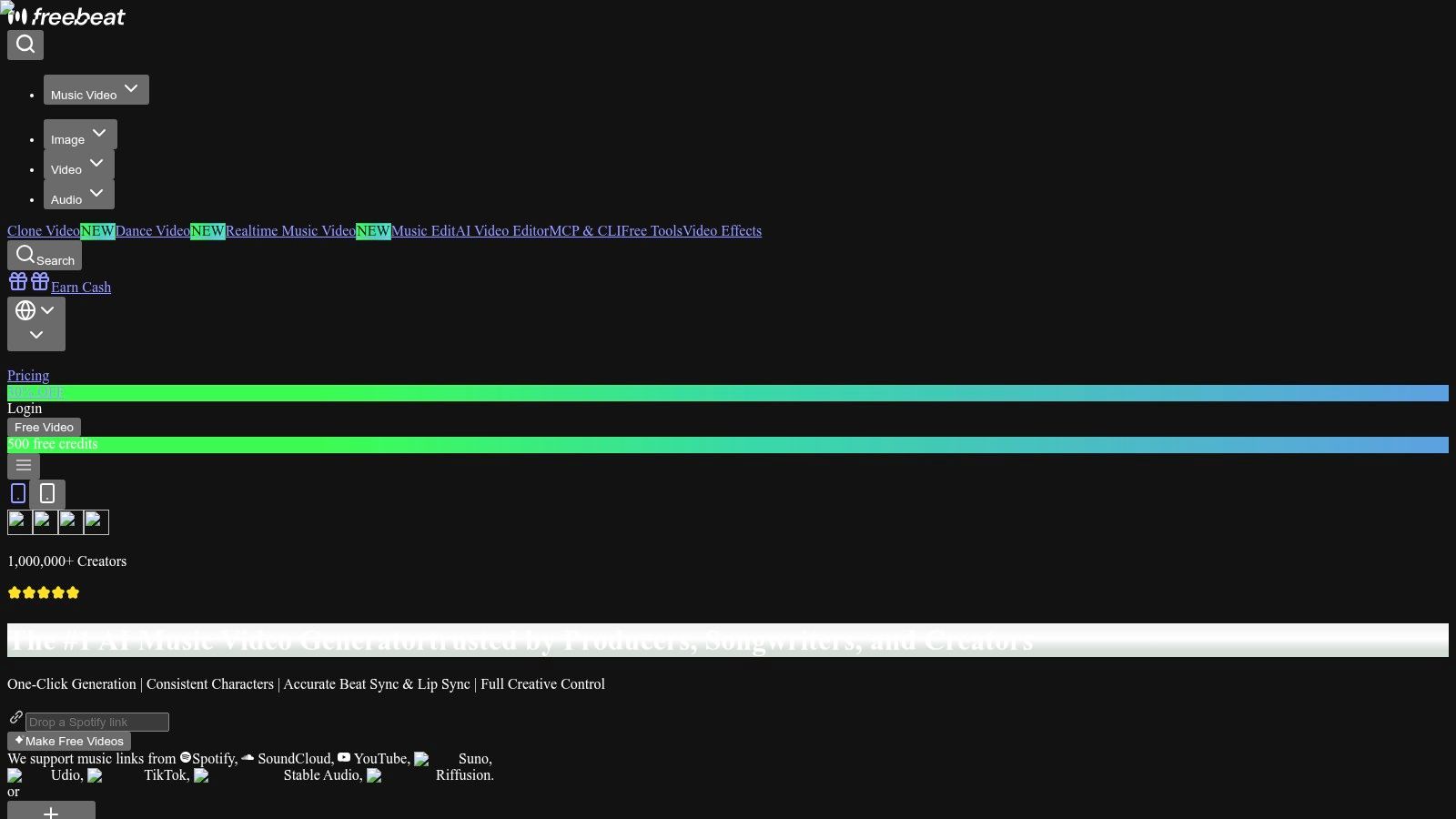
Freebeat starts from the song structure instead of a blank timeline. It analyzes elements such as BPM, beats, and song sections before creating visuals, so a verse, chorus, and bridge don't have to look like one undifferentiated stream.
Where it fits and where it stops
That music-first workflow is Freebeat's strength for song promos and social posts. You're not writing a generic text-to-video prompt and hoping the edit lands on the downbeat. You get a quick starting point shaped around the track, with different AI visual styles and video models to try.
The limits show up in the credit math and in directorial control:
- Model-dependent cost: Different generation models use credits at different rates, so compare models before committing to a full song.
- Plan-dependent output: Check resolution and duration limits for the plan you're considering, especially for a full-length widescreen release.
- Limited shot control: Automated generation won't give you precise shot-by-shot direction for a tightly scripted narrative.
Use Freebeat when you need a fast, beat-aware promo for a new drop and you'll accept the tool's visual decisions with light fixes. Don't choose it as your main AI music video maker if your concept depends on a recurring performer appearing at exact lyric moments. You'll spend your time fighting automation instead of directing it.
4. Kaiber
Say you've already shot phone footage at rehearsal or generated a folder of stills you like. Kaiber can work with that material through Beat Sync, which synchronizes uploaded images or clips to your track, alongside workflows that generate new visuals from scratch.
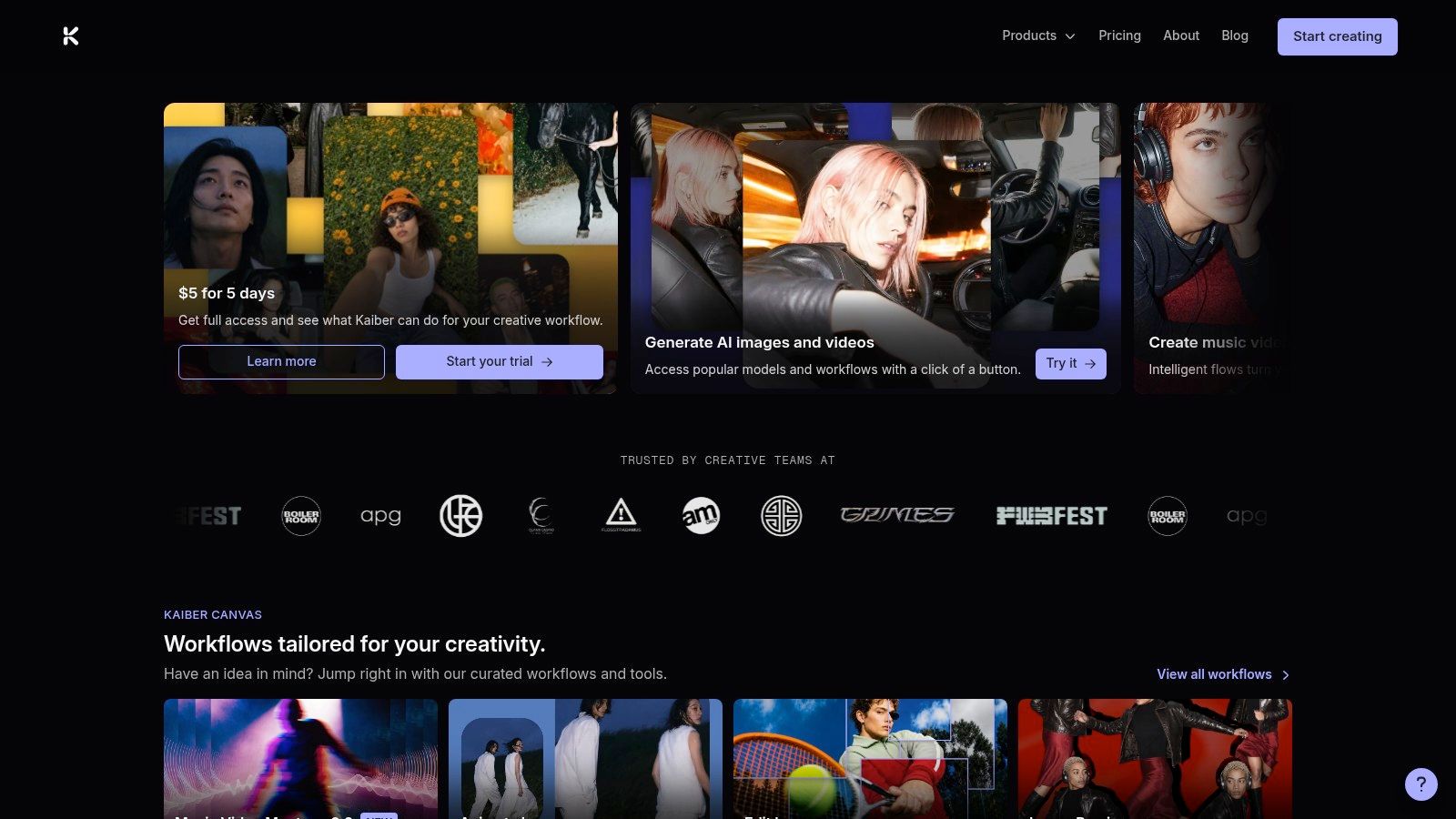
Its canvas and editor let you assemble projects, and batch creation of up to 10 videos on eligible plans is useful when a release needs several social variations at once. Auto-clip functionality can also turn longer footage into short clips for promotion. Credits are shown before generation, so you can see the cost before you commit.
Read the plan details first, though. Beat Sync isn't included on the entry Starter plan, and different generation types consume different amounts of credits. Batch output speeds up volume, but ten variations don't automatically add up to one cohesive narrative video. You'll still select, order, and discard shots yourself.
Buyer opinions on tools like this are worth checking against public reviews, including Revid Reviews on Trustpilot. I recommend Kaiber for artists who want many beat-synced social cuts from their own media and don't mind curating the results. It's a variations engine, not a hands-off director.
5. Tunee
Tunee combines music creation and video generation in one workspace. You can build a video from an uploaded track or from a song created inside Tunee, then work through storyboards, characters, shots, and subtitles without moving between separate apps.
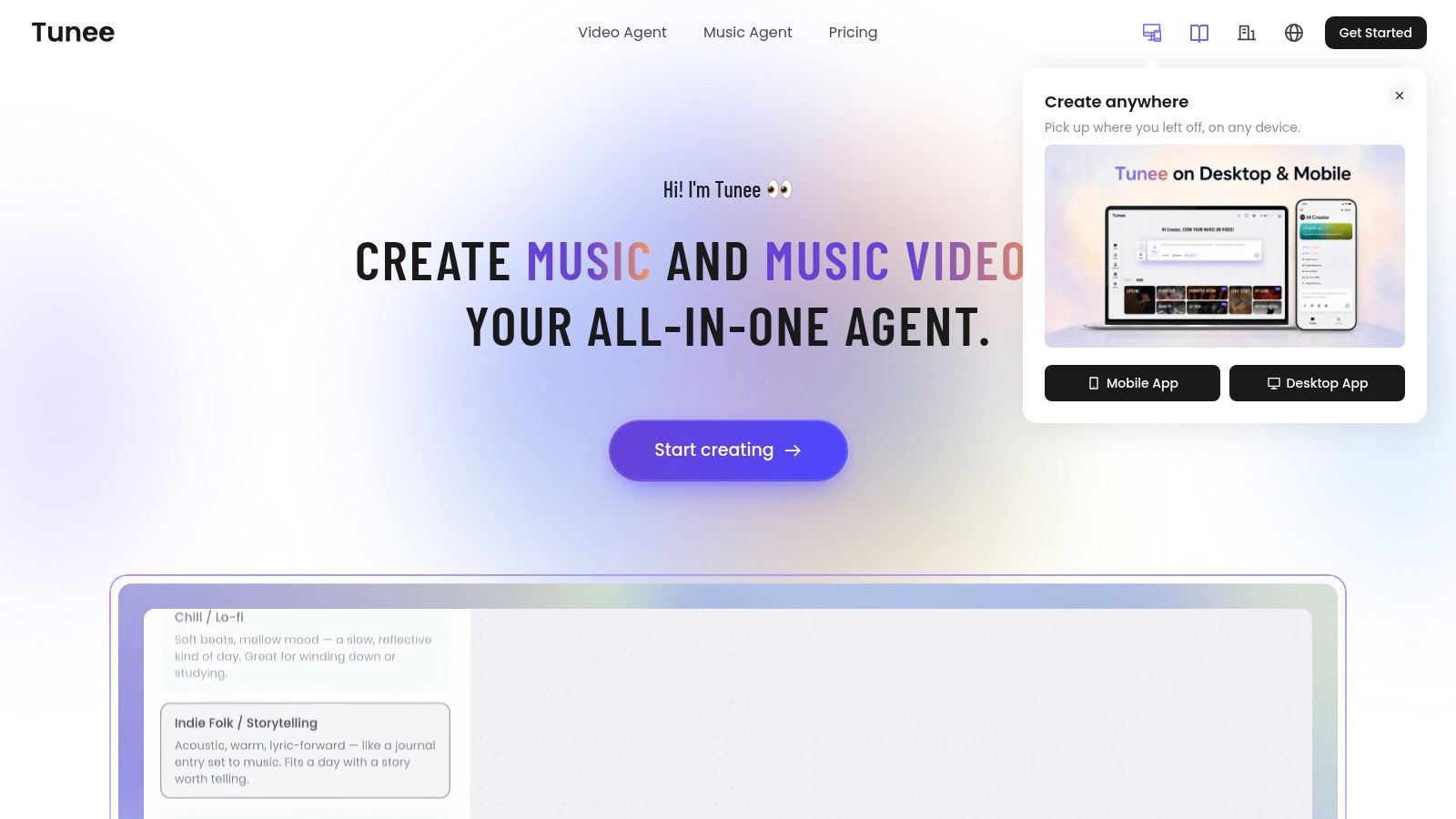
That storyboard step is the practical advantage. You can adjust scenes before spending heavily on final generation, use character and lip-sync options, and choose among multiple video models with upscaling available. Paid tiers advertise no-watermark exports and a commercial license, both essential checks before a monetized release.
The cost question to ask first
Tunee's monthly price alone won't tell you what a finished video costs. It's credit-based, higher resolutions require additional credits, and regenerations add up when a character drifts or a lip-sync shot misses. Check the free plan's watermark and current duration limits before you build a full song there.
This suits creators developing a song and its visual concept together, especially an AI-assisted track that doesn't yet have artwork or a visual identity. If you already have a mastered recording and a strict brand look, you're paying for a combined workspace you may not need. Test one storyboarded chorus, count the credits, then decide.
6. Muzie
Muzie does one thing the other tools here don't. It puts a specific performer on screen. You upload a track and a photo of a person, pet, or character, and it generates a multi-scene video guided by the lyrics, with synchronized lip movements and edits.
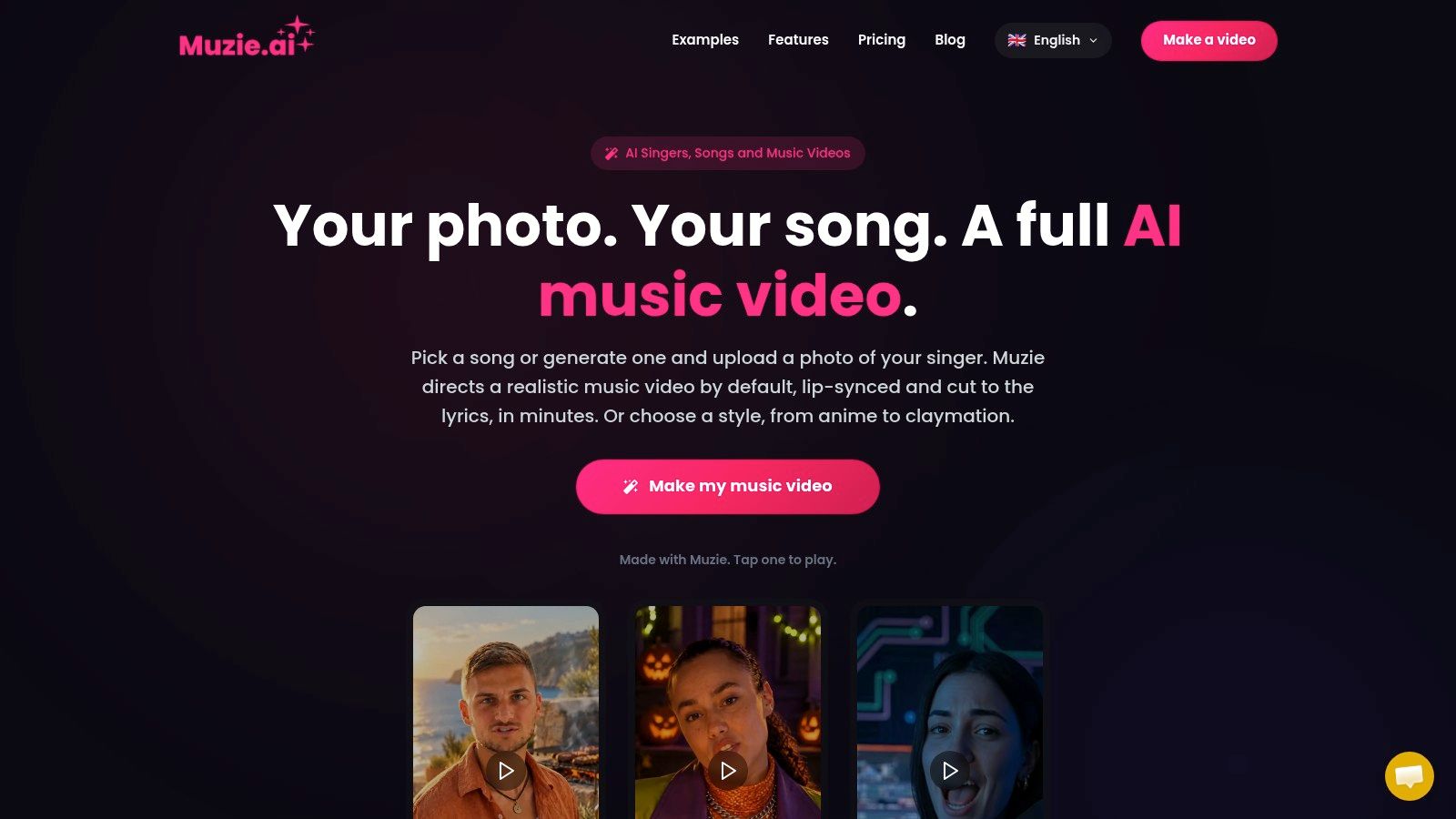
Styles include anime, claymation, and cinematic film, and you can regenerate at scene level or edit the storyboard. The guided workflow doesn't require building a full editing timeline, and the service lists web, iPhone, and Android access for working wherever you draft ideas.
A recognizable on-screen performer solves the faceless video problem, but it creates a consent problem if that face isn't yours to use.
That caution shapes who should buy it. A generated performer suits a virtual artist, mascot, or character-led release beautifully. It can look wrong for a raw folk recording or a band whose audience expects real performance footage. Token costs rise with video length and quality, and portrait-first output may not serve a project intended mainly for widescreen YouTube.
Use your own likeness or a character you have clear rights to, and review lip-sync on fast verses before paying for a full render. Consonants at speed are where these tools usually slip.
7. Rotor Videos
Rotor Videos isn't generating new footage, and that honesty is its value. It's an AI-assisted editing service that assembles a video from your song plus licensed stock footage or your own clips, matched to a chosen visual style.
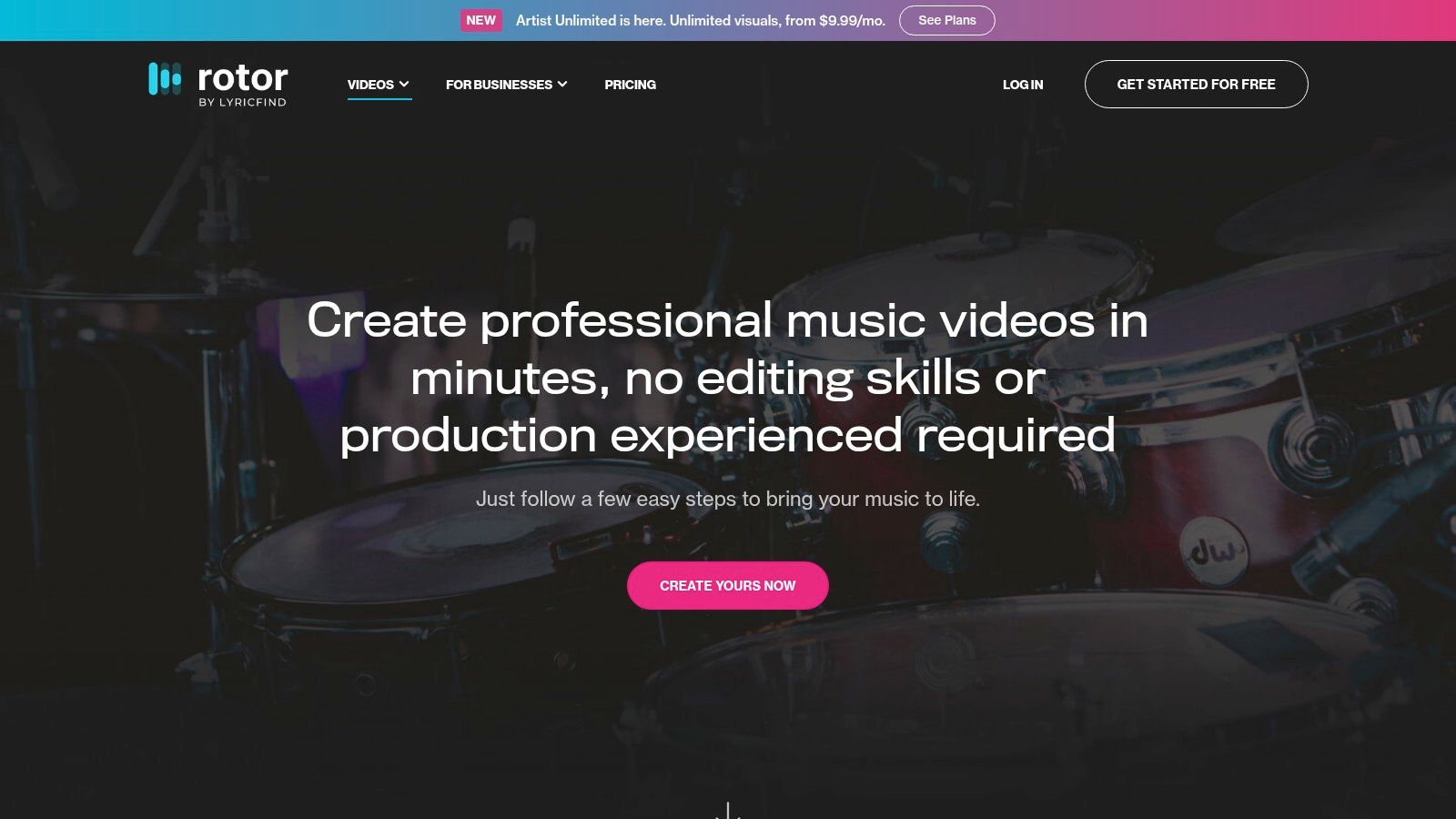
Rotor lists more than 150 styles on its music-video page, supports social-format resizing and text overlays, and covers the deliverables a release needs. Beyond the main video, you can make lyric videos, Spotify Canvas loops, and other release assets in the same place. Rotor says its videos meet Spotify and Apple Music technical specifications, which saves a tedious export check.
What you give up for that convenience
- No generated scenes: The footage is stock or yours, so another artist could use similar material.
- Loose section control: You can't precisely assign a particular clip to an exact song section without further editing.
- Final purchases: Subscription and credit-pack purchases are listed as final, with no refunds.
Previews before download and a pay-as-you-go option reduce the risk. I recommend Rotor for an indie release that needs a credible montage, lyric video, and Canvas loop by Friday, not a one-of-a-kind visual identity.
8. Specterr
Call Specterr what it is. It's a music visualizer and lyric-video maker, not a cinematic multi-scene generator, and for many electronic releases that's exactly enough.
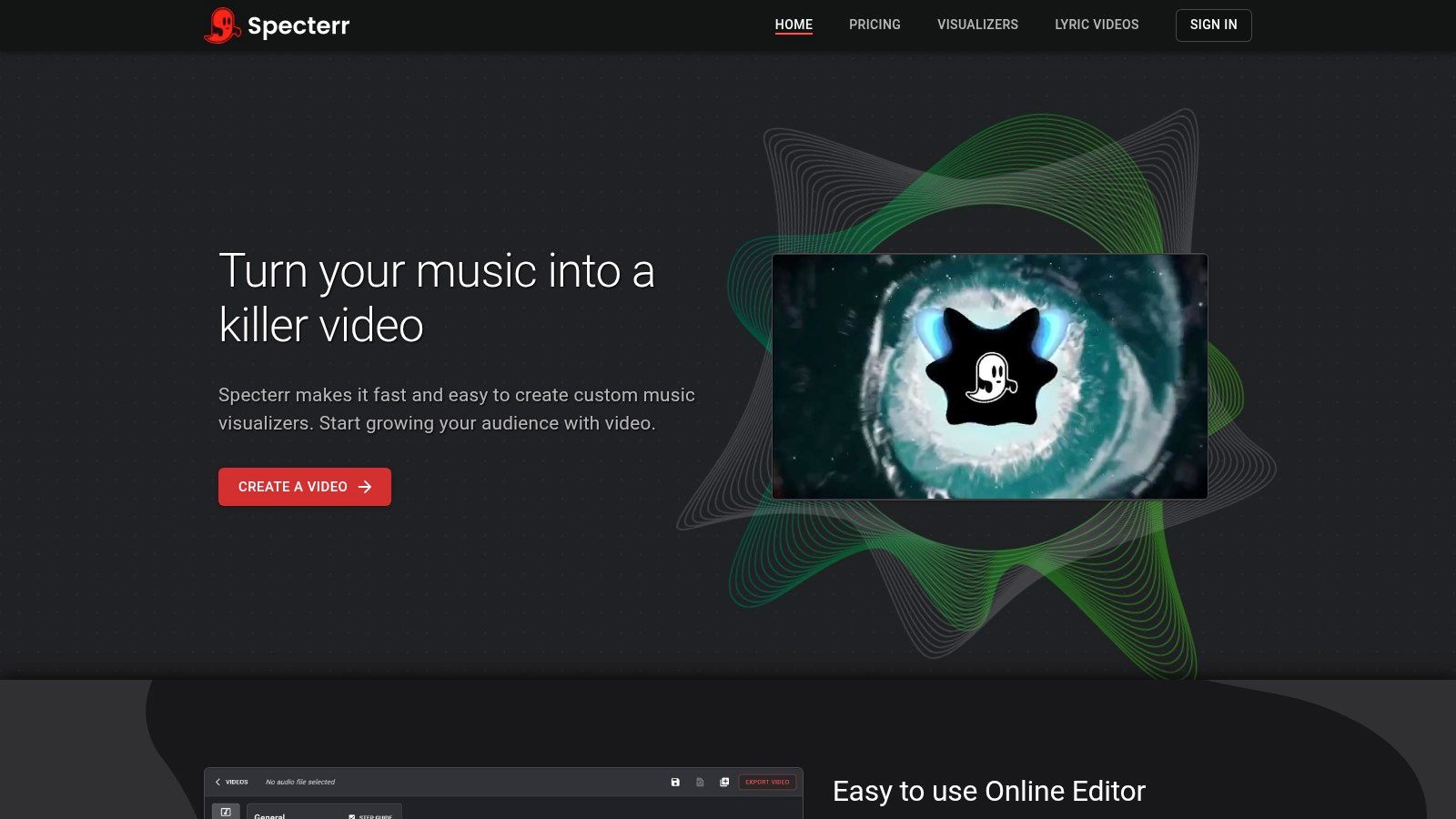
You choose a visualizer or lyric-video style, add your track and a background, then customize the result. The audio-reactive styles give an EDM track movement on YouTube without inventing fake performance footage. Paid plans offer higher-resolution exports and longer videos, and a free tier lets you test the workflow before spending.
The boundaries are clear. Preset visualizers aren't AI-generated scenes, so there's no story, no character, and no camera language. Free exports have limits and include a watermark, which rules them out for a serious release. Lyric timing and customization can also take more manual work than a fuller automatic generator, particularly on a dense vocal track.
Pick Specterr for a beat tape, DJ mix, or single that needs a clean YouTube presence at low effort. Don't buy it expecting your ballad to become a narrative video. Judged as a visualizer, it's focused and straightforward. Judged as an AI music video maker, it will disappoint you for reasons that aren't its fault.
9. Videobolt
Predictability is Videobolt's argument. It's a template-based video maker with music visualizer and lyric-video templates, not a prompt-to-video generator, so the look you pick is close to the look you publish.
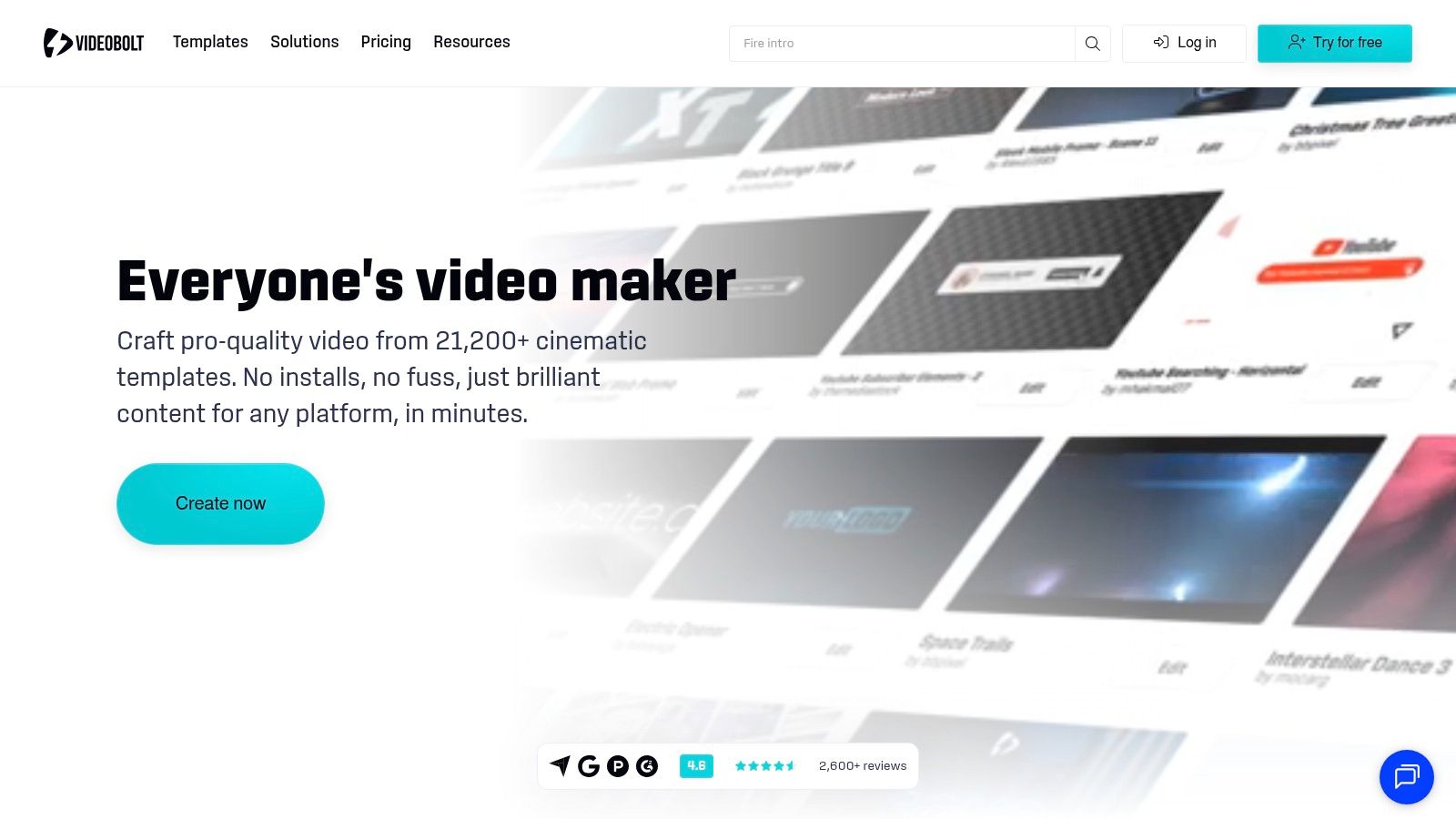
For a label, church band, or artist releasing singles on a steady schedule, that repeatability beats a surprise render. Audio-driven visualizations carry your branding across releases, and downloaded videos include commercial licensing, subject to the terms. You can build a recognizable series instead of reinventing every visual from a prompt.
Check these plan details before you commit
- Duration caps: Maximum video duration differs by plan, which matters for albums and extended mixes.
- Resolution and exports: Conditions vary by tier, so confirm the export you need is included.
- Free plan limits: Treat the free tier as a test, not a release route.
Templates won't create new scenes for each song section, and a popular design can look familiar to viewers. That's an acceptable trade when your priority is a consistent lyric video for every track on an EP. If uniqueness is the campaign, choose a generative tool and accept the extra revision work.
10. WZRD
WZRD listens to percussion and harmonic movement and turns it into motion. Put in an electronic track or a dense live groove and you get pulsing abstract visuals that breathe with the drums and chords, not a literal illustration of the words.
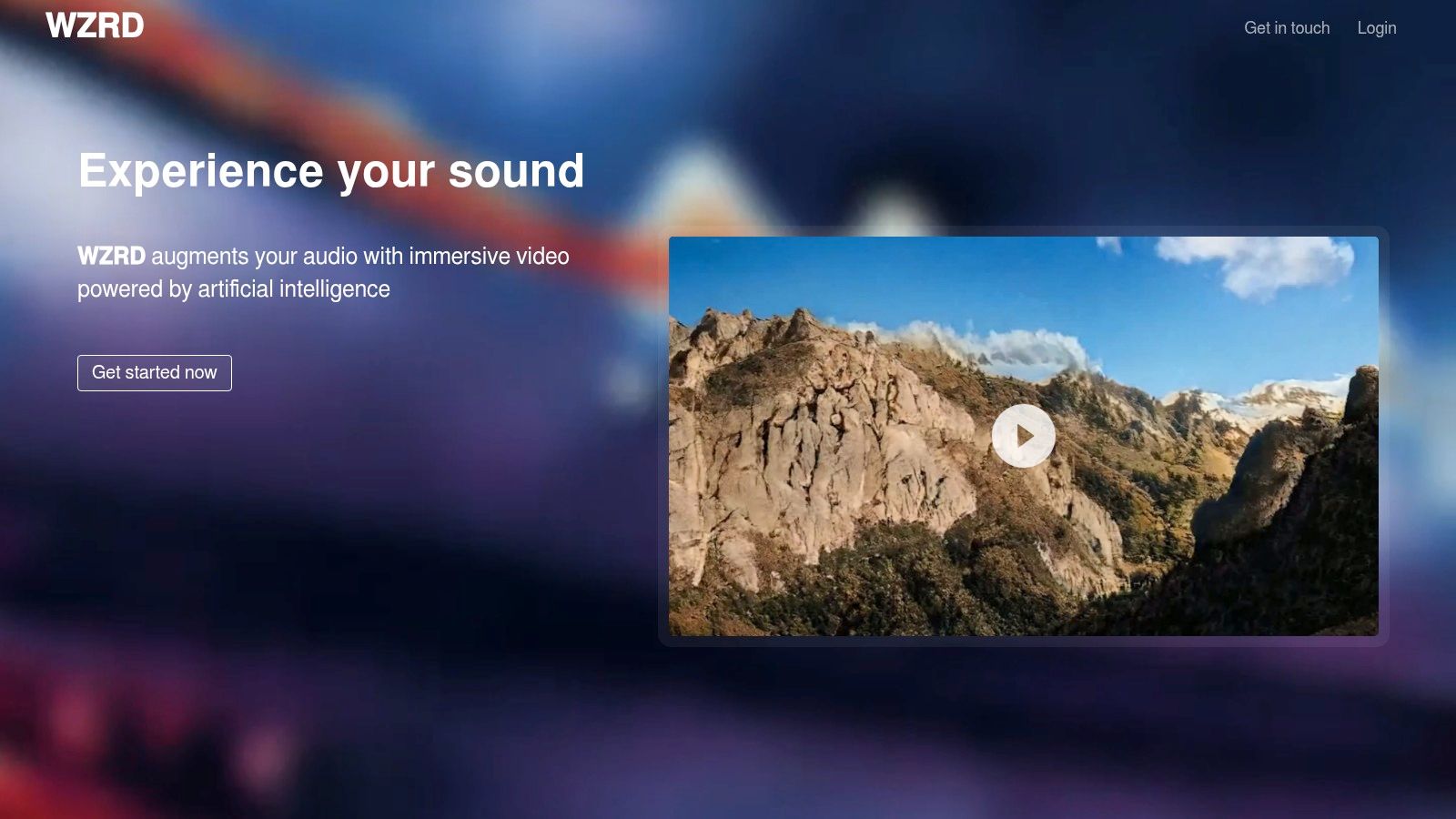
That makes it a strong fit for music-only releases, DJ sets, and stage backdrops where texture carries the song. For a vocal pop record or a story driven single, it falls short. There is no lyric timing pass and no character arc to cut around.
Watch the site examples against your genre first. Clean techno loops read well. Busy mixes can turn muddy if every hit triggers a change.
Check pricing and export terms on WZRD's official site before you buy. Confirm resolution, download rights, and whether your plan covers commercial release.
Never build a launch date around a tool whose pricing and export terms you haven't confirmed in writing.
Pick WZRD when you need a responsive visual instrument for a track or a live set. Keep a backup export plan for the release.
How the 10 AI music video makers differ by output, input, and cost model
| Item | Core approach | Starts from | Best for | Cost model |
|---|---|---|---|---|
| Revid | Generates editable, full-length music videos | Uploaded audio or Suno link | Creators seeking lyric- or beat-timed scenes and social formats | Credits vary by song length and generation quality |
| Neural Frames | Combines automated music visuals with detailed generative editing | A song | Musicians and visual artists wanting creative control and audio-reactive effects | Credit-based plans; higher-resolution output requires a higher tier |
| Freebeat | Analyzes beats and song sections to generate visuals | A music track | Quick song promos and social videos | Credit-based; costs vary by generation model |
| Kaiber | Syncs visuals to music and supports visual generation | Uploaded images, clips, or a track | Creators making beat-synced videos and promotional variations | Credit-based; usage varies by generation type |
| Tunee | Combines music creation with storyboard-based video generation | An uploaded track or Tunee-created song | Creators developing a song and its visual concept together | Credit-based; higher resolutions use additional credits |
| Muzie | Creates lyric-led, multi-scene videos featuring a performer | A track and a photo | Character-led videos and virtual artists | Token costs increase with video length and quality |
| Rotor Videos | Edits stock footage or user clips to match music | A song and stock footage or uploaded clips | Musicians preparing release videos and promotional assets | Pay-as-you-go, subscriptions, or credit packs |
| Specterr | Creates customizable audio-reactive visualizers and lyric videos | A track and background | Artists seeking a simple YouTube visual or promo video | Free tier has limits; paid plans offer higher-resolution and longer exports |
| Videobolt | Uses templates for music visualizers and lyric videos | A track and selected template | Creators wanting repeatable, predictable release visuals | Plan-based; limits and export terms vary |
| WZRD | Analyzes percussion and harmonic elements to drive visuals | A music track | Abstract, performance, or event visuals | Current pricing and plan details are unclear |
Choosing the right AI music video maker for your song
A finished master sits in the session, the release date is already public, and the video still does not exist. Match the tool to the picture the song needs, not to a feature count.
A lyric-driven single needs readable, well-timed text. Revid and Tunee can build fully generated scenes around those lyrics. Specterr and Videobolt stay closer to template-based lyric videos and audio-reactive visualizers, which is the safer bet when the words have to land on the beat every time. An electronic track wants movement that breathes with the drums. Neural Frames and WZRD push generated or analysis-driven visuals. Specterr covers the same job with a visualizer you can predict. A character-led concept belongs with Muzie, and only if the likeness is yours to use. A release package that needs a montage, a lyric video, and streaming loops is Rotor Videos' strongest case: edited stock or your own clips, cut to the track, rather than a scene the model invents.
Test like a producer. Run the same chorus through two or three finalists. Score synchronization, continuity, artifacts, and how much you still have to fix by hand. Write down the regeneration count and the credits that one section burned. Multiply that across the full song. A cheap-looking monthly plan gets expensive when every verse needs three rerolls and an upscale.
Budget for revision, not for one perfect pass
The Epidemic Sound survey reported by Music Ally found 91% of 3,000 creators use AI somewhere in their content workflow, but most of that use is selective, spread across ideation, backgrounds, cleanup, and editing. The AI video generator market is growing quickly, and tools will keep changing. Do not lock a whole catalog into one credit system before a tool proves itself on your music.
For a full song, the better spend is often a hybrid. Generate the shots a tool does well, replace the weak ones, and assemble or polish in an editor you control. Fully generated scenes still need continuity fixes. Visualizers need a background that does not fight the mix. Template lyric videos need timing passes. Stock montages need cuts that respect the arrangement instead of a generic beat grid.
Clear the rights before you clear the release date
Check four things before you publish. Confirm the plan covers commercial use for a monetized video. Confirm exports are watermark-free at the resolution the platform needs. Keep records of the original track, uploaded images, and any likeness permissions. Follow platform disclosure rules. YouTube's altered content policy requires disclosure when AI-generated or meaningfully altered content appears realistic, and photorealistic or AI-generated music may receive an on-player label.
Those checks protect the song you already own from a takedown, a demonetized upload, or a dispute over a face in frame two. A visually strong tool with unclear terms is a riskier release partner than a plainer tool with clean licensing.
Revid Reviews is run by the Revid team. The guides link to original public reviews on Trustpilot, X, and Product Hunt so you can check the claims yourself. Use that same habit with every tool here. Read the current terms, test one section with your real mastered track, count the true credit cost, and only then pay for the full render. The song needs a video that serves it, not one that spends the release budget proving a demo.
Before you pay for any AI music video maker, read what musicians and short-form creators say after using Revid on real songs and channels. Revid Reviews gathers public Revid reviews from Trustpilot, X, and Product Hunt with links to each original, alongside honest guides on credits, pricing, and limitations. Visit the site, verify the reviews for yourself, and decide with evidence in hand before your next release.