You've got a podcast, product demo, or just a strong idea, and the next vertical video is already overdue. An AI short-form video generator can turn that raw material into something publishable quickly, but speed and polish rarely arrive together. A clipper may find a useful moment in long footage while leaving you to fix the hook. A generative tool may create striking visuals while still needing careful pacing, captions, and rights checks.
This guide groups 10 AI short-form video tools by where that trade-off lands: long-video repurposing, editing-first suites, and original text or image-to-video generation. Each entry focuses on the practical question, how quickly can this tool produce a publishable vertical clip, and what work remains afterward? The site is run by the Revid team, so Revid is disclosed as such. Claims about each product link to the relevant official website or original review so you can verify them.
Table of Contents
- 1. Revid
- 2. OpusClip
- 3. Klap
- 4. Vizard
- 5. Captions
- 6. CapCut
- 7. VEED
- 8. Descript
- 9. Runway
- 10. Kaiber
- Top 10 AI Short-Form Video Generators Comparison
- Picking an AI short-form video generator that fits your workflow
1. Revid
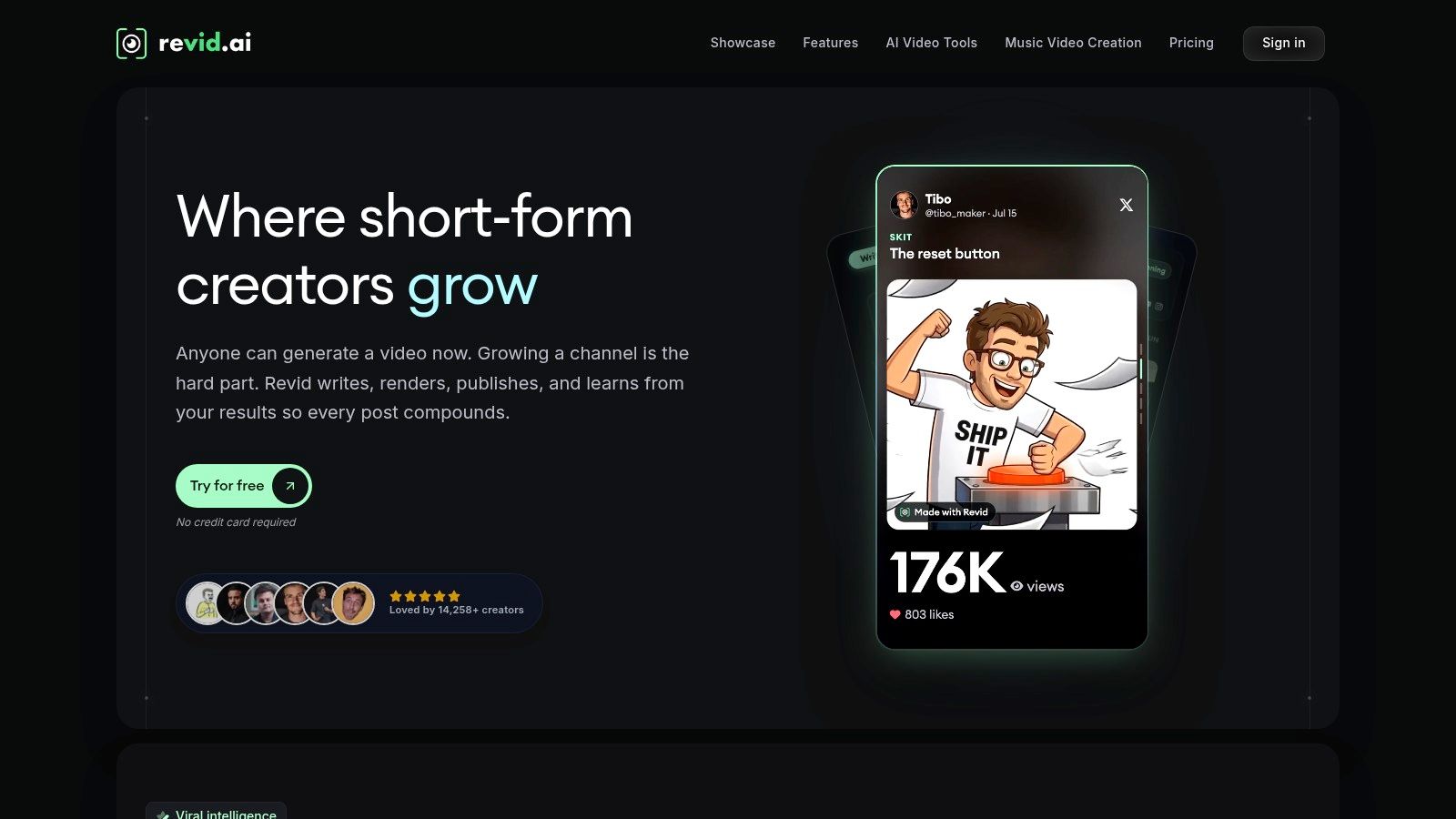
Revid is the broadest option here if you want one workspace for the path from idea to publication. You can begin with a prompt, script, website link, audio file, music, or existing video, then move into generation, captions, timeline editing, and publishing without switching between several specialist apps.
Its short-form focus shows up in the range of workflows. The platform includes tools for Shorts, UGC ads, lyric and music videos, avatars, motion graphics, captioning, long-video clipping, and narrated website-review videos. It also supports vertical social formats, multiple voice options, voice cloning, social publishing, an API, and agent integrations. That makes it useful for creators who produce different types of clips rather than repeating one narrow format.
Best fit: Revid works well when your bottleneck moves between ideation, generation, editing, and publishing rather than sitting in only one stage.
The trade-off is cost control. Revid uses credits, so casual experimentation may feel straightforward while heavier production requires careful plan sizing. You'll also still need to review the script, factual claims, voice, pacing, captions, and visual choices before publishing. A broad toolkit doesn't remove editorial responsibility.
For a creator who wants prompt-to-video one day and long-video-to-Shorts the next, Revid can reduce tool switching. For someone who only needs to cut podcasts into clips, a dedicated repurposing tool may be faster to learn.
2. OpusClip
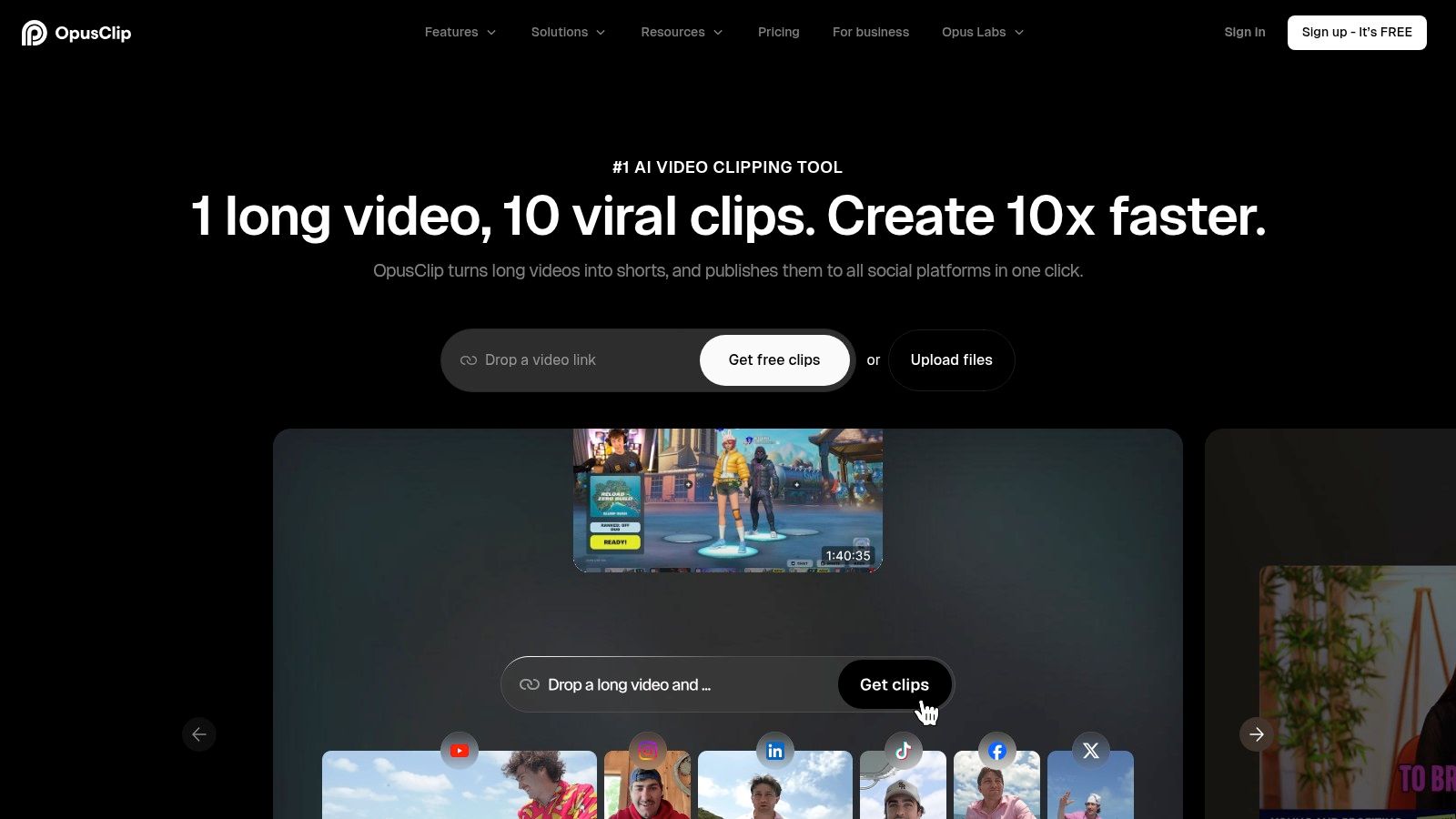
OpusClip is built for the classic long-video-to-Shorts problem. Upload a podcast, interview, webinar, lesson, or YouTube recording, and it identifies potential highlights, reframes the footage for vertical viewing, adds captions and graphics, and prepares social-ready clips.
It's particularly useful when the source already contains a strong speaker, clear ideas, or a memorable exchange. The editor lets you adjust layouts, captions, transitions, and framing, while mobile apps make it practical to review clips away from a desktop. Direct publishing can also shorten the final handoff.
The speed advantage comes from skipping the first manual pass through a long recording. The limitation is that automated selection can produce a large pile of plausible clips rather than a small set of finished posts. You'll still need to reject weak openings, remove context-dependent moments, correct awkward crops, and check whether the clip makes sense to someone who hasn't watched the original.
A high-volume workflow can therefore create a new bottleneck, curation. That matters because Metricool's 2025 short-form analysis found that publishing volume rose while average likes, engagement, and reach fell in its dataset. More exports aren't automatically better distribution.
For independent verification, Revid Reviews also collects original OpusClip review references alongside its broader buyer research.
3. Klap
Klap takes a focused approach to repurposing. Its workflow is designed around turning existing long videos into Shorts and Reels, with sentence-level clip selection, reframing, automatic captions, and a virality score intended to help prioritize candidates.
That sentence-level control is useful when the first automated cut is close but not quite right. Instead of rebuilding the clip from scratch, you can keep or remove specific parts and see the edit update quickly. For creators who already know which statements matter, this is more efficient than accepting an opaque highlight selection.
Klap also has a clear API story. Agencies and teams can use programmatic clipping and templated exports when a repeatable batch workflow matters more than elaborate one-off editing. That's a meaningful distinction from tools aimed primarily at individual creators working manually in a browser.
The practical limit: Klap accelerates repurposing, not original video creation.
It won't replace a text-to-video generator when you have no footage, and a virality score shouldn't be treated as a performance prediction. The score can help sort a queue, but human review still needs to assess context, clarity, brand fit, and the strength of the opening seconds.
Klap is fastest when your source is speech-led and your desired output is a set of clean, captioned vertical clips. It's less suitable for a workflow built around original cinematic visuals, synthetic actors, or image-to-video experiments.
4. Vizard
Vizard is another long-video-to-shorts platform, with a strong fit for podcasts, interviews, webinars, and other conversation-heavy recordings. Its Magic Clips workflow detects highlights and turns them into social-ready edits, while templates, captions, platform-specific exports, scheduling, mobile apps, and API endpoints extend the workflow beyond basic clipping.
The main benefit is operational flexibility. A solo creator can upload and edit from a phone, while a team can submit videos and retrieve clips through API workflows. That makes Vizard more practical than a purely manual editor when the same type of source content arrives repeatedly.
Its limitation is also its clearest boundary. Vizard primarily repurposes footage you already have. It isn't the right choice if your starting point is a written concept and you need generated scenes, a synthetic presenter, or image-to-video motion.
A useful test is to upload a recording with several speakers and inspect the first few outputs closely. Check whether the crop keeps the right person visible, whether the captions preserve meaning, and whether the selected excerpt works without the surrounding conversation. Automated highlight detection can save time, but it can't reliably understand every brand or audience nuance.
Revid Reviews' Product Hunt review collection is a separate place to inspect how the Revid team documents public product feedback and buyer questions.

5. Captions
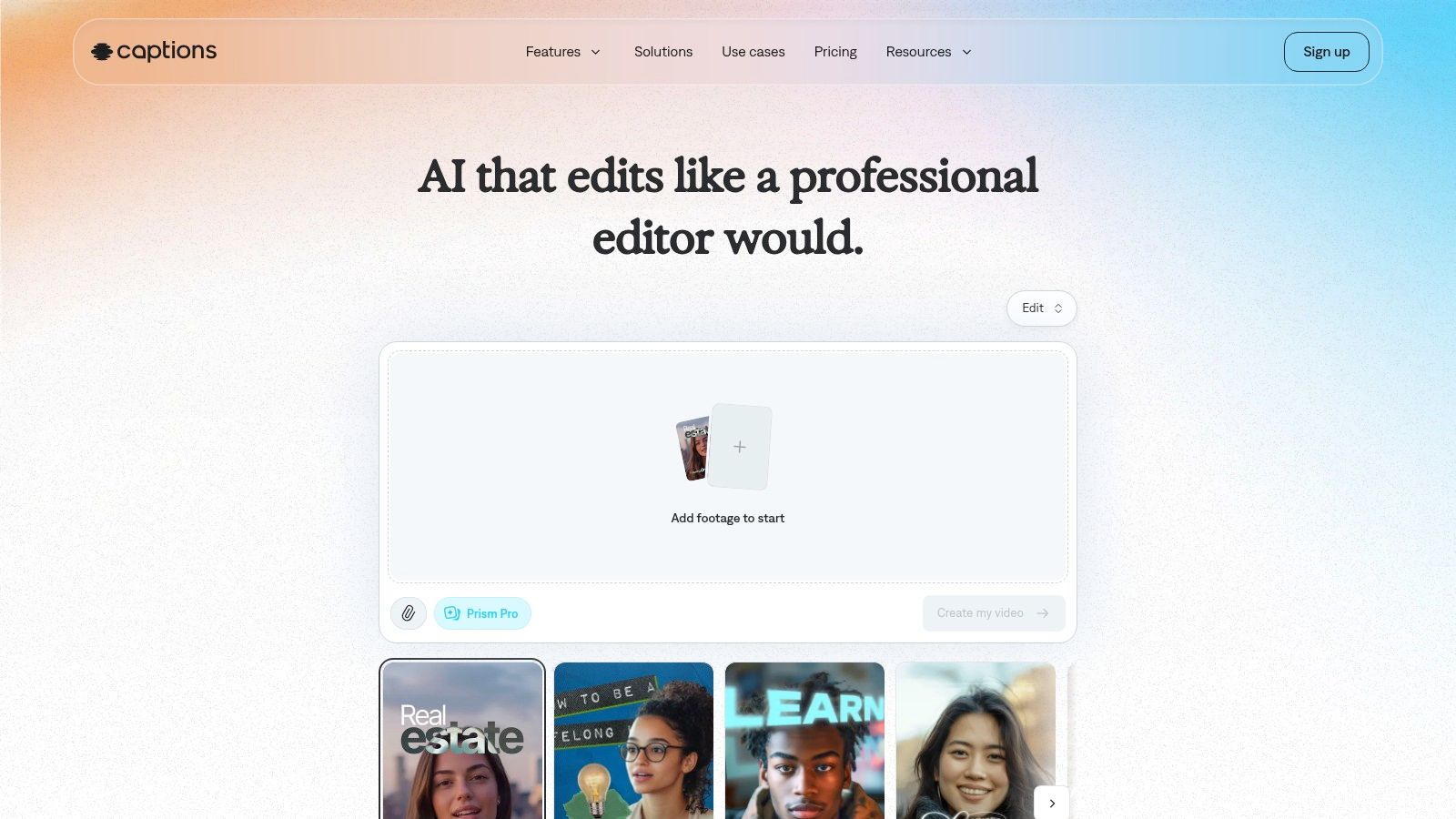
Captions is built around fast creator production rather than deep, traditional editing. You can move from a prompt or script to a vertical video, use AI actors for UGC-style content, and apply automated cuts, B-roll, captions, audio cleanup, dubbing, and translation.
That combination makes it well suited to talking-head videos and performance marketing. A creator can draft an idea, generate a presenter-led clip, and refine the result without building every scene manually. Its mobile experience is a real advantage when the workflow is reactive, such as testing several hooks or producing a quick ad variation.
The quality trade-off appears in the last-mile review. Automated B-roll can feel generic, an AI actor may not match the intended brand voice, and generated pacing can be too uniform. You'll want to check pronunciation, emphasis, captions, visual claims, and whether the first frame communicates enough without sound.
Captions can reach a publishable vertical draft quickly, especially when the goal is a UGC-style ad or a presenter-led explainer. It's less attractive when you need detailed timeline control, complex compositing, or a carefully art-directed visual sequence.
Plan and API terms also deserve close attention before committing. Credit systems and usage limits can be confusing, so confirm the current details directly in the product rather than judging the tool from a polished demo.
6. CapCut
CapCut is an editing-first choice with a strong connection to short-form social workflows. It combines templates, effects, auto-captions, translation, dubbing, long-video-to-Shorts features, and newer AI generation capabilities with a familiar mobile-first editor.
It's often the quickest route to a publishable clip when you already have footage. Rather than asking the system to invent the entire video, you bring the recording, select a template or editing style, generate captions, resize the frame, and make the final decisions yourself. That balance gives you more control than a one-click generator while avoiding a blank timeline.
CapCut is strongest when the raw footage is already good. It can improve framing, rhythm, captions, and presentation, but it can't rescue a weak idea or an unwatchable source recording.
The free editing and captioning experience can be generous, but some AI generation features use credits. Pricing, displayed currency, and credit rules can vary by region or account, so check the in-app offer before relying on a specific workflow.
CapCut is also more naturally aligned with TikTok-style production than with every professional or enterprise environment. Teams with strict governance may need to review account access, asset handling, brand controls, and approval processes before making it their central system.
Choose CapCut when you want a capable editor for footage you shot yourself. Choose a generator such as Runway when the footage doesn't exist and the visual concept is the main creative challenge.

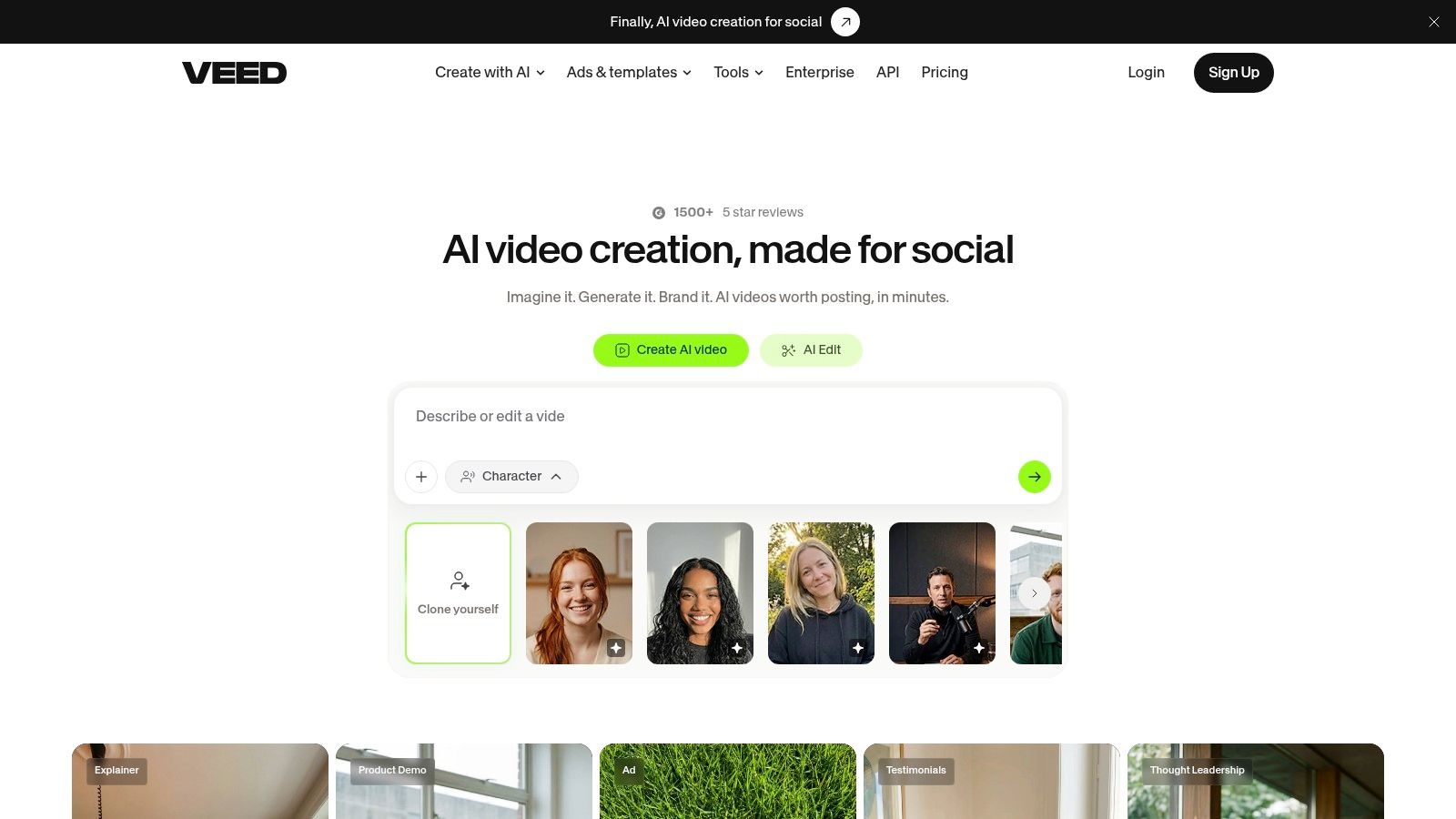
7. VEED
VEED sits between a conventional browser editor and an AI production suite. It supports an AI Reel Generator, scripts, avatars, subtitles, translation, dubbing, templates, brand tools, and APIs for teams that need to scale a repeatable content process.
That makes VEED useful for branded short-form production where no single feature does all the work. A marketer can edit an existing clip, produce captions in another language, apply brand styling, and prepare a platform-specific version in the same environment. Teams can also benefit from shared production controls instead of passing files between a generator and a separate finishing editor.
The weakness is specialization. A dedicated clipper may make better choices from a long podcast, while a frontier generation tool may produce more distinctive original visuals. VEED is a practical generalist, not necessarily the best answer for the most demanding version of either task.
Its exact credit, minute, and plan limits need checking before you estimate production capacity. This matters particularly for agencies, because a workflow that feels inexpensive during testing can become harder to budget when every render, translation, or AI action consumes usage.
VEED reaches a publishable vertical draft quickly when the source, script, or brand kit is already organized. Expect more manual refinement when the video needs a highly specific narrative, unusual visual direction, or consistent character performance across generated scenes.
8. Descript
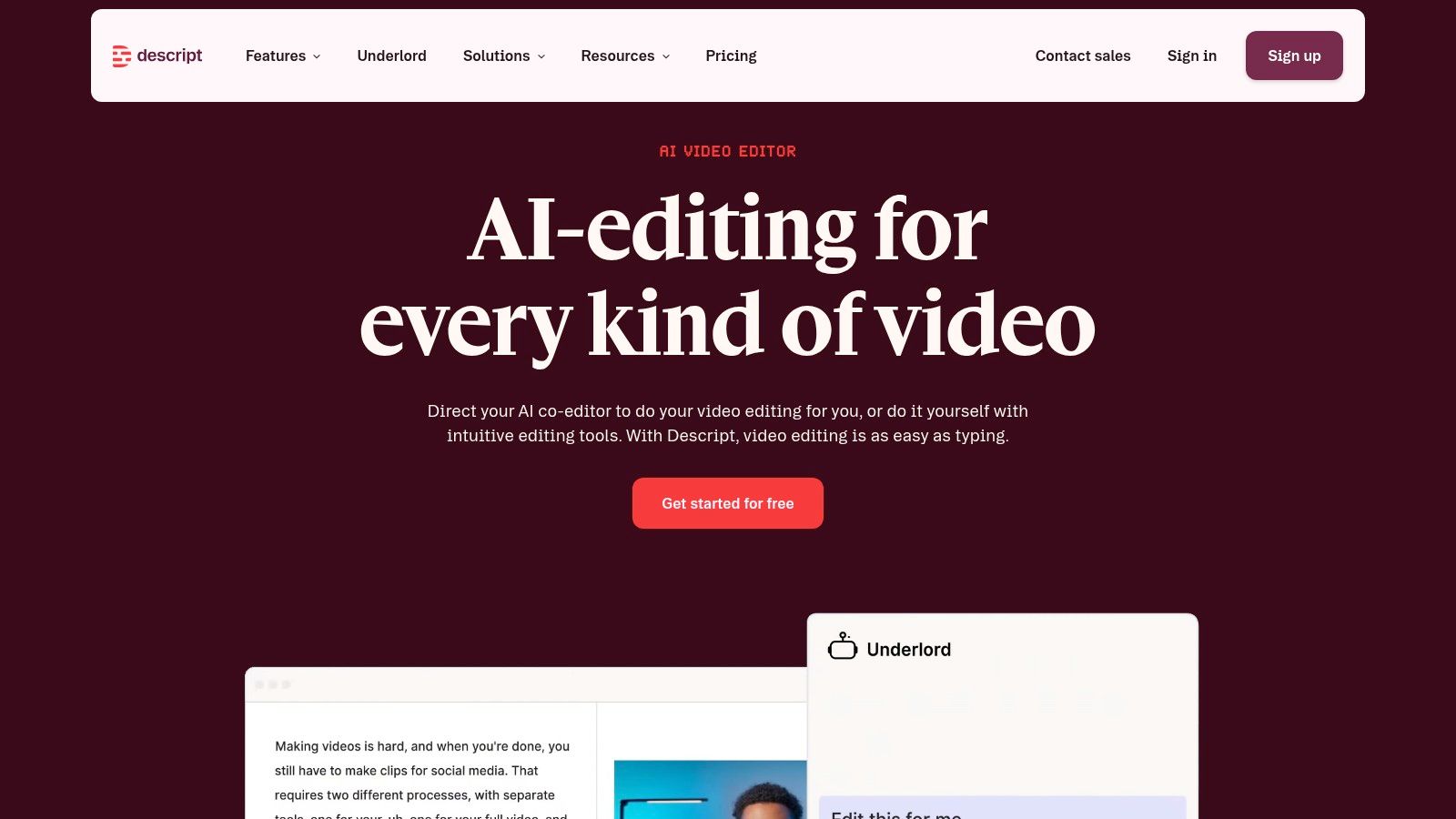
Descript is the clearest choice here for people who think in words before they think in timelines. Its text-based editing lets you cut a video by editing the transcript, while Create Clips, captions, filler-word removal, Studio Sound, dubbing, translation, templates, and an AI co-editor support the social cut-down workflow.
For podcasts, interviews, tutorials, and talking-head videos, that can dramatically reduce friction. You can remove a sentence from the transcript, tighten the argument, clean up verbal clutter, and create a short clip without dragging every cut manually across a timeline. The document-like interface also makes it easier for a writer or subject-matter expert to participate in editing.
The compromise is visual flexibility. Descript is less natural for highly visual footage, fast montage work, or videos where the meaning comes mainly from action rather than speech. It can prepare the spoken structure quickly, but you may still want CapCut or another editor for elaborate motion design and visual polish.
Plan details are relatively transparent, with media hours and AI credits separated in the breakdown. Heavy usage can still push you toward a higher tier or top-up, so test with the type and volume of footage you publish.
Revid Reviews' buyer-guide blog is useful for a separate perspective on questions creators ask before paying for AI video tools, including credits, cancellation, comparisons, and workflow limitations.
9. Runway
Runway belongs in the original-footage category. Its text-to-video and image-to-video workflows are aimed at creators who need generated shots rather than automated excerpts from a podcast or webinar. Multiple generation models and speed-quality options let you choose between faster iteration and more ambitious visual fidelity.
That flexibility helps when a short needs an opening image, a transition shot, a product-world concept, or a visual sequence you couldn't film economically. Starting from an image can also give you more control over composition than a text-only prompt, provided the source image is strong and the motion request is specific.
Runway's limitation is that a generated clip is rarely a finished social post. You'll often need to add a hook, voiceover, music, captions, logo treatment, pacing, and a clear ending in another editing stage. A beautiful shot can still fail as a Short if it takes too long to establish the point or lacks a reason to keep watching.
Credit-based billing makes experimentation part of the buying decision. The platform explains generation costs in credits per second, but your real usage depends on discarded attempts, model choice, resolution, and the number of variations you need. Test a representative prompt set before projecting a monthly budget.
Runway is fastest when you already have a clear visual brief and know how you'll finish the clips. It isn't the shortest path from a blank idea to a fully narrated, captioned, publishable social video.

10. Kaiber
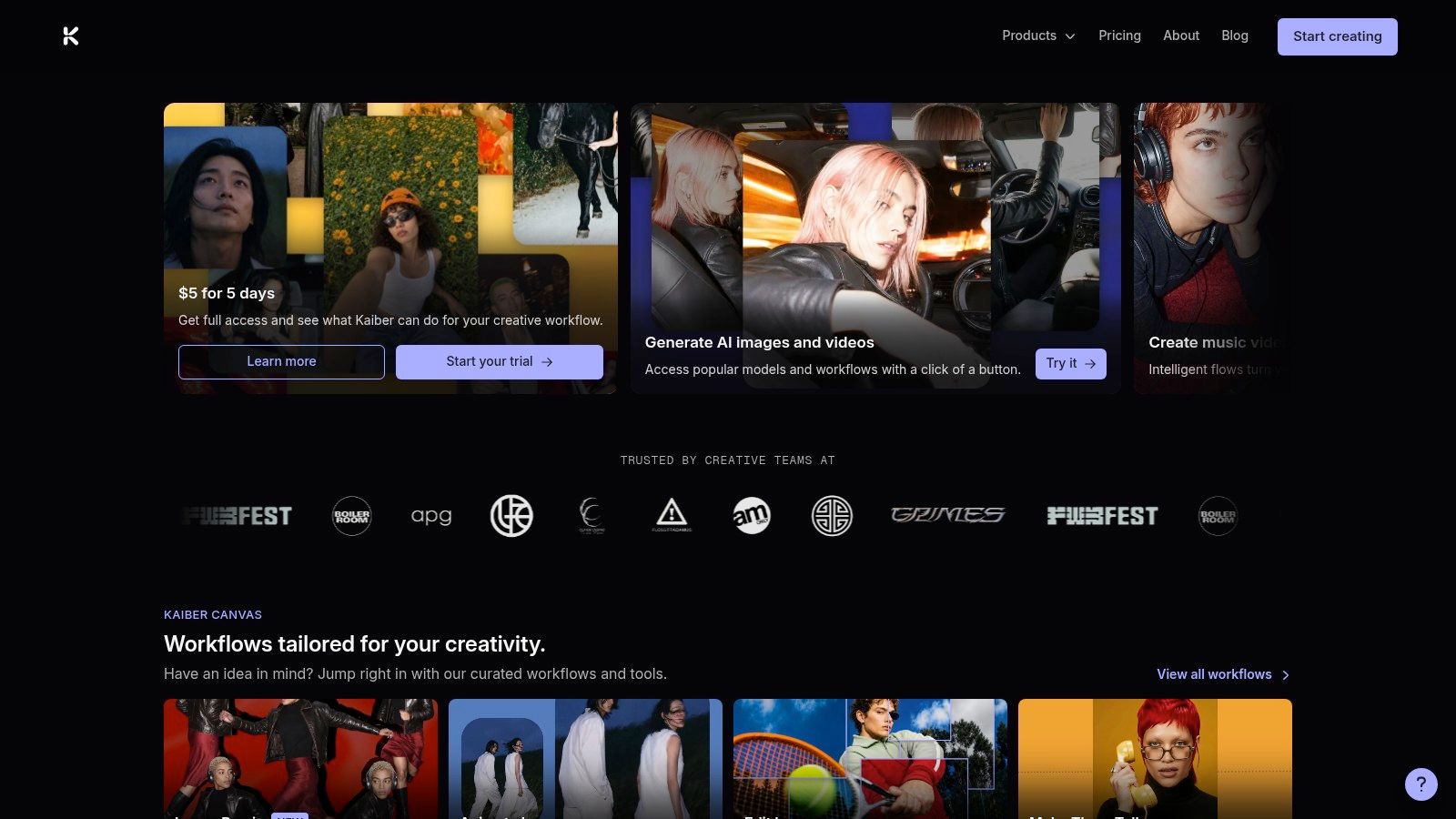
Kaiber is particularly well suited to musicians and visual artists who want stylized, music-led Shorts. Beat Sync can create beat-matched sequences, while Canvas supports text-to-video and image-to-video generation across different visual styles. An integrated editor keeps the generated material connected to the finishing process.
Its strongest workflow starts with music, artwork, or a defined visual identity. Instead of asking for a generic social video, you can build a sequence that responds to the track and maintains a coherent aesthetic across clips. Prompt-free options also reduce the learning curve for creators who care about rhythm and atmosphere more than technical prompt construction.
The trade-off is purpose. Kaiber isn't a podcast clipper, a transcript editor, or a general-purpose brand publishing system. If your short needs a spoken explanation, precise product claims, or a talking presenter, you may need another tool for the script, voice, captions, or final assembly.
Use Kaiber when style and synchronization lead the brief. Don't use it as a substitute for a repurposing workflow.
The fastest route to publication is to prepare the audio and visual references first, generate several short variations, then edit the strongest sequence around the song's structure. Review faces, logos, lyrics, and any recognizable likenesses before publishing, especially when the output will be used commercially.
Plan limits and pricing can change, so confirm the current subscription terms directly on Kaiber before you build a recurring production process around it.
Top 10 AI Short-Form Video Generators Comparison
| Product | Key strengths ✨ | UX / Quality ★ | Value / Pricing 💰 | Best for 👥 | Notable limits |
|---|---|---|---|---|---|
| Revid | All‑in‑one short‑form studio (multi‑input, avatars, timeline, API) ✨🏆 | ★★★★, polished editor, 70+ languages | 💰 Credit‑based; docs help plan sizing | 👥 Short‑form creators, agencies, publishers | Credit billing needs careful plan sizing |
| OpusClip | Auto highlight detection, vertical reframes, one‑click publish ✨🏆 | ★★★★, fast bulk clip generation | 💰 Subscription; high output per cost | 👥 Podcasters, YouTubers, coaches | Manual curation often required; quantity may outpace quality |
| Klap | Sentence‑level clip maker, virality scoring, batching API ✨ | ★★★★, creator‑centric, fast workflows | 💰 Team/API pricing for scale | 👥 Agencies, teams repurposing at scale | Focused on clipping (not text‑to‑video) |
| Vizard | Magic Clips, templates, scheduler & publish tools ✨ | ★★★★, made for interviews/webinars | 💰 Tiered plans + API/app options | 👥 Podcasters, webinar/interview creators | Primarily repurposing; not full text‑to‑video |
| Captions (Captions.ai) | Prompt/script→vertical video, AI actors, dubbing & translate ✨ | ★★★★, rapid mobile-first workflow | 💰 Credit/plan complexity; verify terms | 👥 UGC ads, talking‑head creators | Pricing/API details can be confusing |
| CapCut | TikTok‑native editor, templates, Seedance AI gen ✨ | ★★★★, mobile‑first, familiar UI | 💰 Generous free tier; region varies | 👥 TikTok/IG creators, casual editors | Credits/pricing and currency vary by region |
| VEED | Editor + AI generation + enterprise/team tools ✨ | ★★★★, balanced web editor & templates | 💰 Team/enterprise tiers; contact for limits | 👥 Brands, teams producing short‑form | Credit/minute limits need support checks |
| Descript | Text‑based editing, Create Clips, voice cloning, Studio Sound ✨ | ★★★★, doc‑style flow; clear tiers | 💰 Transparent plans (media hours & credits) | 👥 Podcasters, talking‑head creators | Heavy use may require higher tiers; learning curve |
| Runway | Gen models for original video, multiple quality/speed models ✨🏆 | ★★★★, cutting‑edge visuals, evolving models | 💰 Credits per generated second; clear examples | 👥 Creators needing original AI footage | Generated clips often need additional editing |
| Kaiber | Beat Sync, Canvas multi‑model styles, editor for music visuals ✨ | ★★★★, great for stylized, music‑sync outputs | 💰 Subscription; tiers change, confirm before buy | 👥 Musicians, visual artists, stylized creators | Plan limits and pricing evolve over time |
Picking an AI short-form video generator that fits your workflow
Start with the source you have, not the tool category you find most exciting. If you publish podcasts, webinars, interviews, or lessons, begin with a long recording and test OpusClip, Klap, or Vizard. If you already have a rough video and mainly need captions, pacing, resizing, and brand treatment, CapCut, VEED, or Descript will usually get you closer to publishable output with less wasted generation.
Original-footage generators solve a different problem. Runway and Kaiber are useful when the visual material doesn't exist yet, but their output normally needs a second pass for narrative structure, voice, captions, and platform formatting. Revid and Captions sit closer to the end-to-end workflow because they can move from an idea or script toward a more complete vertical video, although you'll still need human review.
Measure the workflow by time to a publishable clip, not time to the first render. A useful test includes:
- Input realism: Use one real podcast segment, product brief, or campaign idea.
- Review time: Record how long it takes to fix the hook, crop, captions, voice, and ending.
- Revision friction: Count how many steps are needed to produce a second version for another platform.
- Usage clarity: Check current credits, export rules, commercial-use terms, API access, and plan limits on the official site.
- Approval control: Confirm whether teammates can review editable projects, preserve source files, and manage brand assets.
The market context supports a cautious approach. One forecast estimates the global AI-video-generator market at approximately $4.10 billion in 2024, $5.39 billion in 2025, and $62.89 billion by 2034, while another analysis uses a substantially different category definition and projects a smaller market. Market Research Future's forecast explains why these figures shouldn't be treated as interchangeable benchmarks. The useful conclusion is qualitative, commercial investment and adoption are expanding, but the right tool still depends on your production bottleneck.
Adoption data points in the same direction. Reported use of generative AI for creating or modifying digital-video creative reached 62%, compared with 51% in 2025, and large advertisers reported higher adoption than small and midsize buyers. The IAB-related reporting also highlights dissatisfaction among small and midsize buyers, which is a reminder that access to a generator doesn't guarantee a useful workflow.
Rights and disclosure deserve equal attention. The U.S. Copyright Office's January 2025 guidance says AI output can receive copyright protection where a human determines sufficient expressive elements, while prompting alone isn't enough. Preserve your scripts, source footage, prompts, edit decisions, and revision history, and separate a platform's commercial-use promise from any assumption of exclusive ownership.
You should also assess whether realistic synthetic people, voices, or events require disclosure on the platforms where you publish. YouTube has been introducing disclosure requirements for realistic AI-generated or altered content, and expectations can differ between fictional visuals, impersonation, advertising, and factual claims. A polished generator with weak provenance controls can create more work after export than a slightly slower tool that keeps the project editable and reviewable.
Choose one tool, run it on real material, and compare the finished clip rather than the demo. Then verify the current terms and read the original product reviews before committing budget, especially if your workflow depends on credits, commercial rights, API access, or automated publishing.
Revid Reviews collects public reviews of Revid from Trustpilot, X, and Product Hunt, with links back to the original sources, and publishes buyer guides about credits, pricing, cancellation, comparisons, and short-form use cases. Visit Revid Reviews to verify feedback before choosing an AI short-form video workflow.