You've got one clean recording, and now you need a week's worth of Shorts, captions, a thumbnail test, and maybe a localized version or two before the topic goes stale. That's the core use case for AI tools for YouTube automation. No single app handles the whole pipeline well, so the right stack depends on whether your bottleneck is research, drafting, editing, repurposing, localization, or what happens after publish. This guide is built from a practitioner's point of view, and it's written by the Revid team at Revid Reviews, with strengths and limits called out side by side so you can verify claims before you spend.
Table of Contents
- 1. vidIQ
- 2. InVideo AI
- 3. Pictory
- 4. Revid
- 5. Descript
- 6. Wisecut
- 7. Kapwing
- 8. OpusClip
- 9. HeyGen
- 10. TubeBuddy
- Top 10 AI Tools for YouTube Automation: Feature Comparison
- Build your stack one stage at a time
1. vidIQ
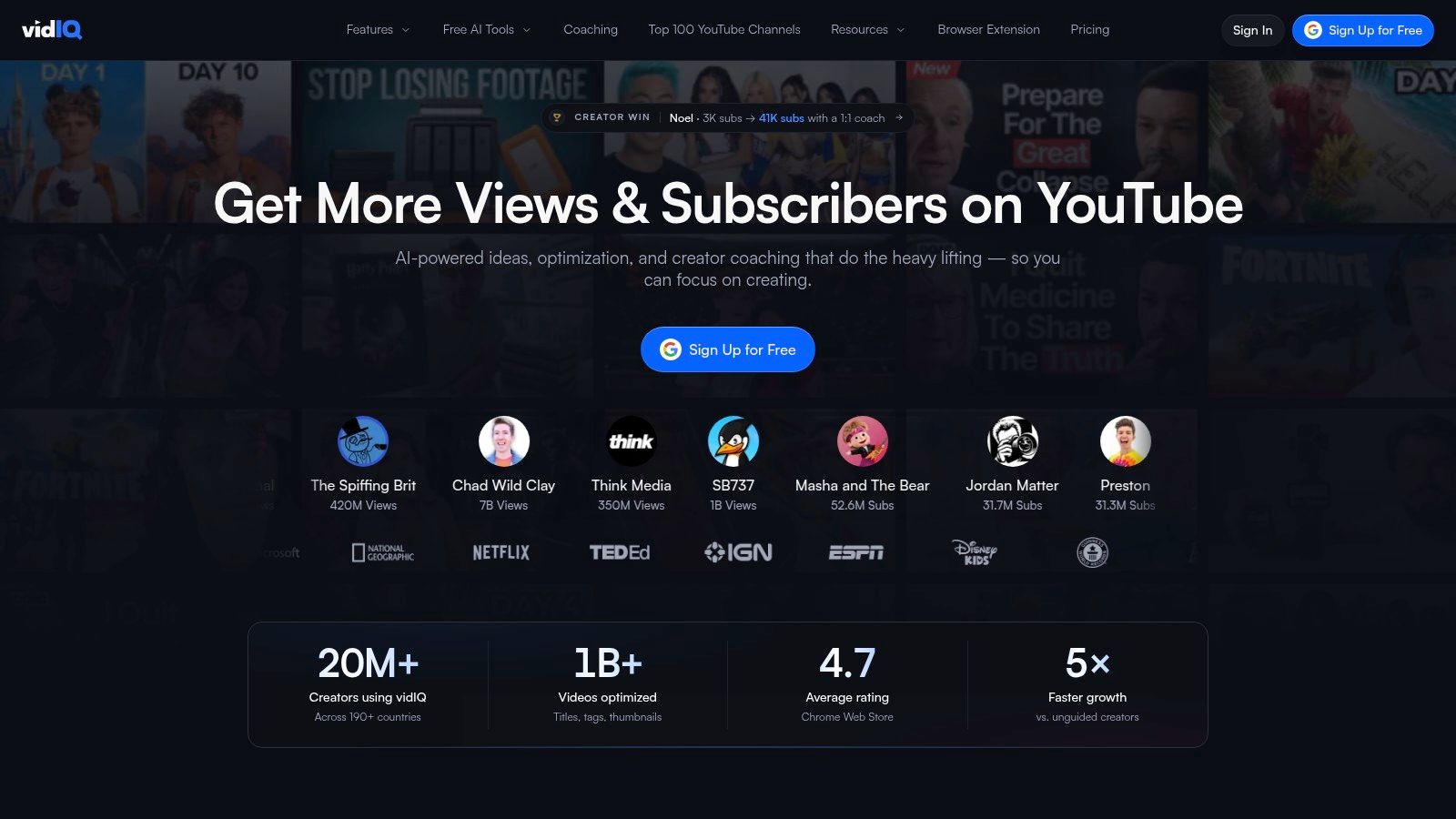
vidIQ is strongest when you need a research and optimization layer before you ever open an editor. Use it to pressure-test titles, ask strategy questions with the AI Coach, and pull keyword or trend signals that help decide which ideas are worth turning into scripts. The mobile app is useful when you're planning on the move, and the channel data connection through MCP is a practical fit for creators who already use AI assistants to query performance data.
Its main limitation is that it can't solve the whole production stack. A useful idea still needs a separate drafting, editing, or publishing workflow, and heavier daily use can run into AI credit limits depending on the plan. That matters for channels that try to generate many title variants, scripts, and coaching prompts in one sitting.
Practical rule: use vidIQ to decide what to make, not to finish the whole video.
For a YouTube automation workflow, that distinction matters. The survey data in the brief shows creators are already using AI across editing, asset creation, and brainstorming, but vidIQ is the piece that helps you choose the topic before the rest of the stack takes over. If you're comparing tools, start by checking the current plan structure, credit rules, and feature access on vidIQ's website, then read how the Revid team frames research workflows in its own blog coverage.
2. InVideo AI
InVideo AI is the fastest fit when you want a prompt-to-video first draft without stitching separate tools together. Feed it a concept, and it can assemble a script, visuals, voiceover, and music into a rough cut that you can then refine in the editor. That makes it practical for faceless explainers, list-style videos, and ad creatives where speed matters more than perfect cinematic control on the first pass.
The trade-off is that regeneration can consume credits quickly, especially if you keep changing the script or visual direction. That's the part many creators underestimate. A tool can be fast at producing a draft and still become expensive if you iterate too often without a clear script brief.
What works in real workflows
- Fast first cut: Good for turning an idea into a watchable draft when the goal is volume and speed.
- Multi-part assembly: Useful when you want the tool to handle script, stock or AI visuals, narration, and music in one flow.
- Refinement pass: Best when you treat the output as a base layer, then clean up pacing and scene choices manually.
If your channel depends on frequent experimentation, check the plan's credit behavior before you commit. InVideo's own help material is where you should verify how plans and credits are handled, and the main product page at InVideo AI is the place to confirm what's included before you build a workflow around it.
3. Pictory
Pictory is a strong repurposing tool when your raw material already exists. It can turn scripts, articles, documents, slides, and long videos into edited video with captions and voiceovers, which makes it a good fit for faceless channels and voiceover-first production. If you already have a webinar, a transcript, or a written post, Pictory can get you from source material to a YouTube-ready format without rebuilding everything from scratch.
The limitation is less about capability and more about quota clarity. Its plan structure involves credits and video-minute allowances, and those can be confusing if you don't map them to your actual publishing rhythm. A creator who publishes occasional explainers has very different needs from a team repurposing long recordings into Shorts every week.
The best repurposing tools are the ones you can budget against in minutes, not just in monthly price tags.
Pictory works best when you already know which source assets you'll recycle. It's less useful if you're still trying to decide what the channel format should be. Before subscribing, check how team sharing, quotas, and export handoffs work on Pictory's site, and compare that with the operational guidance in its help center so you don't discover quota friction after the first batch of uploads.
4. Revid
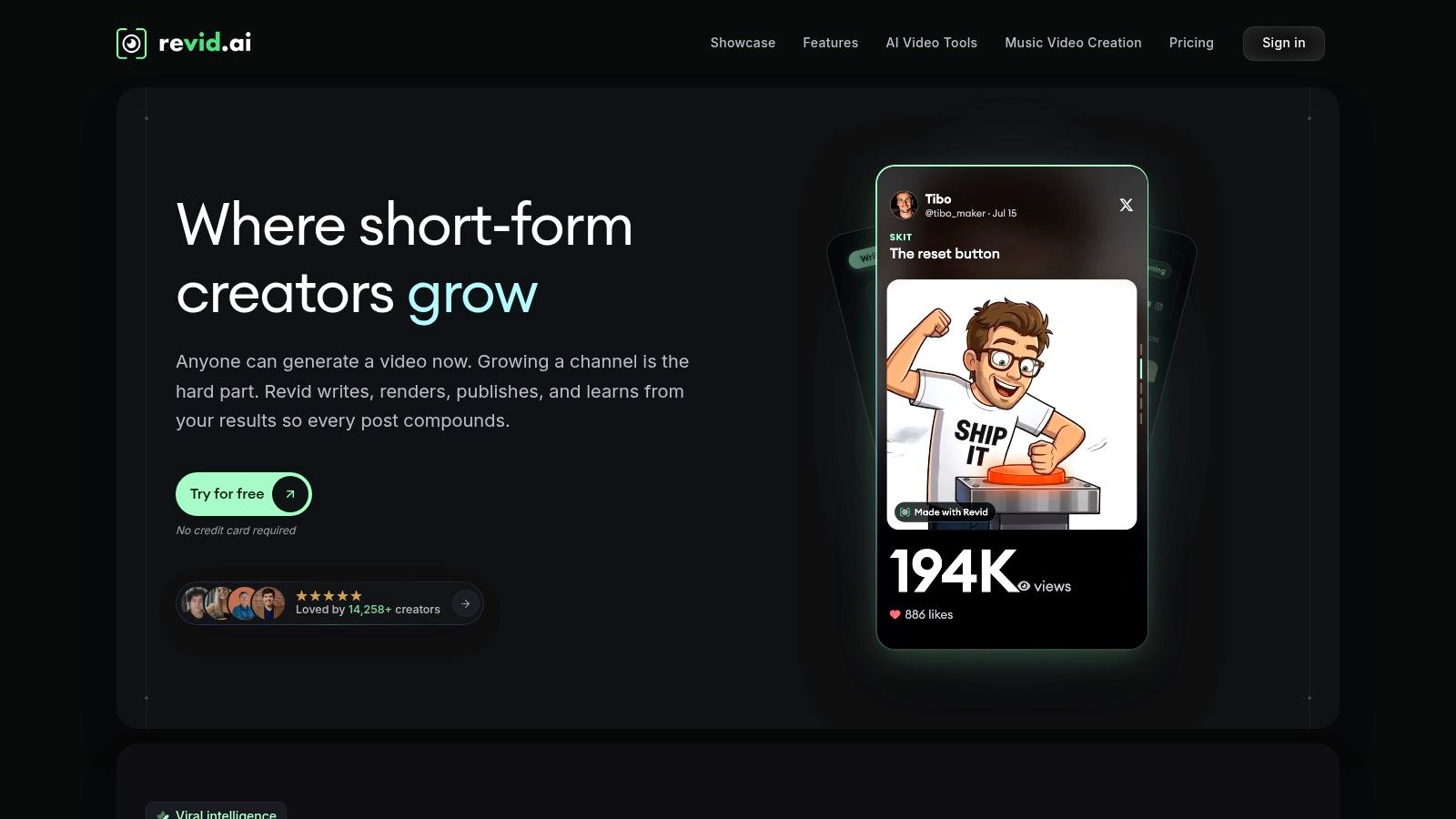
Revid fits the creator who wants a single production path from idea to published short-form video. It can turn scripts, prompts, URLs, audio, or music into captioned videos with visuals, voiceover, and music, and it also supports direct publishing plus API and CLI workflows. For faceless channels and automated Shorts pipelines, that combination matters because it reduces handoffs between scripting, editing, captioning, and publishing.
The main limitation is the same one you'll see in many credit-based tools. Repeated generations can burn through balances faster than expected, especially when you test a lot of variations. The other trade-off is control, because short-form automation is where it's strongest, while longer cinematic precision still feels like the area to watch most closely.
Where Revid earns its keep
- All-in-one flow: Useful when you want to generate the video, not just the script or the edit.
- Automation hooks: The REST API, CLI, and MCP server make it more practical for batch work than tools that stop at the browser.
- Multilingual output: The support for more than 70 languages is relevant when you're planning localized versions of the same core idea.
- Publishing handoff: Direct Shorts publishing helps reduce the number of manual steps before upload.
Revid also matters in this guide because the site is run by the Revid team, and the public review hub links back to original reviews rather than hiding behind summaries. If you want to check how the workflow is framed, the product site at Revid is the first place to verify capabilities, and Revid Reviews' product roundup helps you see how those claims are presented alongside public feedback.
5. Descript

Descript is the editor you pick when the transcript is the source of truth. It lets you edit video by changing the text, which is especially useful for interview-heavy channels, podcast-to-YouTube workflows, and long-form narration where fixing the script is faster than scrubbing a timeline. The voice tools, audio cleanup, captions, and multi-track editing make it useful for creators who still want a serious editing layer after AI has handled the first pass.
Its limitation is that AI and credit limits can bite heavy text-to-speech users. If your channel relies on a lot of narration generation or frequent revisions, check the plan minutes and credit allowances carefully before you build a workflow around it. Descript is often better as the editing center than as the only tool in the chain.
Best use case and main gap
The best use case is simple. Record once, cut by transcript, clean the audio, and export a version that's ready for upload or for another repurposing tool. The gap is that transcript-first editing doesn't remove the need for judgment on pacing, emphasis, and factual accuracy.
Transcript editing saves time only if the underlying script is already close to final.
If you're evaluating it for a channel that publishes often, look closely at the minute allowances and voice features on Descript's website. If you also want to see how public feedback is collected and linked, the Revid team's Trustpilot review page is the relevant place to verify what users report before you commit to a paid plan.
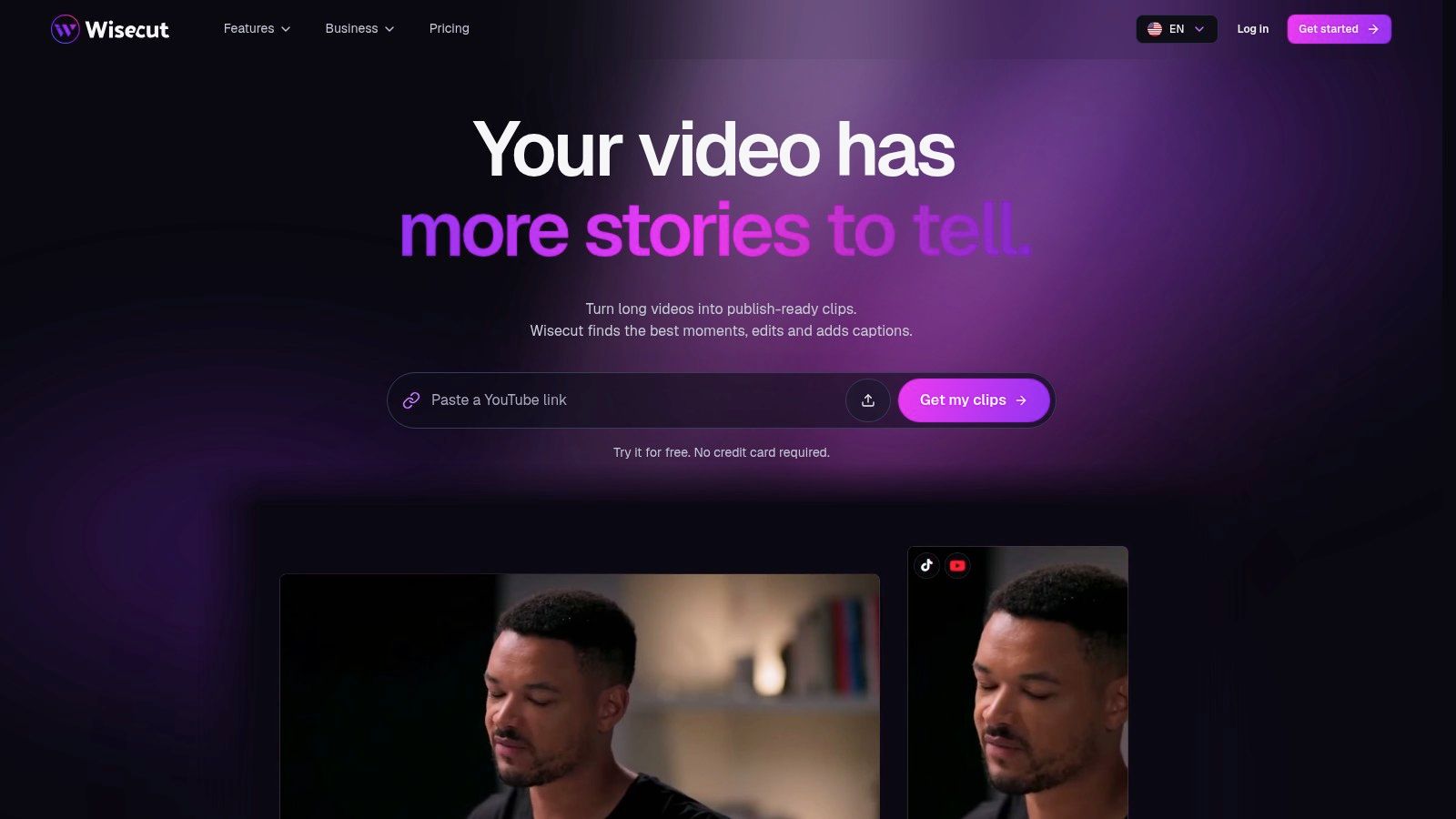
6. Wisecut
Wisecut is built for the boring parts of editing that slow creators down. It can cut silence, create jump cuts or punch-ins, add captions, reframe footage to vertical, and duck music, which is why it works well for long videos that need to become Shorts or cleaner talking-head edits. It also supports scheduling and publishing, so it can sit closer to a lightweight automation layer than a pure editor.
The limitation is that it doesn't fully remove the need for a human polish pass. Automated cuts can miss nuance, and rhythm still matters when a video depends on personality or timing. The credit-based paid plans also mean you should map usage against your publishing cadence before you scale.
A practical way to use it
- Long-form cleanup: Strip silence and tighten pacing before you export.
- Shorts extraction: Pull vertical clips from a longer session without manually rebuilding every clip.
- Publishing handoff: Use scheduling if you want fewer tools in the stack.
Wisecut is a workflow reducer, not a substitute for editorial judgment. That makes it useful for creators who already know what they want the channel voice to sound like. Check the current plan and credit usage on Wisecut's site before you make it the center of a recurring editing pipeline.
7. Kapwing
Kapwing is a browser-based option that works well when speed and collaboration matter more than local software power. Its AI features can subtitle and translate videos, remove silence and filler, and help repurpose long videos into Shorts with captions and overlays. Because it runs in the browser, it's easier to move between devices and easier for teams that need a shared workspace without a heavy install process.
The trade-off is predictable. The free plan adds a watermark, and export limits are tighter than paid plans. That means Kapwing is better for testing workflows, training collaborators, and producing quick social cuts than for creators who need unrestricted export volume.
Where Kapwing fits best
It fits best as a middle layer between raw footage and platform-specific output. If you already have a source recording, Kapwing can clean it up, subtitle it, and turn it into something that's ready to test on Shorts or across social channels. The collaboration angle is the main reason teams keep it in the mix.
For current export limits, translation features, and team capabilities, review Kapwing's product page before assuming the free tier will cover your whole repurposing workflow. If your main goal is browser-first editing with team handoffs, that's where Kapwing usually earns a place in the stack.
8. OpusClip
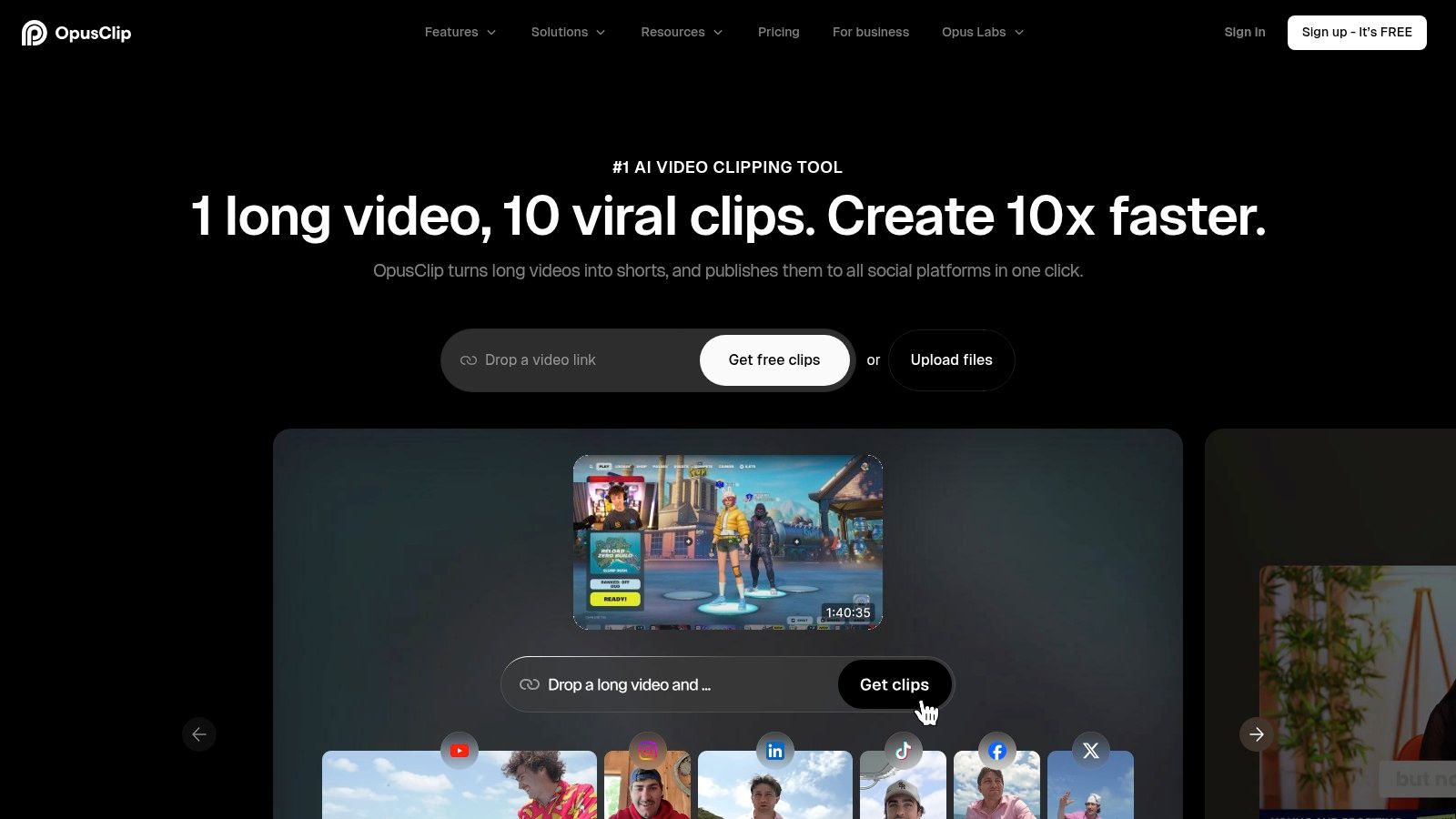
OpusClip is one of the most direct answers to the question, “How do I turn one long video into multiple short clips?” It detects highlights in long-form video, then turns them into Shorts-style edits with captions and layouts. That makes it useful for podcasts, webinars, streams, and older YouTube videos that still have usable moments buried in them.
Its limitation is clip quality. The output depends heavily on the source material, and manual adjustment is still common when the highlight detection misses context or picks an awkward cut. That's normal for repurposing tools, but it means the tool works best when you start with strong source footage.
Don't treat highlight detection as final editing. Treat it as a fast first pass.
OpusClip also supports auto-posting and scheduling, which helps if your goal is not just clip creation but actual distribution. The Pro trial gives you a practical way to test processing minutes before you commit, and the relevant product page at OpusClip is where you should check current handoff and publishing behavior. If you want a second opinion built around public reviews, the Revid team's Product Hunt collection is the place to compare how users describe the workflow in practice.
9. HeyGen
HeyGen belongs in the localization and presenter layer. It can create avatar videos from scripts, support voice cloning, and sync translated speech with lip movements, which makes it useful for multilingual explainers, tutorials, intros, and update videos. If your channel needs a consistent on-camera presence without filming every update yourself, that's the niche where HeyGen makes sense.
The downside is that its credit-based system can make planning awkward. Video, avatar, and asset usage all roll into a system that may change by region or user group, so it's not the kind of tool you buy casually without checking how many creations you get. The other limitation is that avatar delivery can look polished, but it still needs a strong script to feel credible.
Good fit, poor fit
- Good fit: localization, training content, product explainers, and repeatable update videos.
- Poor fit: channels that need fully authentic live-action personality or highly expressive original footage.
- Watch closely: how many translations or avatar iterations your plan includes.
If multilingual reuse is part of your workflow, HeyGen can save time after the core video already exists. Verify the current plan and free-tier limits on HeyGen's website before you build your channel process around avatar output.
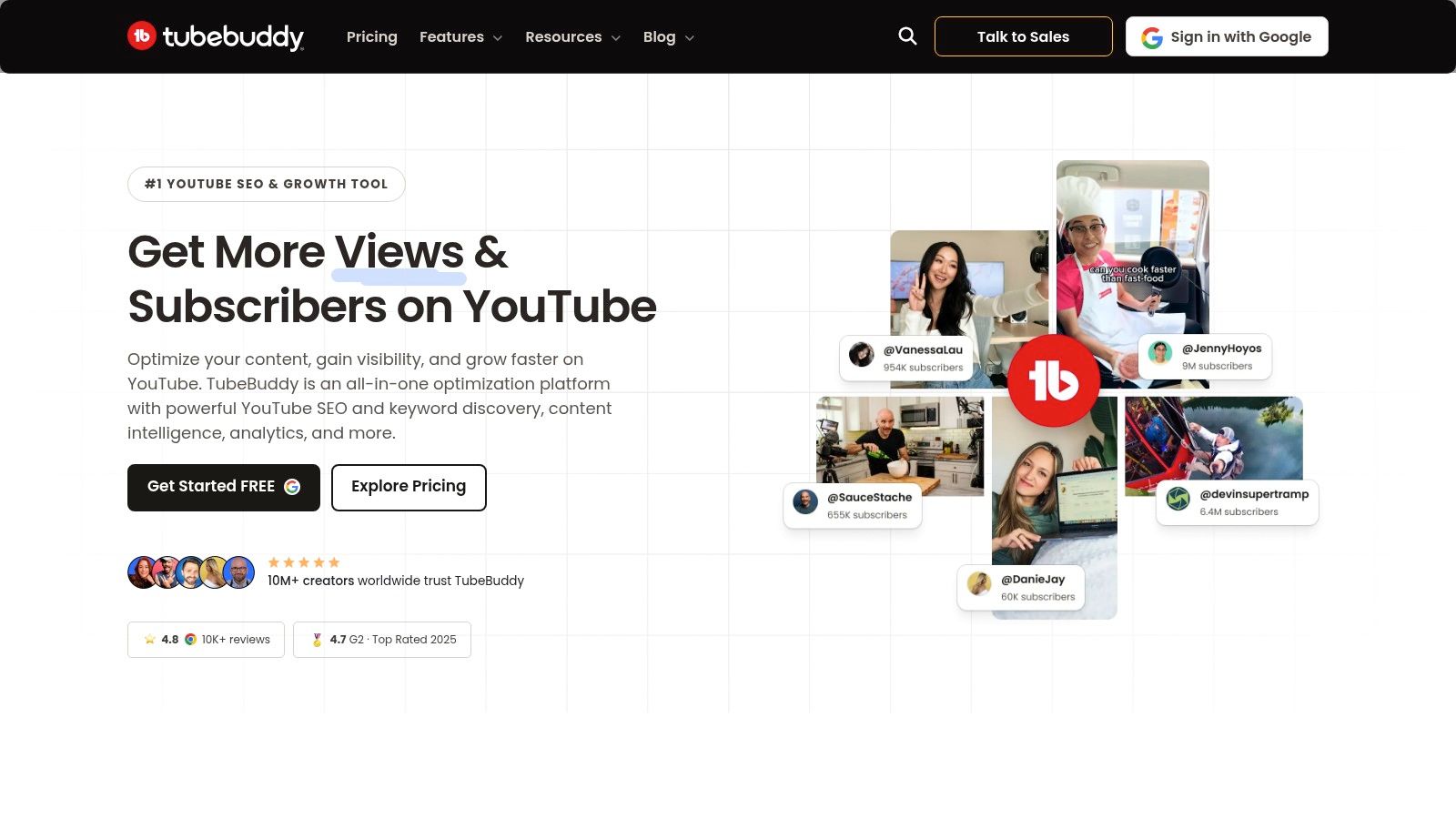
10. TubeBuddy
TubeBuddy is the post-publish optimization tool in this list. Its AI helpers can suggest titles and keywords, its SEO scoring helps with channel optimization, and its A/B testing is the part many creators use when they want to improve click-through performance after a video goes live. Because it runs as a browser extension, it fits directly into the YouTube workflow instead of sitting off to the side.
The catch is simple. A/B tests only run on public or live videos, not on scheduled or private uploads, and advanced features depend on the plan. That means TubeBuddy is not a drafting tool. It's the layer you use once your video is already in the market and you want evidence instead of guesses.
Where it changes the workflow
TubeBuddy changes the workflow by making testing part of publishing, not an extra task after the fact. That matters for channels where titles, thumbnails, and metadata are the biggest levers left once the content is done. The free plan gives access to basic tools, but the greatest value appears when you can test live variations and read the result inside the same workflow.
Check TubeBuddy's website for the current plan details and testing limits before you assume the free tier will cover your optimization needs. For creators who are serious about iteration, this is the tool in the list most clearly tied to post-publish decisions.
Top 10 AI Tools for YouTube Automation: Feature Comparison
| Tool | Best for 👥 | Core capabilities | Standout value | Considerations |
|---|---|---|---|---|
| vidIQ | YouTube creators focused on growth | AI ideas, titles, scripts, keyword and trend research | ★ Channel insights and SEO tools; mobile access | AI credits and features vary by plan |
| InVideo AI | Creators making faceless videos and ads | Turns prompts into editable videos with visuals, voiceover, and music | ✨ Fast first drafts for long- and short-form content | 💰 Regenerations use credits |
| Pictory | Faceless and voiceover-first creators | Converts scripts, articles, and long videos into captioned videos | ★ Useful for repurposing and bulk captioning | 💰 Check plan quotas, credits, and video-minute limits |
| Revid | Short-form creators and automated publishing workflows | Creates captioned videos from prompts, links, scripts, audio, or music; supports publishing | 🏆 70+ languages, plus API, CLI, and MCP automation | 💰 Repeated generations can use credits quickly; long-form controls are evolving |
| Descript | Podcasters and narration-led video creators | Text-based editing, transcription, voice tools, and audio cleanup | ✨ Edit recordings by editing the transcript | Check plan limits for minutes and AI credits |
| Wisecut | Creators editing long videos and making Shorts | Removes silences, adds captions, reframes video, and extracts clips | ★ Automates editing and supports scheduling | Manual polish may help; paid plans use credits |
| Kapwing | Teams and creators editing in a browser | Subtitles, translation, silence removal, and video repurposing | ✨ Collaborative editing with no installation | Free plan includes a watermark and lower export limits |
| OpusClip | Creators repurposing podcasts, streams, and webinars | Finds highlights and turns long videos into captioned clips | ★ Streamlines Shorts creation and publishing | Clip quality varies; manual adjustments may be needed |
| HeyGen | Teams making avatar explainers and multilingual videos | Script-to-avatar video, voice cloning, and lip-sync translation | ✨ Avatar videos and localized versions | 💰 Credit-based usage; pricing can vary |
| TubeBuddy | YouTubers optimizing titles, thumbnails, and metadata | SEO scoring, keyword tools, and A/B testing | 🏆 Tests packaging to help improve click-through rates | Advanced features depend on plan; tests require live public videos |
Build your stack one stage at a time
The wrong way to buy AI tools for YouTube automation is to look for one app that promises to do everything. The right way is to identify the stage that slows you down most, then test one tool against a real video instead of a fictional workflow. If research is the bottleneck, start with vidIQ or TubeBuddy. If drafting is the bottleneck, test InVideo AI or Revid. If repurposing is the bottleneck, look at Pictory, Wisecut, Kapwing, or OpusClip. If localization is the bottleneck, HeyGen is the clearest fit in this list.
The data in the brief points to a broader reality. Creators are already using AI across multiple tools and stages, not just one app, and YouTube still evaluates videos through audience response, not through how automated the production happened to be. That means the tool choice matters less than the workflow discipline around it. AI can save time on scripting, visuals, voice, editing, and repurposing, but it doesn't remove the need for original judgment, clean metadata, and a final manual review before publish.
Before you scale anything, check plan limits, credits, minutes, and export rules. The most common failure mode isn't bad software, it's assuming the cheapest tier will support a full production system. That's why it helps to verify pricing and claims on each vendor's site and, where available, compare them with the original reviews linked by the Revid team. Revid Reviews exists to collect those public review links in one place, so you can see both the promise and the friction before you subscribe.
If you're building a faceless or semi-automated channel, keep one rule in place. Let AI accelerate the repetitive steps, but keep a human in the loop for facts, voice, and final approval. That's the difference between a workflow that saves time and one that starts creating cleanup work later.
If you're comparing tools for a real YouTube workflow, use Revid Reviews to check original public reviews, pricing questions, and what users say about credits, cancellations, and output quality. It's a practical starting point if you want to match the right AI stack to your channel before you pay for another subscription.