Your skincare brand needs twelve hook variations by Friday. The existing customer videos don't cover the new offer, and another round of outreach, filming, and approvals won't fit the deadline. You need fresh creative without turning a synthetic presenter into a fake customer.
An AI UGC ad generator can fill that production gap. You provide a product page or script, choose a presenter or visual treatment, and generate creator-style ads. The useful difference between tools isn't how many avatars they advertise. It's how easily you can change the opening, preserve the body, swap the actor, and export a usable variation.
There's a reason to test the format, but not to assume it wins. In AppsFlyer's analysis, non-gaming social ads containing UGC achieved 22% higher installs per thousand impressions than comparable non-UGC ads, while gaming ads without UGC performed 20% better on average, according to its creative optimization report. Those findings concern UGC, not proof that synthetic presenters outperform real creators.
The tools below are judged on the testing workflow they support, not claimed campaign results. Revid Reviews is run by the Revid team, and Revid's inclusion should be weighed with that direct business interest in mind.
Table of Contents
- 1. Creatify
- 2. Arcads
- 3. Tagshop AI
- 4. MakeUGC
- 5. Captions
- 6. Zeely
- 7. Revid
- 8. JoggAI
- How the leading AI UGC ad generators differ at a glance
- Matching an AI UGC ad generator to your testing cadence
1. Creatify
Creatify suits ecommerce marketers whose starting point is a product page rather than a finished creative brief. Its URL-to-video workflow drafts scripts, introduces AI actors and templates, and assembles short-form ads with relatively little manual setup.
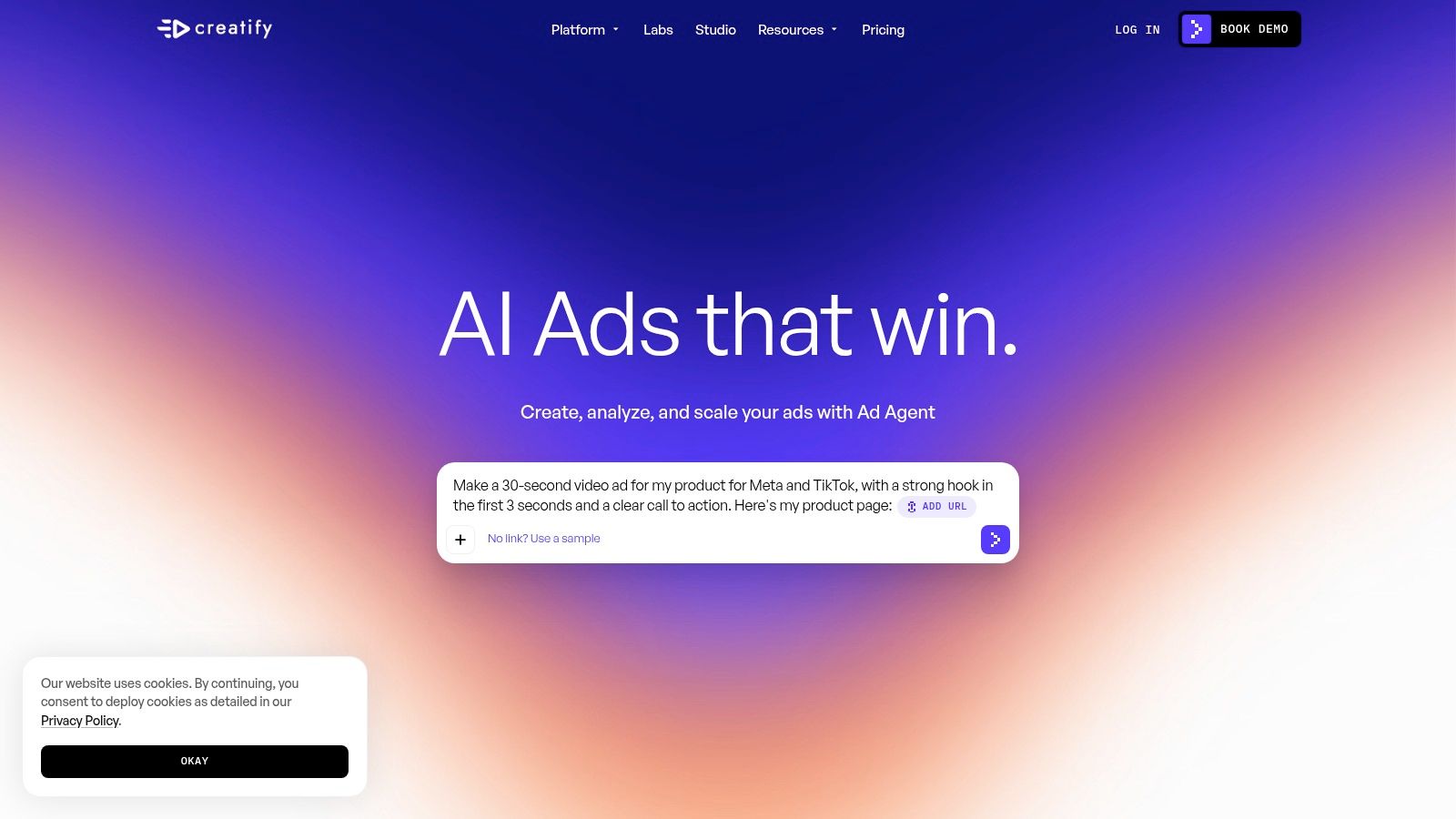
The practical advantage is getting from product information to editable concepts. A seller can use the same listing to explore a problem-led opening, a product demonstration, and an objection-handling script. Batch generation helps once those concepts are approved, but it shouldn't replace deciding what each variation is meant to test.
Best when product information is already clean
Treat the imported product page as source material, not approved ad copy. Check ingredients, compatibility, offer conditions, and product images before generating a batch. If the page contains vague benefits or unsupported claims, automated scripting can carry those weaknesses straight into the ads.
- Useful workflow: Approve the product facts and body script, then vary hooks while keeping the offer consistent.
- Main trade-off: Automated assembly reduces setup, but scripts and product-page interpretations still need human review.
- Credit check: Usage varies with model, duration, and resolution. The limited free tier is better for evaluating the workflow than planning ongoing production.
Creatify also includes image-ad creation and access to multiple AI models. That breadth helps when a concept needs both video and static treatments, although comparing models adds another production decision.
I'd shortlist it for a store with good product assets and a recurring need for new concepts. It's less compelling when every ad requires tightly directed presenter delivery. When evaluating user feedback, distinguish comments about easy generation from evidence of usable exports, including in the original posts collected on our Product Hunt reviews page.
2. Arcads
If the creative idea depends on someone delivering a line convincingly, Arcads is a more focused candidate. Its workflow centers on AI actors speaking scripts to camera, with choices around actor characteristics, setting, voice, language, and emotion.
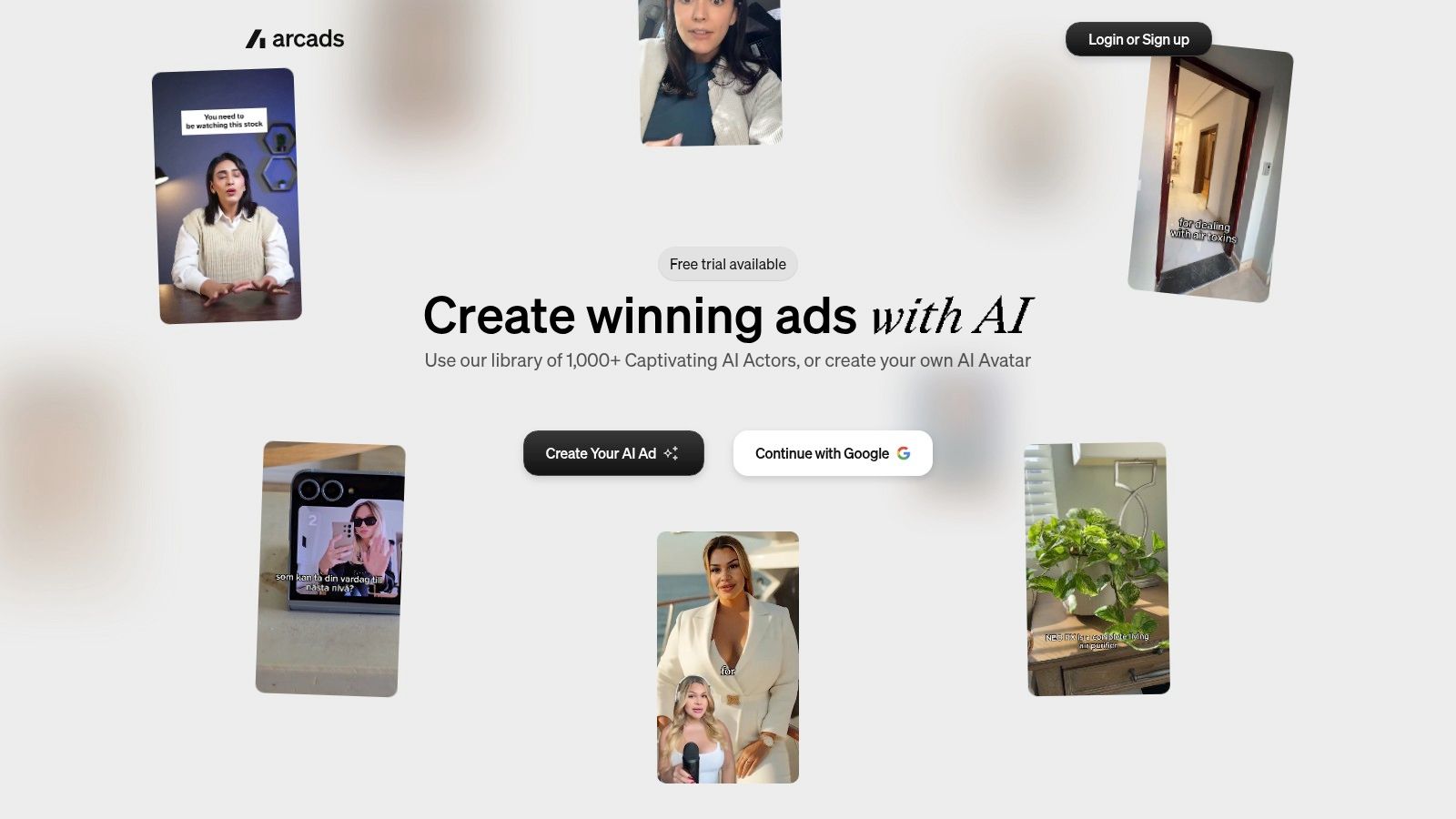
That makes it useful for presenter and delivery tests. Keep the script fixed and compare a calm explanation with an energetic recommendation. Alternatively, keep the presenter fixed while changing the opening, so you don't confuse an actor preference with a stronger message.
A presenter can explain a product without pretending to have bought it. Write the script around demonstrable benefits, not an invented personal history.
Separate delivery quality from customer credibility
Arcads supports product-in-hand and app-on-screen scenes, plus caption styles and ad variations. These options make a presenter-led concept more useful than a talking head alone, but inspect whether the product interaction supports the script. A convincing face won't fix an inaccurate screen or awkward product placement.
The limitation is authenticity, not just realism. A synthetic actor can deliver an approved explanation, but that doesn't make the video a genuine customer testimonial. Don't write personal results or purchase experiences for an actor who didn't have them.
Trying different actors and repeated generations can also consume credits quickly. Arcads' help documentation says failed generations are refunded in credits, but that's different from refunding a technically successful video you don't like.
I'd consider Arcads when presenter performance is the central variable. Before committing, establish the credit allowance and renewal terms rather than inferring value from a polished demo. Our Trustpilot review collection is specifically about Revid, not independent evidence of Arcads' quality, a distinction worth preserving when comparing review sources.
3. Tagshop AI
An agency adapting creative for different placements faces a different problem from a founder making a talking-head ad. Tagshop AI combines URL-to-video creation, AI avatars, templates, script generation, and asset creation, making it a candidate for teams that need several kinds of output from the same product brief.
Its product-presenting options include avatars holding or wearing products. Multiple aspect ratios and language options can support placement and localization work, provided the underlying product representation remains accurate.
Test the adaptation, not just the first render
Start with an approved concept, then examine how it survives a format change. Does the product stay visible? Do captions cover the demonstration? Does the new crop make the presenter's gesture confusing?
Those questions matter more than whether the tool can technically export another shape.
- Best fit: Small businesses and agencies combining avatar ads, product imagery, and placement adaptations.
- Useful control: Keep the message consistent while changing framing, language, or product presentation.
- Main limitation: A broad set of options adds decisions that a simple talking-head workflow may not need.
Tagshop AI lists watermark-free exports on paid plans. Check the credit rules behind advertised output allowances, especially if your workflow involves regenerating scenes or adapting the same concept repeatedly. The vendor also says generation can take several minutes, so include review and revision time when planning a deadline.
Voice cloning deserves a separate approval step. Use a voice you have permission to reproduce, and have a fluent reviewer assess localized scripts rather than approving them solely because the audio sounds natural.
I'd shortlist Tagshop AI when format coverage and product presentation are recurring requirements. If all you need is a presenter reading approved copy, the additional asset-generation choices may create more work than they remove.
4. MakeUGC
MakeUGC is worth considering when creative production follows a regular testing cadence. Its combination of AI actors, templates, remixing, product-in-hand scenes, batch tools, and parallel-generation options is relevant to teams producing related ads repeatedly.

The useful question isn't whether it has batch mode. It's whether you can prepare a controlled batch, identify each output, and review it without losing track of what changed. Parallel rendering only helps if approval and export keep pace.
Build the testing structure before batching
For a product-in-hand campaign, approve the product appearance before expanding the scripts. Then separate hook tests from actor tests and scene tests. Otherwise, a winning ad leaves you guessing whether viewers preferred the opening, the presenter, or the demonstration.
Production rule: Batch approved ideas, not unresolved creative decisions. Generating more combinations won't make a confused test easier to interpret.
MakeUGC's pricing information lists credit allowances and output limits, with actor access and parallel jobs varying by plan. It also lists API and MCP access, which may matter for teams connecting generation to a structured production process. Those capabilities are less valuable if someone still has to manually rebuild every brief.
The trade-off is that model and setting choices affect both credit use and output quality. Compare the plan you'd buy, and distinguish annual-discount pricing from month-to-month billing before calculating production economics.
I'd shortlist MakeUGC for a team with approved scripts, consistent naming conventions, and a recurring review session. Occasional users may not benefit from its batch-oriented options. Our buyer-guide blog covers related AI-video purchasing questions, but vendor documentation should remain the reference for current MakeUGC allowances.
5. Captions
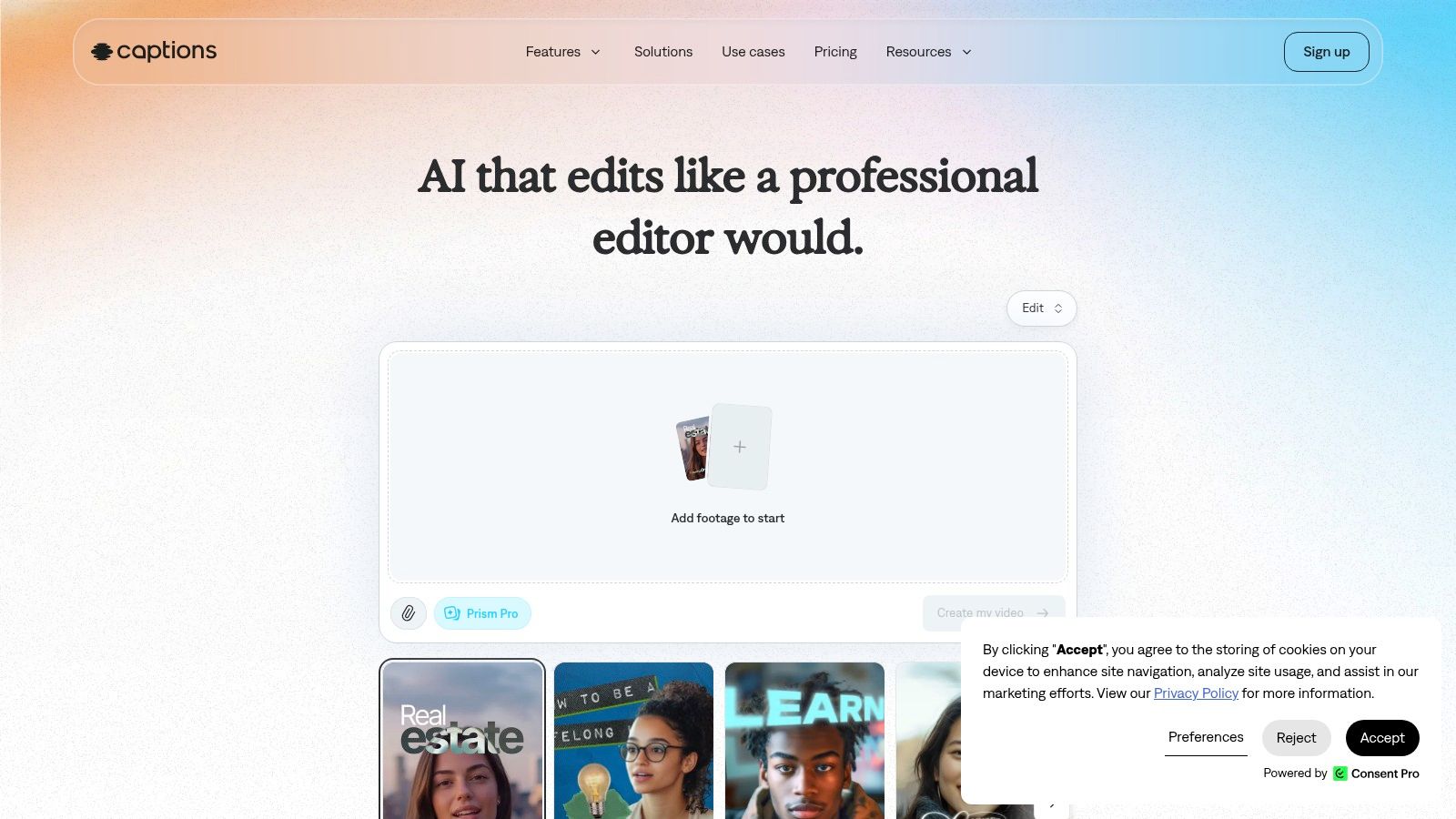
Generating the presenter isn't always the slow part. Sometimes the delay comes afterward, when someone has to fix captions, tighten pacing, replace the opening, and prepare the export. Captions is relevant when those editing tasks belong in the same workflow as ad generation.
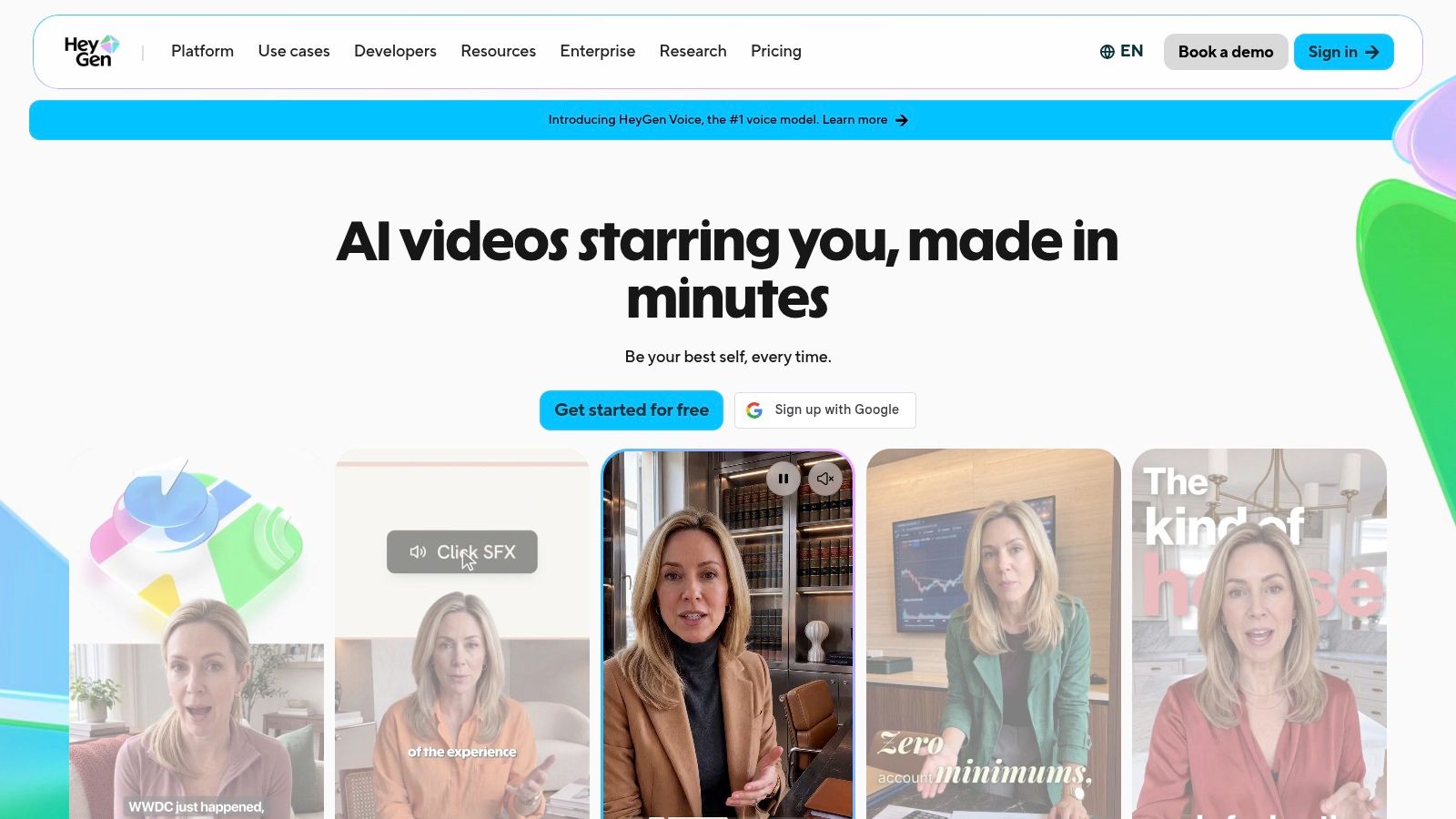
Its dedicated ad product, Ad Studio, is powered by Mirage and includes AI-generated actors and scenes. The broader Captions app also provides editing and caption styling, but inexpensive individual app plans shouldn't be confused with Ad Studio access.
Judge the revision loop
A useful evaluation starts after the initial generation. Change the hook while preserving the body, revise the call to action, adjust caption styling, and see how much work you repeat. That reveals whether the combined workflow reduces handoffs.
- Strong fit: Teams that need generated concepts and hands-on short-form editing.
- Useful test: Compare different hooks against the same body and closing offer.
- Buying caution: Confirm access to the dedicated ad product rather than assuming a general Captions subscription includes it.
The script, style, and voice controls provide room to direct the result, but they don't remove the need for an approved brief. If you simultaneously change delivery, pacing, captions, and copy, you're testing a new execution rather than isolating a hook.
Captions is less attractive for a business that only needs occasional ads and already has a satisfactory editor. Its business-focused offering may be more workflow than that business needs.
I'd favor it when finishing work is the bottleneck. Evaluate a complete revision cycle, including the final export, rather than choosing it solely because the first generated scene looks polished.
6. Zeely
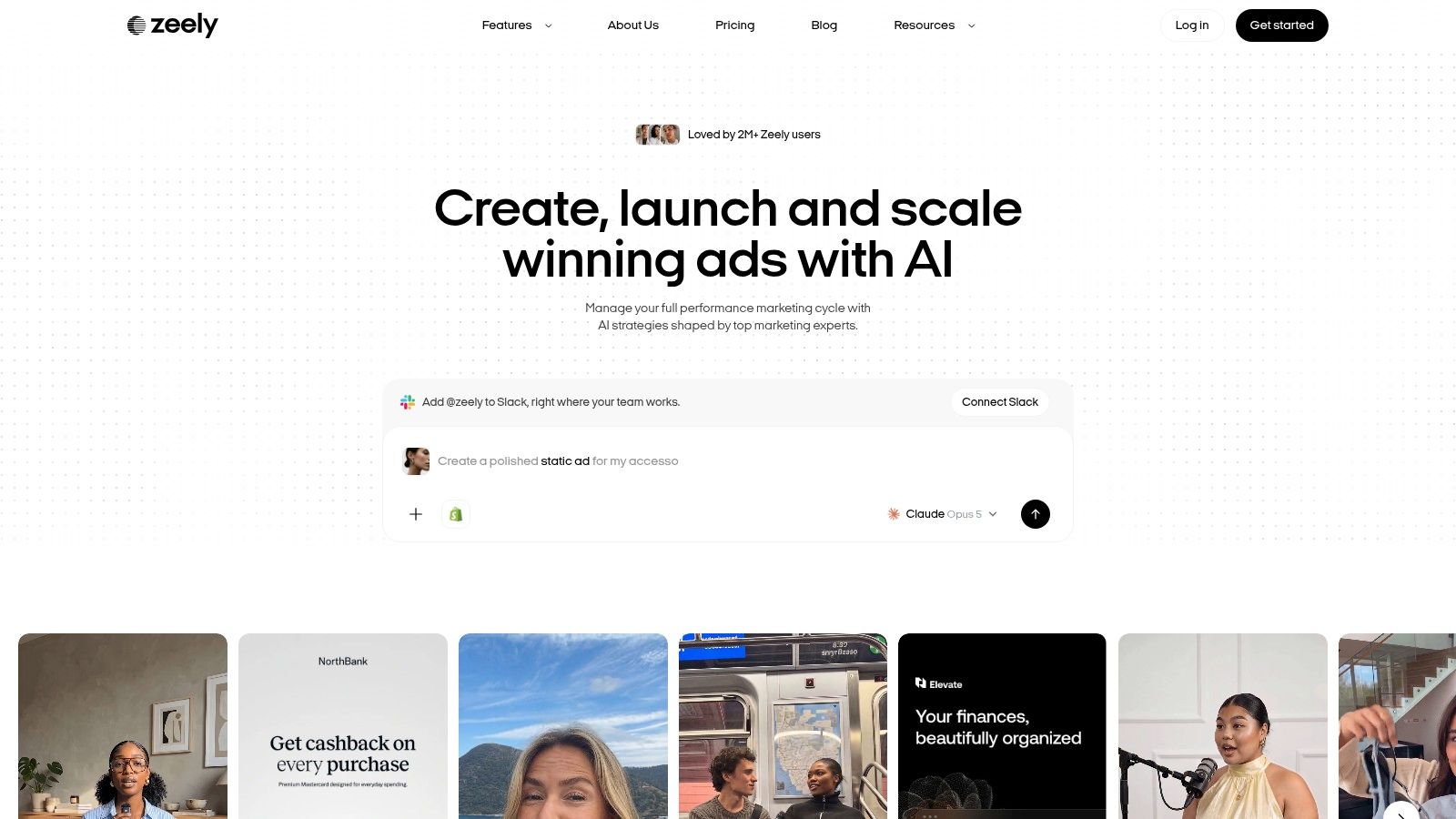
Zeely combines UGC-style video creation with static creatives and campaign-oriented tools. That makes it a candidate for a small business owner who wants to move from product information to marketing assets without managing separate tools for every step.
Users can work with generated hooks, scripts, avatars, and product-informed drafts. The ability to revise an opening or ad body without necessarily rebuilding the whole ad is especially relevant when the underlying offer is already approved.
Convenience comes with scope decisions
For a small retailer, a sensible workflow is to approve the product facts, generate alternative openings, and retain the same demonstration and offer. Static versions can then test the same message without assuming video is always the right treatment.
Zeely's broader campaign and social-publishing features may reduce administrative work. They may also be unnecessary if you already manage campaigns elsewhere and only need creative exports.
- Best fit: Owners who want creative generation alongside marketing-oriented tools.
- Main trade-off: An integrated workflow can be convenient, but it may duplicate tools already in use.
- Subscription caution: Trial plans are paid and may renew into a more expensive subscription unless canceled or changed.
Credit costs vary by model, duration, and script length. Before starting a trial, record what you intend to generate and check whether the allowance covers revisions as well as initial drafts. Read the renewal terms before checkout, not after deciding the output isn't suitable.
I'd consider Zeely when the main problem is running a manageable marketing process, not directing a large creative-testing operation. If you need detailed control over actor comparisons or a complex approval process, evaluate those requirements explicitly rather than assuming the campaign features cover them.
7. Revid
Revid Reviews is operated by the Revid team. We have a direct commercial interest in Revid, so treat this description as an affiliated assessment and verify suitability against your own brief.
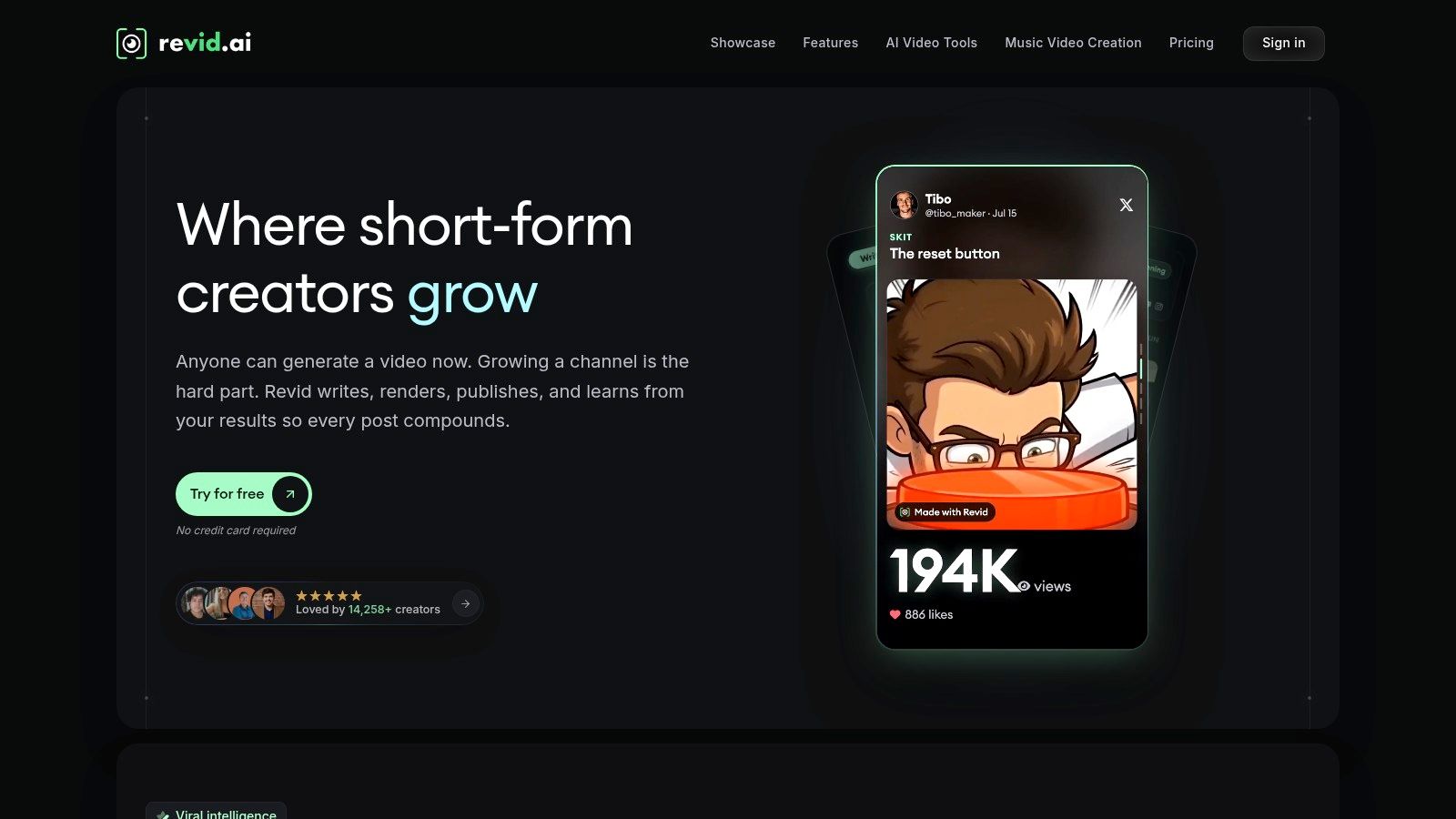
Revid is a broad short-form video platform rather than an exclusively paid-ad tool. It can generate a script, visuals, and voice from a prompt, with workflows spanning UGC-style ads, faceless content, music videos, social videos, and avatars.
Best for mixed organic and paid production
That breadth suits a creator or small business producing ads alongside regular channel content. You can use an approved product idea as the basis for a presenter-led ad and a separate educational video, while keeping their objectives distinct.
Its UGC-style workflows include AI-generated actors and voices. Revid also provides editing, captions, multilingual voiceovers, and publishing tools, while paid plans list API, MCP, and CLI access. Free signup credits provide a way to evaluate the production process.
- Useful fit: Teams that need both ad creatives and organic short-form videos.
- Testing priority: Check how easily you can preserve an approved body while changing the hook or presenter.
- Main limitation: A broad video platform may provide a less focused testing workflow than a specialist ad generator.
Credit use varies by tool and media type, so a successful simple video doesn't establish the cost of a more involved ad. Evaluate the exact combination of presenter, scenes, voice, and editing you intend to use.
I'd shortlist Revid when mixed content production is the primary requirement. For a dedicated paid-media operation, compare its revision and export process directly with a specialist rather than treating versatility as an automatic advantage. Neither our affiliation nor public praise establishes that it will improve your campaign economics.
8. JoggAI
Some products need to be shown more than explained. A bag's compartments, a garment's shape, or a device's controls may matter more than a presenter's opening line. JoggAI combines product photo and video tools with product avatars and broader AI video generation.
That makes it relevant to sellers who need product-led creative alongside talking-head ads. The evaluation should begin with whether the generated product looks correct, not whether the overall scene is attractive.
Approve the product before the performance
Use clear reference assets and inspect labels, proportions, colors, and interactions. A convincing presenter doesn't make an altered product image acceptable, particularly when the ad demonstrates a feature buyers expect to receive.
A product demonstration should clarify what you sell. If generation changes the product, reject the scene rather than explaining the discrepancy in the caption.
JoggAI's model selection offers flexibility for different creative treatments. It also makes production costs harder to compare, because changing the model can change the credit requirement and the result. Custom avatars and voice cloning are listed on certain tiers, so confirm those capabilities are included before designing a workflow around them.
The listed Creator plan grants annual credits upfront. Check how that allowance works, and confirm access to the specific product-ad feature you need rather than assuming every tool is included. Credits are shared across platform and API/MCP use according to its pricing information.
I'd shortlist JoggAI for a seller whose testing plan includes product imagery, demonstrations, and presenter-led explanations. It's less compelling if the only requirement is a straightforward script read. More models create more options, but they also require someone to approve which treatments represent the product faithfully.
How the leading AI UGC ad generators differ at a glance
| Item | Core workflow | Free option | Best for | Main caveat |
|---|---|---|---|---|
| Creatify | Turns product pages into short-form ads with AI actors and variations | Limited-credit free tier for evaluation | Ecommerce marketers testing paid-social concepts | Credits vary; scripts and product interpretations need review |
| Arcads | Creates presenter-style videos with AI actors delivering scripts | Not specified | Testimonial- or recommendation-style ads | Actor and generation testing can use credits quickly |
| Tagshop AI | Combines URL-to-video, avatar ads, templates, and asset generation | Not specified | Small businesses and agencies making ads for multiple placements | Credit allowances and generation times may limit output |
| MakeUGC | Produces UGC-style videos with actors, templates, and batch tools | Not specified | Teams with a regular creative-testing cadence | Credits, actor access, and parallel jobs vary by plan |
| Captions | Combines AI ad generation with video editing, captions, and variants | Lower-cost plans for the broader app; Ad Studio is separate | Teams creating and editing multiple ad concepts | Ad Studio may be costly for solo creators or small businesses |
| Zeely | Generates video and static ads from product details, hooks, and scripts | Paid trial plans; no free trial specified | Small businesses seeking integrated marketing tools | Trials may renew at higher prices; review renewal terms |
| Revid | Creates short-form videos, including UGC-style ads and organic content | Free signup credits for testing | Creators and businesses making both ads and social posts | Broad focus may mean a less specialized ad-testing workflow |
| JoggAI | Combines product photo and video tools, product avatars, and AI video generation | Not specified | Sellers needing product-led and presenter-style creative | Confirm the required product-ad feature is in the selected plan |
Matching an AI UGC ad generator to your testing cadence
Start with a product and a hook format, then compare competing tools on the same brief before committing. Supply identical product assets, approved claims, body copy, and offer conditions. Ask each tool to produce a usable ad and then revise it, because the revision is where workflow differences become clear.
Choose according to the bottleneck. Creatify is relevant when product-page assembly takes too much work; Arcads when presenter delivery is central; Tagshop AI when placement adaptations matter. MakeUGC suits recurring batch production, Captions combines generation with finishing, Zeely adds marketing-oriented tools, Revid supports mixed organic and paid content, and JoggAI extends into product-led assets.
Measure finished ads, not generations
Calculate cost per finished, usable ad by including subscription spending, consumed credits, rejected renders, and editing time. Keep labor and software costs visible separately, so a low generation cost doesn't hide a slow approval process. An export only counts as usable when the claims, visuals, audio, captions, and placement framing pass review.
- Before subscribing: Check free access, paid-trial terms, renewal conditions, credit rules, and feature availability.
- During evaluation: Record what changed, why a render failed review, and which revisions required regeneration.
- Before scaling: Confirm you can identify each creative by concept, hook, presenter, and format in campaign reporting.
Test synthetic creative against human-shot or hybrid alternatives using consistent audiences, offers, placements, and conversion events. Evaluate conversion rate and acquisition cost alongside viewing behavior, refunds, and negative comments. A cheap ad that attracts the wrong buyers isn't an economic improvement.
Make transparency part of approval
In the Ipsos AI Monitor 2025, 79% of people agreed that companies should disclose when AI is used. Treat disclosure as part of creative design, not an unreadable addition after approval.
For a synthetic presenter, use clear wording such as AI-generated presenter, positioned legibly near the introduction, alongside any applicable platform labels. For a simulated demonstration, describe it as dramatized and ensure it doesn't imply evidence you don't have. AI-assisted script editing is a different case from inventing a customer or cloning a voice, so review the actual use and current requirements.
Finally, verify claims against original reviews and current vendor pricing pages. Vendors have a commercial interest in their descriptions, and so do we. The right AI UGC ad generator is the one that supports your repeatable testing process without weakening product accuracy or viewer trust.
Revid Reviews collects public Revid reviews from Trustpilot, X, and Product Hunt, with links to the originals, and publishes buyer guides covering credits, costs, limitations, and comparisons. Visit Revid Reviews to check those accounts and purchasing details before deciding whether Revid fits your ad-production workflow.