Choosing an AI Shorts maker by how you start is the fastest way to avoid buying the wrong workflow. Most tools promise the same thing, paste something in and get a vertical clip back, but that hides the fundamental split between long-video repurposing, script-to-video generation, and blank-timeline editing. The best ai youtube shorts maker for you depends on whether you're pulling highlights from a webinar, turning a script into a faceless Short, or polishing a clip you already trust.
That matters more now because Shorts have become a serious distribution channel. YouTube launched Shorts tools in September 2020 and said the average number of daily first-time Shorts creators more than doubled between September 2020 and September 2021, while Shorts later averaged more than 200 billion daily views, according to YouTube's own reporting in its Shorts update post. The scale is huge, but the workflow still has to match the source material, because a clipper, a generator, and a design editor solve different problems. YouTube also changed how public Shorts views are counted on March 31, 2025, so current headline views aren't directly comparable with older numbers, and that's another reason to judge tools by output quality, not vanity totals.
For mobile-first viewing, the pressure is even clearer. A 2025 survey of more than 1,000 U.S. adults found that 73% watched short-form video multiple times per day and 81% primarily viewed it in vertical smartphone format, with YouTube Shorts named the most-used platform by 56% of respondents. That's why the tools below are organized by starting point, not by feature checklist. If your first step is a long recording, start in the long-video section. If it's a script or prompt, start there. If you're starting from an empty timeline, go straight to the design-first options.
Table of Contents
- 1. Opus Clip
- 2. Klap
- 3. Submagic
- 4. Quso, formerly Vidyo.ai
- 5. Vizard AI
- 6. CapCut
- 7. VEED
- 8. Pictory
- 9. InVideo AI
- 10. Revid Reviews Homepage
- Top 10 AI YouTube Shorts Makers, Feature Comparison
- Pick one workflow and test it on a real upload
1. Opus Clip
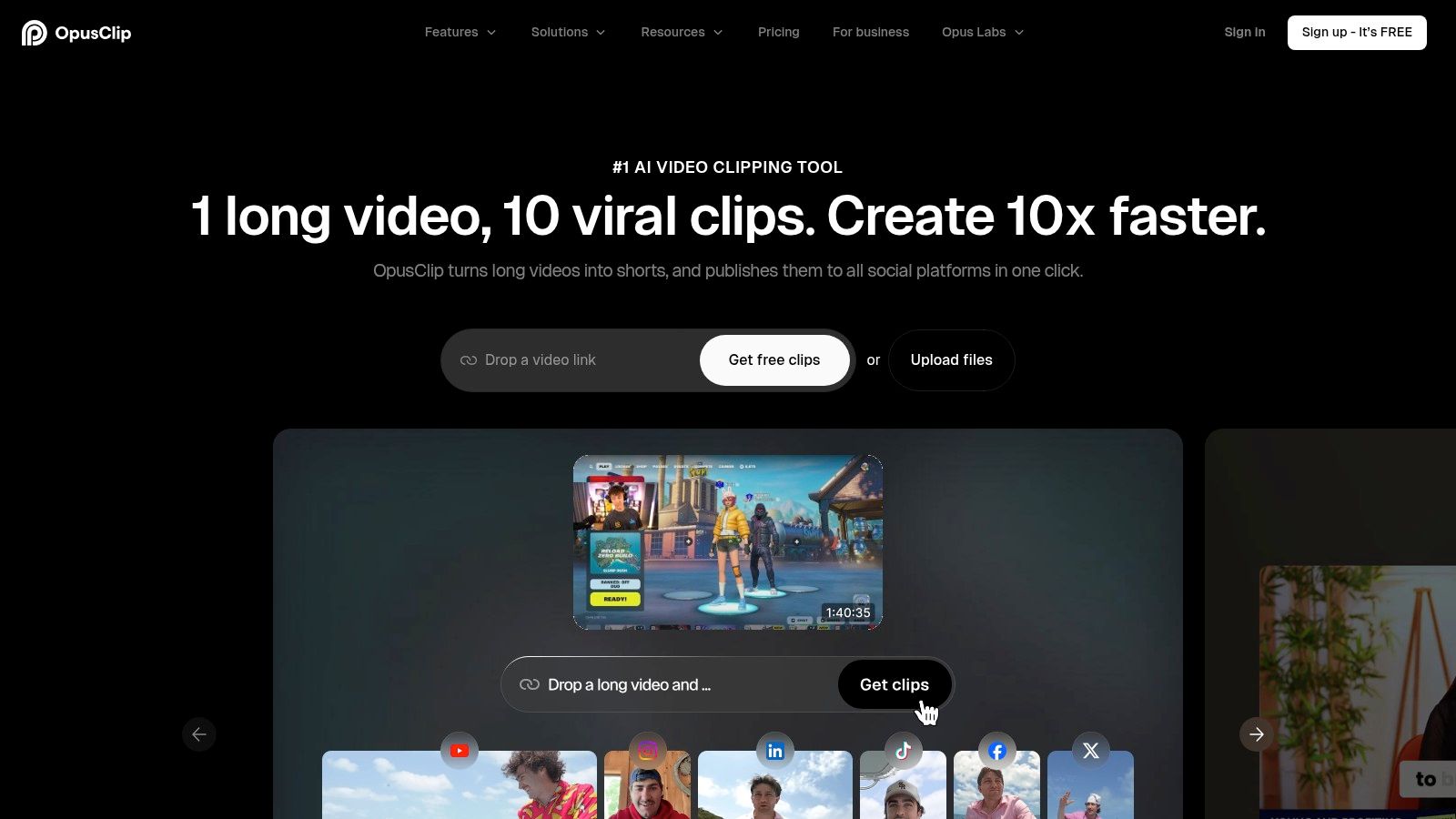
Opus Clip is a strong fit when you already have long video and want the machine to find the likely winners fast. The workflow is simple enough that teams can use it for recurring clips, but it still needs human review because AI-selected highlights can miss context or trim a sentence too aggressively. The product's own Virality Score is useful as a sorting signal, not a promise, which is the right way to treat any prediction layer.
Its practical value is in speed. You can reframe to 9:16, get animated captions, and move from source video to publishable draft with very little tool-hopping. Opus Clip also supports direct publishing and scheduling to major platforms, which helps when the bottleneck is distribution, not editing.
A few trade-offs show up quickly in real use. Credit or minute metering can get expensive if you process lots of long videos, and the “best moments” still deserve a manual pass before you post. If you run interviews or podcasts, use the score to prioritize, then open the transcript and confirm the clip still makes sense without the surrounding conversation.
Practical rule: if a clip only works because the full episode explained the setup, it isn't ready for Shorts yet.
For an accountability check on public product feedback, I'd cross-reference claims with the Revid Reviews Trustpilot feed. The official site is still Opus Clip, and that's where you should verify current pricing and export limits before committing.
2. Klap
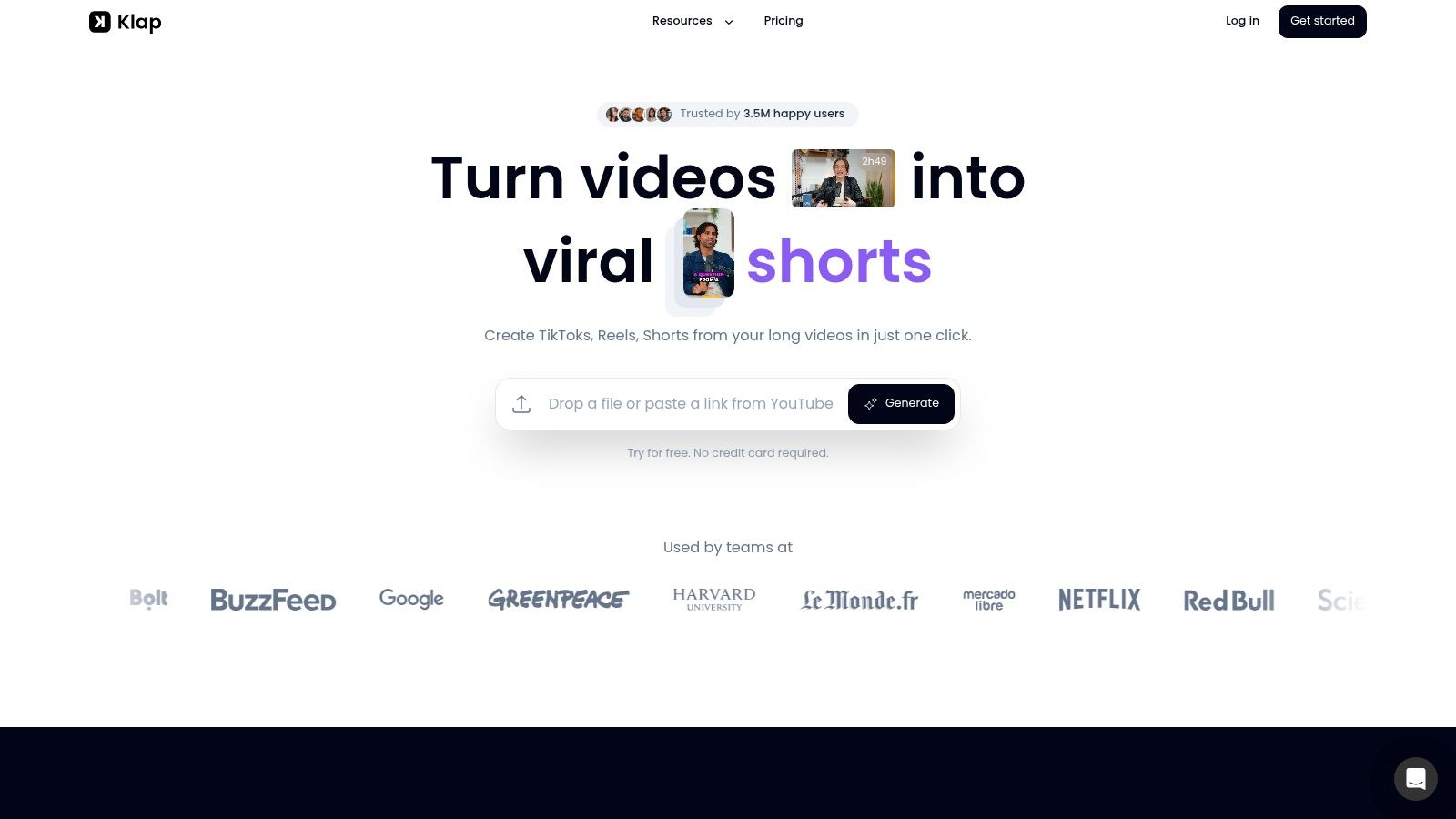
Klap is what you reach for when you want a focused long-video-to-Shorts tool instead of a broader social suite. Paste a YouTube link or upload a file, and it can find highlight moments, reframe them vertically, caption them, and push them toward publication. For creators who already know they want repurposing, not full editing, that narrowness is a strength.
The developer-friendly angle is real too. Klap offers an API and chat-assistant style triggers, so teams can plug clipping into a repeatable pipeline instead of using it as a one-off web app. That makes it more interesting for agencies, podcasters, and operators who batch content on a schedule.
The downside is the same one that makes it efficient. It's less granular than a full editor, so complex timing fixes or cut decisions still need attention. Some link and import flows also have restrictions, especially in chat-based automation, so test the exact content source you rely on most before you standardize the tool.
9:16 setup check
Keep the final frame strictly vertical, not a cropped wide export. Validate that faces, subtitles, and any CTA stay inside the central safe region, because that is where Shorts are most legible on a phone. The official product site is Klap, and for user-reported friction, the Revid Reviews Product Hunt feed is a good verification source.
3. Submagic
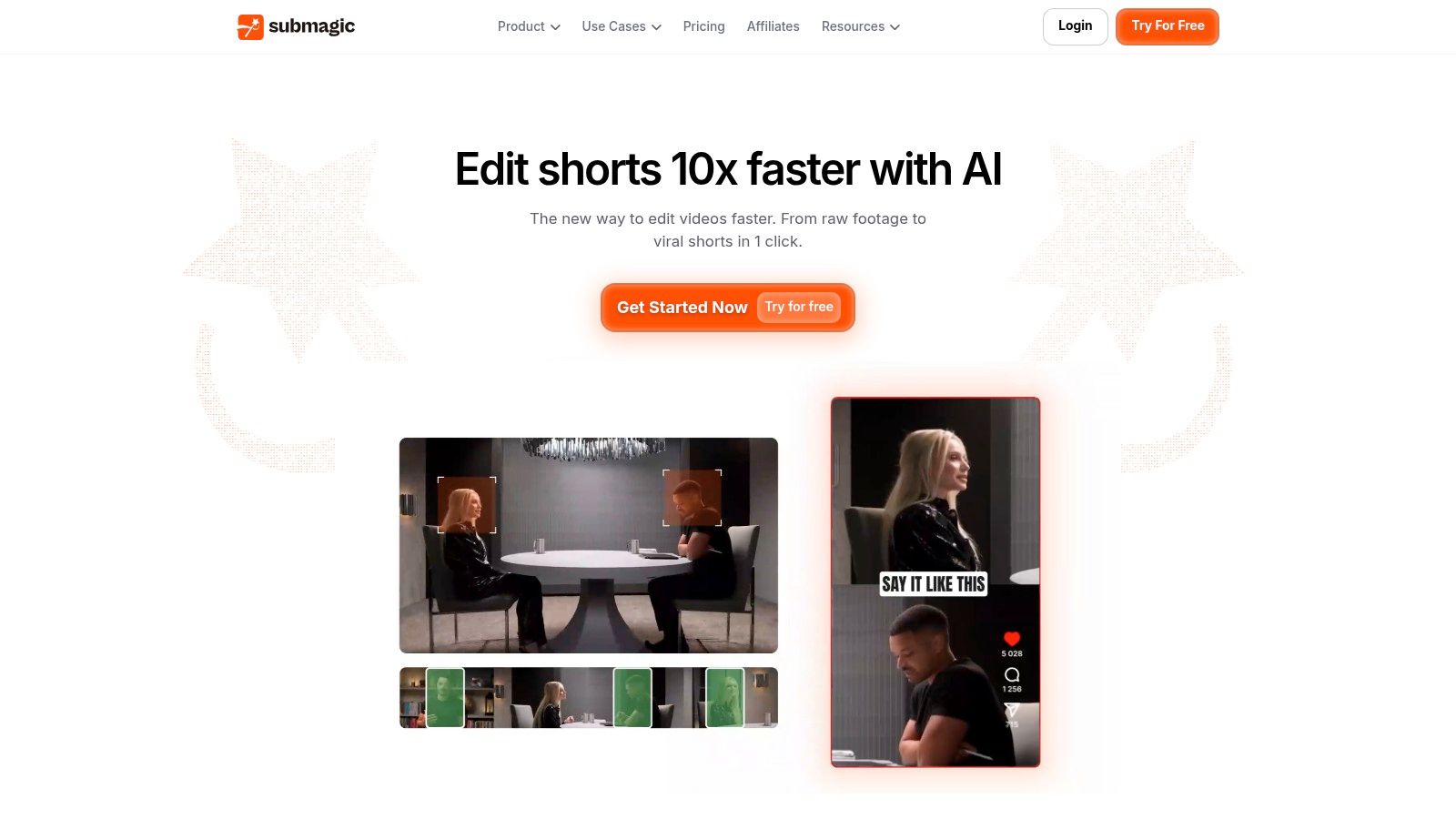
Submagic makes sense when the Short is already there, or when you want the captions to do most of the retention work. Its word-level animated styles are built for talking-head clips, and they're the kind of visual treatment that can make a plain edit feel intentional without turning it into a motion-graphics project. The tool also does auto-zooms, punch-ins, and silence removal, which helps when you're cleaning up a direct-to-camera take.
The main catch is the boundary between caption polish and long-video extraction. Submagic's Magic Clips add-on handles long-to-short extraction, but that layer has its own limits and pricing logic. If you only read the base plan, you can end up expecting clipping features that sit behind the add-on instead.
This is the tool I'd use when the message is strong and the edit just needs sharper delivery. It's not a full nonlinear editor, so if you're rebuilding a timeline from scratch or managing complicated overlays, another tool will feel less cramped. But if your work is mostly thought leadership, commentary, or one-speaker Shorts, the caption presets save real time.
H3 caption-first workflow
Start with the hook line, then make sure the first caption block is visually loud enough to hold attention without making the frame busy. After that, use punch-ins sparingly, because over-editing can make a Short feel jittery rather than polished. The official site is Submagic, and the best way to verify how current users describe the tool is to compare it with the broader review discussions on Revid Reviews.
4. Quso, formerly Vidyo.ai
Quso fits the cases where one tool has to handle both clipping and planning. It can start from a long video, or from an idea, script, or bullet points, so it sits in a different lane from pure clippers. That matters if your Shorts workflow changes from one project to the next instead of following a single input format.
People coming from Vidyo.ai will care about the move to Quso, and the credit system makes capacity planning easier because it roughly maps to minutes. That helps when you are budgeting a month of repurposing work and need to know whether a batch of episodes fits your allowance. It also includes scheduling, analytics, and storage for recurring series, so the channel setup stays organized.
The trade-off is breadth. Quso covers a lot, and that can be too much if you only need one clip from one file. The free tier is useful for testing, but it will not show you much about how the paid workflow behaves under production pressure, so run a few real uploads before you decide the fit.
If the tool handles both content ideation and repurposing, test both paths. A good clipper can still be awkward as a script-to-Short workflow.
The official site is Quso, and a few real uploads on the paid tier will tell you more than any feature page.
5. Vizard AI
Vizard is built for teams that work with interviews, podcasts, and other multi-speaker material. The speaker-aware framing is the point here, because a lot of Shorts failures come from a face drifting off-frame or a cut landing on the wrong half of a sentence. Vizard's brand templates and collaborative workflow help when multiple people touch the same series.
The product also sits nicely between automation and manual control. You can let it generate clips and then tighten the edit in the browser, which is helpful when the source has a few strong sections but you still need to shape the final piece. That makes it appealing for agencies and marketers who need consistent output, not just the fastest possible draft.
The trade-off is that pricing can be less transparent than you'd like, because the amount is dynamic on the public pricing page. That means you should verify the current plan total inside your own checkout flow rather than trusting a cached summary. It's also less of a pure “find the best moment” machine than some dedicated clippers, so the editor's role matters more.
Export and team-fit check
Check whether your team can keep the same branding across multiple Shorts without rebuilding layouts every time. If the answer is yes, Vizard starts to look like a workflow tool instead of a one-off clipper. The official site is Vizard, and the product's public behavior is best compared against verified buyer feedback before you buy in.
6. CapCut
CapCut is the most familiar option for creators who still want to steer the final edit themselves. It has AI-assisted Shorts flows, but it also behaves like a real editor, which is why so many creators default to it after the first automatic pass. If you care about fine timing, effects, transitions, and manual crop control, that combination matters.
Its biggest advantage is friction. You can go from script or source video to a vertical draft, then keep editing without changing tools. That keeps the work in one place, which is valuable when a Short needs a last-minute text fix or a cleaner jump cut. The trade-off is that you'll spend more hands-on time than you would in a clip-first automation tool.
CapCut also has a large template and effects ecosystem, which helps beginners get something usable quickly. The downside is that the AI generation experience and export behavior can vary by platform and plan, so you need to check your own account rather than assuming the web, mobile, and desktop versions will match perfectly. For a creator who edits often and still wants some automation, that's an acceptable compromise.
H3 when manual control wins
Use CapCut when a Short isn't just about extraction, it's about finishing. If you know you'll want to nudge timing, replace captions, or reframe a speaker more precisely, a broader editor saves frustration later. The official site is CapCut, and that's the place to confirm current feature access for your device and region.
7. VEED
VEED is the browser-based option for teams that care about subtitles, translation, and review workflows. It's especially useful when Shorts need to travel across language markets or when multiple people need to sign off before anything goes live. That makes it less flashy than some clippers, but more practical for polished delivery.
The subtitle and dubbing stack is the main draw. A Short with clean translated captions is easier to reuse across regions, and the hosted review links reduce the back-and-forth that slows down teams. It does have some AI credit and paid-tier pressure, though, so the economics matter if you're producing at volume.
VEED is not the most automatic “find the strongest clip” tool. You'll still do more manual trimming than you would in a dedicated repurposer, which is fine if you want the edit to be precise and on-brand. It's the kind of tool that rewards teams who already know what the final Short should say.
Practical rule: pick VEED when the caption layer is part of the product, not just an afterthought.
The official site is VEED, and if you're comparing real user experience across tools, that's where a buyer should start before looking at public review roundups.
8. Pictory

Start with Pictory if you have a script and need a vertical Short built fast from stock, voiceover, branding, and light assembly. It fits faceless channels and marketers who are fine with a more assembled look than a filmed one.
The trade-off is templated output. If you leave the defaults alone, the pacing, visuals, and captions can feel generic, so the edit still needs manual passes. Watch the credit system too, because generative usage is not something to treat as unlimited.
For long-video repurposing, Pictory can auto-clip, but I would still treat it as a broader content assembly tool, not a specialist highlight hunter. It works best when the source is a script or when the goal is a presentable Short built quickly from stock and narration. For a sanity check on what buyers tend to struggle with, the Revid Reviews blog collects the recurring complaints about credit systems and templated output.
9. InVideo AI
InVideo AI is built for rapid prompt-to-Short creation. You give it a prompt or script, and it can build a vertical piece with stock assets, voiceover, music, and subtitles. That's a good fit for ad creatives, faceless channels, and quick testing when you don't have source footage ready.
Its strength is the speed from idea to draft. That makes it useful when you're running a lot of variations and want to see which angle or hook feels strongest before you spend time polishing. The cost side deserves attention, though, because credits can rise with heavier use and different generation models.
The limitation is obvious if you've ever tried to repurpose a long recording. It isn't as precise as a dedicated clipper at finding the best moments in a podcast or webinar, so don't expect it to replace a highlight extractor. It's better at generating a new Short from scratch than salvaging the best thirty seconds from a one-hour talk.
Script to Short check
If you're starting from words, ask whether the tool can still give you enough visual variety without making every scene feel stock-heavy. If the answer is no, you'll need to do more manual cleanup after export. The official site is InVideo AI, and that's the place to verify current generation and credit behavior before building a workflow around it.
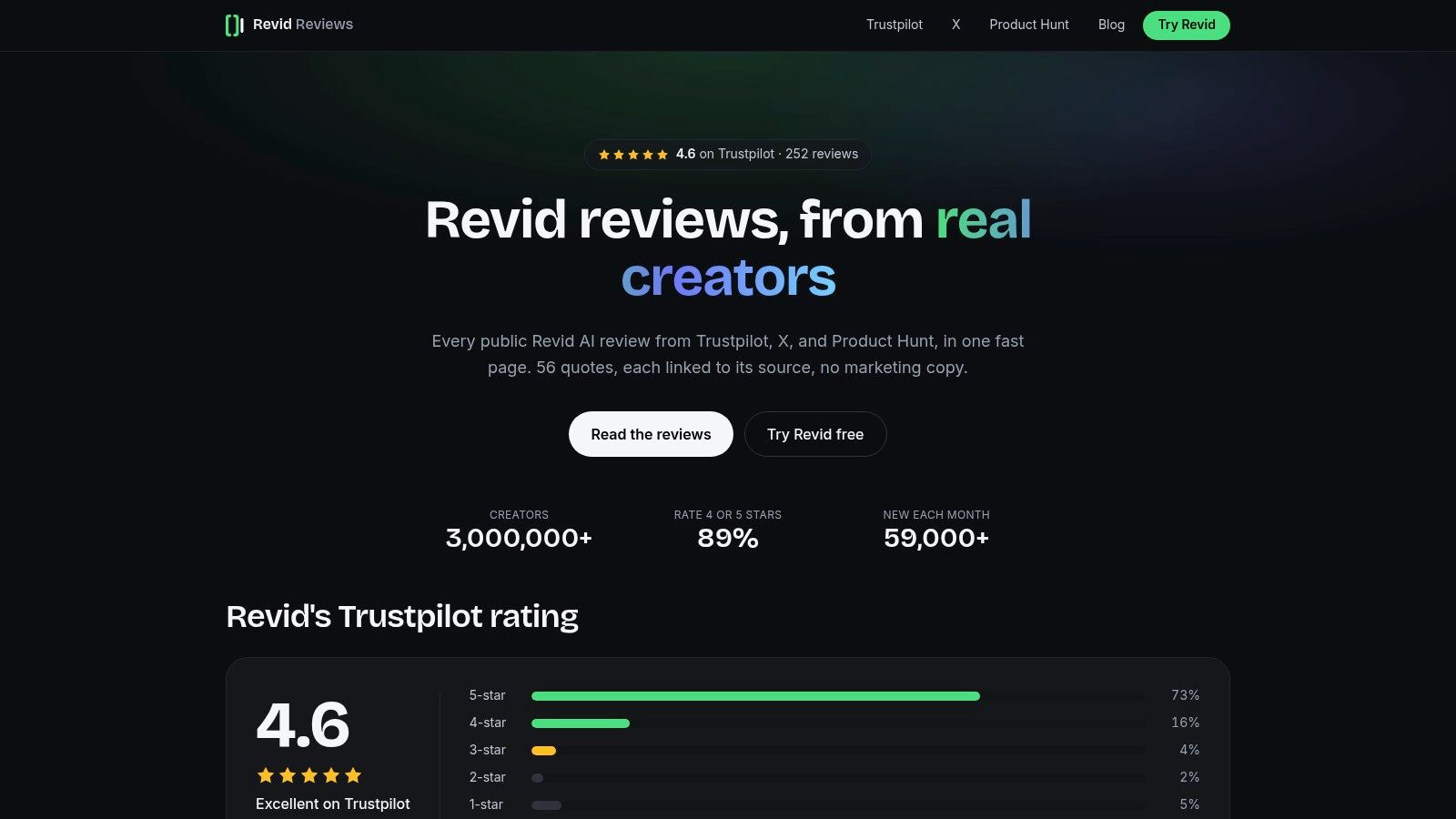
10. Revid Reviews Homepage
Revid Reviews works as a verification layer, not a video generator. It collects public reviews of Revid from Trustpilot, X, and Product Hunt, then links those reviews back to their original sources so you can check the claims yourself. That matters in this category because AI video tools often look similar on the surface, but the actual user experience is where the differences show up.
The site is also practical for pre-purchase questions. It addresses whether Revid is legit, how credits work, how cancellation or refunds are handled, and how Revid compares with other AI video tools such as InVideo and Pictory. The site also discloses that it's run by the Revid team, which is exactly the kind of transparency you want to see before relying on a review hub.
For this topic, the value is in verification. If you're comparing AI Shorts makers, public review aggregation helps you separate marketing claims from repeated user feedback. It's especially useful when a tool sounds perfect for your workflow but you want one place to check the common complaints before you buy.
The official homepage is Revid Reviews, and because it's tied to the Revid ecosystem, it's best used as a focused buyer guide rather than a general market database.
Top 10 AI YouTube Shorts Makers, Feature Comparison
| Tool | ✨ Core / Unique | ★ UX / Quality | 💰 Pricing / Value | 👥 Target | 🏆 Best for |
|---|---|---|---|---|---|
| Opus Clip | ✨ Virality Score, auto-reframe, direct publish, API | ★★★★☆ Fast long-to-short, strong captions | 💰 credits/min, can be pricey at scale | 👥 Shorts creators, social editors | 🏆 Fast automated clipping + scheduling |
| Klap | ✨ Paste links → auto-highlights, captions, translations, API/Claude | ★★★★ Simple clip workflow; some editor limits | 💰 per-clip plans (100/300/1000), predictable | 👥 Teams, devs, agencies | 🏆 Predictable per-clip pricing & dev integration |
| Submagic | ✨ Captions-first, word-level animated styles, auto-zooms | ★★★★ Excellent caption presets for retention | 💰 base plans; Magic Clips add-on (check limits) | 👥 Creators focused on captions/retention | 🏆 Attention-grabbing caption styles |
| Quso (Vidyo.ai) | ✨ Credits≈minutes, virality scoring, scheduler, analytics | ★★★★ Predictable capacity planning | 💰 credits/minute; generous free tier with limits | 👥 Podcasters, series creators, planners | 🏆 Minute-based capacity & analytics |
| Vizard AI | ✨ Brand templates, 4K export, API, social scheduling | ★★★★ Feature-rich for templated workflows | 💰 credit-based; enterprise/agency pricing | 👥 Agencies, marketers, branded teams | 🏆 Brand consistency + batch workflows |
| CapCut | ✨ Large template/effects ecosystem; mobile/desktop/web | ★★★★☆ Low friction; huge template library | 💰 free tier; credits for advanced features/exports | 👥 Casual creators, TikTok/Shorts users | 🏆 End-to-end apps + trending templates |
| VEED | ✨ Auto-subtitles, translation, AI dubbing, collaboration links | ★★★★ Clean web editor; strong caption quality | 💰 freemium + credits; per-user paid tiers | 👥 Teams needing multilingual captions & reviews | 🏆 Multilingual captioning & team reviews |
| Pictory | ✨ Script/article→video, stock assets, TTS, auto-clips | ★★★ Fast zero-to-Short for faceless formats | 💰 credit-based for generative/TTS | 👥 Faceless channels, marketers | 🏆 Rapid faceless / B-roll Short production |
| InVideo AI | ✨ Prompt/script-to-vertical with templates & TTS | ★★★ Quick ideation → Shorts; less precise clipping | 💰 credit-based; cost varies by model/quality | 👥 Advertisers, faceless creators, A/B testers | 🏆 Prompt-to-short ad creatives & templates |
| revid-reviews Homepage | ✨ Aggregates Trustpilot/X/Product Hunt reviews + buyer guides & source links | ★★★★ Practical, balanced guidance; transparent disclosure | 💰 free resource | 👥 Buyers vetting Revid (revid.ai) | 🏆 Verified review aggregation + honest buyer guidance |
Pick one workflow and test it on a real upload
The fastest way to choose an ai youtube shorts maker is to run the same real material through two tools and watch where the cleanup happens. Use one long recording if your source is podcast-style or webinar-style content, and one script if you're testing a prompt-first workflow. Then check the 9:16 crop, caption timing, and export quality, because those three details tell you more than any feature page does.
If you're repurposing long-form content, the winner is usually the tool that preserves context while keeping the frame readable on a phone. If you're starting from a script, the winner is the one that produces the least awkward visual filler and keeps the message tight in the first seconds. If you're starting from a blank timeline, the right tool is the one that gives you enough control to fix problems without turning the job into a full edit.
The budget check matters too. Credits, processing minutes, export limits, and add-ons can change what a “cheap” workflow really costs once you post consistently. A tool that looks fast in a demo can become annoying when you're producing every week, while a slightly slower tool can be easier to live with if it needs less cleanup.
Use the product that matches your starting point, then judge it by how much manual work remains after export. That's the true test for Shorts, because speed only helps if the final clip is still clear, vertical, and worth watching.
If you're comparing AI Shorts tools before you commit, Revid Reviews gives you verified public feedback, buyer-focused breakdowns, and practical comparisons that make the decision easier. It's especially useful for checking how real users talk about credits, refunds, and workflow fit before you spend money on your next Shorts setup.