You've got an hour, three short videos to publish, and no footage shot yet. One tool promises a finished post from a prompt, another gives you beautiful clips you still have to assemble, and a third puts a presenter on screen but won't help with a faceless channel. That's the buying problem with the best AI video software in 2026. These aren't seven versions of the same product. They're seven different production jobs.
Pick by job first. Do you need prompt-to-finished-short, repurposing of footage or writing you already have, presenter-led explainers, or cinematic B-roll to drop into an edit? Each tool below is scored on how well it does its specific job, what it costs to run at volume, and where it falls short.
Full disclosure, this site is run by the Revid team. We rank our own tool first for one job and tell you plainly where rivals beat it. Every price and claim links to its original source so you can verify it yourself before paying.
Table of Contents
- 1. Revid
- 2. Runway
- 3. HeyGen
- 4. InVideo
- 5. Pictory
- 6. Captions
- 7. Synthesia
- How the seven AI video tools compare on starting price, free access and best use
- Match the tool to your production workflow before you pay
1. Revid
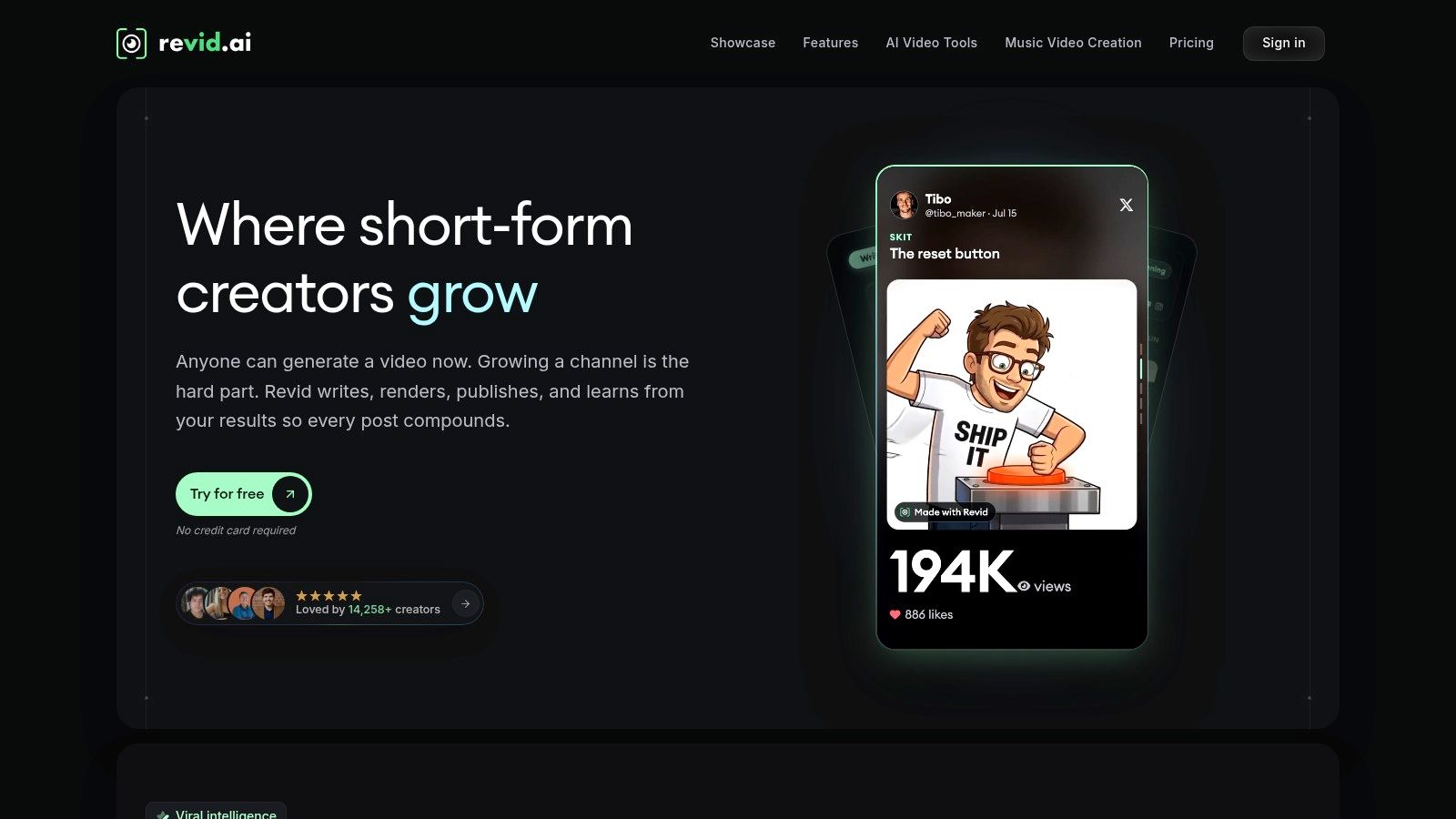
Best for prompt-to-finished short-form video. Revid turns prompts, scripts, URLs, songs, and other sources into short videos for TikTok, Instagram Reels, and YouTube Shorts. You get scripting, visuals, voiceover, captions, editing, and social publishing in one workflow, which is why it suits faceless channels and creators posting daily.
That end-to-end pipeline matters more than raw generation quality. Wistia's 2025 State of Video report found that 41% of brands used AI for video creation in 2025, compared with 18% in 2024, with captions the most common use. A tool that makes pretty footage but forces you elsewhere for captions and voiceover adds hidden cost and delay on every post.
What you get and what it costs
- Multiple starting points: Ideas, scripts, links, and audio, including music-video workflows.
- Automated finishing: Voiceovers, captions, visuals, and editing handled together, with timeline editing when you want control.
- Pricing: Growth is listed at $39 per month or $32 per month billed yearly, with 2,000 credits. Free signup includes trial credits with no credit card.
Read the unfiltered feedback on our Trustpilot reviews collection before you decide, since we publish complaints alongside praise. The honest cons are real. Credit use varies with video features and generated visuals, so your cost per video is hard to predict until you test it. Some reviewers also report generation errors, credit consumption on failed runs, and support issues. Use the trial credits on three real videos and track what each publishable one cost you.
2. Runway
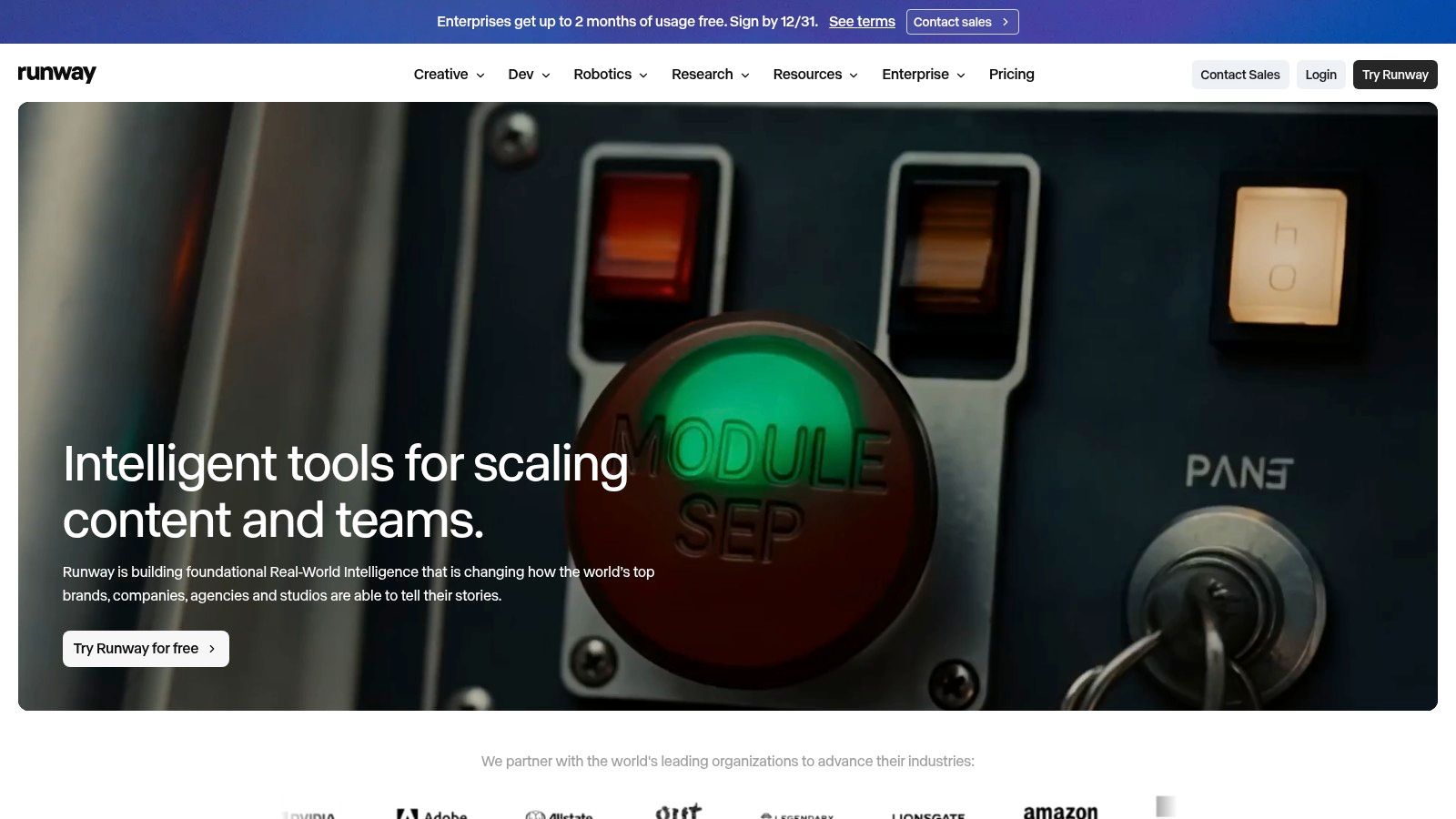
Best for cinematic B-roll and visual concepts. Runway generates and transforms footage through text-to-video and image-to-video. Its Gen-4.5 model gives you controls for action, composition, and camera movement, so you're directing a shot rather than accepting whatever comes out.
That control exists because the underlying technique matured fast. A 2025 bibliometric review in Discover Computing traces the field from one-second experimental clips in 2016 through diffusion-based synthesis in 2022 to minute-level generation in 2024. Runway sits at the high-control end of that arc. You pay for shot quality and steerability, and assembling the finished post is your job.
The trade-off is real work after generation. Clips come out short, so a complete video needs editing and stitching elsewhere. A creator without a timeline editor ends up with a folder of impressive fragments and nothing publishable. If your bottleneck is custom visuals for a video you're already cutting, that is exactly the job Runway does well. If you need a finished short from a single prompt, it is the wrong purchase.
Practical rule: Budget Runway as a footage source, not a publisher. Price in your editing time before you compare its subscription against an all-in-one tool.
On cost, the free plan includes a small one-time credit allowance, enough to learn the controls but not to run a channel. Check the linked Runway homepage for current limits, since plan details shift. Paid plans add monthly credits, and usage varies by model and tool, so watch which model you're generating with. Choose Runway when custom visuals are the bottleneck and you already have an editor you like.
3. HeyGen

Say your product demo needs a person on screen explaining features, but nobody on your team will get in front of a camera. That's HeyGen. It builds avatar-led videos from a script, so you pick a ready-made presenter or create a custom avatar, paste your text, and get a talking-head video without lights, retakes, or a quiet room.
Where it earns its price
Voice generation and video translation across many languages make HeyGen strong for explainers, product demos, training, and localized content. Record the script once, then produce versions for other markets without reshooting. For a small business selling in three countries, that single feature can justify the subscription.
Pricing is straightforward to test. A free plan is available, Creator is listed at $29 per month or $24 per month billed annually, and Pro is $49 per month. Paid plans include credits, and usage depends on the feature and model you choose.
Know the limits before you commit. The free plan is capped at three short, watermarked videos per month, which is a trial, not a workflow. Credit costs vary by model and generation feature, so long translations can drain a plan faster than short clips. And if what you want is free-form cinematic footage, this is the wrong tool entirely. HeyGen does one job, presenter video, and does it well. Buy it for that job only.
4. InVideo
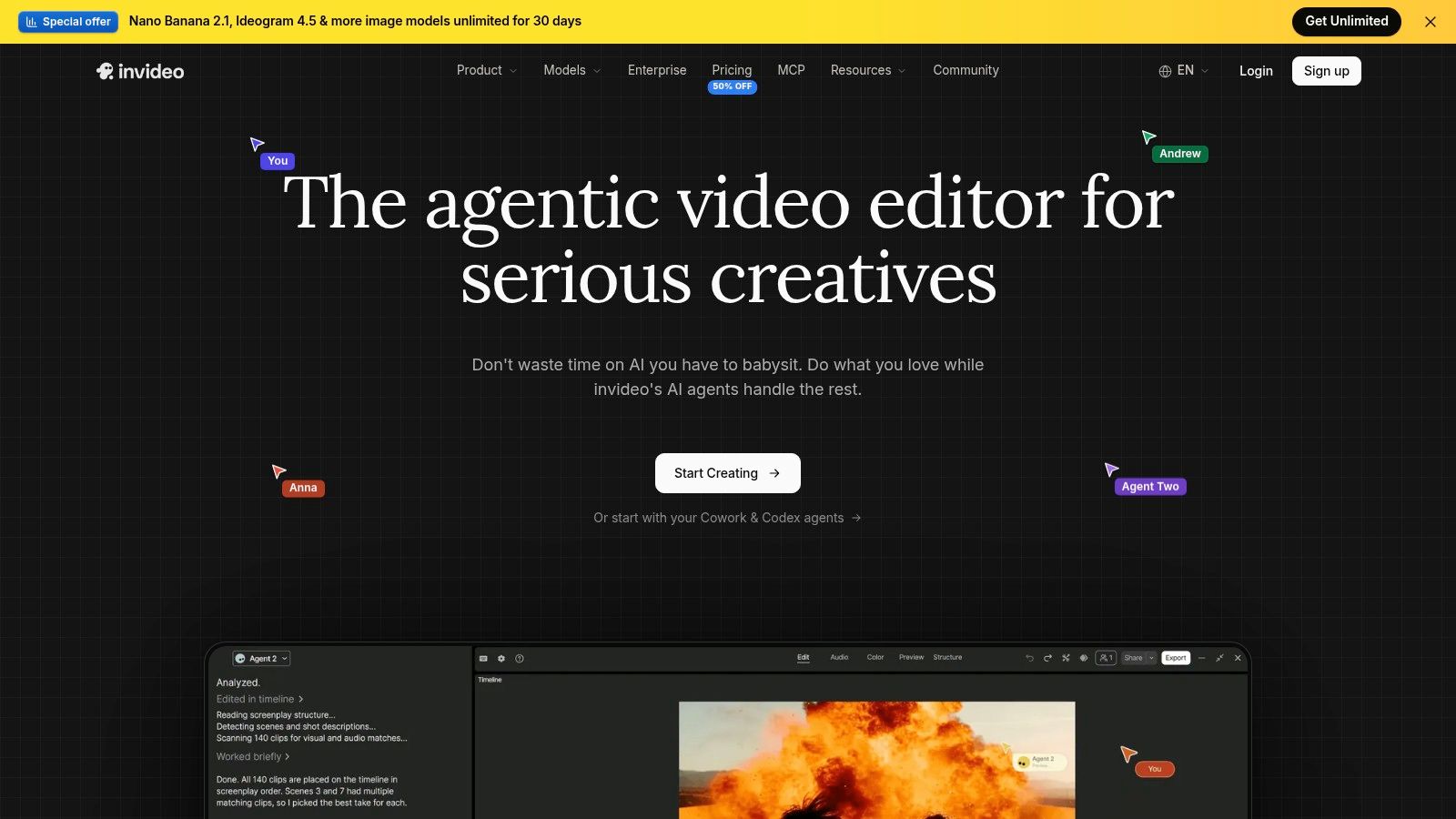
Best for AI generation with manual editing in one workspace. InVideo turns an idea or script into a draft, then lets you revise it on a timeline in the same place. You also get access to multiple video, image, and audio models, so you can test different generators without managing separate subscriptions.
That multi-model approach matches how creators work. Adobe and Harris Poll's 2025 global survey of more than 16,000 creators found that 60% had used multiple creative-generative-AI tools in the previous three months. InVideo's pitch is that you can do that tool-hopping inside one account instead of five.
- Editing without burning credits: Manual timeline edits such as trimming and rearranging clips don't consume credits.
- Collaboration options: Useful if a teammate reviews or finishes your drafts.
- Pricing: Starter is listed at $20 per seat per month billed annually, plus a free plan with limited weekly credits.
The downside is credit opacity. Costs vary by model, resolution, duration, and settings, which makes comparing two generations difficult. Monthly plan credits also reset and don't roll over, so unused credits vanish. The same Adobe survey put high cost at 38% as the leading adoption barrier for creators, and unpredictable credit burn is exactly how a cheap plan gets expensive. Track credits per finished video during your free period.
5. Pictory

Pick Pictory when the job is repurposing: turning scripts, articles, and URLs into edited videos with visuals, voice, and organized drafts. If your bottleneck is a content library that never becomes video, this is the right category. If you want generative control over every frame, it is the wrong one.
Repurposing is also where business adoption is concentrated. Goldcast's 2025 State of AI in B2B Video report surveyed more than 500 marketers and found 88% reported using AI for video-related tasks, including automated editing and clip generation. Tools that cut repetitive repurposing work get used. Tools that try to replace creative direction mostly do not.
Fit and pricing
Pictory is built for consistent, narrated output. AI scene editing, stock footage, AI voice options, and brand kits suit marketers and educators who need the same look across explainers, course clips, and social cutdowns. It offers paid monthly and annual plans plus a free trial, so you can test the workflow before committing.
Our buyer guides and comparisons on the blog cover how Pictory stacks up against prompt-first tools in more detail. The plain limitation is that Pictory focuses on assembled, narrated videos rather than highly controllable cinematic generation. Generative credits and video-minute allowances vary by plan, and monthly versus annual billing changes both price and allowances.
That is the trade-off. Buy it to convert finished writing and recordings into a steady video queue, and check the exact plan details before you assume a tier covers your monthly volume.
6. Captions
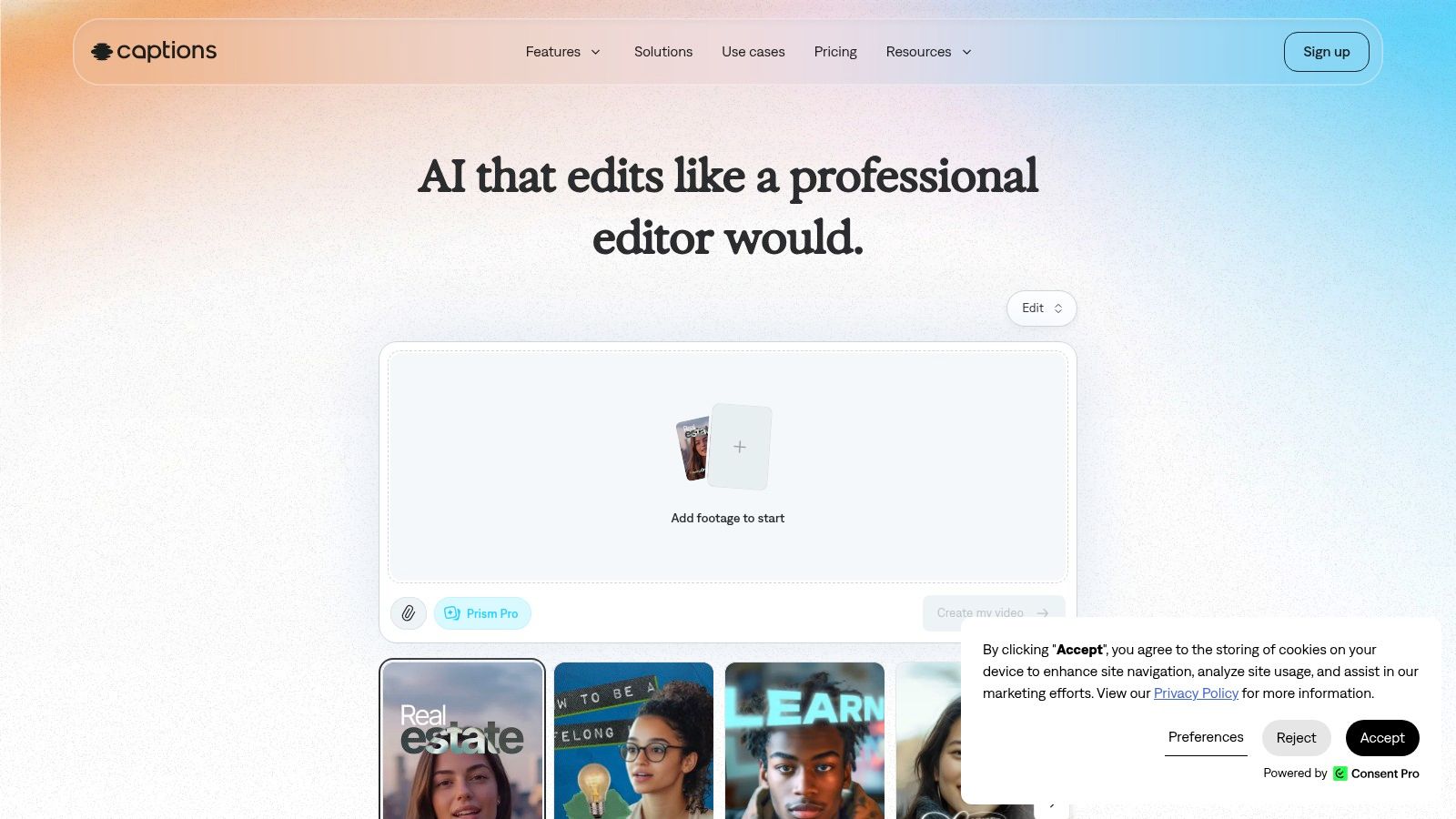
Best for creators who already record footage. Captions starts from video you've shot and helps you subtitle, translate, edit, and cut it down for social platforms. If your face and voice are the content, you don't need a generator. You need fast, good-looking captions and a painless way to turn a long recording into short clips.
The feature set reflects that job. You get captioning and subtitle styling in many languages, AI editing tools including a chat-based editor, and a workflow for turning long videos into short clips. Eligible plans add AI actors, voice tools, and generative models, but those are extras, not the core reason to buy.
If you film yourself, caption quality and clip speed will decide whether you keep paying. Test those two things first and ignore the generative extras until they prove useful.
Pricing needs a careful read. The pricing page lists Max at $24.99 per month and Frontier plans from $69.99 per month, and the displayed plan details are for iOS, so prices may differ on your platform. A free plan covers basic tools.
The cons follow from the focus. Many generative features require a paid plan and credits, so the free tier won't show you the full product. It's also not a high-control cinematic generation tool, and it doesn't pretend to be. Buy Captions to finish and repurpose real footage faster. Don't buy it to invent footage from scratch.
7. Synthesia
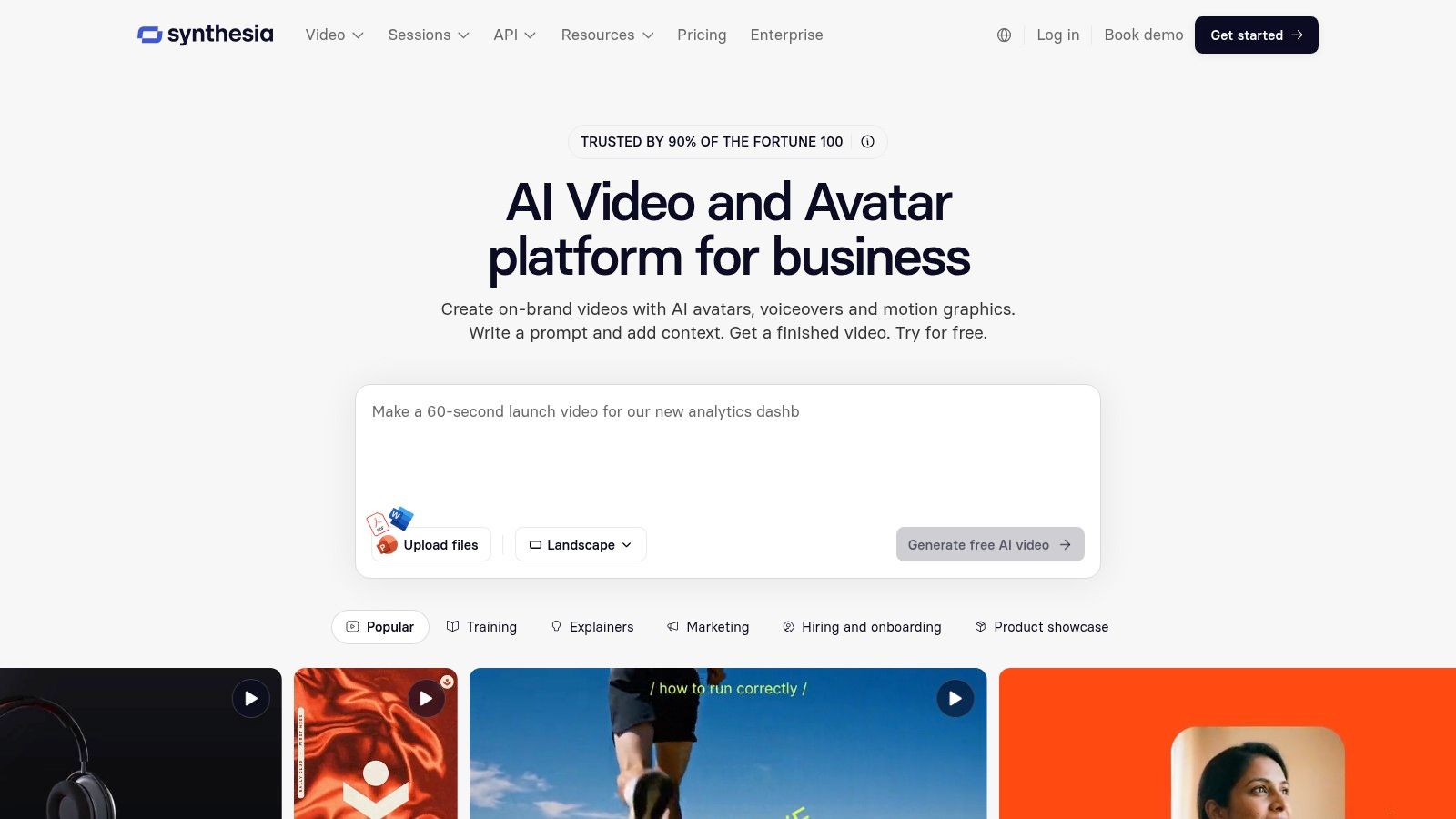
Training videos, onboarding walkthroughs, and policy explainers share one requirement. They need to look consistent every time and survive script updates without a reshoot. Synthesia turns scripts into presenter-led videos using AI avatars, built specifically for that kind of business communication.
Why teams pick it over a general tool
- Repeatable presenters: Custom and on-brand avatars on eligible plans keep the same face and delivery across a whole library.
- AI dubbing: Localized versions don't require filming each language separately.
- Team and enterprise features: Higher tiers add the controls larger organizations expect.
A free Basic option lets you try the editor, avatars, and voices. The Synthesia pricing page lists Starter at $29 per month, with a lower equivalent price billed annually, and Creator at $89 per month.
The format is the main constraint. A presenter-led layout limits cinematic, creative, or music-video work, and it won't replace a general editor for footage-heavy production. Higher usage pushes you toward pricier plans quickly, so model your monthly video volume before you commit. Choose Synthesia when consistency, localization, and zero filming matter more than visual variety.
Full disclosure on who writes this site: we're the Revid team, and you can read how our own launch was received in the Revid reviews from Product Hunt we've collected. Judge our recommendations accordingly.
How the seven AI video tools compare on starting price, free access and best use
| Item | Starting price | Free option | Best for |
|---|---|---|---|
| Revid | $39/month or $32/month billed yearly | Trial credits with free signup | Short-form video production and social publishing |
| Runway | Paid pricing varies by tier | 125 one-time credits | Generating custom footage and cinematic clips |
| HeyGen | $29/month or $24/month billed annually | Free plan with limited videos | Avatar-led videos and multilingual content |
| InVideo | $20 per seat/month billed annually | Free plan with limited weekly credits | AI-assisted video creation and editing |
| Pictory | $29/month or $25/month billed annually | Free trial | Repurposing scripts and articles into videos |
| Captions | $24.99/month (iOS pricing) | Free plan for basic tools | Captioning, translating, and repurposing footage |
| Synthesia | $29/month | Free Basic option | Presenter-led business and training videos |
Match the tool to your production workflow before you pay
Start with the job you repeat every week, not the demo that impressed you most. If you need a full prompt-to-post pipeline for short-form video, test Revid or InVideo on a free tier and track credit use across three real videos, including the failed generations. Your true metric is cost per publishable video, not the subscription price on the pricing page.
If your job is presenter content, compare HeyGen and Synthesia on localization. Count the languages you'll ship, check how dubbing and translation consume credits, and watch a full sample at the size your audience will see it. If your job is cinematic B-roll, Runway is the strongest pick here, but budget for assembly in an editor, because short generated clips don't publish themselves. If you already record or already write, Captions and Pictory will save you more time than any generator.
Check commercial safety before your first paid campaign, too. The U.S. Copyright Office's January 2025 guidance states that generative-AI outputs can receive copyright protection only when a human author determines sufficient expressive elements, and a prompt alone may not establish authorship. Keep records of your scripts, edits, and creative decisions, and read each tool's commercial-use terms rather than assuming allowed means protected.
The market context supports taking your time. Polaris Market Research's AI video generator analysis places the global market near USD 788.5 million in 2025 and projects roughly USD 3.44 billion by 2033. Tools will keep changing prices, credits, and models. Verify current pricing and user reviews on the linked original sources, run your three-video test, and only then commit to a paid plan.
Before you pay for any tool on this list, read what real users said after paying. Revid Reviews collects public reviews of Revid from Trustpilot, X, and Product Hunt, each linked to its original, alongside honest pricing, credit, and comparison guides that cover limitations and common complaints. Visit the site, check the reviews behind the claims, and decide with the receipts in front of you.