You've picked a niche, opened an editing tool, and saved enough channel examples to fill your browser tabs. Two creators start the same week: one publishes a narrated explainer built from a template, while the other uploads an illustrated music loop. Only one gets traction. The difference isn't necessarily the format, the voice, or whether either creator appears on camera. One may have matched the content to a specific audience and built a production process they can sustain.
That's what makes the best faceless YouTube channels worth studying. Their useful lessons sit behind the finished video: where the script comes from, which assets need creating, how the editor builds momentum, and what viewers recognize across uploads. Copying the surface usually means inheriting the expense without understanding the appeal.
These channels offer different production models, not interchangeable shortcuts. For each, separate the visible format from the workflow you'd need to reproduce its strengths. The staffing recommendations below describe a practical starting setup, not verified headcounts at the channels. Choose the system you can execute consistently, rather than the channel whose finished videos look most impressive.
Table of Contents
- 1. Kurzgesagt – In a Nutshell
- 2. The Infographics Show
- 3. Lofi Girl
- 4. Fern
- 5. Bright Side
- 6. WatchMojo
- 7. HowToBasic
- How the seven faceless channels differ in format and production load
- Turn these models into a faceless channel plan you can test
1. Kurzgesagt – In a Nutshell
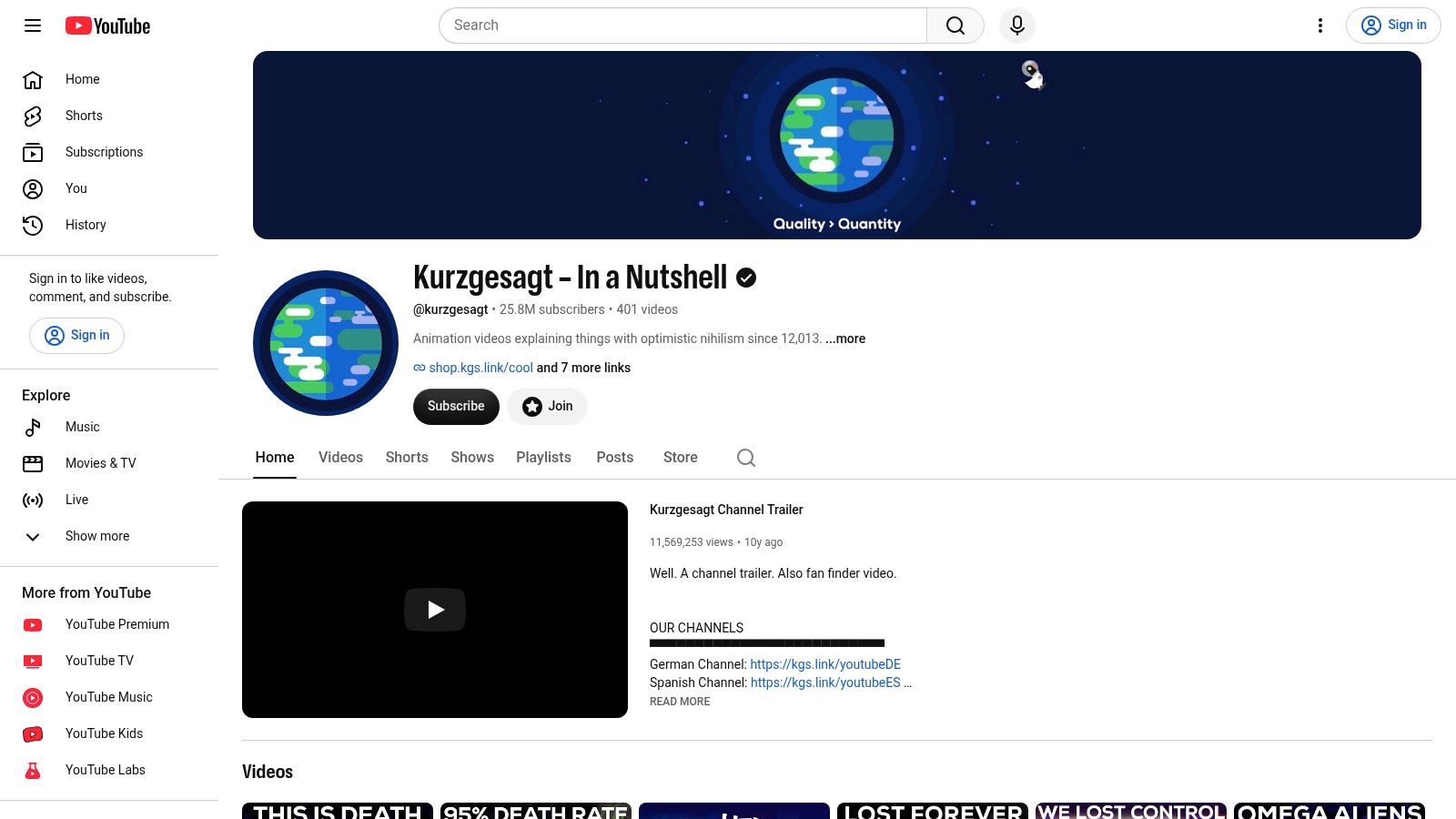
Kurzgesagt – In a Nutshell is a useful reference when your subject needs explanation rather than illustration alone. Its distinctive animated worlds give abstract ideas a consistent visual form. The narration and animation work together, so a viewer doesn't have to decode an unrelated image while following a complicated argument.
The production system starts with research and a clear explanatory script. For an adaptation, assemble source notes, establish the central question, and outline the reasoning before commissioning artwork. Then build a storyboard that assigns each important idea a visual explanation.
The asset pipeline is demanding: illustration, animation, narration, sound, and editorial review all need attention. A solo creator can borrow the discipline, but reproducing the finish means taking on several specialist roles. If you're assembling a small team, prioritize a strong researcher-writer and an animator who can explain concepts, not merely decorate scenes.
Copy the visual grammar, not the artwork
Create your own reusable vocabulary for comparisons, uncertainty, scale, and cause and effect. Keep colors, character proportions, typography, and transitions consistent so you aren't redesigning the channel with every upload.
Production rule: Reuse the way you explain an idea, not somebody else's illustration of it.
The limitation is the research-to-animation handoff. A factual correction late in production can require new narration, revised scenes, and another edit. Lock the argument before polishing the animation.
This model suits creators who want an educational identity with room for supporter products or merchandise. It's less suitable if your priority is rapid publishing with minimal preparation. Start with a narrow question that you can explain accurately using a manageable visual library.
2. The Infographics Show
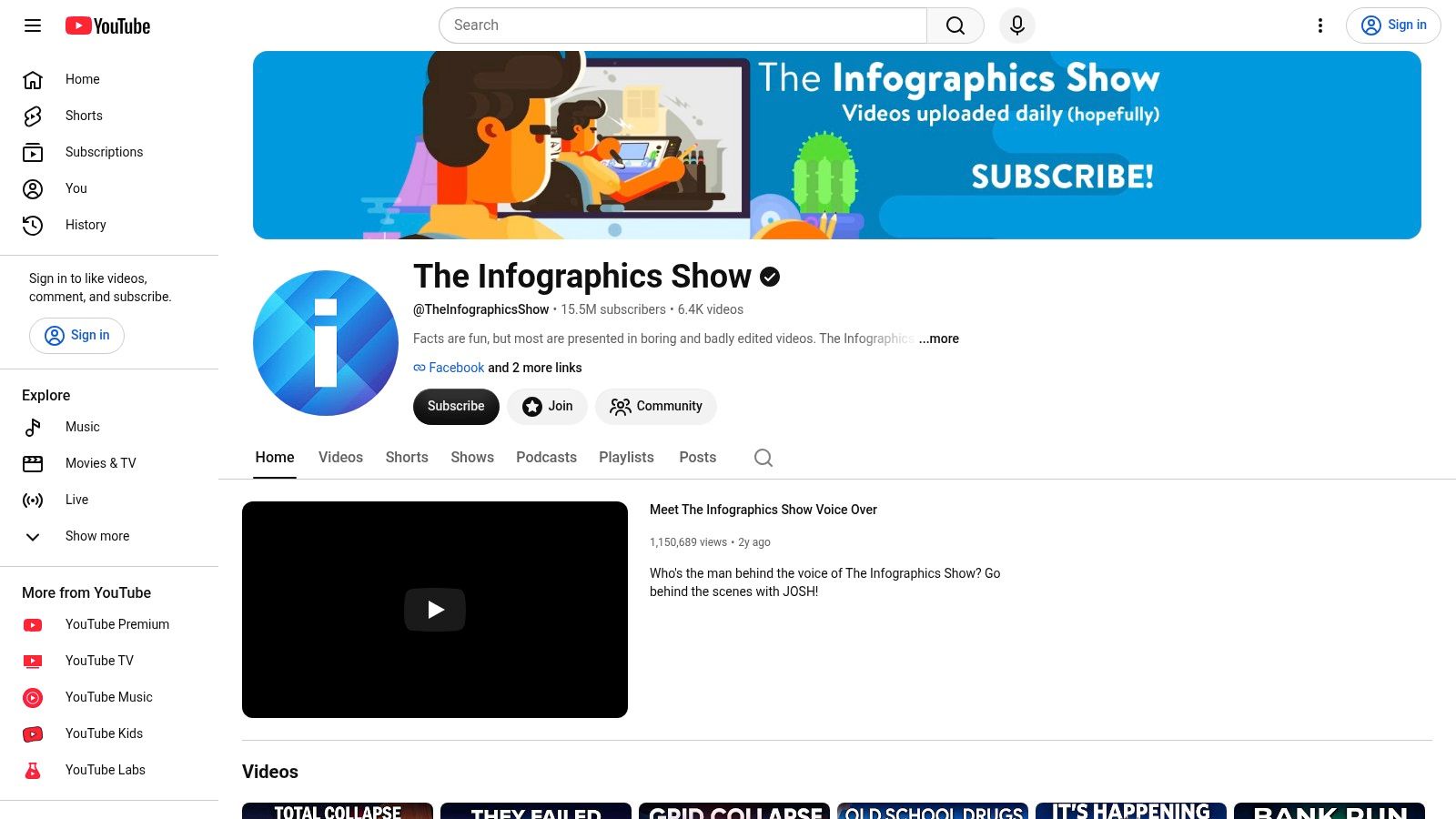
A clear question gives an animated explainer its structure before anyone draws a character. The Infographics Show is worth studying for that question-led approach, using narration and simplified scenes to make subjects accessible without an on-camera host.
Compared with a highly bespoke animated essay, this model lends itself to repeatable scene conventions. A conversation, a map, a comparison, and a sequence of events can each have an established treatment. The advantage is production consistency, provided the writer still develops a distinct argument for every episode.
For your own version, use researched topic briefs as the script source. Separate established facts from hypothetical assumptions, especially when answering speculative questions. Your asset pipeline can combine original characters, reusable backgrounds, diagrams, and newly created scenes where the explanation requires them.
- Lean staffing: A writer-editor who can storyboard is a practical starting point, with animation help when the visual workload becomes the bottleneck.
- Tactic to copy: Write the central question above the script, then remove passages that neither answer it nor create necessary context.
- Real limitation: Familiar animation can become monotonous when the writing repeats the same beats without developing the subject.
Standardize the handoffs
Give each scene a narration passage, visual instruction, and asset requirement. That prevents an editor from filling a specific explanation with whatever footage happens to be available.
When comparing production software, the video-tool buyer guides on our blog can help you distinguish scripting assistance from editing and asset-generation features. Judge a tool by the production stage it improves. Generating more scenes won't solve a weak premise or an unsupported script.
3. Lofi Girl
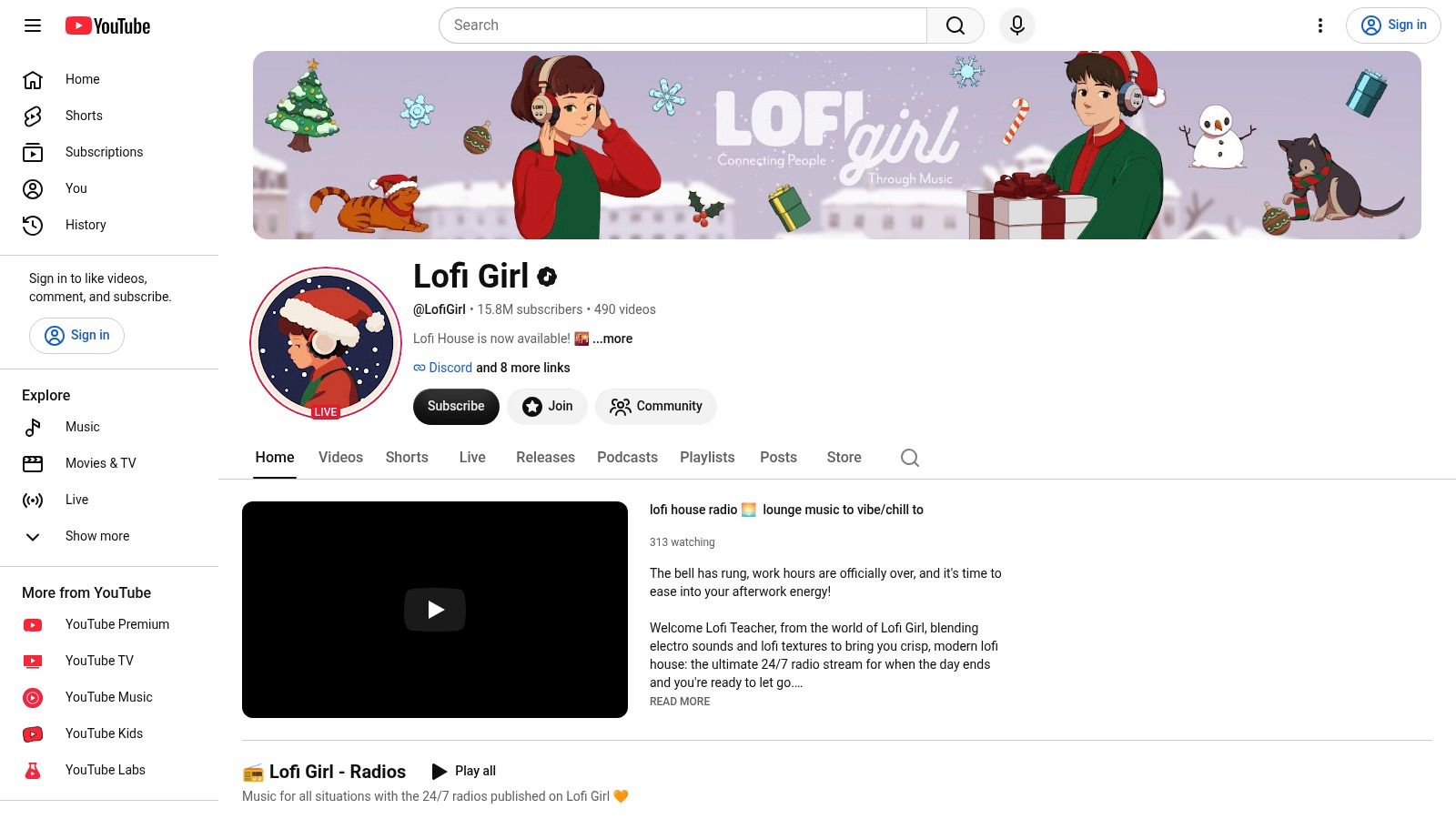
Lofi Girl changes the production equation: the music is the product, and the illustrated scene supports the listening experience. Unlike an explainer, it doesn't need to keep introducing arguments or visual surprises. The challenge is making the experience pleasant enough to return to.
There may be little conventional scripting, but there's still editorial work. Track selection, sequencing, mood, audio consistency, and the relationship between artwork and music all require decisions. A recognizable character helps establish identity, but a familiar-looking illustration won't compensate for an unconvincing listening experience.
For a new channel, build the asset pipeline around music you own or have permission to use. Keep track-level rights records, artwork agreements, and clean audio masters together. A sensible starting setup combines a music producer or curator with an illustrator-animator, with someone explicitly responsible for permissions and upload operations.
Copy the listening context
Choose a specific use case, such as quiet reading, focused desk work, or evening relaxation. Select music and design the scene for that context rather than collecting tracks under a broad mood label.
A music loop isn't an empty container for watch time. The listener is choosing an atmosphere, and every track needs to belong in it.
The transferable tactic is controlled consistency. Maintain a coherent sound palette and visual environment while giving listeners a reason to choose your channel over another ambient stream.
The limitation is that simple visuals don't make the whole operation simple. Music quality, catalog development, and rights management remain substantial work. If you can't explain where each track came from and what permission covers its use, resolve that before publishing. Don't build the channel around music availability you can't reliably maintain.
4. Fern
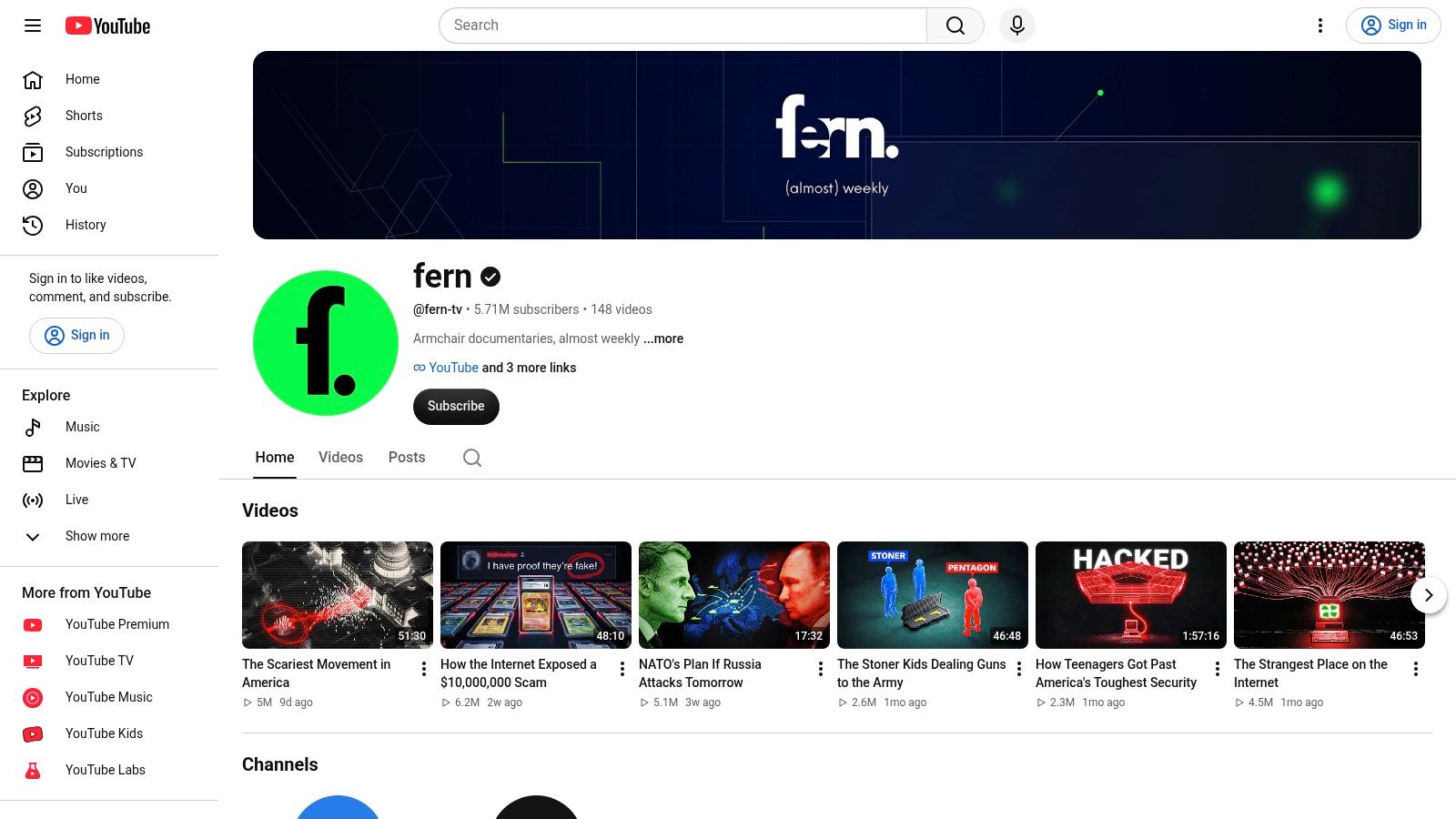
Fern is a reference for documentary storytelling without a conventional on-camera presenter. Graphics, animation, narration, and editing provide the structure and atmosphere. Study how the explanation develops, not just the cinematic finish.
The production model differs from a question-and-answer explainer because the writer must manage both information and suspense. A documentary script needs an evidence trail, a timeline, and a reason for each reveal. Withholding an answer can create curiosity, but withholding essential context can confuse viewers.
For an adaptation, build the script from a documented research file. Keep source excerpts attached to claims and distinguish what's established from what you're interpreting. Plan maps, environments, diagrams, and illustrative reconstructions only after identifying what the viewer must understand.
- Practical staffing: A researcher-writer and a motion-capable editor provide a workable division of responsibilities. Add specialist animation when a scene needs it.
- Asset discipline: Label reconstructions and illustrative scenes clearly enough that viewers won't mistake them for documentary evidence.
- Production trade-off: Bespoke scenes can clarify difficult events, but they also make revisions more expensive in time and effort.
Copy the sequence of questions
Outline the episode as a progression of viewer questions. Answer each at the point where the viewer has enough context to understand why it matters.
The limitation is scope. A compelling subject can expand into a project you can't finish with your available skills and schedule. Narrow the story before expanding the visual treatment.
A solo creator should borrow Fern's editorial ambition selectively: make a developed argument, choose purposeful visuals, and preserve a clear distinction between evidence and atmosphere. Cinematic production is useful when it strengthens comprehension, not when it delays an otherwise publishable story.
5. Bright Side
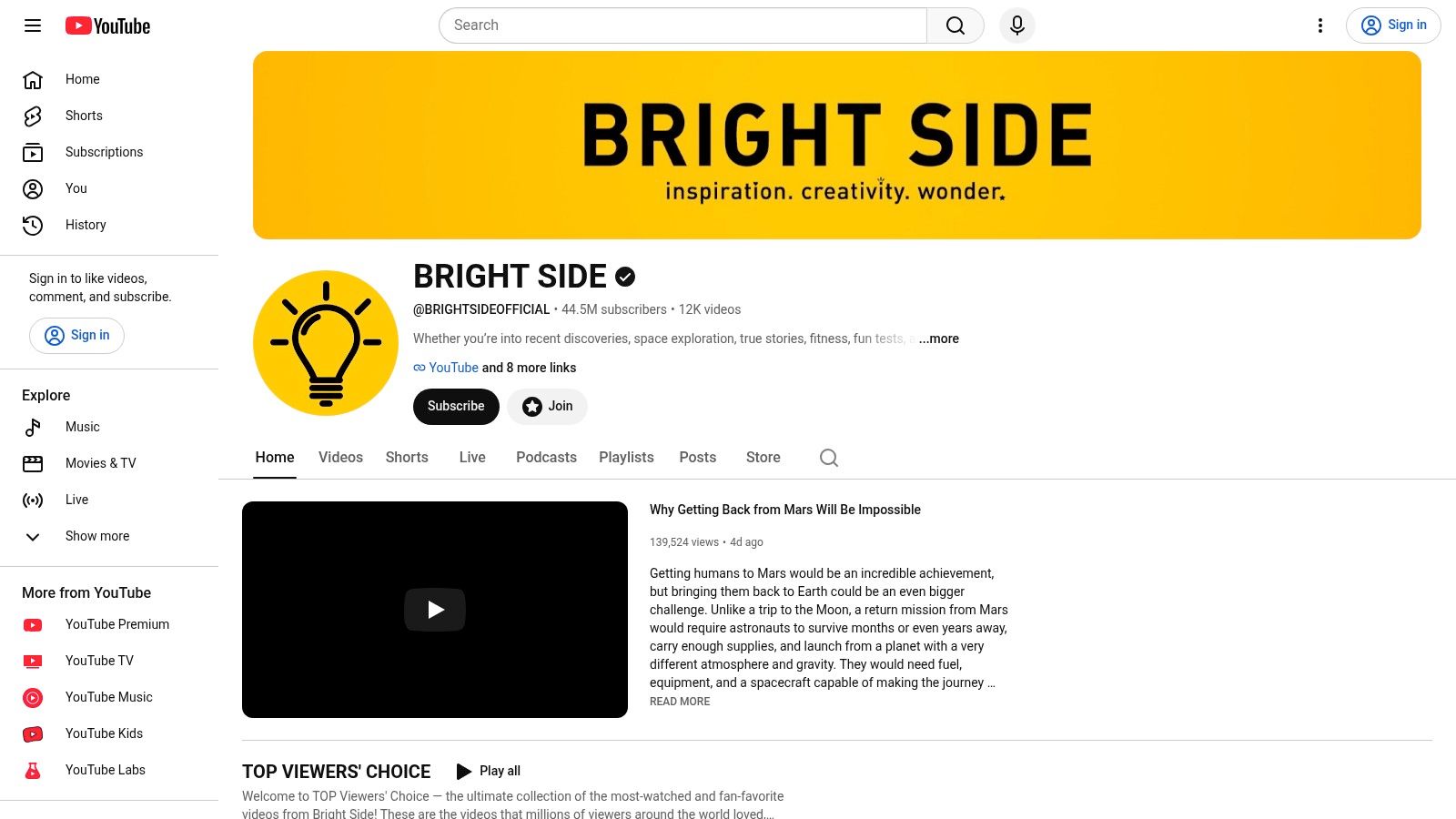
A viewer should understand the appeal of a curiosity video before clicking. Bright Side offers examples of question-led packaging, pairing general-interest topics with narration and varied visuals. The useful lesson is how clearly a title and thumbnail establish the promised experience.
That promise needs an answer the script can support. Start with a question you've independently researched, then choose the packaging. Writing a sensational title first and searching for justification afterward creates avoidable editorial problems.
A practical asset pipeline includes original diagrams, licensed footage, illustrations, and on-screen text tied to specific narration. A solo writer-editor can test this approach, although someone still needs to verify claims and check asset permissions. Don't confuse a visually busy edit with an informative one.
Copy the promise-to-opening match
Write the title, thumbnail concept, and opening together. If the title promises an explanation, begin developing that explanation instead of spending the opening on generic scene-setting.
Owlclaw's video marketing benchmarks place typical retention for a 10-minute video around 40–50%, but your own comparable uploads are the more useful working reference. Diagnose the bottleneck: weak click-through with solid retention suggests a packaging problem, while clicks followed by early abandonment suggest an opening that doesn't deliver.
The limitation is audience coherence. Broad curiosity topics can attract viewers with very different interests. A new creator should narrow the subject area rather than assume that a recognizable editing style will connect unrelated audiences.
Copy the clarity of the proposition, not individual scripts, thumbnails, or factual claims. Your strongest adaptation is a specific topic promise, independently verified information, and visuals that help viewers understand the answer.
6. WatchMojo
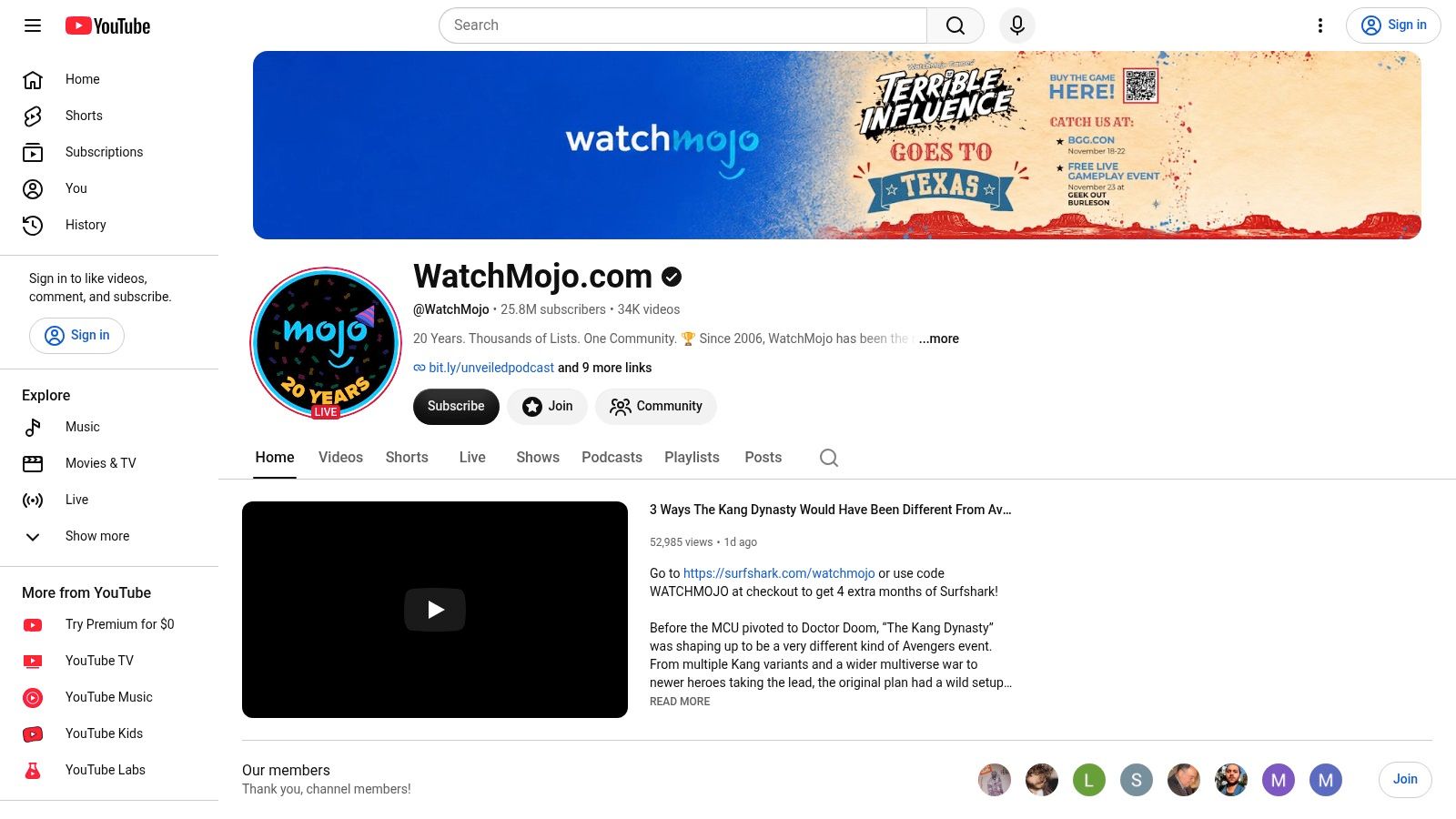
WatchMojo makes the viewing contract clear through countdowns and structured lists. Viewers know they'll receive a sequence of selections connected by narration. For producers, that offers a useful way to divide research, writing, recording, and editing into manageable segments.
The script needs a defensible selection method. Decide what qualifies an entry and what determines its position before writing the countdown. Otherwise, the result is a collection of descriptions with a ranking attached.
For your own production system, maintain an entry brief containing the claim, supporting material, commentary angle, and planned visual. A lean setup might combine a researcher-writer, narrator, and editor, with roles overlapping when necessary. Clip sourcing and permissions need a named owner rather than becoming an assumption everyone makes.
Copy the segment structure, not the clips
Give each entry a reason for inclusion, a concrete example, and an original judgment. Vary the transitions so the narration doesn't sound like the same paragraph rewritten repeatedly.
Editorial test: If you remove the borrowed footage, does your script still offer a useful argument or an entertaining point of view?
The major limitation is third-party material. Commentary doesn't automatically make every use permissible, and a monetization decision isn't the same as copyright clearance.
YouTube's monetization-policy clarification distinguishes original, value-adding work from repetitive or reused production, and explains that AI assistance alone doesn't make a channel ineligible. Apply that distinction to the whole catalog, not just the episode you consider your strongest.
A safer creative adaptation is to rank subjects you can illustrate with original assets while retaining the countdown's clear expectations and segment pacing.
7. HowToBasic
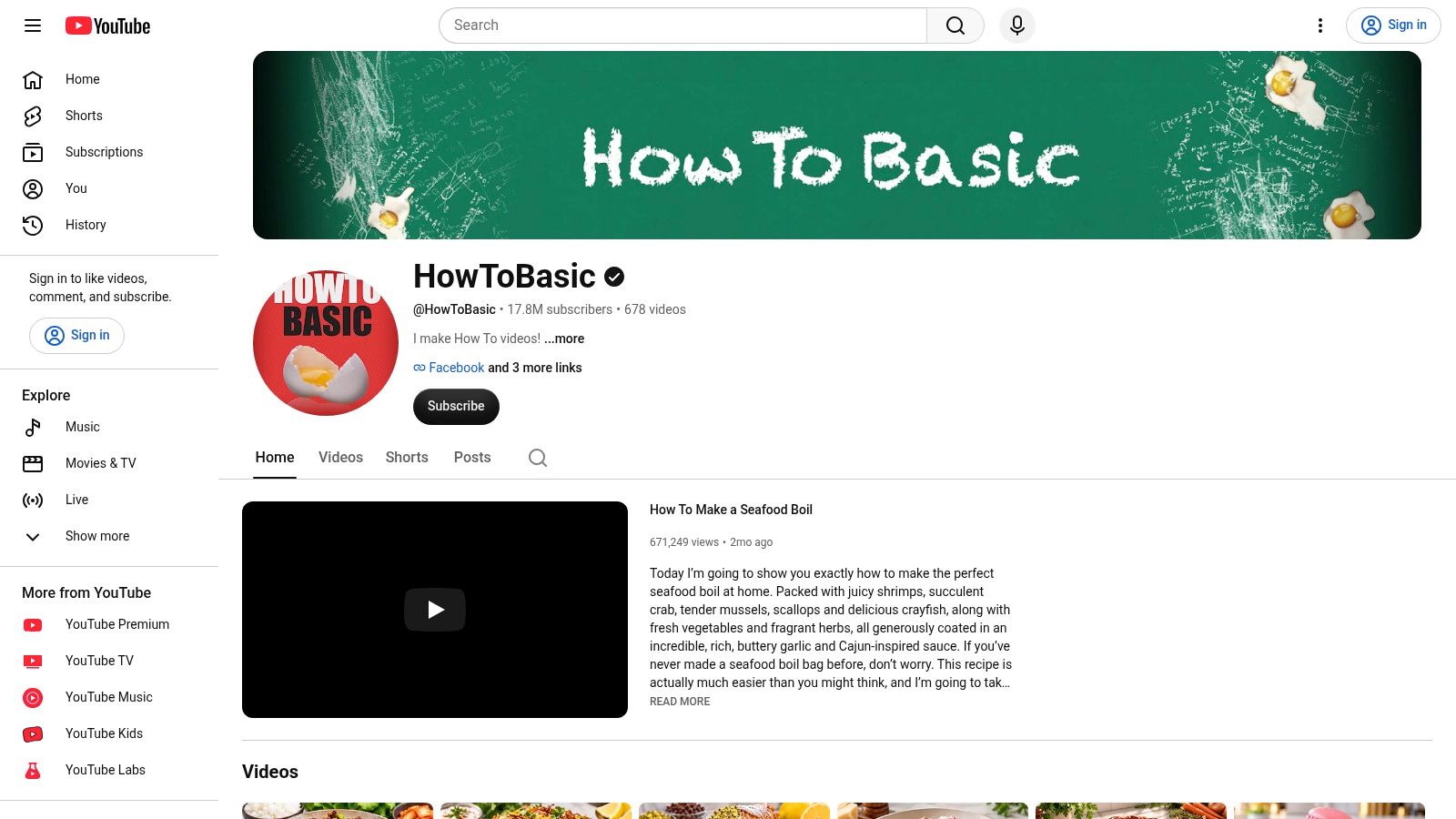
Faceless doesn't mean animation, stock footage, or synthetic narration. HowToBasic relies on physical action, exaggerated demonstrations, and recurring visual comedy. It's a useful counterexample for anyone treating faceless production as a software category.
Here, the script source is the gag premise. The writing process looks more like a beat sheet: establish an expectation, disrupt it, escalate the action, and finish at the right moment. Dialogue isn't necessary for the viewer to recognize the pattern.
The asset pipeline is physical. Props, surfaces, camera placement, sound recording, protective measures, and cleanup all belong in the production plan. A solo operator can attempt a contained visual-comedy format, but assistance becomes sensible when a setup needs careful timing, supervision, or extensive resetting.
- Tactic to copy: Write a recognizable expectation and a surprising reversal before choosing props.
- Practical constraint: Design the scene around actions you can perform and film safely, with a manageable cleanup.
- Real limitation: Borrowing the channel's specific chaotic style too closely leaves little room for your own identity.
Build a premise you can vary
Test whether the underlying joke can survive a different setting or object. If it only works when you reproduce another creator's signature behavior, develop a different premise.
This format is a reminder to choose tools after deciding what the audience will enjoy. Our creator-review site can help you assess video-generation workflows, but software won't replace a physical performance or solve a weak joke.
The useful lesson isn't to imitate the mess. It's to create a repeatable expectation that viewers recognize, then develop original variations with deliberate staging and editing.
How the seven faceless channels differ in format and production load
| Item | Core format | Production load | Best to study for |
|---|---|---|---|
| Kurzgesagt – In a Nutshell | Animated science and big-picture explainers | High: research, scripting, and polished animation | Visual identity and narrative structure |
| The Infographics Show | Narrated animated explainers across varied topics | Steady: researched scripts and recurring visuals | Repeatable episode structure and accessible storytelling |
| Lofi Girl | Ambient music with an illustrated character and extended listening | Ongoing: music rights and distinctive branding | Mood-led branding and repeat listening |
| Fern | Cinematic documentary-style videos using graphics and animation | High: research, writing, visuals, and editing | Documentary pacing and editorial storytelling |
| Bright Side | Narrated, visual-first videos on general-interest topics | Ongoing: visuals, scripting, and claim verification | Hooks, titles, and topic packaging |
| WatchMojo | Narrated countdowns and list videos | Moderate to high: research, narration, and rights-aware visuals | Pacing, transitions, and list structure |
| HowToBasic | Physical comedy and recurring visual gags | Moderate: props, action, and cleanup | Memorable premises and visual humor |
Turn these models into a faceless channel plan you can test
Choose a production model you can sustain with your present skills. An illustrated explainer needs research and visual explanation; a music channel needs a coherent listening experience and reliable rights; a documentary needs evidence and narrative control. Don't combine their hardest requirements before you've completed a workable pilot.
Define the channel in a sentence that names the audience, the subject, and the recurring format. For example, a channel could explain household engineering questions through narrated diagrams, or publish original music for quiet reading. A specific proposition makes it easier to decide what belongs in the catalog.
Make the workflow visible
Write down the steps from topic selection to publication, then assign an asset source and an owner to each stage. Even if you're working alone, separating the roles helps you notice where production stalls.
- Script source: Record where facts, story premises, or music selections come from and what needs verification.
- Asset pipeline: Identify what you'll create, license, commission, or generate, and keep permission records with the project.
- Editorial review: Check accuracy, originality, narration, pacing, and whether the opening fulfills the title's promise.
- Test batch: Publish a small group of related videos before changing the niche or judging the whole concept.
Keep the format stable enough to learn from the results. Change a weak opening or unclear thumbnail without simultaneously replacing the subject, voice, visual style, and video structure. Review viewer response alongside the time and effort required to produce each upload.
Automation can shorten the test, but it doesn't remove editorial responsibility. Revid can generate a script, visuals, and voice from a prompt in a single generation, which makes it relevant for testing short-form faceless concepts. Its focus is TikTok, YouTube Shorts, and Instagram Reels, not a replacement for every documentary, music, or physical-comedy workflow.
Revid offers a free trial with no credit card required, so you can begin without a payment commitment. Use the trial to finish a representative video, inspect the result, and decide how much revision your format requires. Judge the complete workflow, including fact-checking and asset review, rather than generation speed alone.
Revid Reviews collects public Revid reviews linked to their originals and publishes buyer guides covering features, costs, comparisons, and limitations. We're run by the Revid team, so visit Revid Reviews to check the original creator feedback and assess whether the workflow fits the faceless format you plan to test.