For most businesses starting with website chat, begin with Tidio or Crisp for an accessible, manageable setup, choose Intercom when self-service and AI support are central, and choose Zendesk when live chat must sit inside a mature multichannel service operation. That choice matters because live chat satisfaction was placed at 85%, compared with 61% for email and 44% for phone in 2023 customer-service data.
You're probably staring at a support inbox that's too slow, a checkout page where visitors leave with unanswered questions, or a sales page that gets traffic but starts too few conversations. You don't need the longest feature list. You need the best live chat software for the conversations you handle, the systems your agents already open every day, and the volume you can realistically staff.
Start with three practical questions. Should automation answer simple questions, route leads, or hand off to a person immediately? Does chat need to connect to your CRM, help desk, or ecommerce store? Will one founder reply from a phone, or will a team work queues across time zones?
The ten picks below are organized by operational fit, not popularity. You'll find focused chat tools, AI-first support platforms, CRM-connected workspaces, and enterprise help desks, with pricing caveats and trade-offs beside each recommendation. Pick the category first, then shortlist within it.
Table of Contents
- 1. Intercom
- 2. Zendesk
- 3. LiveChat
- 4. Tidio
- 5. Crisp
- 6. HubSpot Service Hub
- 7. Zoho SalesIQ
- 8. tawk.to
- 9. Freshchat
- 10. Olark
- Top 10 Live Chat Software Comparison
- Match the tool to your next support or sales conversation
1. Intercom
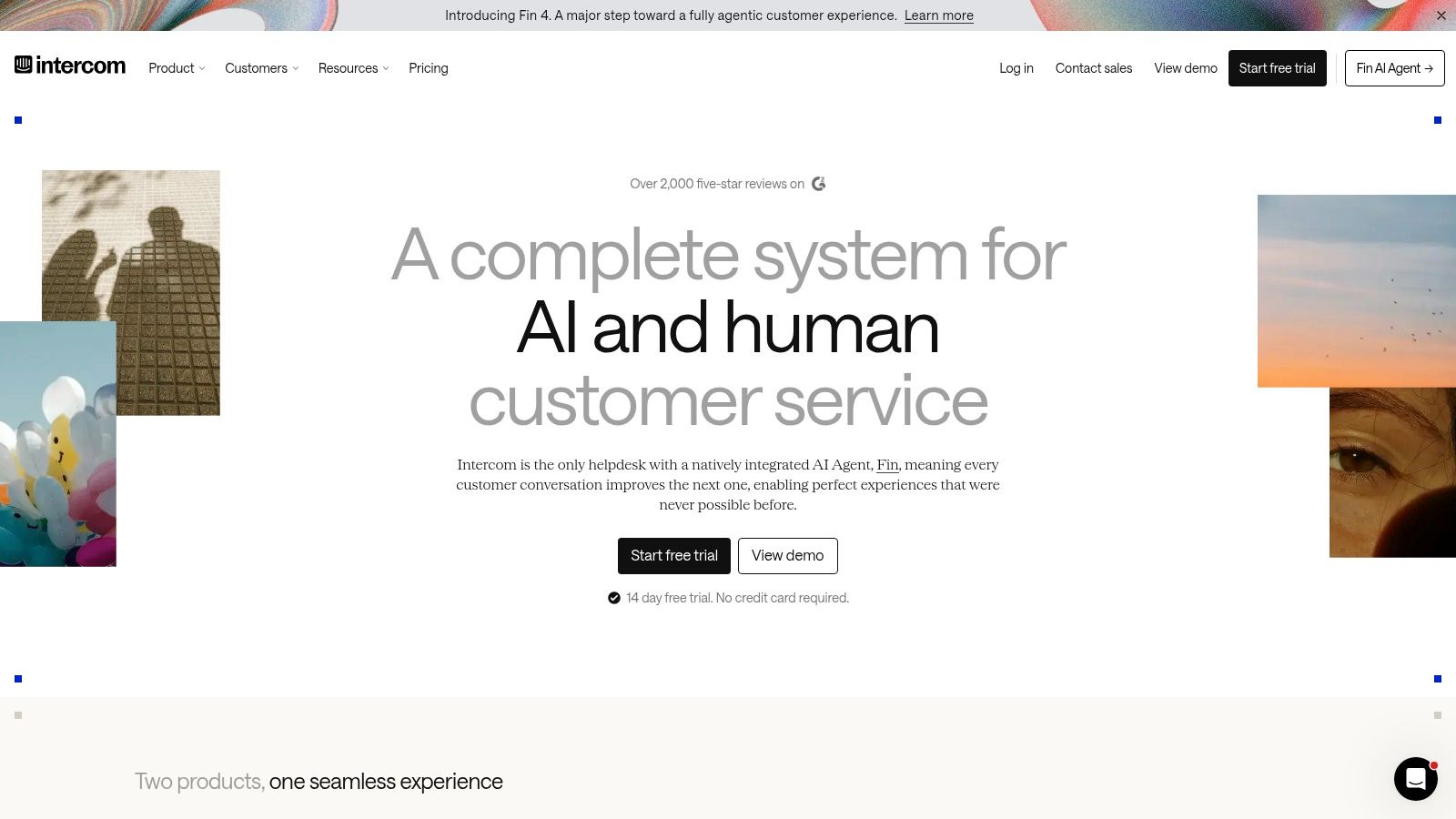
Pick Intercom when chat is the front door to a wider self-service system, not a standalone widget. The messenger runs on your website and inside your product, keeps conversation history, and connects to a shared inbox, a help center, and the Fin AI agent. Software companies supporting logged-in users get the most from it.
What you'll use day to day
- Fin AI agent: Answers from connected support content and hands conversations to staff when needed
- Shared inbox: Routing and automation keep human follow-up organized
- Help center tools: Self-service articles sit beside human conversations
- Proactive messaging: Reach users in context instead of waiting for a ticket
The strength is continuity. A customer can start with an article or an AI answer, then reach a person without switching channels. The messenger itself looks polished, which matters when support sits inside your product experience.
Pricing is the catch. Intercom plans start at $29 per seat/month billed annually, and Fin resolutions carry additional usage-based charges. A free trial is available, so test it against real conversation volume. Model your expected AI usage before you commit, because per-seat cost is not your total cost. A small team that only needs a website widget will pay for depth it never touches.
That depth is the trade-off.
If you want to watch how buyers pressure-test vendor claims before signing, the Revid reviews collected from Trustpilot are a useful model for verifying what a pricing page promises.
2. Zendesk
A support team juggling chats in one tab, emails in another, and social messages in a third eventually drops requests. Zendesk is the pick when live chat must live inside that kind of disciplined service operation. Chat and messaging sit alongside ticketing, email, voice, social channels, reporting, and a help center in one agent workspace. What you are buying is structure for a team that has outgrown ad hoc replies, with the widget as only one component.
That structure addresses a real operational gap. Independent testing of 1,000 companies found only 9% offered live chat, while 21% of incoming chat requests were ignored and average acknowledgment took 2 minutes 40 seconds. Queue monitoring, routing, and service-level reporting are how you avoid becoming that statistic.
Practical rule: Measuring first-response time, unanswered chats, and abandonment by channel and hour is what separates a chat program from a widget sitting on a page.
Breadth carries a cost. Configuration takes effort because there are more workflows, permissions, and reports to set up. Check whether your account uses legacy Chat or the newer messaging experience, since eligible customers may be moved over.
Zendesk customer-service plans start at $19 per agent/month, with features depending on the plan, and a trial is available. That entry price is reasonable for a mature suite. It is harder to justify when the only requirement is a basic chat box on a marketing site. Choose Zendesk when multichannel discipline is the goal, and look at lighter tools when a simple widget covers the job.
3. LiveChat
An agent watches a visitor spend forty seconds on your pricing page, sees which product pages they came through, and sends a chat invitation before the tab closes. That workflow is what LiveChat is built around. It is a dedicated chat product with an agent inbox, visitor monitoring, routing, canned replies, reporting, and ecommerce integrations, aimed at teams that want real-time conversation without adopting an enterprise suite.
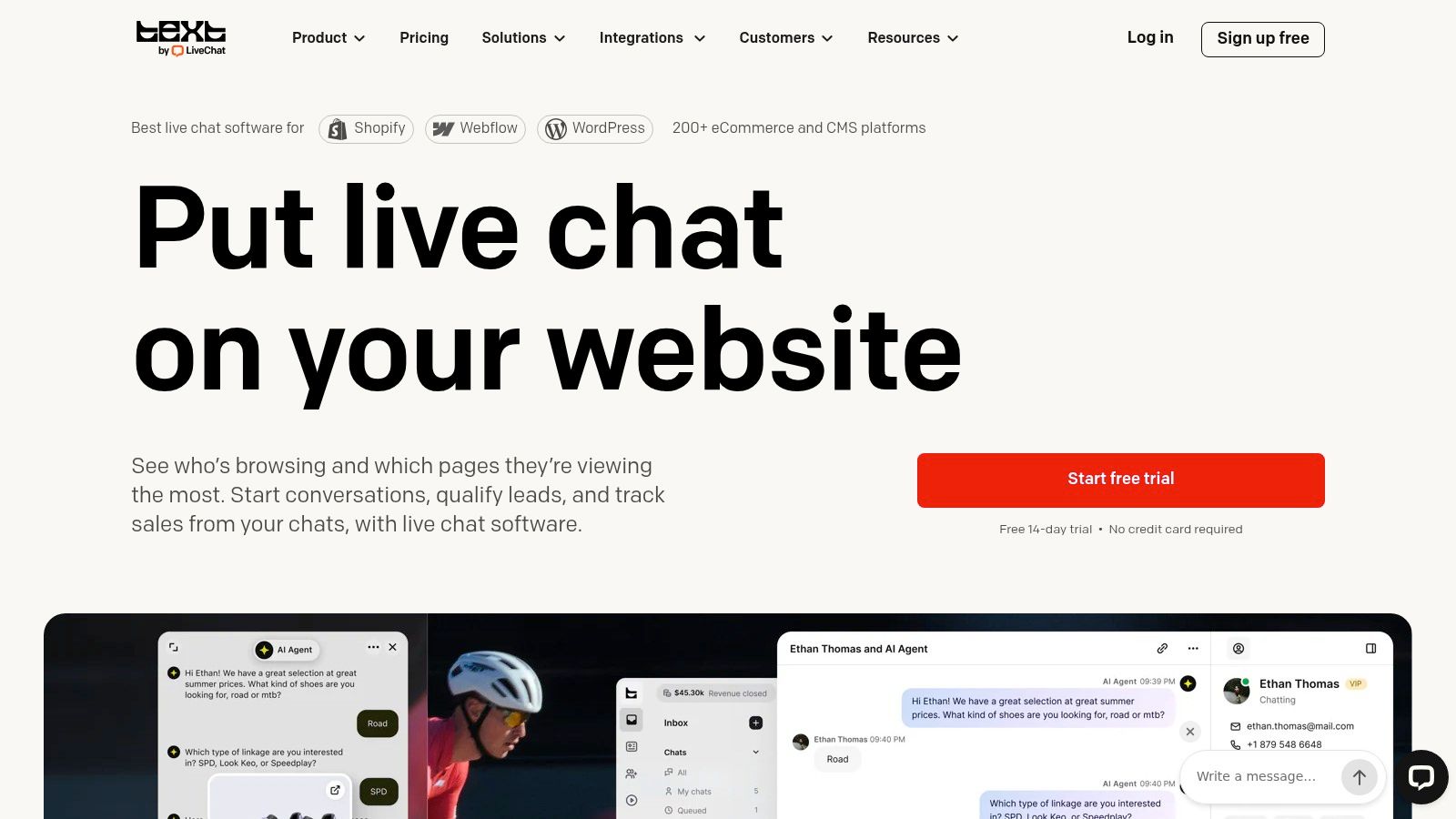
Proactive chat campaigns and team performance reporting are the differentiators worth paying for. Reporting shows whether invitations produce handled chats or just more unanswered demand.
Sales and support teams can share it without either side feeling like a second-class user. It fits three situations well: staffed sales chat where visitor context helps agents prioritize, support teams that want routing and reporting without a full help-desk migration, and ecommerce stores that want conversations tied to store activity.
The trade-off is per-agent math. LiveChat lists Essential at $19 per user/month and Growth at $79 per user/month billed annually, with custom Enterprise pricing, and a free trial is available. A growing roster of occasional agents gets expensive fast, and advanced capabilities sit in higher tiers. Before you sign, compare that per-seat growth against flat workspace pricing from Crisp, and treat launch-day product claims the way Revid reviews gathered from Product Hunt treat them: verify against what current users report.
4. Tidio
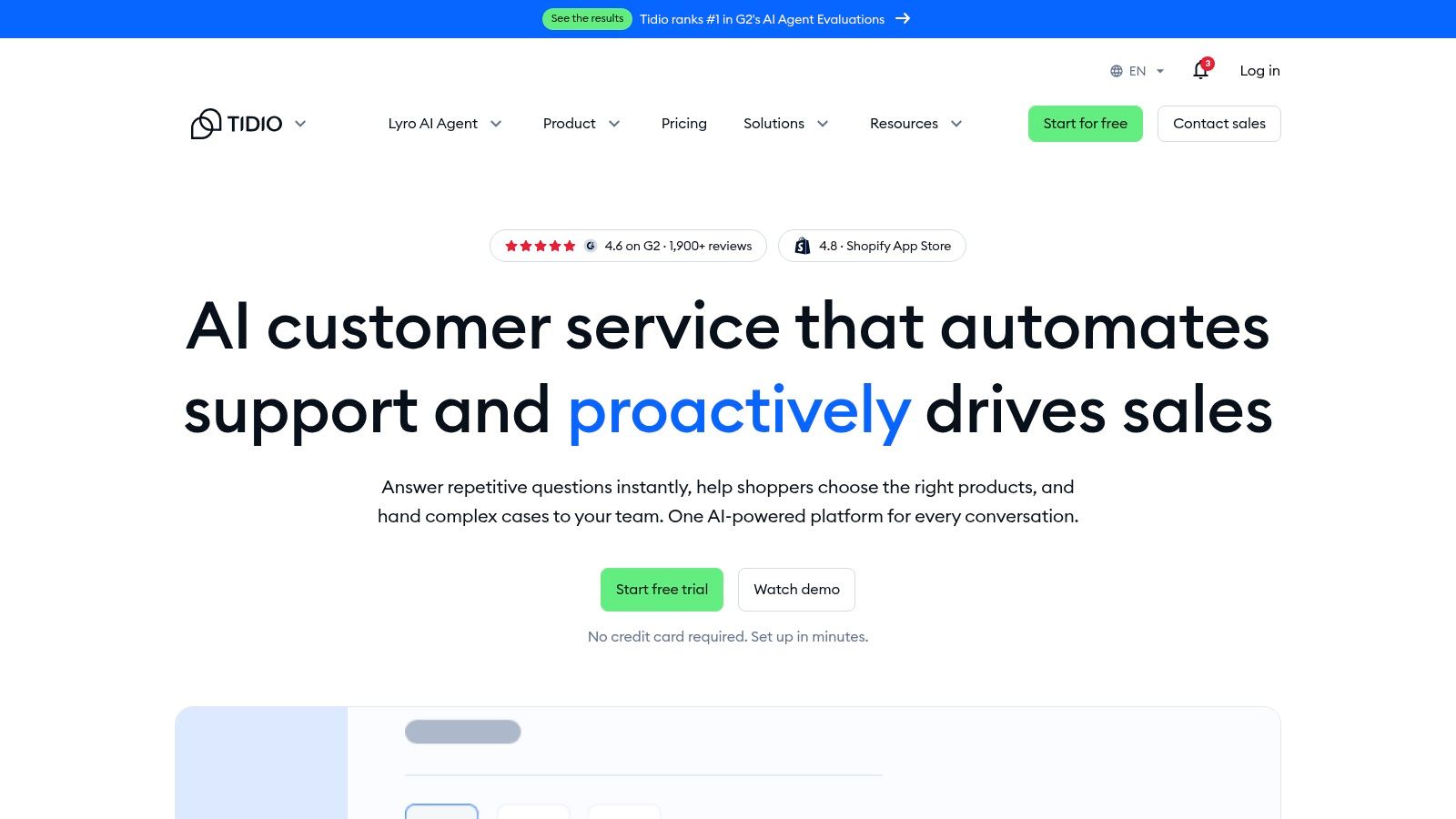
Tidio suits small businesses and ecommerce teams that want one tool for live chat, tickets, no-code automation Flows, and the Lyro AI agent. You can staff it with humans first and switch on automation when chat volume makes the case for you. Agents see who is browsing and what they viewed, without a separate analytics tool.
Mobile testing deserves priority. A 2026 report from one major platform recorded more than 1.67 billion chats, about 6,794 chats per business per month, and 94.2% of chats on mobile devices. Open Tidio's widget and the agent reply flow on a phone before you evaluate anything on a desktop.
Tidio's Flows builder and Lyro agent are its answer to that mobile, high-volume reality, letting a small team automate order-status and shipping questions without writing code. Choose it when you want an AI-first support tool at small-team scale. Skip it if you need a shared multichannel inbox or deep help-desk routing.
Tidio offers a free plan and a Starter plan at $24.17/month billed annually, with higher plans varying by conversation limits, and a 7-day trial is advertised on that pricing. Watch two numbers as you grow, your conversation allowance and AI usage. High-volume plans can become expensive, so forecast a busy month, not an average one.
5. Crisp
A small team with rotating support coverage can add people to Crisp without paying for each agent. Its shared inbox brings website chat together with email and social messaging, while chatbot workflows, a help center, analytics, and integrations cover common support needs. Core plans are priced per workspace rather than per agent.
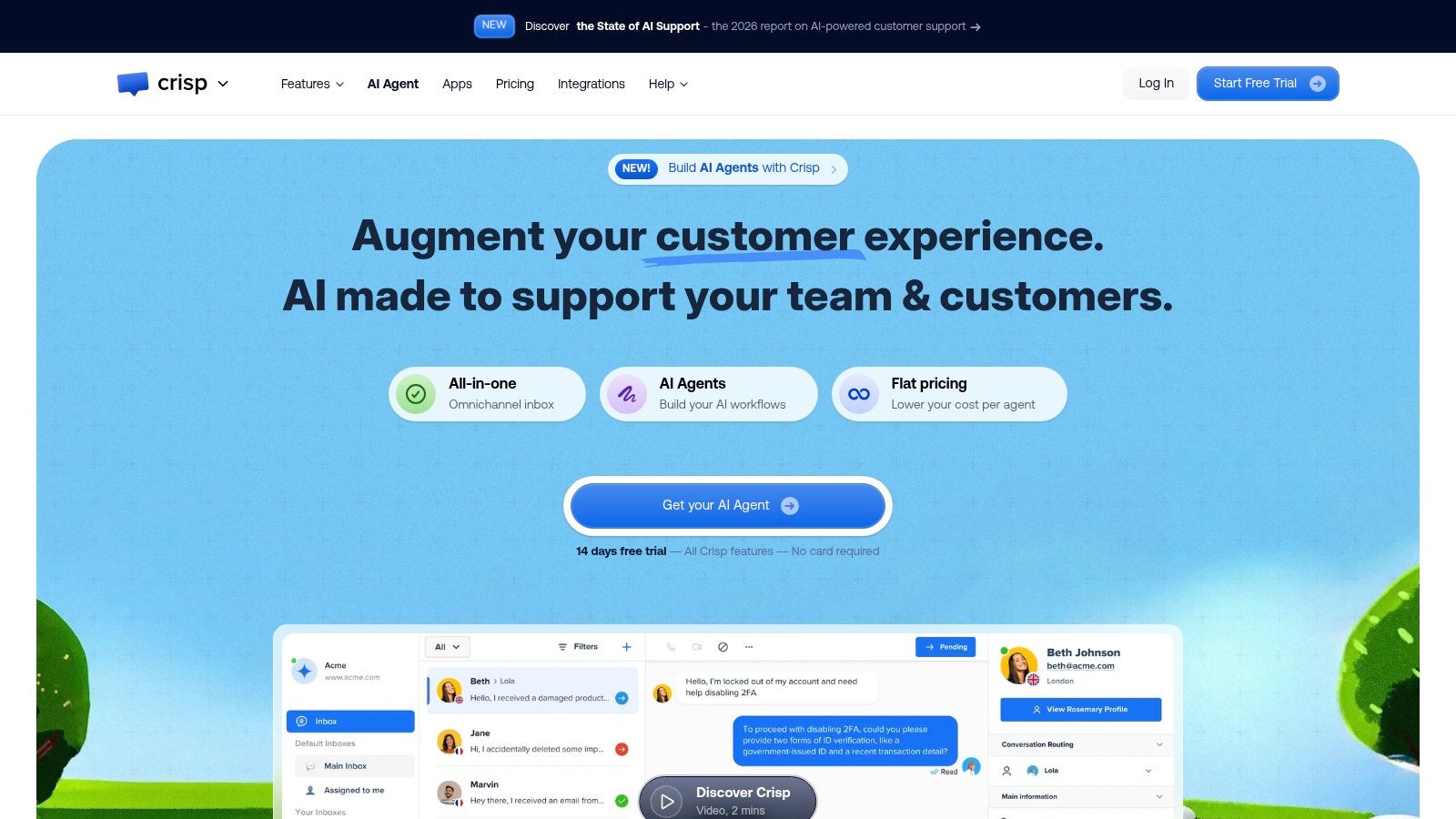
That pricing can make staffing easier: a founder, support hire, and part-time contractor can share coverage without a new per-agent charge. The trade-off is that each plan still limits seats, and access to more channels and some integrations depends on the tier.
Crisp lists Free, Mini at $45/month, Essentials at $95/month, and Plus at $295/month, with a 14-day trial of paid features. The free plan includes a chat widget and two seats, enough to test the inbox with real visitors before committing.
Choose Crisp for a growing team that wants predictable workspace pricing and shared coverage. If separate departments need tightly controlled seat allocation, a per-agent model may be easier to budget. Check seat limits, AI allowances, and channel access against your planned setup before choosing a paid tier.
6. HubSpot Service Hub
A support chat can become a useful sales record when agents already work in HubSpot. HubSpot Service Hub connects live chat and conversational bots to CRM contact records and conversation history. Its shared inbox and ticketing keep follow-up in the same workspace, so agents can see prior interactions before replying.
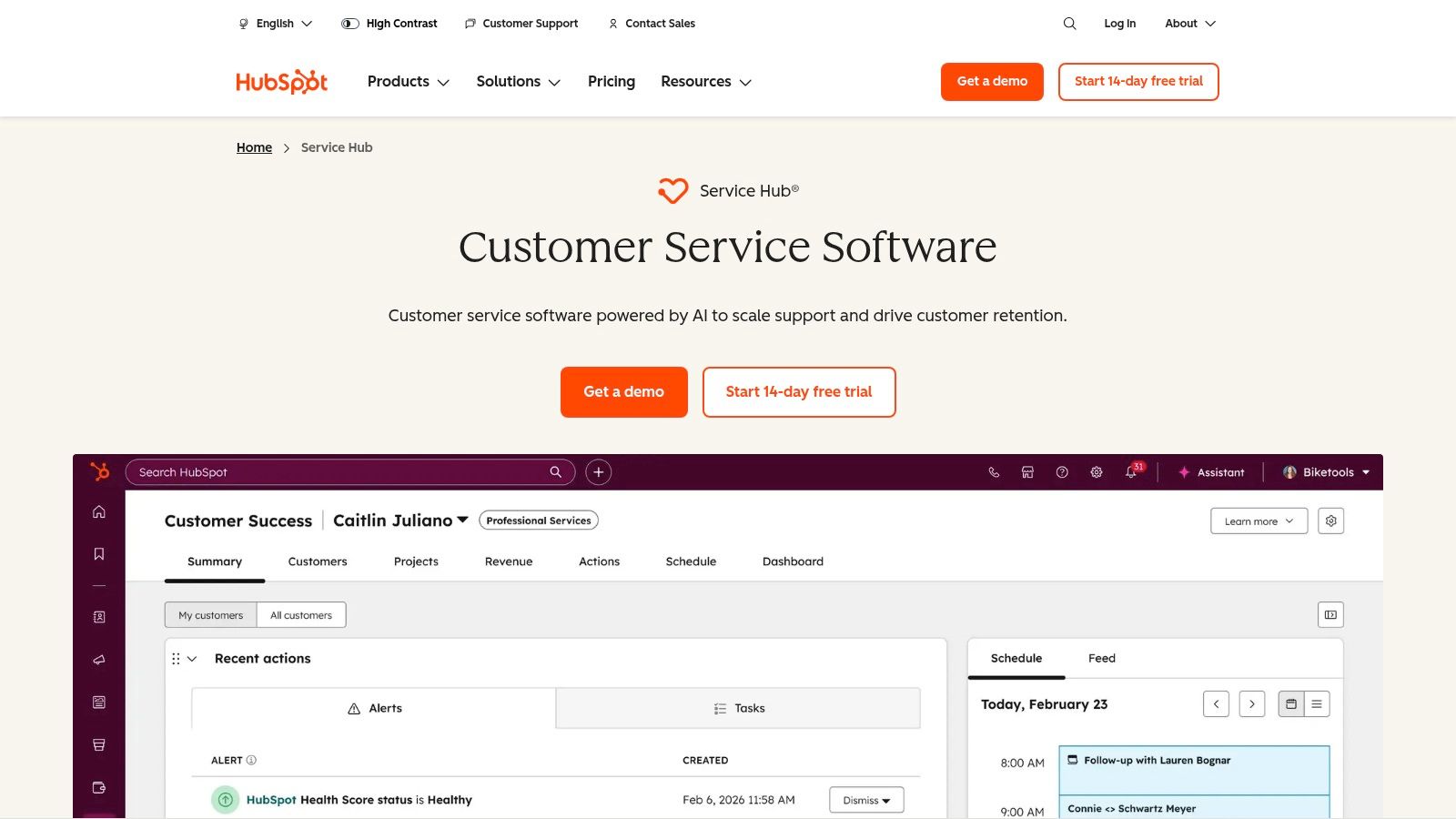
The strongest case for Service Hub is shared customer context. Support can see who is asking, marketing can connect conversations to campaigns, and sales can continue from the CRM record. Facebook Messenger integration and links to other HubSpot tools extend that context beyond website chat.
The trade-off is platform dependence. If your company does not use HubSpot's CRM, adopting it just for chat is hard to justify. Free tools have branding or feature limits, while advanced support capabilities require higher-priced plans.
HubSpot lists free tools, with Service Hub plans starting at $7 per seat/month, Professional at $90, and Enterprise at $150 per seat/month. Test the free tier with your actual contact workflow before budgeting for Professional. For candid perspectives on AI tools and plan limitations, compare vendor pages with user discussions and reviews sourced from X.
7. Zoho SalesIQ
Zoho SalesIQ is the right pick for teams already paying for the Zoho ecosystem. Live chat arrives bundled with real-time visitor monitoring, visual and programmable chatbot options, and visitor and chat analytics. Tight connections to Zoho CRM and the rest of the Zoho suite mean conversations land in records your sales reps already work from.
Visitor context is the practical edge. Agents can see which pages someone is browsing and how engaged they appear, then prioritize a promising prospect over a casual browser. Programmable bots give technical teams finer control than a purely visual builder allows.
Scope chat carefully before you deploy it sitewide. YouGov data shows 31% of Americans use live chat for customer service but only 10% say it is their preferred contact method, while chatbots are used by 18% and preferred by just 1%. Use SalesIQ's targeting rules to offer chat on high-intent pages rather than pushing every visitor into a bot.
Omnichannel choice matters more than chat availability. A visible email or phone fallback protects customers who prefer not to chat.
Zoho SalesIQ offers a free plan with three operator licenses and usage limits, paid plans priced per operator, and a 15-day trial without a credit card. Compare visitor, operator, and chat-session caps across tiers before committing. Configuration takes time, and much of the long-term value disappears if you leave the Zoho ecosystem.
8. tawk.to
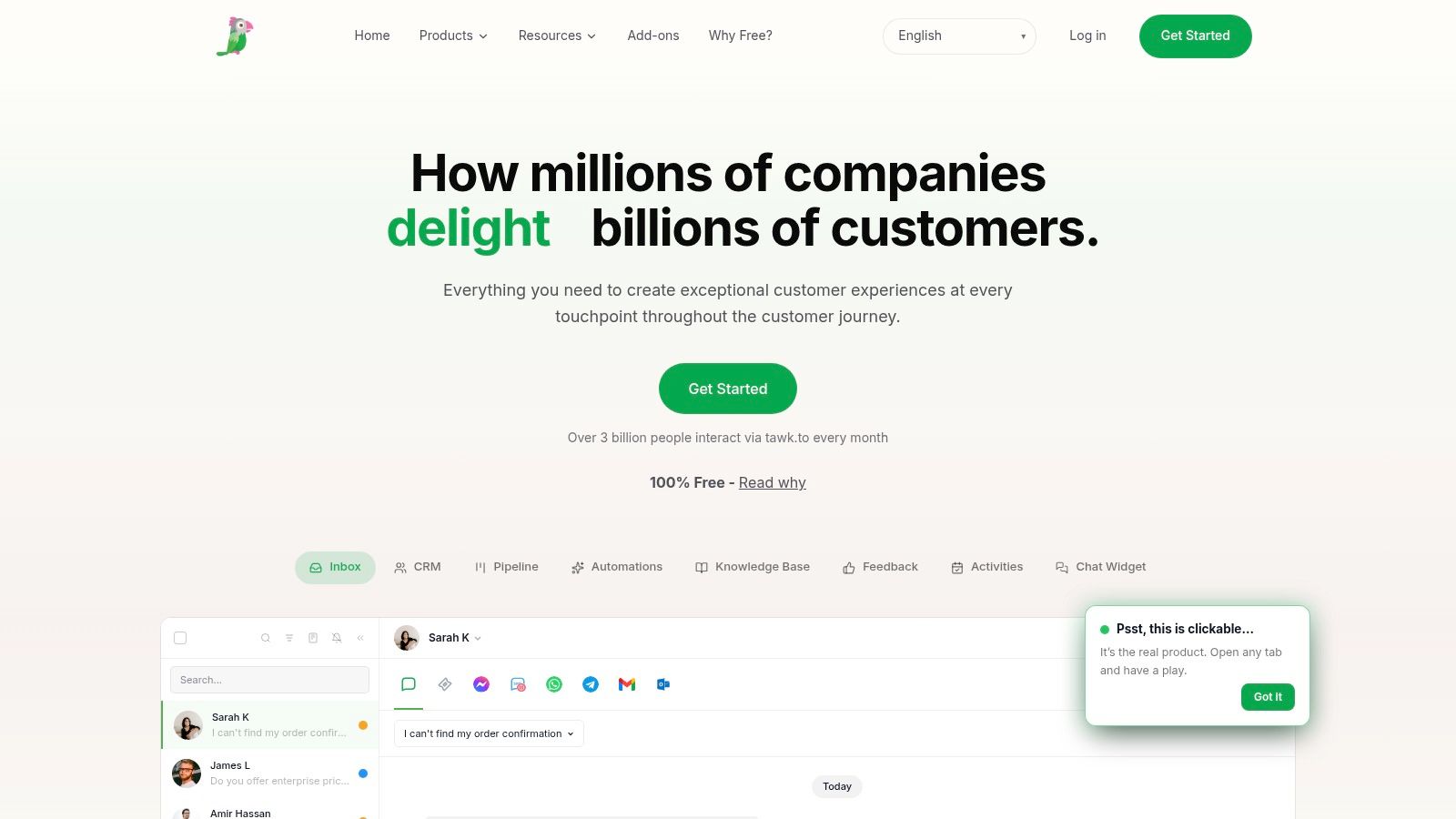
Free live chat rarely covers this much ground. tawk.to gives you hosted chat across multiple sites and agents at no cost, plus desktop and mobile apps, a shared inbox, ticketing, and a knowledge base. For a small content site, a local business, or a first ecommerce store, it removes the biggest barrier to trying live chat: committing budget before you have conversation data.
What the free plan includes
Unlimited agents and chat volume mean no seat math while you experiment. One account covers several website widgets, agent apps let you reply away from the web dashboard, and optional hired agents supply paid human coverage if you can't staff chat yourself.
The costs appear at the edges. Removing tawk.to branding costs $39/month or $348/year per property, and professional chat agents are priced separately. There's no self-hosted deployment, and larger service operations may eventually want deeper reporting, governance, or polish than a free-first product provides.
Run tawk.to as your evidence-gathering stage. Once chat volume, missed chats, or after-hours demand grow, you'll have real numbers to justify migrating to Tidio, Crisp, or LiveChat.
9. Freshchat
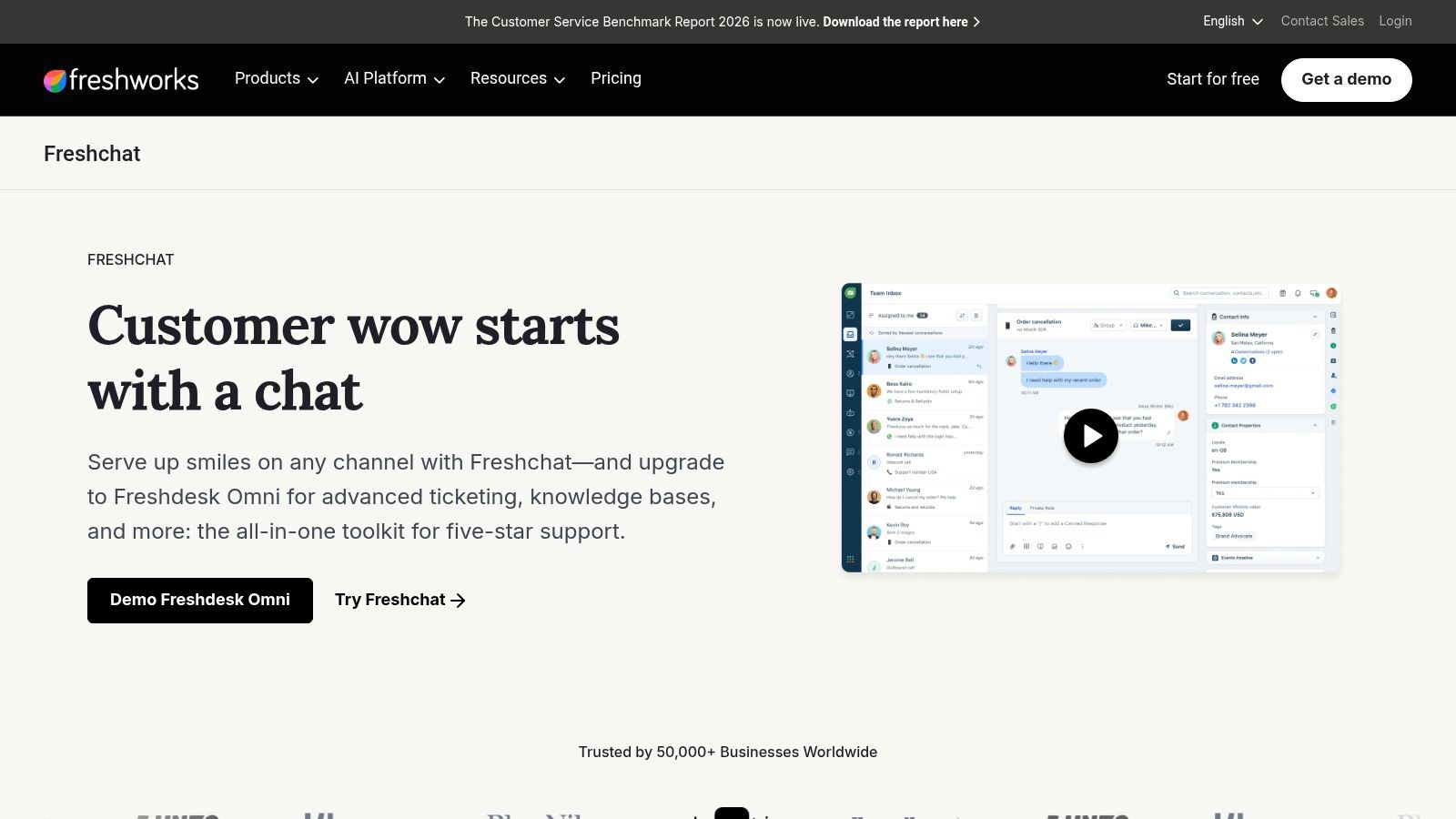
If your team already runs Freshdesk, this is the shortest evaluation on the list. Freshchat is Freshworks' messaging product for support and engagement across web and other customer channels. Bots and automation handle routine conversations, and connections to Freshdesk and Freshdesk Omni give growing teams a route from messaging into broader ticketing.
Set your automation boundaries before you switch anything on. Freshworks' own live-chat statistics roundup reports satisfaction around 83.1%, that 53% of companies resolve most complaints in the first chat interaction, and that 69% of customers prefer a human agent rather than a chatbot. Those figures support a specific design: automate low-risk questions and make human takeover fast and visible.
Ask direct governance questions during evaluation. Can agents take over a bot conversation without the customer repeating context? Are bot disclosures transparent, sensitive details redacted, and transcript retention and deletion configurable? Role-based access and exportable audit logs matter once chat touches billing, health-adjacent, or financial topics.
Freshchat pricing varies by product and plan, with a free tier for a small agent count and paid Growth tiers billed per agent, so compare it directly with Freshdesk and Freshdesk Omni before choosing a configuration. The main risk is overlap: paying twice for similar messaging and ticketing capability inside one portfolio. Teams outside the Freshworks ecosystem should verify integrations with their current stack before committing, since a CRM-connected workspace only pays off when the connections already exist.
10. Olark
Olark is the pick for teams that want chat and nothing else. You get website chat with a visitor list, transcripts, canned replies, automated messages, agent groups, routing, reporting, and accessibility features, without inheriting a ticketing suite you never asked for.
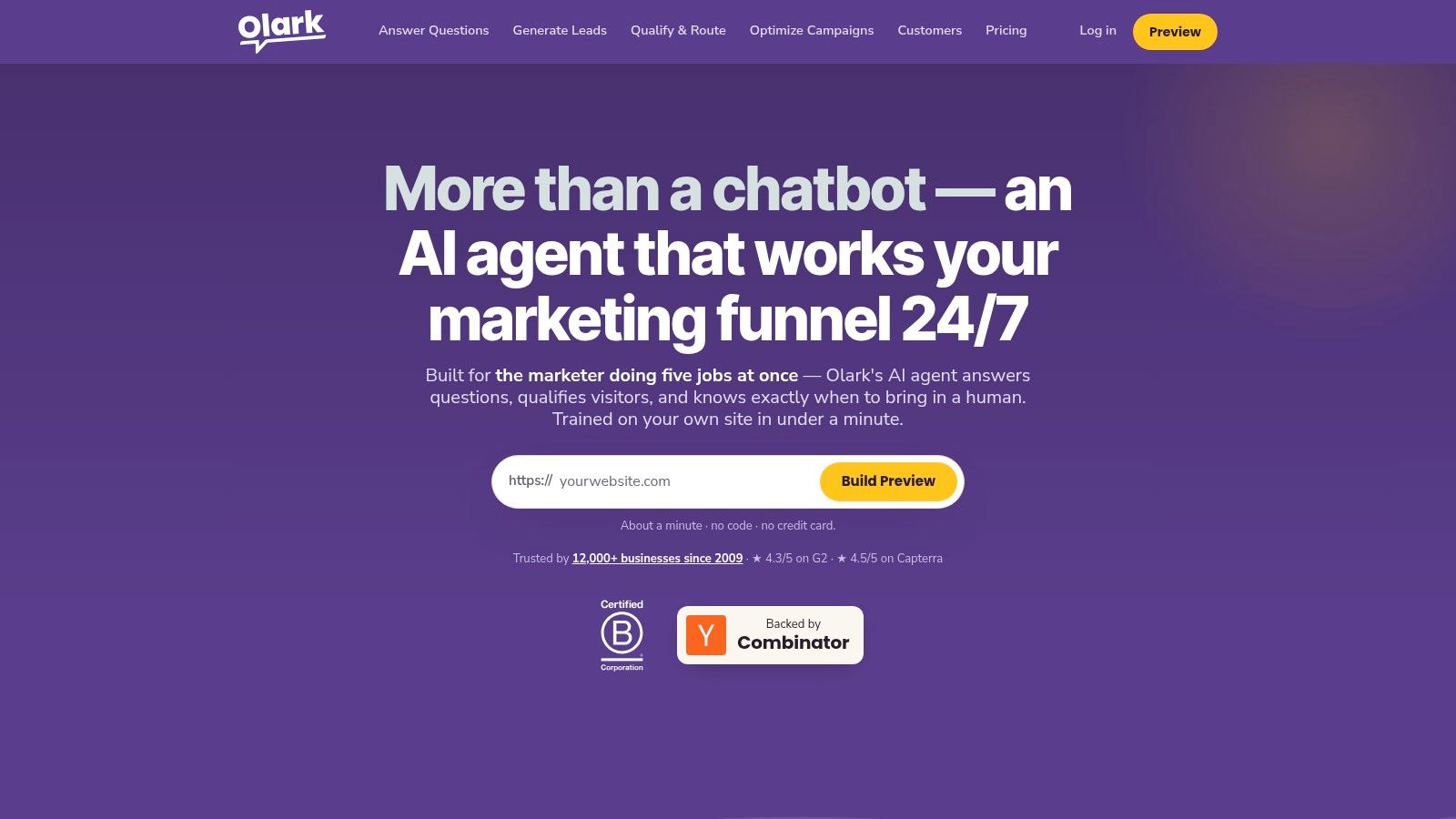
That narrow scope is the point. A small sales or support team answering product and order questions gets routing and canned replies on day one, and transcripts give managers a record for follow-up and coaching. Nobody spends a month configuring workflows.
The trade-offs are predictable. Olark covers less ground than an all-in-one help desk or omnichannel platform, some added capabilities sit behind separate PowerUps, and you should confirm your store, CRM, or help desk connects cleanly before committing.
The AI add-on costs more than a dozen human seats, so treat it as a staffing decision rather than a feature upgrade. Buy the human plan if staffed chat is your model, and add the $400/month agent only once you can show that automated resolutions would replace at least a part-time agent's workload.
Top 10 Live Chat Software Comparison
| Live Chat Tool | Core Capabilities | Standout Value | Best For | Starting Price |
|---|---|---|---|---|
| Intercom | Messenger, shared inbox, help center, Fin AI | ★ Connects AI self-service with human support | 👥 Software and online businesses | 💰 $29/seat/month annually + usage fees |
| Zendesk | Chat, ticketing, email, voice, social, analytics | 🏆 Mature workflows across support channels | 👥 Established or scaling support teams | 💰 $19/agent/month |
| LiveChat | Website chat, visitor tracking, routing, reporting | ✨ Focused real-time chat and team tools | 👥 Sales and support teams | 💰 $19/user/month annually |
| Tidio | Live chat, tickets, Lyro AI, automation | ★ Free entry point with automation options | 👥 Small businesses and ecommerce teams | 💰 Free; paid from $24.17/month annually |
| Crisp | Chat, shared inbox, email, automation, help center | ✨ Per-workspace pricing can simplify budgeting | 👥 Teams seeking bundled support tools | 💰 Free; paid from $45/month |
| HubSpot Service Hub | Live chat, bots, CRM, inbox, ticketing | 🏆 Links conversations with CRM and sales activity | 👥 Businesses already using HubSpot | 💰 Free tools; paid from $7/seat/month |
| Zoho SalesIQ | Chat, visitor tracking, bots, analytics | ✨ Visitor insights and Zoho integrations | 👥 Zoho users and sales-focused teams | 💰 Free plan; paid per operator |
| tawk.to | Website chat, inbox, ticketing, knowledge base | 🏆 Broad free use across sites and agents | 👥 Budget-conscious teams | 💰 Free; branding removal $39/month/property |
| Freshchat | Messaging, bots, automation, Freshworks integrations | ✨ Scales into broader Freshworks support tools | 👥 Freshworks users and support teams | 💰 Varies by product and plan |
| Olark | Website chat, visitor context, routing, reporting | ★ Straightforward human-agent chat | 👥 Smaller sales and support teams | 💰 $29/agent/month |
Match the tool to your next support or sales conversation
Your shortlist should follow your operation, not a popularity ranking. Choose Tidio or Crisp for an approachable small-business setup, tawk.to for a low-cost starting point, and LiveChat or Olark when staffed, real-time conversation is the priority. Those tools get you answering visitors quickly without a platform migration.
Choose HubSpot Service Hub or Zoho SalesIQ when CRM context shapes every conversation. Choose Intercom when self-service, in-product messaging, and AI answers must connect to human support. Choose Zendesk or Freshchat when chat belongs inside a broader, multichannel service system with ticketing and formal reporting.
That progression reflects where the category came from. LivePerson publicly launched its website-chat product in 1998, establishing the model of embedding real-time text support into ecommerce websites. Modern platforms have layered routing, reporting, proactive invitations, CRM connections, mobile messaging, and automation onto that original one-to-one widget.
Don't buy all of those layers on day one. Start with the smallest tool that reliably delivers a visitor's message to a person who can reply, then add automation or suite features when volume proves you need them. A polished AI agent can't compensate for chats nobody answers.
Run a realistic pilot before you commit. Install the widget, send test messages from a phone and a desktop, reply from the agent app, and confirm the visitor sees your answer in the original thread. Test during your busiest hour, not on a quiet afternoon.
Measure what predicts retention, not just activity. Track first-response time, unanswered conversations, abandonment, escalation rate, repeat contacts, and resolution quality by channel. Chat volume going up is not success if customers are returning because the first conversation didn't solve anything.
Cost the whole operation, not the subscription line. Include agent time, training, after-hours coverage, translation, monitoring, and escalation, plus per-seat growth, conversation allowances, AI outcome charges, branding removal, and paid add-ons. Several tools in this list look cheap at signup and change character once those limits bind.
Give customers a genuine choice of channel. Live chat suits high-value or complex purchases where a person adds confidence, asynchronous messaging suits people who won't wait, and constrained automation suits simple, low-risk questions. Forcing every visitor into a bot optimizes for adoption, not outcomes.
Finally, check the unglamorous details in writing. Confirm transcript retention, consent and deletion workflows, redaction of sensitive information, role-based access, and how easily you can export conversations if you switch vendors. The best live chat software for your team is the one that fits your staffing, your systems, and your customers' preferences, and still performs on your worst Monday, not just in a demo.
Before you pay for your next AI tool, read what real buyers said first. Revid Reviews collects public reviews of Revid from Trustpilot, X, and Product Hunt with links to each original, and its buyer guides cover pricing, credits, cancellation, and honest comparisons with other AI video generators. Visit the site to verify the claims yourself before you sign up.