Stop asking which model makes the prettiest demo. That's the popular advice, and it's how you buy the wrong tool. A striking five second clip doesn't give you a narrated product video, captions, music, or a publish-ready post. The best text to video choice depends on the deliverable you actually need.
Some platforms in this list generate cinematic footage you still have to assemble. Others turn a script, link, or product brief into a finished social video with far less editing. That split matters because demand is enormous. YouTube Shorts averaged over 200 billion daily views worldwide in June 2025, although YouTube changed its view counting method on March 31, 2025, according to YouTube Shorts view milestones and the counting change.
Generative tools are also now ordinary business software. Stanford reported that 71% of organizations used generative AI in at least one business function, a figure covering generative AI broadly rather than text to video specifically, in Stanford's 2025 AI Index on organizational generative AI use. Judge these seven tools by workflow fit, credit cost, licensing, and how much editing you'll still do yourself.
Table of Contents
- 1. Google Flow
- 2. Runway
- 3. Adobe Firefly
- 4. Kling AI
- 5. Pika
- 6. InVideo AI
- 7. Revid
- Top 7 Text-to-Video Tools Compared
- Choose the workflow, not just the model
1. Google Flow
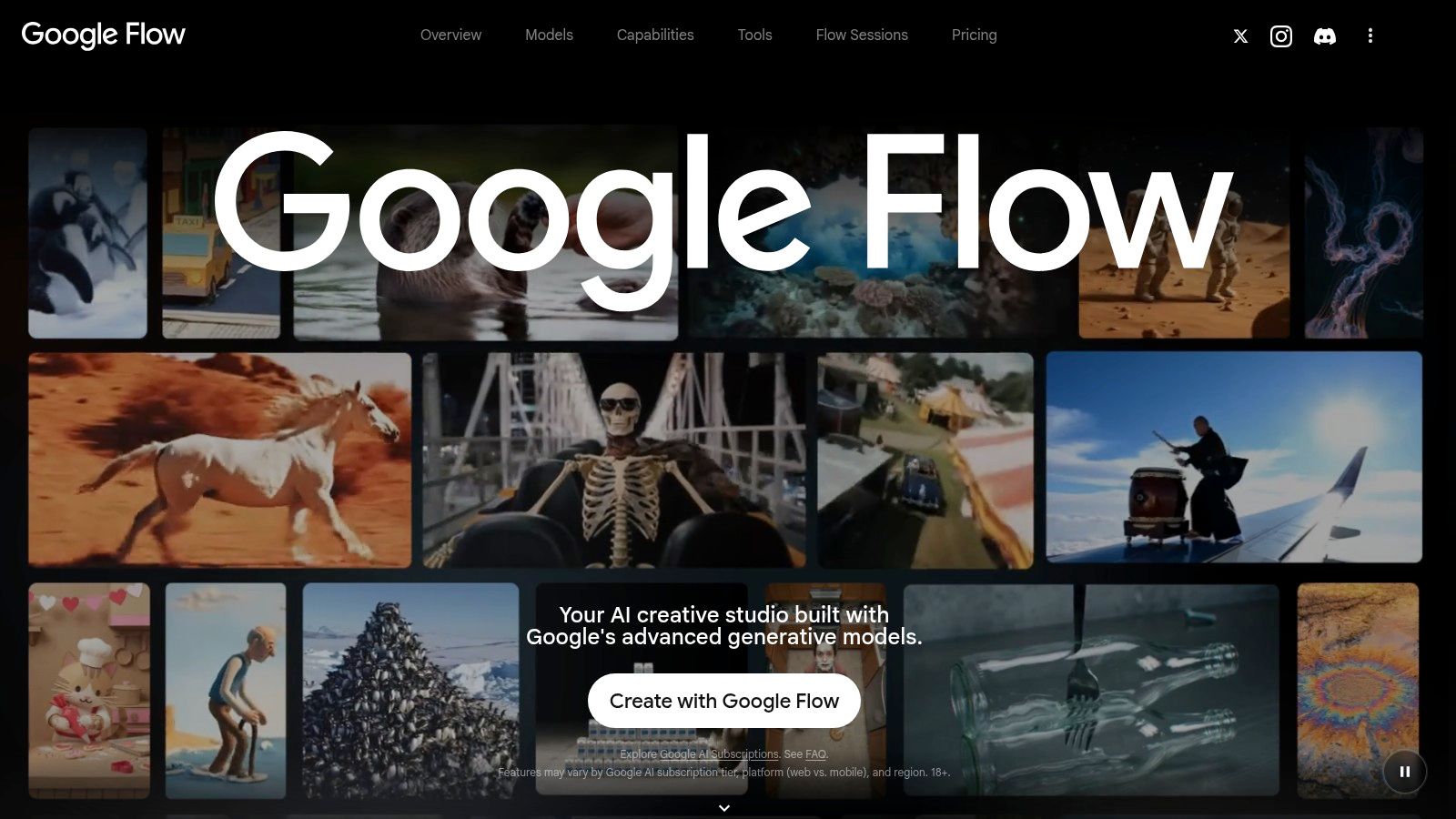
Pick Google Flow when you want to direct a sequence, not just generate one isolated shot. It's Google's creative workspace built around its Veo models, with room to develop connected scenes for short films, concept pieces, and music video visuals. If your project lives or dies on cinematic continuity, start here.
What Flow does well
Flow supports text to video, frames to video, and reference based generation in one place. You can extend a clip, use video to video editing, and build out linked moments with Scenebuilder instead of starting every shot from a blank prompt. That makes iteration feel more like filmmaking and less like pulling a slot machine lever.
- Free testing: The free option includes 50 daily Flow credits, enough to learn your prompting style before paying.
- Scene development: Extension and scene building tools help you carry a character, setting, or camera idea across multiple clips.
- Creative range: It's well suited to short films, mood films, trailers, and visual sequences for music.
Where you'll still work
Credits are shared across features and generation costs vary by model, so track what each attempt costs you. The subscription math also depends partly on whether you want the other bundled Google services. Note that Flow gives you clips, not a finished narrated social post. You'll still add voiceover, captions, music licensing checks, and final formatting elsewhere if you're publishing daily Shorts or ads.
2. Runway
Runway is the general purpose pick for hands on creators. It combines text to video and image to video generation with a broader creative toolkit, so you aren't bouncing between separate apps for visuals, audio, and finishing steps. If you like directing and refining shots yourself, it's a strong default.
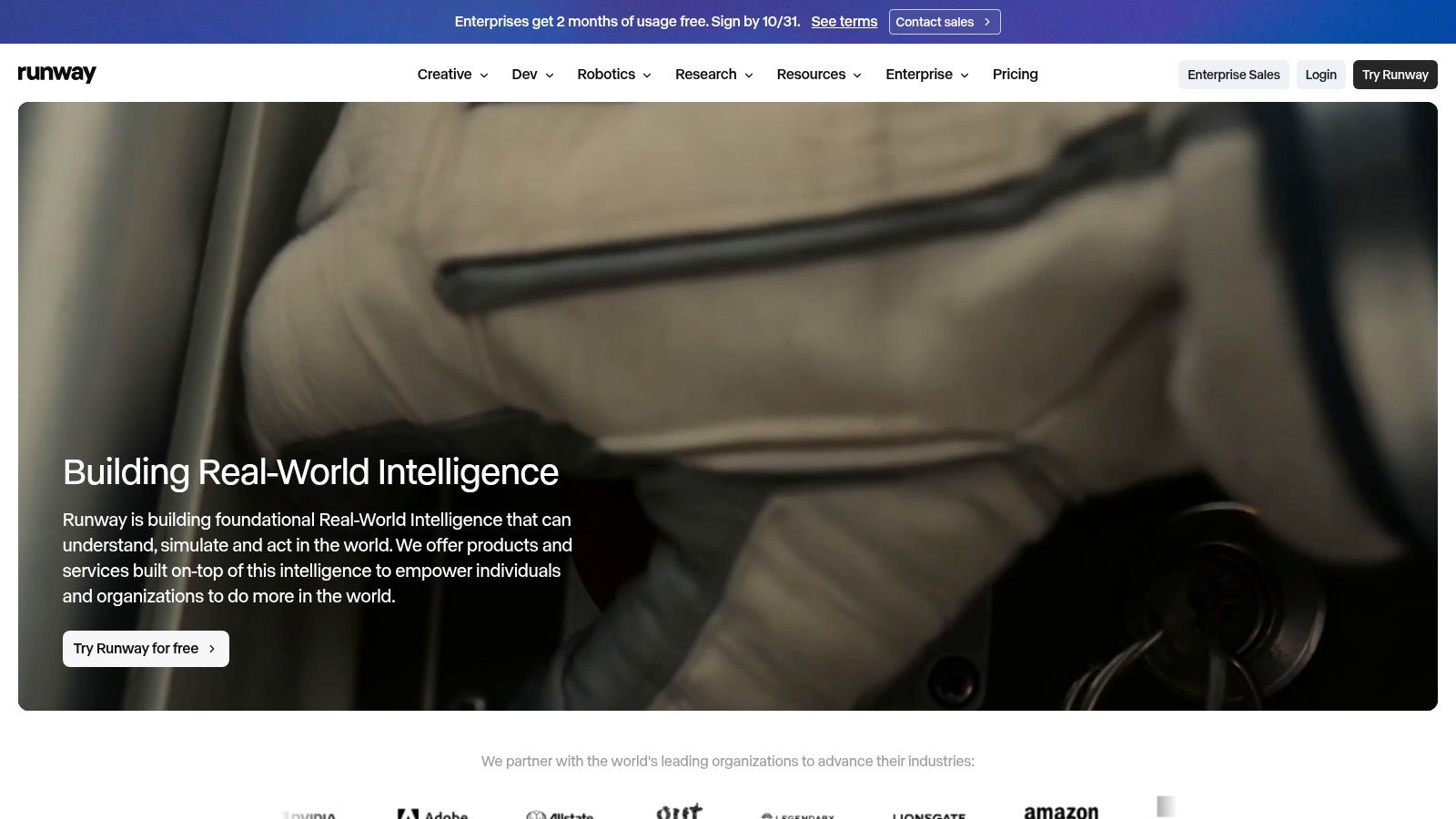
Runway gives you access to multiple AI video and image models, plus music, voice, and sound effect generation. Eligible plans add projects, parallel generation, and 4K upscaling, which helps when you're testing several takes of the same idea. The free plan includes 125 one time credits, and paid plans include exports without a watermark.
Don't judge any generator on one lucky render. The T2VEval-Bench work evaluated 1,783 videos from 13 text to video models across 148 prompts, scoring overall impression, text video consistency, realism, and technical quality separately in T2VEval-Bench's four dimension evaluation of text to video models. Copy that approach. Run the same prompt set through Runway covering camera movement, multiple subjects, and action, then score prompt adherence and frame to frame consistency separately.
Practical rule: Test with your hardest real prompt first, not an easy landscape shot. Easy prompts flatter every model.
The trade off is cost control. Credits are limited, prices vary by model, and higher volume use makes the monthly bill climb quickly. Runway can also be more tool than you need for quick, template led social posts. Choose it for creative control and experimentation. Don't choose it if you want a script automatically turned into a captioned, narrated, publish ready video with minimal decisions.
3. Adobe Firefly
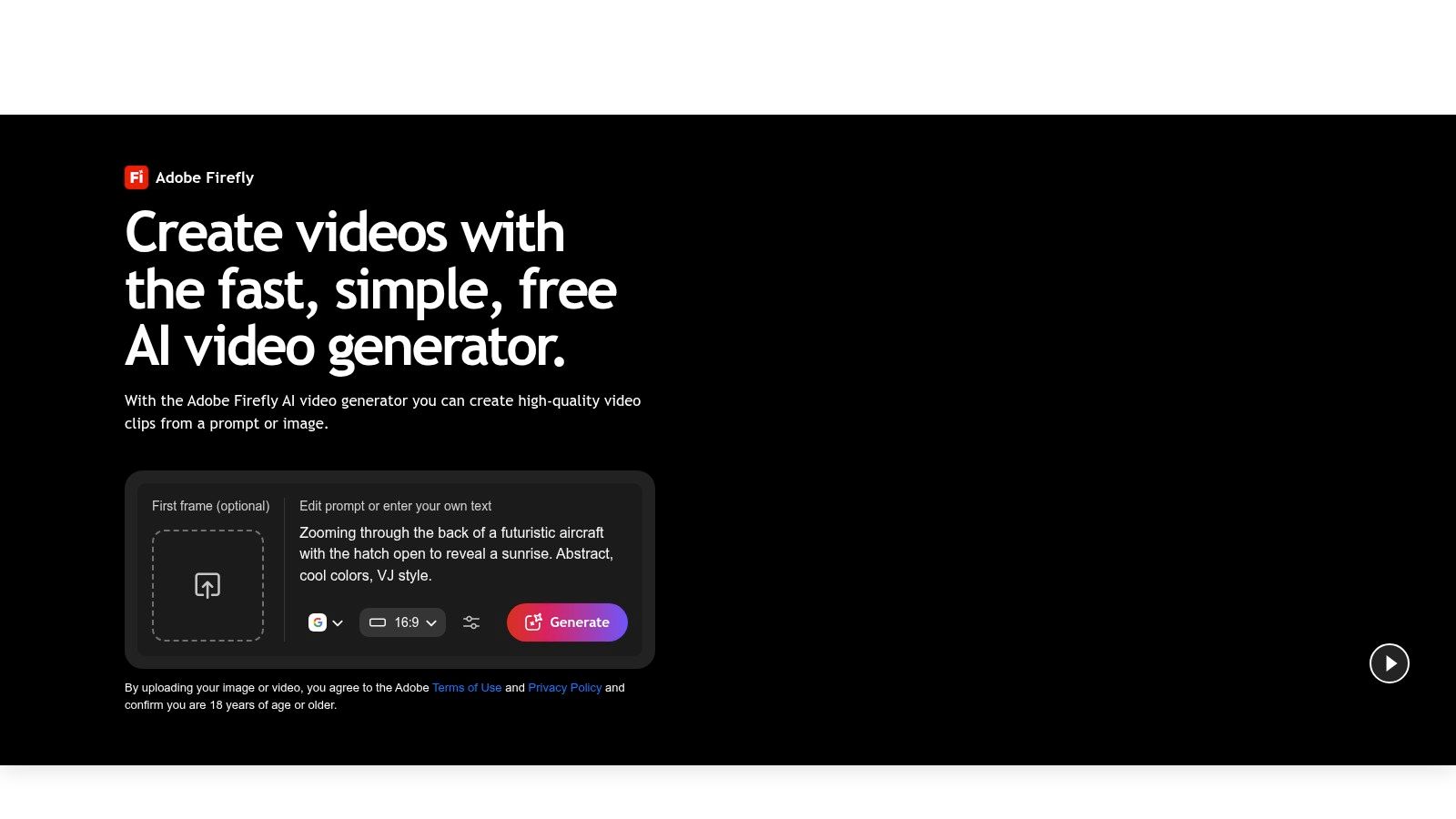
Already living in Adobe software? Adobe Firefly is the most natural fit on this list. It creates clips from text or images, then lets you trim, rearrange, extend, and refine them inside an Adobe centered workflow. For marketing teams producing B-roll and product visuals, that familiarity saves real time.
Built for practical marketing footage
Firefly isn't positioned as a faceless channel machine. It's better for filling gaps in a real edit, a missing product angle, atmospheric B-roll, a background plate, or a short social visual you couldn't shoot. Voiceover, music, and sound effects sit in the workflow, so a clip can move toward a usable asset without an immediate export to another app.
- Adobe fit: It slots into production routines your team may already know.
- Free trial access: Free daily generations let you test before committing credits.
- Commercial positioning: Adobe says video made with its own Firefly Video Model is designed to be commercially safe.
That last point needs a careful read. Terms for partner models should be checked separately, and contractual permission to use output commercially isn't the same thing as guaranteed copyright protection for minimally edited AI footage. Keep records of your prompts, edits, and source assets.
Expect short clips that often need editing together, with credit use tied to your plan and settings. If you need finished, narrated Shorts at volume, Firefly leaves you assembling the final product yourself. If you need dependable generated footage inside a professional edit, it's one of the most sensible choices here.
4. Kling AI
Kling AI keeps the job narrow, and that's its appeal. It's a focused platform for generating visual clips from text prompts or reference images, for creators who'd rather assemble the finished video in their own editor. You aren't paying for a template driven social workflow you won't use.
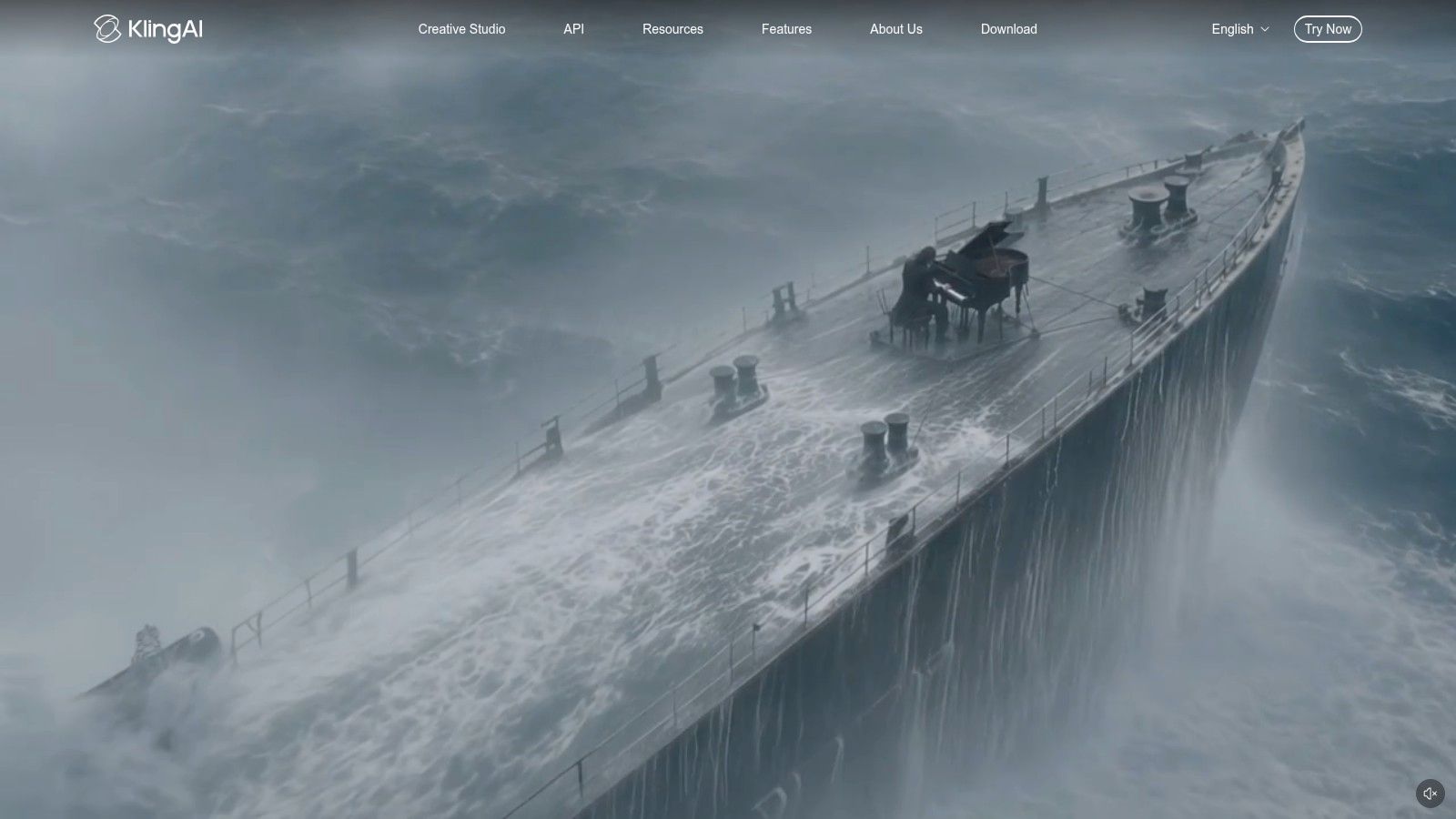
Kling offers text to video and image to video generation, video creation and editing options in the platform, and model and settings choices that affect both output and credit use. Paid subscriptions and official API access make it relevant if you want to build generation into a larger production pipeline. For individual creators, the appeal is simpler. Generate the scene, download it, and finish the piece your way.
One warning applies to Kling and every other pure generator here. Don't ask the model to render your prices, product names, logos, subtitles, or calls to action inside the footage. T2VTextBench evaluated ten state of the art systems and found most struggle to generate legible, consistent text, as reported in T2VTextBench's findings on textual fidelity in generated video. Generate clean scenes, then add typography in your editor where spelling can't drift between frames.
Generate the picture inside the model. Add words, prices, and logos in your editor, every time.
Budget carefully before heavy testing. Cost and output depend on the model, duration, and settings you select, and credit based plans punish careless rerenders. Kling is a clip creation tool, not a complete narrated short form workflow. Pick it when you already have an editing process and just need strong generated scenes to feed into it.
5. Pika
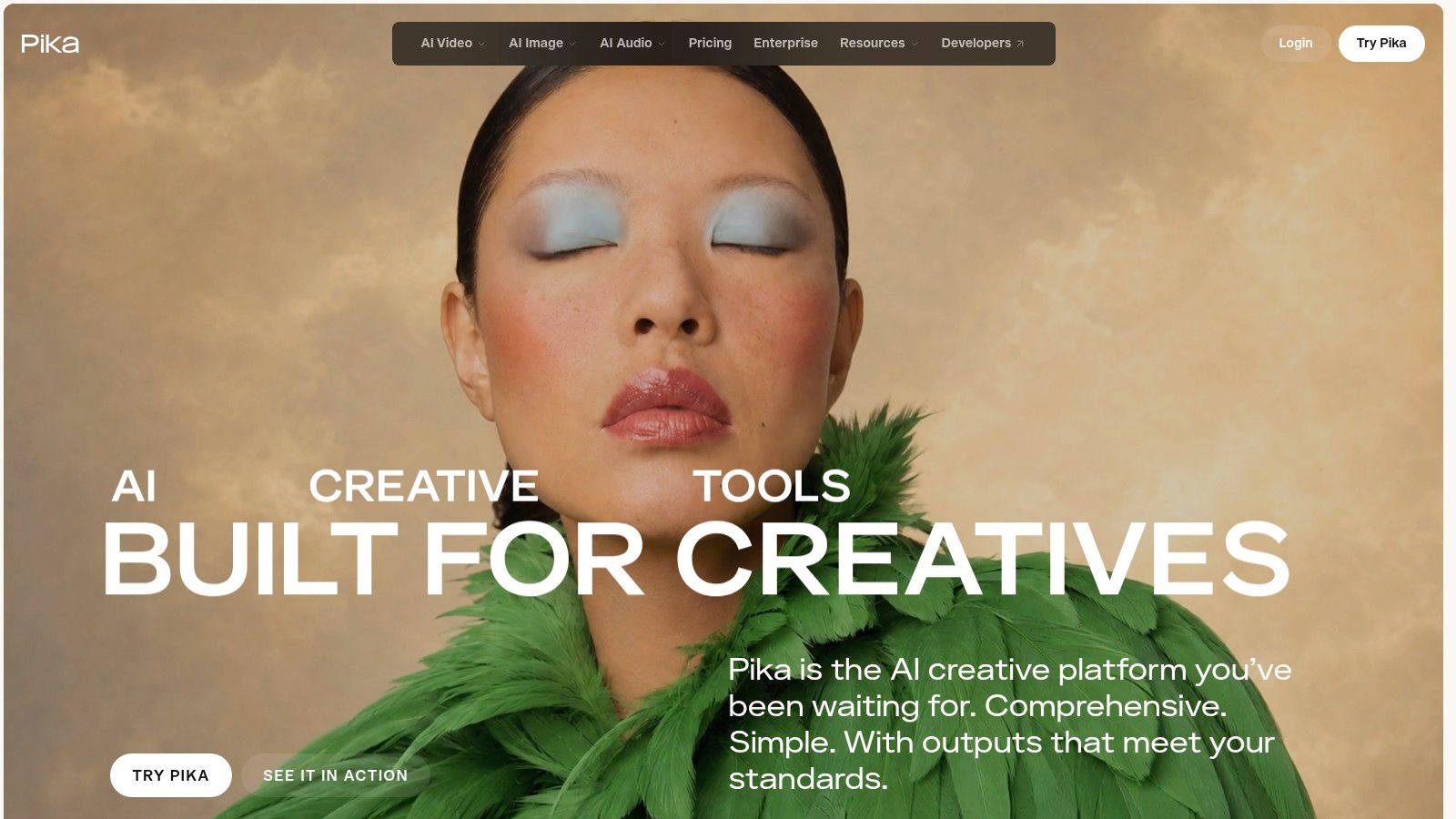
Want weird, playful, effects led clips for social feeds? Pika is built for that kind of experiment. It combines text to video and image to video generation with tools for transformations, additions, and swaps, so you can bend footage in directions a straightforward realism focused generator won't prioritize.
Best used as a creative effects lab
Treat Pika as a place to prototype unusual short form visuals quickly. Generate a transformation, test a stylized idea, keep the takes that work, and edit them into a larger video elsewhere. Resolution and generation options vary by plan, and paid plans list watermark free downloads.
- Effects first features: Transformations, additions, and swaps support playful, shareable concepts.
- Published credit quantities: Pricing and included credits are listed on its official page, so you can estimate volume before subscribing.
- Cleaner exports on paid tiers: Watermark free downloads make paid output more usable for public posts.
Read the licensing line before you build a client workflow around it. Commercial licensing differs by plan and isn't included on every tier, so a cheap subscription may not cover paid ads or client deliverables. Credit charges also vary by tool, model, and settings, which means effects heavy testing can drain a balance faster than expected.
Pika suits short clips and effects rather than complete long form or narrated videos. If your content depends on expressive visuals and fast creative trials, it's a fun and practical pick. If you need a finished explainer with voiceover and captions, look at the last two tools instead.
6. InVideo AI
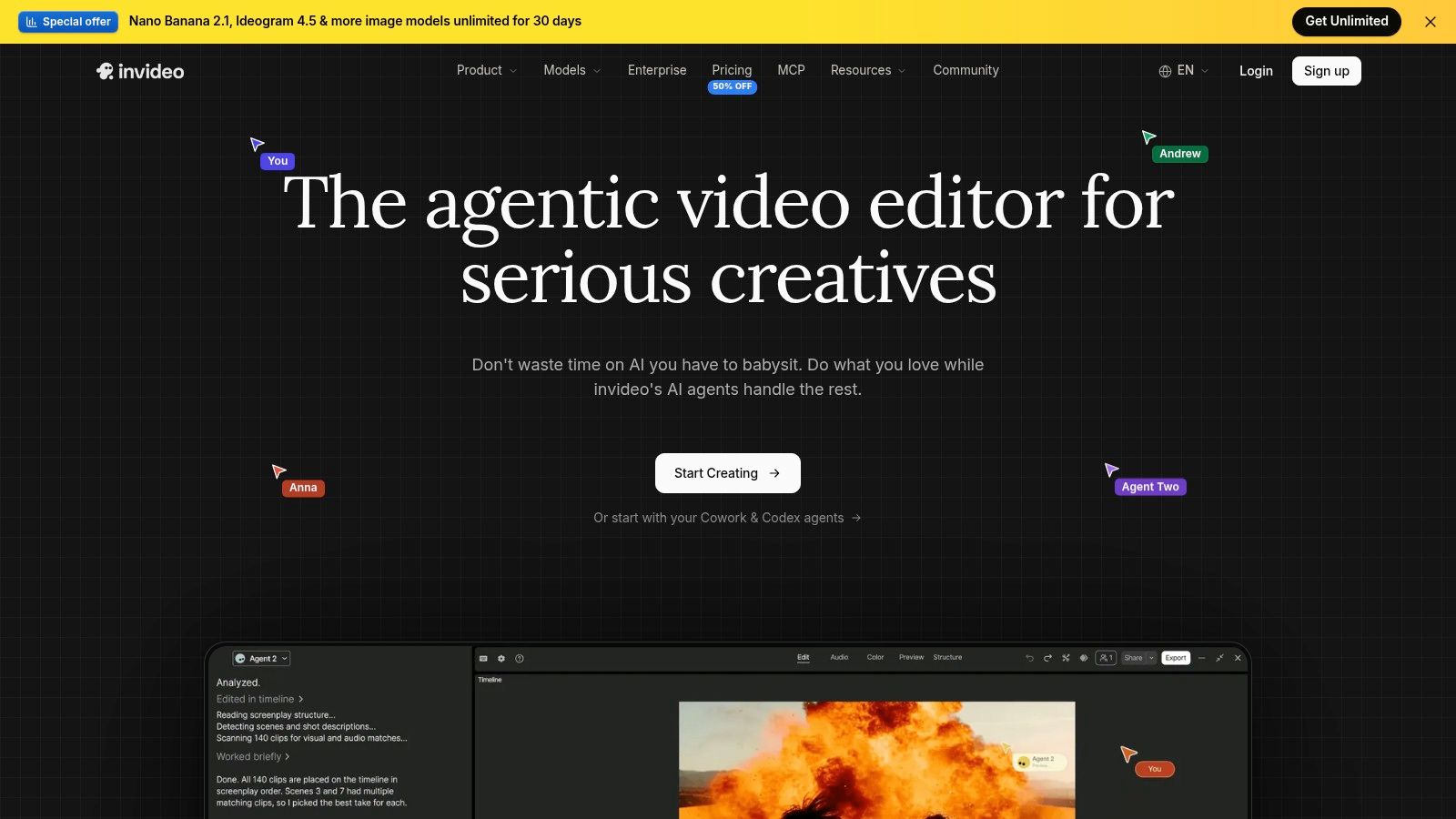
InVideo AI is where this list shifts from generating clips to assembling videos. It's a prompt led creation platform that moves you from a brief toward an editable project, combining generation tools with stock footage and a timeline editor. If you want more than standalone footage, this is your starting point.
A broader brief to video workflow
Instead of prompting shot by shot, you can work from a project brief, assemble scenes, and then refine the result on a timeline. Eligible plans include multiple AI models and agents, and team and seat options support collaboration. That matters for small marketing teams where one person drafts, another reviews, and someone else publishes.
The practical advantage is fewer handoffs. Stock footage can cover scenes that don't need generation, while generated clips fill the gaps stock libraries can't match. You're still responsible for checking factual claims, visual relevance, and pacing, but you're editing an actual draft rather than a folder of disconnected renders.
- Start to finish structure: Prompt led creation plus a timeline editor gives you a more complete production flow.
- Team options: Collaboration features suit agencies and content teams.
- Transparent allowances: Pricing information includes monthly credits and example generation allowances.
The limits are mostly financial. Credit use varies by model and settings, unused monthly credits don't roll over, and the lowest priced plan restricts access to some models and features. Pick InVideo AI when you want a general brief to video system with editorial control. If your entire business is daily vertical Shorts from scripts or links, the next tool is more specialized.
7. Revid
Revid is the most finished product focused tool here. It turns ideas, scripts, links, audio, and songs into social ready videos by combining visuals with narration, captions, editing, and publishing tools. For faceless channels, musicians, and small advertisers, that completeness is the whole point.
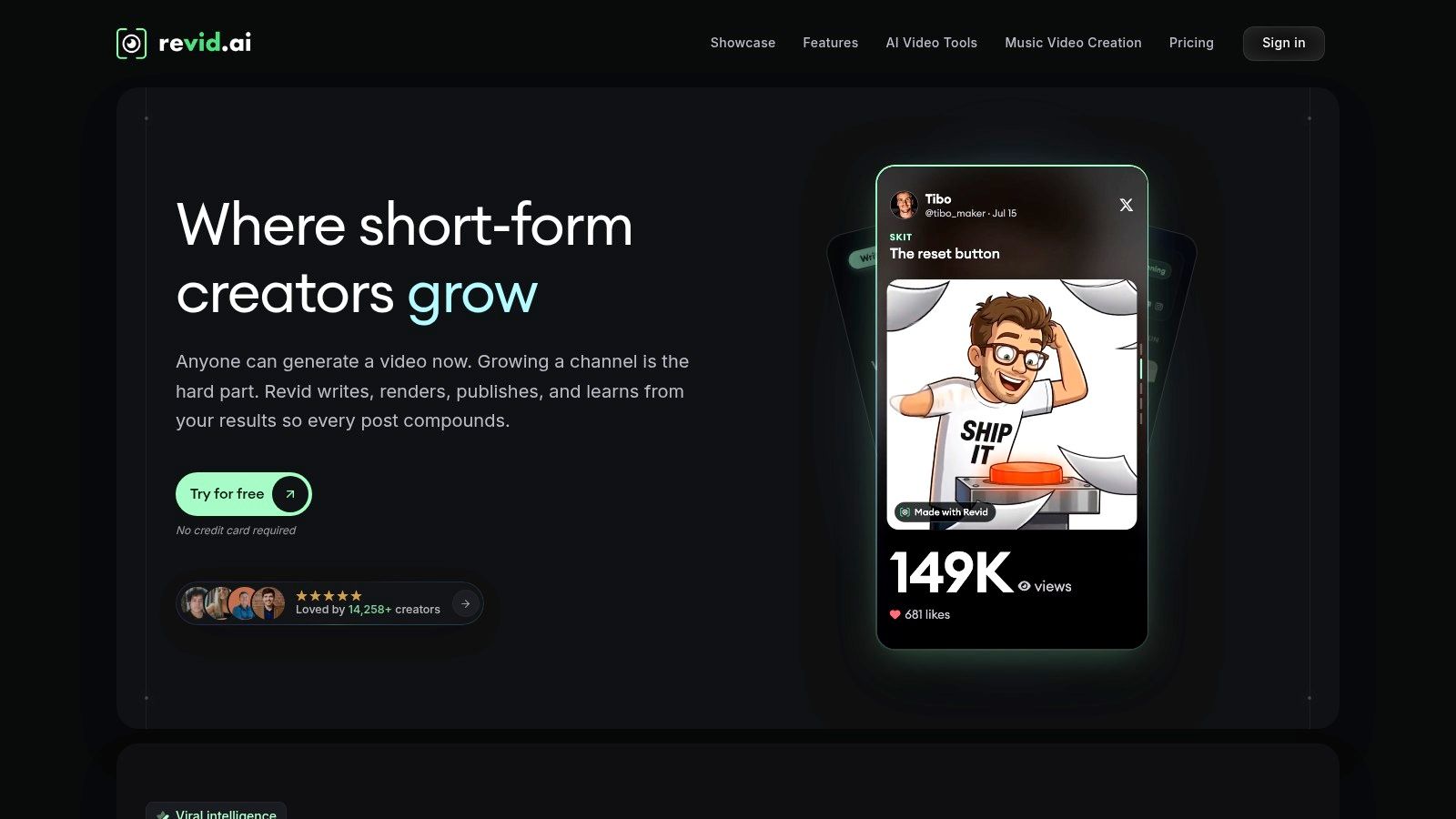
You can create from prompts, scripts, links, audio, or music, with voiceovers and captions supporting more than 70 languages. Short form editing and direct publishing to TikTok, Instagram, and YouTube reduce the export and reformat routine. Specialized workflows cover music videos, avatars, podcasts, and ads, so you're not forcing every project through one generic template.
Buyer check: A finished video workflow saves editing time only if the credits cover your real publishing volume. Price your weekly output before subscribing.
Be direct about the complaints, too. Trustpilot reviewers often praise ease of use and visual quality, but others report concerns about pricing, restrictive credits, technical issues, and unsatisfactory generations. Some reviewers also report difficulty resolving billing and refund problems, which is why reading collected public feedback on Revid Reviews is sensible before you commit to a plan.
Choose Revid when the deliverable is a captioned, narrated vertical post and you don't want to assemble it from raw clips. Don't choose it if your priority is frame level cinematic control over every generated shot. Flow, Runway, and Kling serve that job better. Revid's value is speed from idea to publishable Short, not replacing a director's edit suite.
Top 7 Text-to-Video Tools Compared
| Tool | 🔄 Implementation complexity | ⚡ Resource requirements | 📊 Expected outcome | ⭐ Key advantage | 💡 Ideal use case |
|---|---|---|---|---|---|
| Google Flow | Moderate; prompt, reference, and scene-building workflows | Free daily credits; usage varies by model and feature | Connected cinematic clips; may need separate finishing | Scene-building and clip extension in one workspace | Short films, concept work, and music-video visuals |
| Runway | Moderate; broad set of generation and editing tools | Limited free trial credits; paid usage depends on model and volume | Generated clips with options for further creative work | Wide range of video, image, and audio tools | Hands-on creators seeking a versatile creative workspace |
| Adobe Firefly | Moderate; generation plus clip refinement and assembly | Free daily generations; paid video use consumes credits | Short clips for editing into marketing or social videos | Fits Adobe-centered workflows; Firefly Video Model is designed for commercial safety | B-roll, product visuals, and social content |
| Kling AI | Low to moderate; focused clip generation | Credit-based; cost varies by model, duration, and settings | Visual clips to assemble in a separate editor | Focused text- and image-to-video generation | Creators who prefer to edit finished videos elsewhere |
| Pika | Low to moderate; generation with effects-oriented tools | Credit charges vary by tool, model, and settings | Short, stylized clips and visual experiments | Transformations and effects support experimentation | Social creators making distinctive short-form visuals |
| InVideo AI | Moderate; prompt-led creation with timeline editing | Monthly credits; usage varies, and unused credits do not roll over | Editable videos assembled from generated content and stock footage | More complete start-to-finish workflow with team options | Users and teams creating assembled videos from a brief |
| Revid | Low to moderate; guided short-form workflows | Credit and pricing limits may apply | Social-ready videos with narration, captions, and publishing options | Combines multiple short-form production steps | Creators making social posts from scripts, links, audio, or ideas |
Choose the workflow, not just the model
Start with the deliverable and the decision gets simple. Choose Google Flow for connected cinematic scenes and iterative short film work. Choose Runway for a broad creative toolkit with hands on control, Adobe Firefly for generated B-roll inside Adobe centered marketing production, Kling AI for focused clip generation you'll finish elsewhere, and Pika for effects driven social experiments.
Choose InVideo AI when you want a broader brief to video flow with stock footage, a timeline editor, and team collaboration. Choose Revid when you want finished, captioned short form videos built from scripts, links, audio, or music, with publishing built in. Those last two save assembly time. The first five give you more direct control over individual shots.
Before committing, run one representative prompt at the exact duration and settings you plan to publish. Score it for prompt adherence, consistency across frames, usable detail, and artifacts, then calculate what a week of real output costs in credits. Don't judge the tool by a gallery example made by the vendor's own team.
Licensing deserves the same rigor as image quality. A survey of more than 16,000 creators found 69% were concerned about their content being used to train AI without permission, alongside concerns about cost, output reliability, and training transparency, in Adobe's creator survey on AI training and adoption barriers. Check each tool's commercial use terms, how it treats your inputs, and what safeguards exist around voice and likeness. A platform permitting commercial use doesn't automatically guarantee copyright protection for minimally modified output, so keep evidence of your scripts, edits, and creative decisions.
For additional buyer context, Revid Reviews collects public feedback on Revid's pricing, credits, refunds, and comparisons with competing AI video tools. That's useful reading if Revid is on your shortlist, because its workflow fit is strong for repeatable Shorts while credit and billing complaints deserve a clear eyed look.
The best text to video tool for you is the one that produces your actual deliverable at a cost you can repeat weekly. Cinematic clip quality matters. Workflow completeness, licensing clarity, and production effort matter just as much.
If Revid made your shortlist, read the collected Trustpilot, X, and Product Hunt feedback before you pay, including the complaints about credits, pricing, and refunds alongside the praise. Revid Reviews gathers those public reviews with links to the originals, plus comparisons with competing AI video tools, so you can verify the claims yourself.