You've got one clean product photo, a deadline tonight, and you need five seconds that move without melting the logo, bending the bottle, or inventing a new label. That's where most creators learn that animating a still image is three different jobs, and most tools only do one well. Image to video AI can mean subtle parallax and camera drift, prompt-driven motion where the subject itself acts, a first-to-last-frame transition, or a talking photo with lip-sync.
Picking the wrong category wastes credits fast. A cinematic model will happily redesign your product to make it more dramatic. A talking-photo tool will do little for a scenic shot. An effects tool can crush a transition and fail at holding a face steady for two shots.
The shift behind these tools came when video diffusion models emerged in 2022, extending image diffusion with temporal modeling across frames, a transition described in a survey of video diffusion models. That learned motion is why results can look authentic and also why they drift. The list below is organized by the motion you want, not a generic ranking. Each entry states the actual limitation, the credit cost, and how faithfully it tends to preserve your source image, so you can test the right tool first.
Table of Contents
- 1. Runway
- 2. Google Flow
- 3. Kling AI
- 4. Luma
- 5. Pika
- 6. Adobe Firefly
- 7. Higgsfield
- 8. CapCut
- 9. HeyGen
- 10. Vidu
- How the image to video AI tools compare on access, pricing entry point, and best use
- Choose the tool by the motion you need, then test with your own images
1. Runway

Runway suits prompt-driven animation of a single image, especially when you want to refine the result in the same workspace. Its Gen-4.5 image-to-video model animates stills, alongside other image and video models, so you can continue editing without exporting each attempt.
That workflow can suit a product hero shot, musician portrait, or scene intended for a larger project. Paid plans offer concurrent generations, project storage, and watermark-free output.
Credit cost and fidelity
Runway offers a limited free credit allowance. Per-clip costs vary by model and duration, so check Runway's current pricing before planning a series of attempts. A polished result may take several generations.
Check hands, text, and logos at full size. Small details can drift during animation, even when the overall image remains recognizable. Concerns about credit use, output reliability, and support are worth weighing before committing. The Revid Reviews buyer guides also cover what to check in credit and renewal terms. Runway is a better fit when you want generation and refinement together than when your priority is low-cost rerolls.
2. Google Flow

A single animated photo may be only the opening shot. Google Flow is a filmmaking workspace built around Google's Veo models. Frames to Video starts from stills, while Ingredients to Video uses visual references to shape a scene.
Flow suits multi-shot concepts where you want to develop a scene, extend clips, and keep related generations together. That gives you more room to build a sequence than a one-off image animation, though each extension or variation can use more credits.
Access includes a free tier with a limited daily credit allowance. Paid Google AI plans add monthly credits, while availability and limits vary by plan. Costs also depend on the model and operation, so check which Veo options your account can use before planning a sequence.
The trade-off is predictability: credits can go toward extensions and variations before you have a usable first shot. Start with your most difficult source image, check that the subject remains recognizable, and confirm the framing works in both vertical and horizontal formats before building out the scene.
3. Kling AI
A streetwear creator who wants a model to turn, rather than the camera to drift, needs control over the movement. Kling AI combines image-to-video with Motion Control, letting you guide how a supplied character, product, or composition moves.
Use it for directed movement. The trade-off is fidelity: video generation can change details in the source image. Check seams, jewellery, printed text, and product edges across the clip. More ambitious movement can mean more changes to the original.
Where it breaks
Before spending credits, test the movement you need on an image where small details matter. Confirm the subject stays recognizable and the camera behaves as intended. Kling's official site lists current plans and output options; check it before subscribing, since access and settings depend on the plan. A low entry price alone does not guarantee access to the controls or resolution you want.
4. Luma

For a single-image animation with a cinematic feel, Luma offers Ray models for image-to-video, along with character references, keyframes, draft mode, and video modification in its wider workspace. These controls give you ways to shape camera movement and carry a visual style across clips.
Draft mode helps you check composition and motion before spending credits on a higher-quality version. References and keyframes can help maintain a character or visual world from one shot to the next, though generated details may still drift from the source image.
Check the camera movement in draft mode first. Spend credits on the version you intend to publish only after the motion works.
Luma's listed plans are Plus at $30 per month, Pro at $90, and Ultra at $300. Credit costs vary by model, duration, and resolution, so check the cost for your intended settings before generating. Higher-quality output can use credits quickly, and some Trustpilot reviewers report concerns about credit use and results that did not follow prompts.
Before paying, confirm which product you are buying, which Ray model it includes, and what a clip at your target duration and resolution will cost. Luma suits atmospheric, cinematic work where some reinterpretation is acceptable. For product shots that depend on exact details, check the source image closely in the finished video.
5. Pika
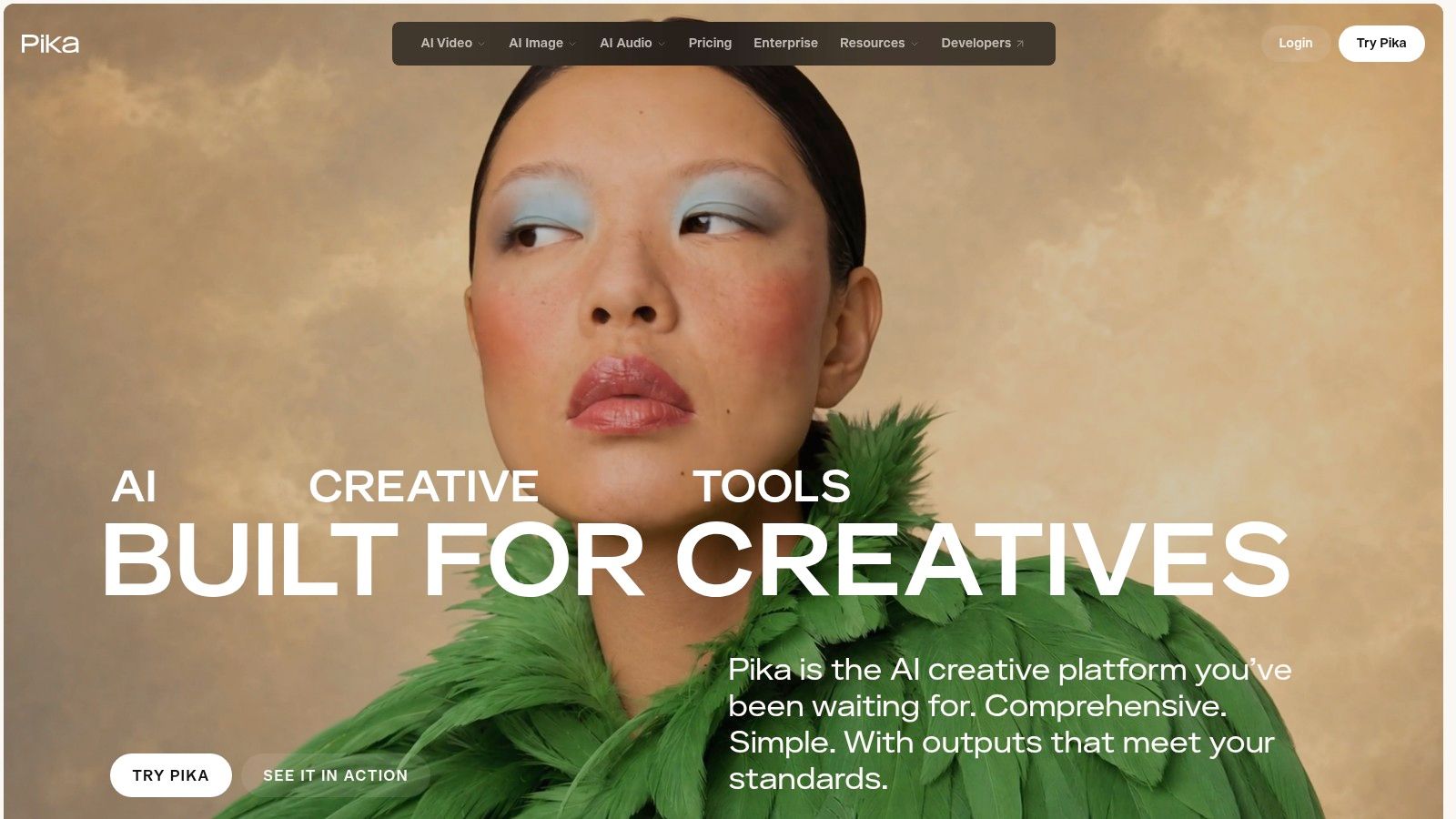
For a reveal shaped by a clear start and finish, Pika offers Pikaframes: provide a starting image and an ending image, and it generates the movement between them. This gives you more direct control over a transition than describing the whole sequence in a prompt.
It suits before-and-after product shots, outfit changes, day-to-night scenes, and stylized social clips. Pika also offers image-to-video and transformation effects, with credit costs shown by generation type, duration, and resolution before you run a clip.
Pricing traps to check
The free account currently has no monthly credit allowance, so free use relies on purchased packs. Plan credits don't roll over, and purchased top-up credits can expire. Check Pika's current credit terms before buying a pack. Paid tiers list commercial licensing at qualifying levels, so confirm your tier before using a clip in an ad.
Some Trustpilot reviewers report billing, credit, or support frustrations. Revid Reviews' Product Hunt coverage collects public reviews of Revid from Product Hunt. Pika's first-to-last-frame approach is useful when the transition itself matters. For subtle parallax on a single photo, its effects-led tools may add more motion than the image needs.
6. Adobe Firefly
If your editing already happens in Adobe apps, Firefly can fit the image-to-video step into that workflow. Its Generate Video feature creates clips from an image or text prompt, with a path to continue editing in Premiere and Photoshop rather than leaving the result as a standalone file.
Firefly is best suited to controlled movement and finishing work inside Adobe's ecosystem. Shared generative credits cover supported Adobe products, while Content Credentials support a business workflow. For a single-image animation, check whether the generated motion preserves the subject and details you need before committing more credits.
Scale alone doesn't prove Firefly will animate your image well, but Adobe reported more than 22 billion Firefly assets generated by April 2025, including images and videos, according to this roundup of AI video editing statistics.
Paid plans include monthly generative credits, and video generations can use them quickly depending on the model. If you only need to animate one still and don't use Adobe elsewhere, the broader ecosystem may not justify the cost.
7. Higgsfield

Higgsfield sells choice. It brings multiple image and video models into one service, with tools for advertising, UGC-style content, characters, and motion control, so marketers can compare approaches without opening five subscriptions.
That's handy when you don't know which model will hold your product or character. Run the same source image through different models and compare identity, movement, and cleanup time side by side. Its plan comparison states commercial use is included on paid plans, and higher tiers add more credits, concurrent generations, and advanced features.
The cost of choice is complexity. Model-specific credit costs vary by model, resolution, and duration, which makes output per dollar difficult to estimate. Pricing and allowances depend on tier and billing period, and generation speed may vary with demand.
Some Trustpilot reviewers praise the creative tools and interface. Others report slow generation, unused-credit concerns, or support frustration. I'd treat Higgsfield as a comparison lab for marketers who'll use several models regularly. If you only need one reliable parallax move, the learning curve and variable credit math work against you. Pick one model, note its exact cost, and test before exploring the rest.
8. CapCut

CapCut is the finish-it-here option for social video. It can animate a single image, and it can also build a fuller slideshow-style video from multiple photos with script, voiceover, captions, transitions, and music, depending on the workflow.
Don't confuse those two jobs. Animating one product photo is not the same as turning twelve holiday photos into a narrated recap. CapCut's strength is what happens after generation, because you can trim timing, add captions, and format for social in the same editor.
Fidelity warning
CapCut warns that faces, labels, or objects may change during generation. Take that seriously for product packaging, team photos, and anything with small text. Generate, zoom in, and compare against the original before you add captions that lock the clip into a sequence.
CapCut advertises a free web image-to-video tool, although model availability and generation limits may differ by platform or account, and the desktop AI media workflow offers selectable models. For photo recaps, creator posts, and quick product content where you'll edit anyway, that's a practical trade. For a single hero shot that must stay pixel faithful, a dedicated model with stronger source control is a safer first test.
9. HeyGen
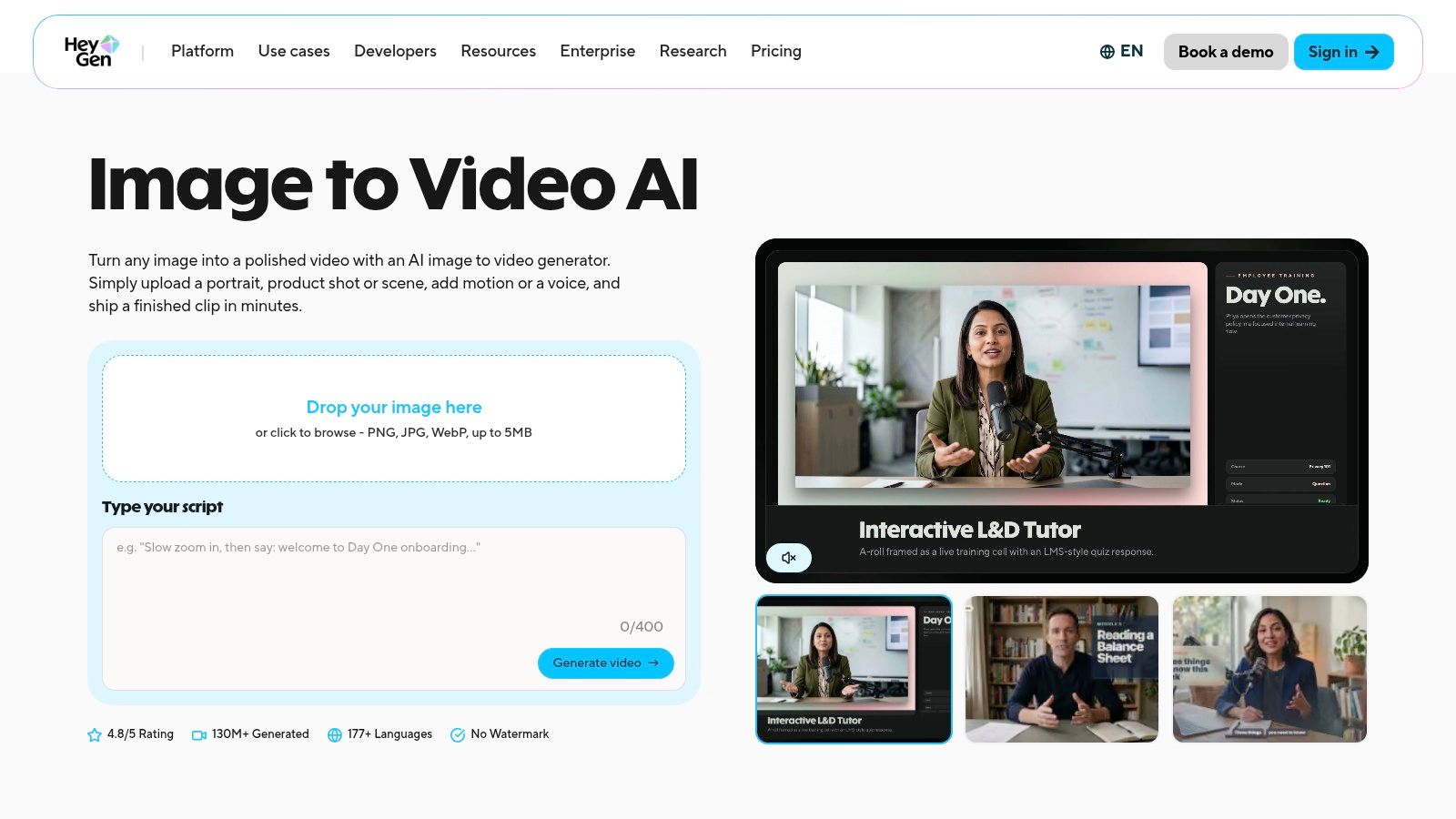
A still portrait that needs to speak calls for a different motion workflow than a moving product shot. HeyGen focuses on avatars, speech, and lip-sync, with image-to-video and reference-to-video generation available on paid Creator plans.
Use it for explainers, presenter-led clips, and localized videos where an on-screen person delivers a message. Voice and language features, along with vertical, square, and widescreen outputs, support that workflow in one place.
Practical rule: Judge a talking photo by its lip-sync, eye stability, and whether the face still looks like the same person at the end.
Paid Creator plans include image and reference-to-video access, while some advanced generation features use credits. Confirm the current plan details on HeyGen's pricing page before choosing a tier, and check how credit use applies to the features you need.
Some Trustpilot reviewers praise HeyGen's ease of use and avatar and voice tools. You can read public reviews of Revid on Revid Reviews' Trustpilot page. HeyGen fits people-centered clips; for cinematic scenery, product parallax, or a first-to-last-frame transformation, choose a tool built around that motion.
10. Vidu

Vidu stands out for longer image-led shots with sound. Its Q3 image-to-video and start and end frame workflows support native audio-video synchronization and listed generation up to 16 seconds at 1080p.
That longer duration changes what you can attempt. Instead of a brief drift, you can test a fuller product reveal, a character moment, or a transition that needs room to land, with audio generated in the same workflow rather than added later.
Paid plans list commercial use and monthly credit allowances, with Basic at $9.90 per month, Pro at $29.90, and Ultra at $69.90. Because pricing is credit based, compare consumption at your intended settings, not the headline plan price. A longer clip at higher resolution is where allowances disappear.
The fidelity limitation remains. A generated video may not perfectly preserve faces, products, or fine details, and longer generations give errors more time to appear. Watch the final seconds as closely as the first. Trustpilot includes complaints about credits and agent workflows, though individual reports may not be representative. Choose Vidu when duration and synced audio matter more than exact still-image preservation.
How the image to video AI tools compare on access, pricing entry point, and best use
| Item | Free option | Listed paid entry point | Best for |
|---|---|---|---|
| Runway | 125 one-time credits | Credit-based; Gen-4.5 costs 60 credits per five-second video | Creators who want generation and editing tools in one workspace |
| Google Flow | 50 daily Flow credits for US users | Paid Google AI plans add monthly credits; price not specified | Developing story-driven scenes from images and visual references |
| Kling AI | Limited free credits | Plans start at $6.99 | Directed image animation and motion-focused experiments |
| Luma | Free option not specified | Plus at $30 per month | Cinematic work using character references and keyframes |
| Pika | No monthly free credit allowance | Paid entry price not specified; purchased credit packs available | Stylized effects and short-form transitions |
| Adobe Firefly | Free option not specified | Firefly Standard at $9.99 per month | Adobe users creating video within a broader creative workflow |
| Higgsfield | Free option not specified | Pricing depends on tier and billing period | Marketers comparing multiple models and creating ad or UGC content |
| CapCut | Free web image-to-video tool | Paid entry price not specified | Creating and editing social videos with captions, music, and transitions |
| HeyGen | Three watermarked videos per month | Creator at $29 per month | Talking photos, avatars, lip-sync, and localized presenter videos |
| Vidu | Free option not specified | Basic at $9.90 per month | Longer image-led clips with synchronized audio |
Choose the tool by the motion you need, then test with your own images
Start with the motion, not the brand. For subtle camera drift and parallax that must respect a product, favor tools and settings that do less, then inspect labels and edges. For prompt-driven action, Runway, Kling, Luma, Google Flow, and Higgsfield give you different balances of control, scene building, and model choice. For a defined start and end, Pika's Pikaframes and Vidu's start and end frame workflow match the job more directly. For a person who needs to speak, HeyGen is the category fit, and CapCut fits when editing, captions, and music are part of the same social post.
Then run one low-cost test on the hardest image you own. Pick a face, a branded product, readable text, hands, or a fine repeated pattern, because easy scenic shots flatter every model. Generate the shortest, lowest-cost version that proves the motion, and check the whole clip at delivery size for warping, flicker, identity drift, and details the model redesigned.
That test mirrors how serious evaluation frameworks treat quality. AIGCBench evaluates 11 metrics across four dimensions, including control-video alignment, motion effects, temporal consistency, and overall video quality. You don't need a lab score, but you do need separate checks. A pretty first frame tells you almost nothing about whether the subject survives to the last frame.
Aspect ratio deserves its own test too. VBench++ evaluates dimensions such as subject identity consistency, motion smoothness, temporal flickering, and spatial relationships, and it uses an image suite with adaptive aspect ratios. In practice, test portrait, horizontal, and vertical sources separately if you'll publish in more than one format. A tool that holds a cinematic horizontal frame can still fail on a vertical product shot.
Continuity is the harder limit across all ten tools. A 2025 survey of generative film research found artists ranked consistent character movement as the top priority, followed by camera control and overall character consistency. So test repeatability, not one lucky clip. Use the same character or product across several prompts and count usable shots, rerolls, and cleanup time. If correction eats the time you saved, the tool hasn't saved you anything.
Trust is part of the buying decision when real people or products appear. If AI motion makes a still look like filmed evidence, label it clearly and keep your source assets and permissions on file. That protects viewers and it protects you when a client or platform asks what was generated.
Market growth explains why so many tools now compete for the same still image. Grand View Research estimates the global AI video-generator market was worth approximately USD 788.5 million in 2025 and projects growth to USD 3.4416 billion by 2033, a compound annual growth rate of 20.3% from 2026 through 2033. More choice doesn't remove the need for your own test. It makes credit terms, rollover rules, watermarks, and commercial rights worth reading before you buy.
Full disclosure, this guide is published by the team behind Revid, an AI video generator that focuses on short-form content for TikTok, YouTube Shorts, and Instagram Reels. Revid also covers the adjacent job of turning a prompt into a script, visuals, and voice in one generation, which is different from animating a specific still with exact source fidelity. Verify every claim here against the original reviews and each tool's current pricing before buying, because credits, plans, and model access change often. Buy the tool that preserves your image and produces your intended motion on your hardest test file, not the one with the most impressive demo reel.
Before you spend credits on any image to video AI tool, visit Revid Reviews to read public reviews of AI video generators collected from Trustpilot, X, and Product Hunt, each linked to its original source. You'll find buyer guides on credits, pricing, cancellations, and how tools compare for faceless channels, music videos, UGC ads, TikTok, and YouTube Shorts, so you can verify claims before you subscribe.