You've got a script, a publishing deadline, and no time to spend the afternoon matching footage to a voiceover. You search for a text to video AI tool, open several tabs, and discover that the products aren't promising the same thing.
One assembles a narrated social video. Another generates an individual shot you'll need to edit into something bigger. A third puts a virtual presenter on screen to read your script. All can be useful, but buying a cinematic generator won't solve a production problem that needs captions, narration, and a finished edit.
Ten tools, one question: what do you need the video to be?
This guide is published by the Revid team, and Revid appears alongside competing tools, not outside the comparison. The product limitations below come from the tools' own plan and feature descriptions summarized for this guide. They aren't results from a controlled hands-on benchmark.
The useful comparison is output type, not feature count. Each option is identified as a complete-video workflow, an individual-shot generator, or a presenter platform, with hybrid tools called out where relevant. The numbered order isn't a performance ranking.
Start with the deliverable you owe someone. Then compare the credits, commercial permissions, continuity, and editing work needed to get it ready.
Table of Contents
- 1. Revid
- 2. Runway
- 3. Google Veo
- 4. Adobe Firefly
- 5. InVideo AI
- 6. HeyGen
- 7. Pika
- 8. Luma Dream Machine
- 9. Synthesia
- 10. VEED
- How the 10 text to video AI tools differ at a glance
- Match the tool to the output you need, then test it on one real video
1. Revid
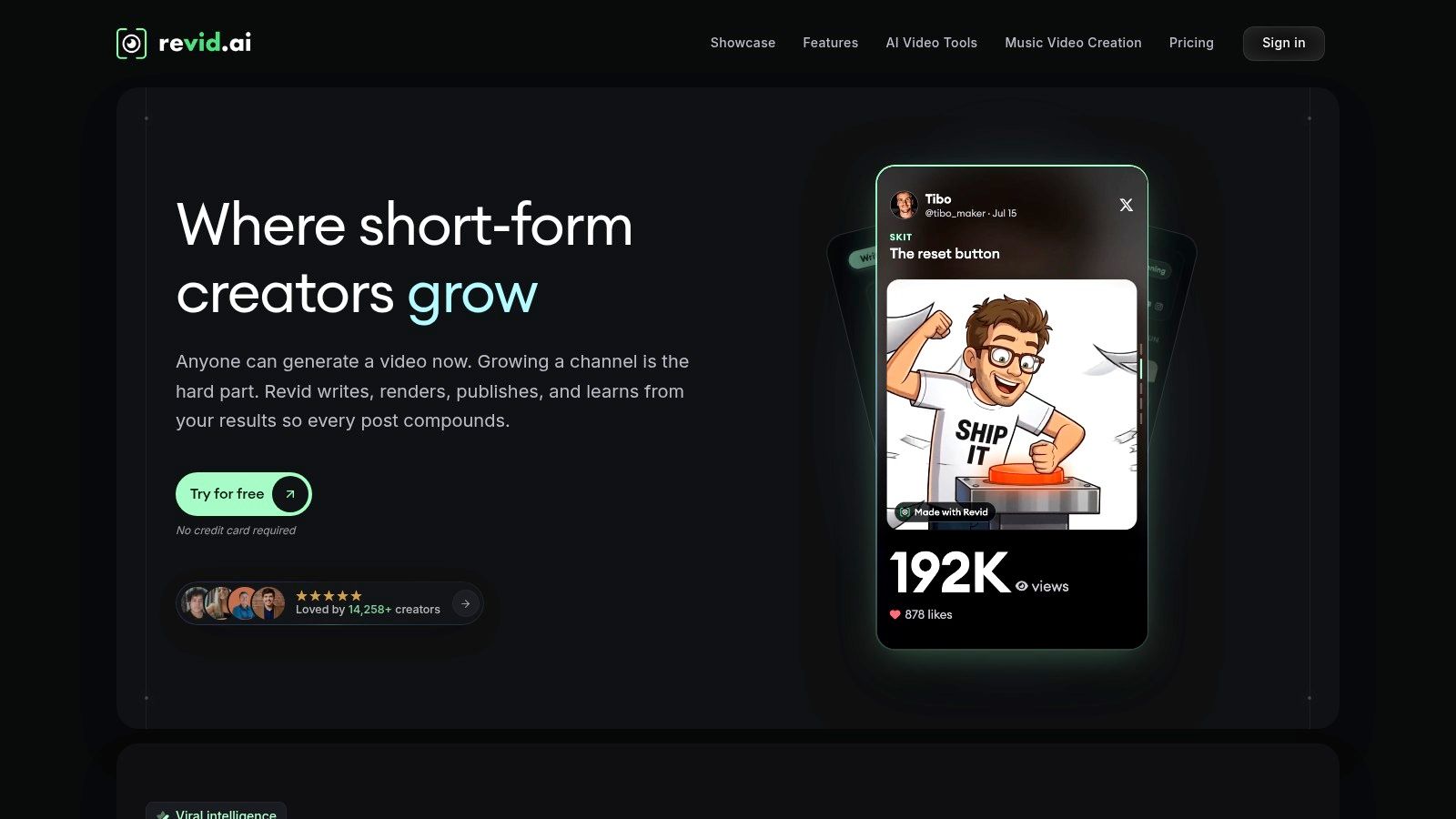
Output type: Complete narrated social videos.
Revid suits creators who need a publishable short rather than an isolated piece of footage. It can turn a prompt into a script, visuals, and voice in the same generation, with workflows for scripts, links, songs, and existing videos.
That makes it relevant to faceless YouTube channels, TikTok explainers, Instagram Reels, and music-led content. Editing, remixable videos, and social publishing with post statistics on eligible plans reduce the need to move between separate creation and distribution tools.
Where the convenience has limits
A finished-video workflow doesn't mean every scene is ready without review. Check whether the visuals clearly illustrate the narration, whether recurring subjects remain recognizable, and whether the voice puts emphasis in the right places.
- Credit use: The workflow and selected models affect consumption. Full AI video generation can cost more than lighter formats.
- Allowance: Monthly plan credits don't roll over, so unused capacity shouldn't count as savings.
- Rights: Check the permissions relevant to generated assets, uploaded music, and reference material before delivering client work.
I'd shortlist Revid when getting the whole short assembled matters more than directing every camera movement. We offer a free trial with no credit card required, which lets you test your actual script before choosing a paid workflow.
2. Runway

Output type: Individual AI shots and custom B-roll.
Choose Runway when you already know where the footage belongs in an edit. Its workspace combines text-to-video, image-to-video, and editing tools, making it a different proposition from a platform that automatically narrates and assembles an entire social post.
A useful brief is a specific shot: a tracking view through an abandoned greenhouse, for example. A vague request for an entire promotional campaign leaves too many storytelling decisions unresolved.
Runway emphasizes motion quality and prompt adherence, but those priorities aren't guarantees of correct physical action or continuity. Budget for rejected generations, especially when a character must interact with an object or match another scene.
Judge a generated shot by whether it cuts into your project, not whether it looks impressive on its own.
The T2VEval-Bench paper evaluates overall impression, text-video consistency, realism, and technical quality separately, a useful distinction when an attractive clip still misreads your prompt.
Runway offers limited free testing, while paid plans support parallel generations. Credits remain the practical constraint: simultaneous attempts can speed exploration without making those attempts cheaper.
For broader buying questions, our AI video buyer guides cover workflow and subscription considerations. Before publishing generated footage, review the applicable commercial terms and permissions for any references you supplied.
3. Google Veo
Output type: Individual generated scenes, with audio on supported versions.
A scene that needs ambient sound is a different assignment from a silent background clip. Google Veo is worth considering when you want the sound and picture generated together, rather than adding every audio element afterward.
You can explore consumer access through Google Gemini, while developer and cloud access follow separate routes. That distinction matters: a consumer subscription isn't an API allowance.
Choose the access route before comparing cost
Veo supports text- and image-prompted generation, with vertical and horizontal options and different model tiers. Audio support depends on the version, so confirm the exact model available in the product you're using.
- Consumer workflow: Suitable for exploring scenes without building a technical integration.
- Developer workflow: Useful for automated production, but usage-based billing needs its own budget.
- Retry cost: API generation is billed by output duration, so discarded attempts still matter economically.
Synchronized audio doesn't turn a scene generator into a complete narrated-video editor. You'll still need to assess dialogue, pacing, transitions, captions, and the fit between separately generated shots.
For a practical test, request a scene with a clearly described action and sound cue. Inspect whether the sound happens at the intended moment and whether the action stays coherent throughout. Check the commercial terms for your access route, and don't assume model names or availability remain identical across products.
4. Adobe Firefly
Output type: Generated clips for a larger creative edit.
Adobe Firefly makes the most sense when the generated footage is headed into an Adobe-centered production workflow. You can describe scene content, mood, and camera movement, then continue refining the result with creative editing tools.
For a product launch, that might mean generating an atmospheric background and combining it with real product photography, typography, and a recorded voiceover. That's a more controlled assignment than asking the generator to reproduce every product detail inside a finished advertisement.
Firefly's commercial-use focus is relevant to business buyers, but it shouldn't replace checking the terms for the exact model and feature you're using. Permission to use footage and exclusive copyright are different questions.
Keep brand text editable
The T2VTextBench evaluation found that every evaluated system scored below 0.43 on its text-fidelity measure. That finding concerns the systems in that benchmark, not a guarantee about every current Firefly output, but it supports a cautious production method.
Generate the visual background, then add prices, product names, subtitles, and calls to action as editable overlays. You can correct an overlay without regenerating the scene.
Firefly generates clips rather than a complete finished narrative. Access and generation allowances depend on plans and generative credits, and substantial editing may still be necessary. I'd favor it when the handoff into an existing edit matters more than automatic assembly.
5. InVideo AI
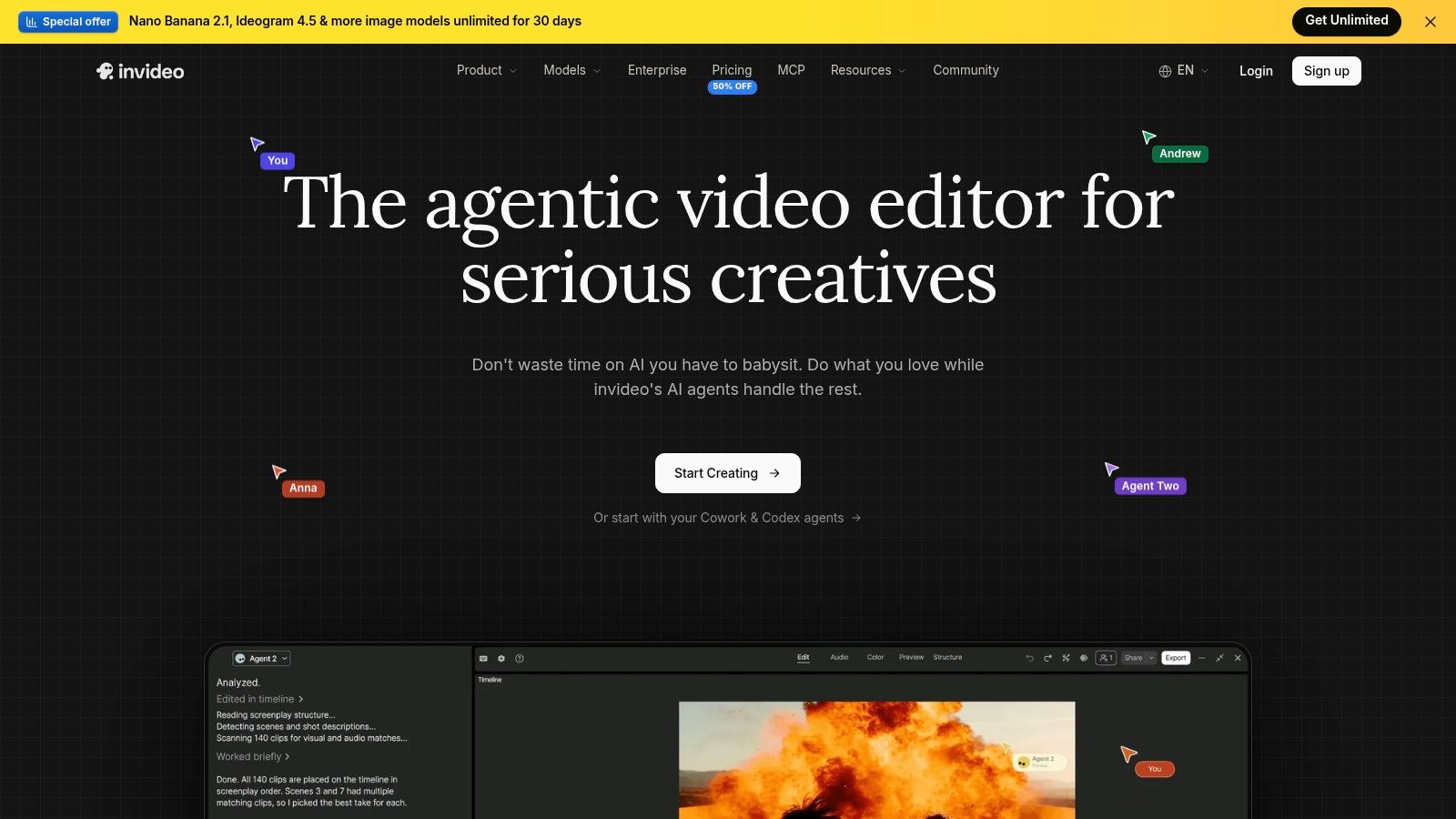
Output type: Complete video drafts with narration and assembled scenes.
Give InVideo AI a script or prompt when your main problem is building the first draft. It can combine scripting, visuals, voiceover, subtitles, and music, with text-command editing for revisions.
That puts it closer to Revid than to a shot-only generator. The practical advantage is that you can review a sequence rather than starting with a folder of unrelated clips.
The important distinction is stock footage versus generated footage. Stock can illustrate a broad subject efficiently, while a generated scene can target a more specific visual brief. Neither automatically proves a factual claim or accurately depicts your product.
- Best fit: Explainers, promotional drafts, and social videos that need narration and scene assembly.
- Main correction work: Script accuracy, literal visual matches, pronunciation, and pacing.
- Credit consideration: Model choice and generation settings affect consumption.
- Rights consideration: Review the permissions attached to the media and other assets used in the final export.
Editing shortcut: Fix the script before polishing the scenes. Otherwise, a narration change can force you to redo footage, timing, and subtitles.
Automated scene selection deserves close attention. If your script discusses a particular process, generic footage of someone using a laptop may fill the screen without explaining anything.
Choose InVideo AI when a fuller first draft will save work, but leave time to replace scenes that are merely decorative or inconsistent with the message.
6. HeyGen

Output type: Presenter-led videos, with additional general-generation workflows.
If the video needs someone delivering a message to camera, HeyGen belongs on your shortlist. Its core strengths include AI avatars, script-to-video creation, translation, and lip-sync features.
That suits product introductions, localized announcements, and business communication. HeyGen also offers text-, image-, and reference-driven video generation, but don't treat all those workflows as interchangeable when comparing allowances.
Separate presenter work from cinematic work
An avatar reading an onboarding script solves a different problem from a generated person walking through a crowded street. Test the mode you intend to buy, not whichever demonstration looks most polished.
Paid usage is credit-based, with costs varying by model and duration. A free plan allows limited testing, but the finished workflow may still require editing around pauses, pronunciation, gestures, or scene changes.
For translated content, have a fluent reviewer check meaning and delivery. Lip synchronization alone doesn't confirm that the message sounds natural or preserves the intended terminology.
If you're comparing HeyGen with Revid, our collection of public Trustpilot reviews of Revid links to original reviews. Those accounts can help you assess Revid's workflow, but they aren't evidence of HeyGen's performance.
Before using a recognizable person's likeness or voice, establish the necessary permission. Avatar continuity isn't the same as permission to impersonate someone, and commercial publication needs its own rights check.
7. Pika
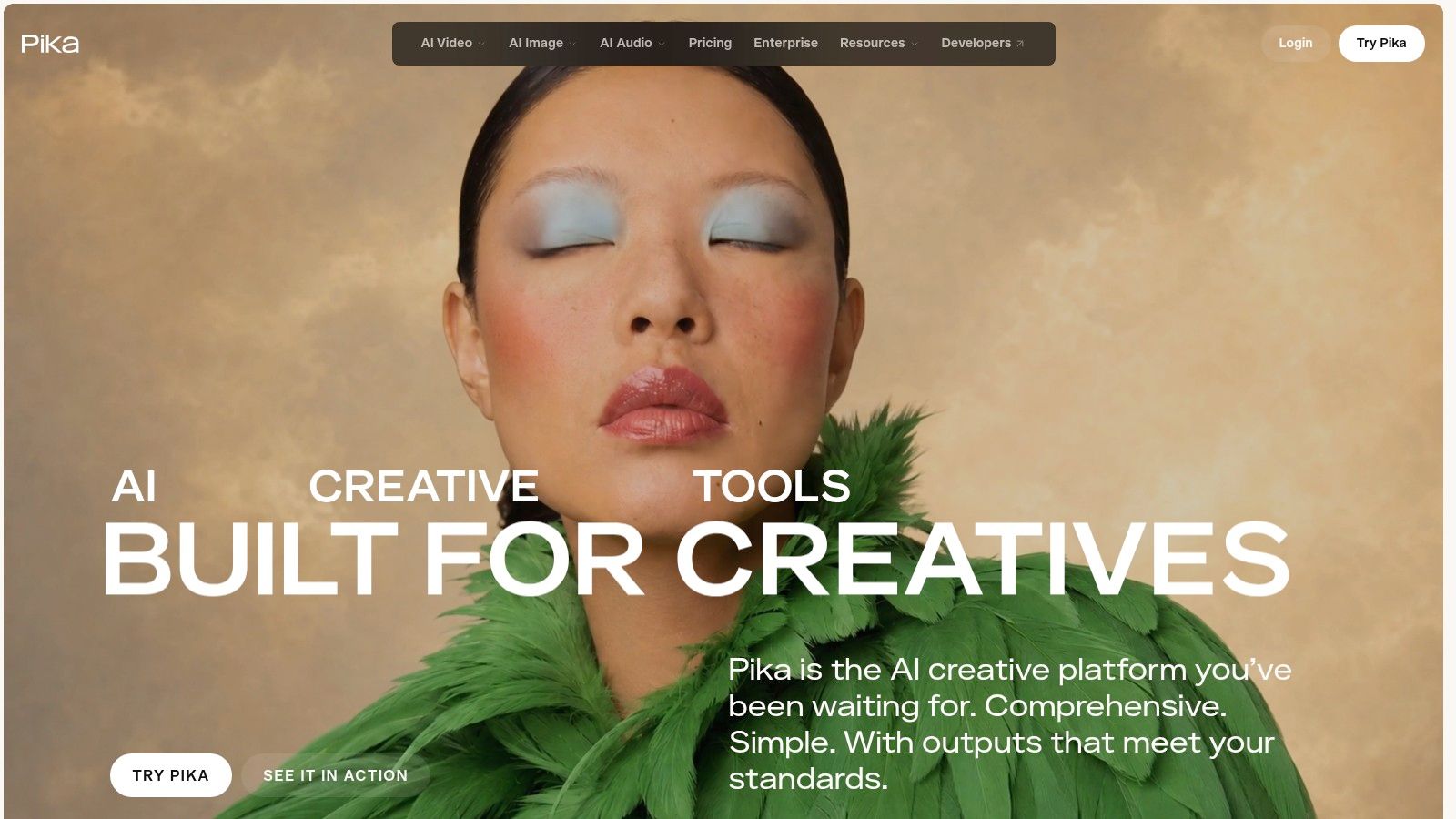
Output type: Short visual experiments and effects-driven clips.
A surreal transformation or stylized opening shot doesn't need the same workflow as a training presentation. Pika is a candidate for creators who want to explore prompt-based motion and effects without setting up a complex edit first.
Text-to-video, image-to-video, and multiple model options make it useful for testing visual directions. The limitation is that an effective individual clip may still need narration, captions, music, and assembly elsewhere.
Commercial permissions deserve attention before you generate a campaign. Specified paid tiers include commercial use and watermark removal, but lower-priced access may not provide the permissions your project needs.
- Credits: Consumption differs across models and settings, so compare the workflow you'll use.
- Continuity: An effects-led clip can work independently even when it wouldn't match a recurring character sequence.
- Assembly: Plan for an external editor if the deliverable needs a coherent narrated story.
I'd use Pika as a visual component in a broader production, particularly when a striking transformation serves the idea. I wouldn't choose it solely because a demo makes a dramatic opening frame.
For readers weighing that approach against complete-video generation, our public Product Hunt review collection for Revid provides creator comments with original links. Compare the job those reviewers describe with your own, rather than treating enthusiasm as a substitute for a project test.
8. Luma Dream Machine
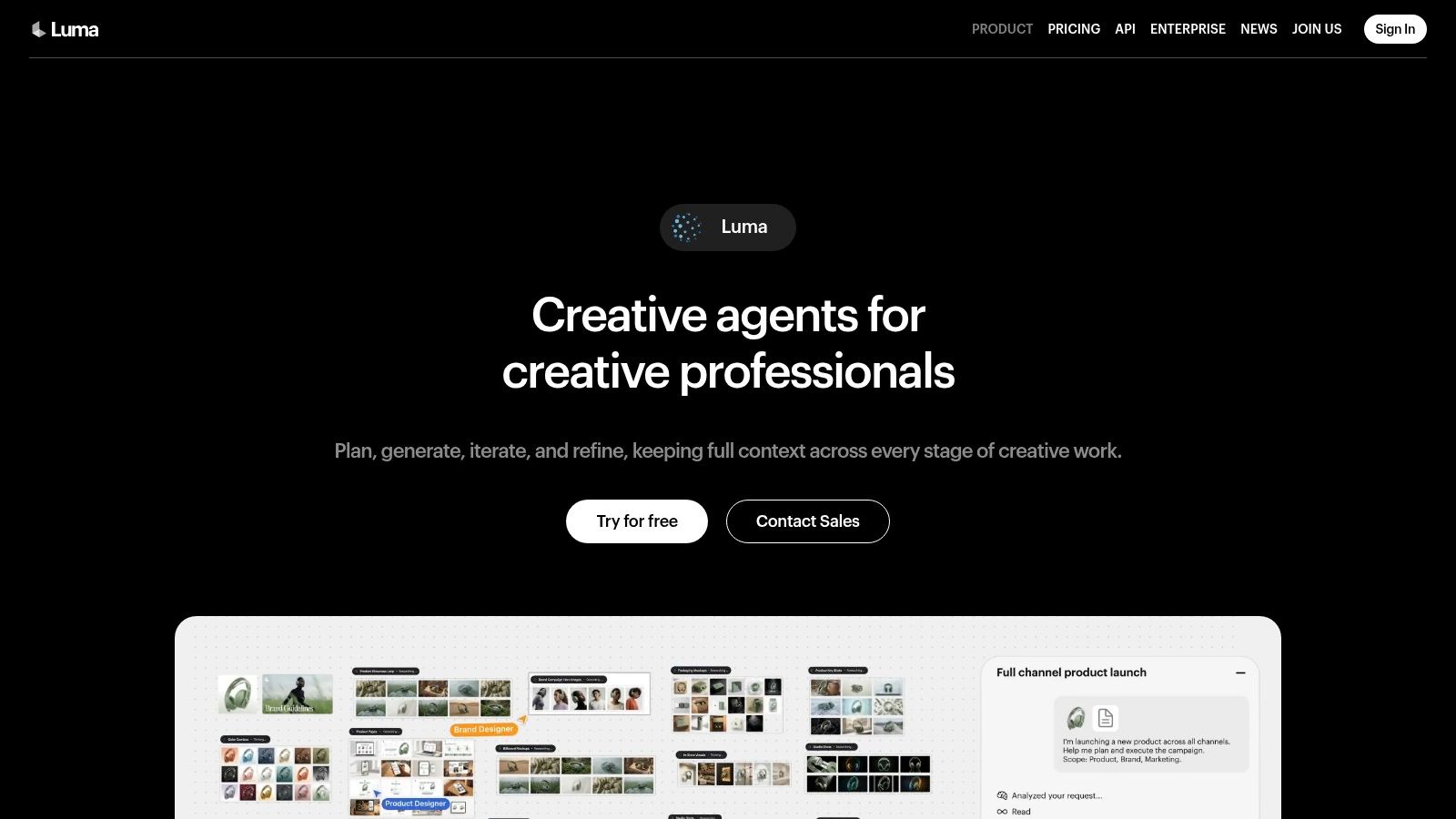
Output type: Prompt- and image-driven visual exploration.
Luma Dream Machine is worth considering when you're still deciding what a project should look like. Its image and video workflows support exploration of scenes, motion, and visual treatments before you commit to a final sequence.
For a musician, that could mean testing whether a song suits abstract visuals or recognizable narrative scenes. Those experiments are useful creative preparation, but they aren't a finished music video with dependable character continuity and synchronized editorial timing.
Plan for exploration and production separately
Free access gives you a way to explore the interface. Paid tiers vary in credits, generation limits, commercial permissions, and watermark rules, while a high-volume option offers relaxed generations.
Subscription credits don't roll over, and API usage is separate from subscription allowances. Don't count an unused monthly balance as future production capacity.
Treat an exploratory generation as a sketch. Only count it as production footage after it survives the actual edit.
Video generation can consume credits quickly when you're trying different movements or repairing unwanted changes. Keep reference images and prompt wording organized so you can distinguish a deliberate creative variation from a continuity failure.
Before committing to client delivery, confirm that your tier permits the intended commercial use and export treatment. I'd shortlist Dream Machine for visual development and individual scenes, not for automatically producing a narrated social video from start to finish.
9. Synthesia
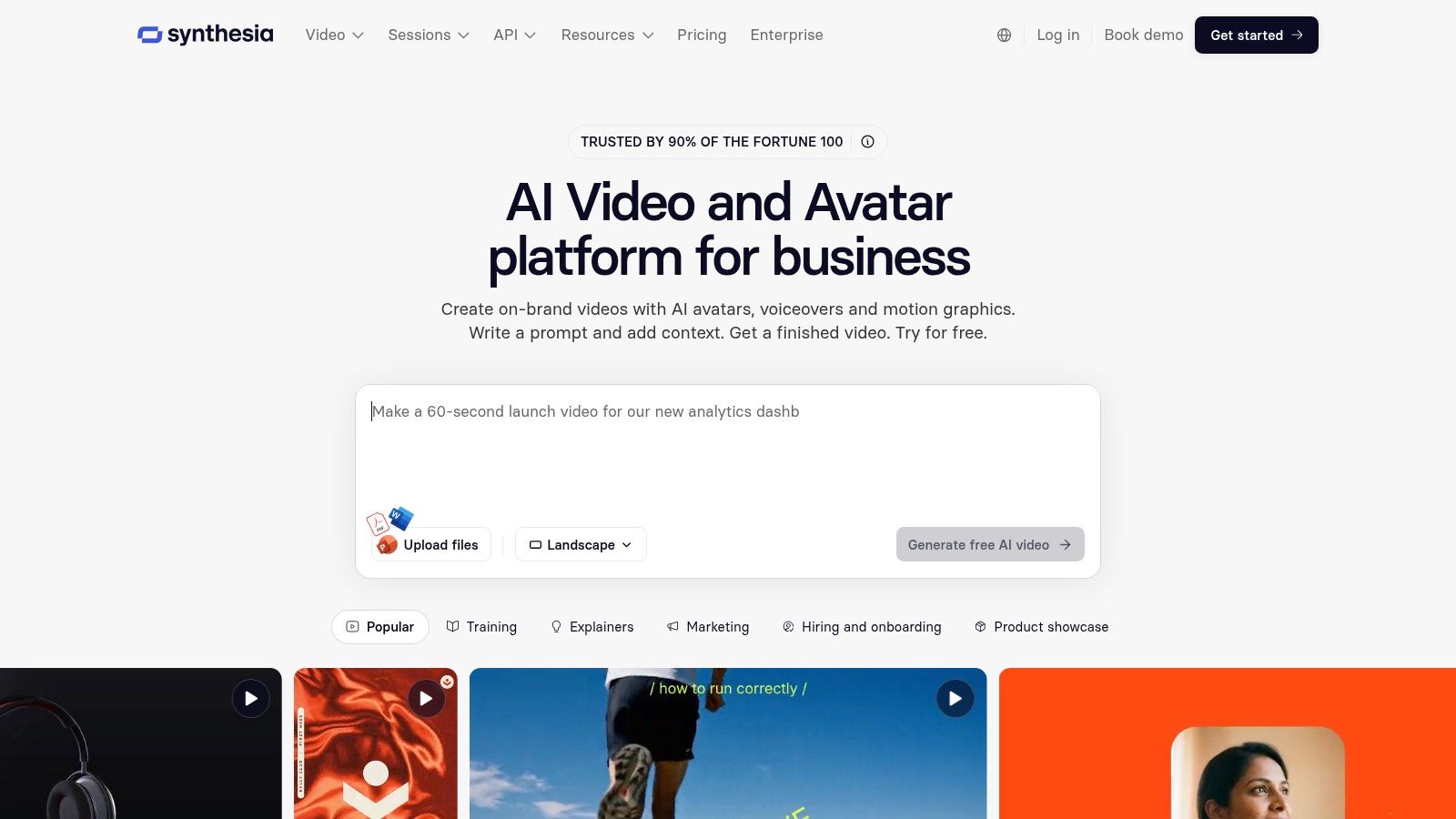
Output type: Structured presenter-led business videos.
Synthesia is a direct fit for onboarding, training, explainers, and internal communication. You supply a script and build a video around an AI presenter rather than directing cinematic footage from an open-ended prompt.
That distinction can simplify a business production brief. An employee explaining an expense policy doesn't need an invented dramatic scene; they need clear wording, legible supporting material, and consistent delivery.
Synthesia provides presenter avatars and voices, with reusable personal avatars and team features on eligible plans. Its free option lets you try the editor, while paid plans allocate video minutes.
- Allowance: Monthly video-minute limits matter when you produce recurring lessons or revised versions.
- Feature access: Personal-avatar and collaboration capabilities depend on the selected plan.
- Creative limitation: A presenter format isn't a replacement for naturalistic action, cinematic B-roll, or an abstract music video.
For the test project, use a script with your real terminology. Listen for awkward abbreviations and names, then check whether supporting graphics appear at the moment the presenter discusses them.
Don't confuse a consistent presenter with a complete instructional design. The script still needs a clear learning objective, and viewers may benefit more from a screen recording than a presenter during a procedural demonstration. Confirm avatar permissions and any brand-asset rights before publishing outside your organization.
10. VEED
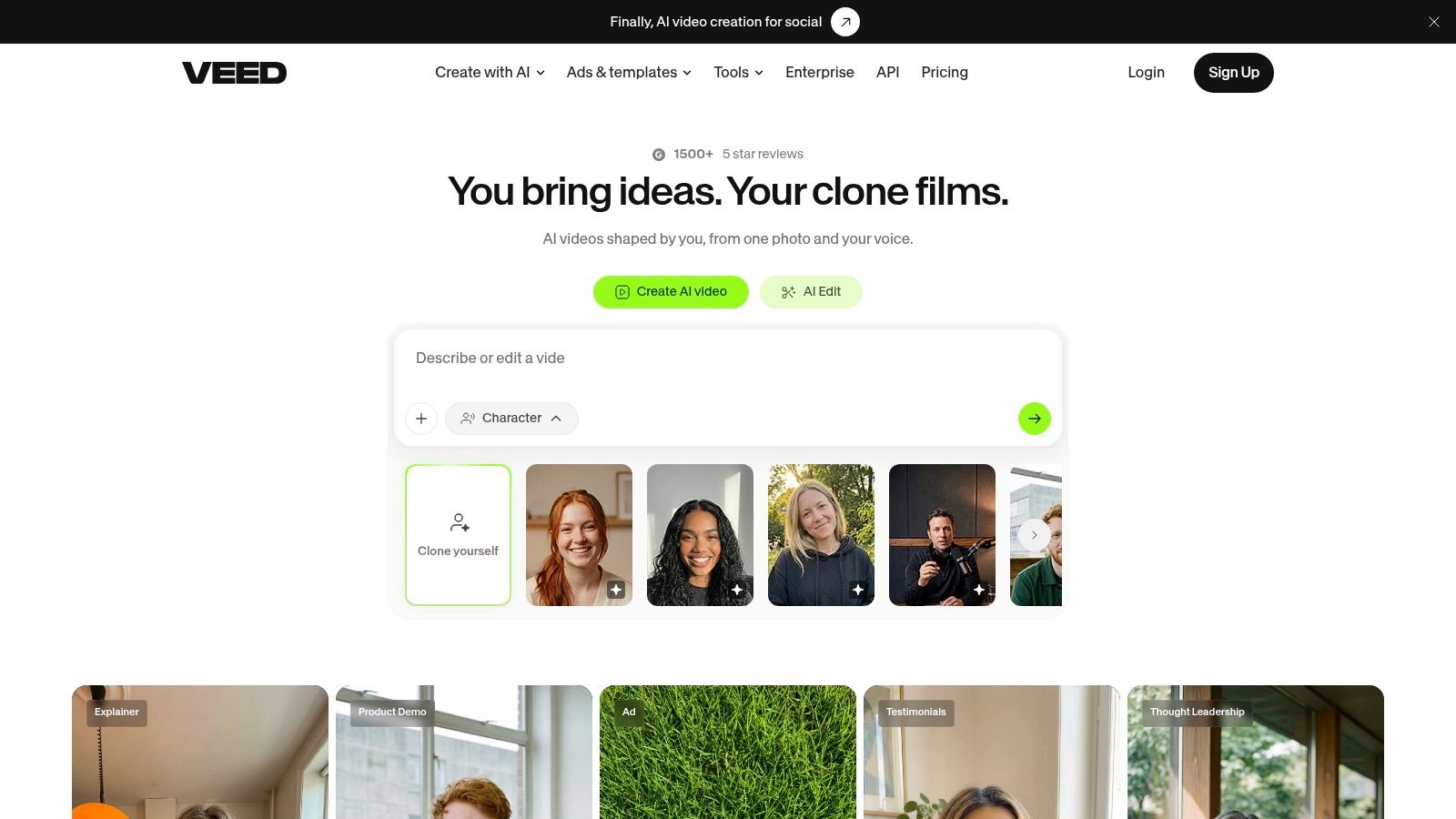
Output type: Generated clips and script-led videos inside a browser editor.
VEED is a hybrid option for people who want generation and finishing tools in the same workspace. Depending on the workflow, you can create a prompt-generated clip or build a script-led video with character, voice, music, and subtitles.
The browser editor is the main distinction from a generator that returns footage. You can work on the surrounding presentation instead of treating every change as another generation request.
Decide which workflow you're testing
A request for atmospheric B-roll isn't the same task as a narrated promotional video. In the prompt-to-video flow, editing the script before production helps you avoid generating scenes around wording you already intend to change.
VEED also provides adjustable aspect ratio and other settings. That's useful for social delivery, though reframing still requires checking that important subjects and captions remain visible.
- Credits: Generation consumes AI credits, so include discarded clips in your assessment.
- Free access: Credit availability can vary by region.
- Finishing: Generated clips are typically short and may need assembly, pacing changes, and text corrections.
I'd consider VEED when editing access is as important as generation. Test whether you can repair the first draft efficiently, not just whether the initial render looks promising.
For commercial projects, verify the permissions for the selected generation workflow and imported assets. Keep logos, offer details, and final calls to action editable wherever possible.
How the 10 text to video AI tools differ at a glance
The main distinction is the finished output: a complete narrated video, an individual generated shot, or a presenter-led video. Free access and editing needs also vary, so compare the workflow each tool supports rather than counting features.
| Item | Best for | Free option | Output type | Main limitation |
|---|---|---|---|---|
| Revid | Creating short-form social videos from a prompt | Free trial with no credit card required | Script, visuals, and voice generated together | Credit use and limits vary by workflow; monthly credits do not roll over |
| Runway | Generating and refining individual video shots | Limited free tier | Generated video clips | Generations consume credits, and results may have continuity errors |
| Google Veo | Generating short video scenes, including audio on supported versions | Access depends on product and route | Text- or image-prompted video clips | API use is billed per second; availability can change |
| Adobe Firefly | Generating clips within an Adobe workflow | Access depends on plan and credits | Prompt-generated video clips | Clips need editing; access and allowances vary by plan |
| InVideo AI | Creating script-led videos with voiceover and visuals | Free plan available | Edited videos with scripts, voiceovers, and visuals | Automated scripts and scene choices may need correction |
| HeyGen | Presenter-led and multilingual business videos | Limited free plan | Avatar videos, translated videos, and generated clips | Avatar videos are not the same as cinematic scene generation |
| Pika | Exploring visual ideas and making short clips | Free access available | Text- or image-generated video clips | Clips may be short and require assembly in another editor |
| Luma Dream Machine | Exploring prompt- and image-driven visuals | Free exploration available | Generated images and video clips | Credits can run out quickly and do not roll over |
| Synthesia | Training, onboarding, and business explainers | Free option to try the editor | Presenter-led videos with AI avatars | Monthly video-minute limits; less suited to naturalistic scenes |
| VEED | Generating and editing videos in a browser | Free-plan credits may vary by region | Short clips or script-led videos with voice and subtitles | Clips are typically short and generation uses AI credits |
For a complete draft with narration, compare Revid and InVideo AI. For standalone shots, look at Runway, Veo, Firefly, Pika, or Luma. HeyGen and Synthesia focus on presenter formats, while VEED combines generation with browser-based editing. In every category, check how much credit the workflow uses and how much correction or assembly remains before publishing.
Match the tool to the output you need, then test it on one real video
The best text to video AI tool is the one that produces the kind of draft you can finish efficiently. Complete narrated-video platforms, including Revid and InVideo AI, suit social channels that need scripts, visuals, voice, and assembly together; VEED also covers parts of that workflow.
Individual-shot generators, including Runway, Veo, Firefly, Pika, and Luma Dream Machine, suit B-roll, visual development, music-video sequences, and custom scenes. Presenter platforms, especially HeyGen and Synthesia, suit messages that benefit from a consistent on-screen speaker.
Choose a real project and run it through a small shortlist using free access where available. Keep the script, source assets, aspect ratio, and intended deliverable consistent so you're comparing production outcomes rather than unrelated demonstrations.
Compare the work left after generation
Record the credits consumed, including rejected attempts, and divide that spend by the usable footage you keep. Track editing time separately: replacing a bad scene, correcting narration, rebuilding captions, and fixing transitions all count toward the cost of publishing.
Adobe's global creator survey, summarized by EMARKETER, identified unreliable output quality as an adoption barrier for 34% of respondents. Your own test should reveal what unreliability means for your format, whether that's a changing face, an unusable action, or repeated narration corrections.
- Usable-output economics: Compare credit burn per usable minute, not the allowance advertised on the plan card.
- Continuity: Check recurring people, objects, locations, and visual style across the assembled edit.
- Commercial permissions: Verify your tier, selected model, uploaded assets, music, and likeness permissions.
- Time to publish: Include every correction needed before you'd put your name or a client's brand on the export.
Commercial permission also isn't exclusive copyright ownership. The U.S. Copyright Office's report on AI and copyright distinguishes human-authored expression from AI-generated material and explains that prompting alone isn't sufficient for copyright protection.
Retain your scripts, reference assets, edit timelines, and records of substantial creative changes. Those records document your contribution without pretending that a subscription resolves every rights question.
Before paying, finish the test video and export it. Choose the tool that gives you acceptable quality, appropriate permissions, and a repeatable route to publication, not the one that generated your favorite isolated frame.
Revid Reviews collects public reviews of Revid from Trustpilot, X, and Product Hunt, with links to the originals, and publishes buyer guides covering credits, costs, comparisons, and common concerns. Visit Revid Reviews to check those accounts against the workflow you need before deciding whether Revid belongs on your paid shortlist.